
Field note
Updated Sep 30, 2026
n8n queue mode and an architecture that survives 10x
n8n queue mode, a staging table and split credentials: the n8n architecture I use so a workflow that is fine at 100 runs a day survives 1,000.

--

n8n queue mode moves workflow executions off the main process and onto worker processes, with Redis holding the job queue between them. On its own, it will not save a badly wired workflow. The n8n architecture that survives a 10x spike pairs queue mode with a staging table between sourcing and outbound, plus separate credentials for each workflow.
The failure mode at 1,000 executions a day that did not exist at 100
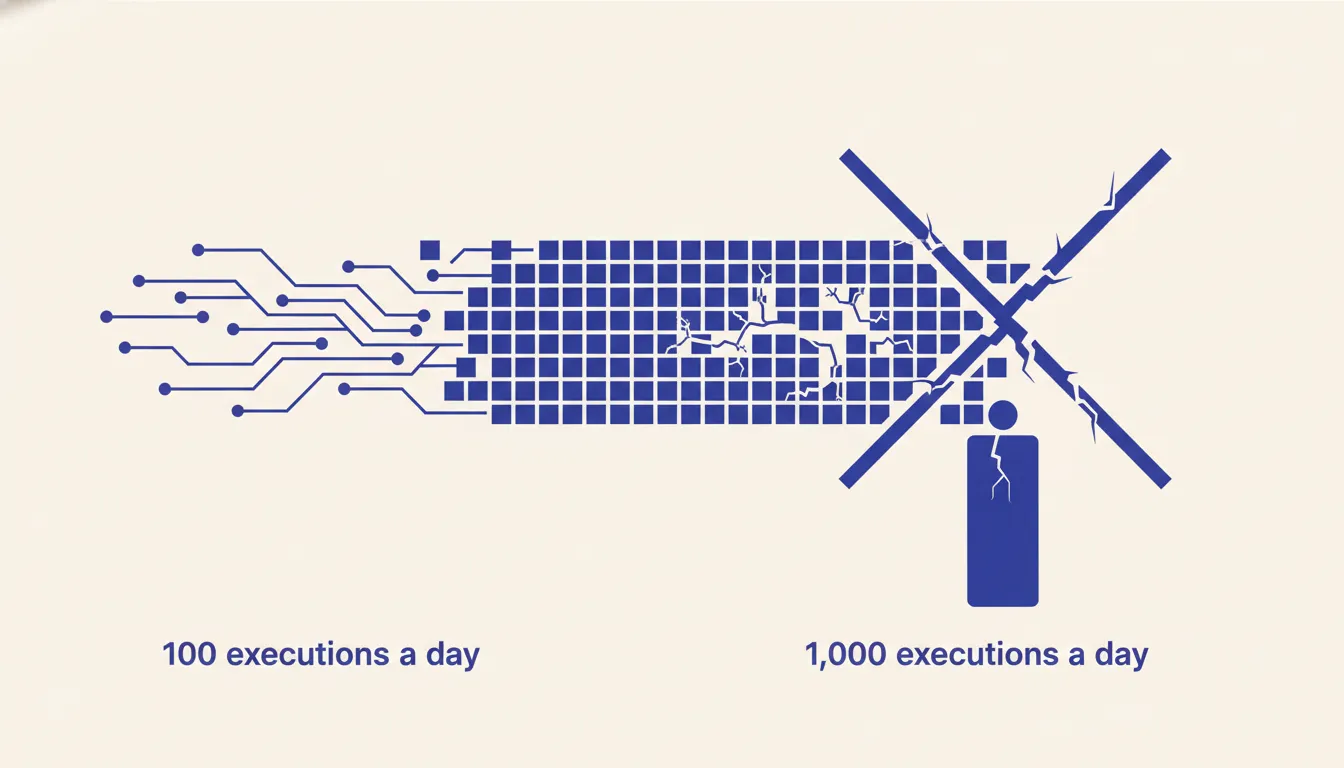 The workflow ran fine for three months. Then the client doubled their outbound volume and everything stopped. Not crashed, not errored in an obvious way. Just stopped processing. Executions queued. The sending credential hit its rate limit. One bad enrichment call timed out and held the thread open. The next execution waiting behind it never started.
I cover this as part of my n8n consulting work.
This is not a bug in n8n. It is a predictable consequence of a pattern that does not scale. Workflows that handle 100 executions a day are usually fine with the default architecture. At 1,000 executions a day, the cracks in that architecture become production incidents. The failure mode is invisible until it is urgent, because everything looks fine right up until it does not.
Why the default n8n pattern does not survive scale
 Most n8n tutorials teach the same architecture because it works well at low volume. Trigger fires. Data comes in. Workflow enriches it, transforms it, and sends it out the other side. One workflow, one pass, done. That pattern is easy to build and easy to understand. It is also a single point of failure at scale.
The problem is memory. In the default pattern, every item passes through n8n's in-memory execution context. If you are processing 50 records at a time, that is fine. If a downstream HTTP call slows down, n8n holds those 50 records in memory while it waits. Meanwhile, the next batch triggers. Now you have 100 records in memory. Then 150. The worker starts contending with itself.
Worse, the credentials are shared. Your scraping credential and your sending credential are both active in the same workflow. When your sending provider rate-limits you at 3 AM, the entire workflow stops. Sourcing stops too, even though there was nothing wrong with sourcing. Everything is coupled because everything is in one workflow. That coupling is cheap to build and expensive to operate.
The staging-table pattern
The fix is simple to describe and straightforward to implement. Split the workflow in two. Workflow A handles everything from sourcing to staging. It pulls data, enriches it, and writes each record to a Postgres or SQLite table. That is all it does. Workflow B reads from that staging table on a schedule, handles the outbound step, and marks each row as processed when done.
The two workflows have no direct dependency on each other. Workflow A does not care what Workflow B is doing. Workflow B does not care where the data came from. The staging table is the contract between them. When LinkedIn rate-limits your scraping in Workflow A, Workflow B keeps sending from the backlog. When your sending credential gets revoked in Workflow B, Workflow A keeps collecting and staging records for whenever B comes back online.
Backpressure is now a database property rather than a workflow-level timeout. If Workflow B falls behind, the staging table depth increases. You can query that depth, alert on it, and respond before it becomes a problem. Compare that to the default pattern, where backpressure is invisible until executions start failing.
Implementation is mechanical. In Workflow A, the last node is a Postgres Insert or a SQLite node that writes each enriched record to a staging table with a status column defaulting to pending. In Workflow B, the first node is a schedule trigger followed by a Postgres Select that reads rows where status = 'pending' with a row limit. The last node in Workflow B updates each processed row to status = 'done'. The two workflows are independent. You can restart, redeploy, or debug either one without touching the other.
Where to put the staging table
For self-hosted n8n deployments, the simplest option is Postgres on the same host. n8n already requires a database, and if you are running Postgres for n8n's own data, adding a staging table in a separate schema costs nothing operationally. The n8n Postgres node connects to the same instance. Latency is sub-millisecond because the call never leaves the machine.
SQLite on a persistent volume works for smaller operations. If you are running n8n on a single VPS with modest volume and do not want to manage Postgres, a SQLite file on a mounted volume gives you durability with zero infrastructure. The tradeoff is that SQLite is harder to query externally and does not scale well with concurrent writes. Under roughly 200 concurrent writes it is fine. Above that, use Postgres.
For managed options, Supabase and Neon both work well. Supabase gives you a Postgres instance with a REST API, which is useful if you want to query the staging table from outside n8n. Neon's serverless Postgres scales to zero between uses, which keeps costs low for intermittent workloads. The choice depends on your ops comfort level. If you are already using Supabase for other things, use Supabase. If you want the simplest possible managed Postgres, Neon works.
n8n queue mode settings that matter
The staging table pattern handles workflow-level decoupling. Queue mode handles execution-level concurrency. They address different problems and you want both. See n8n's scaling documentation for the full picture.
Queue mode requires two environment variable changes: EXECUTIONS_MODE=queue and a Redis connection string. Redis acts as the broker between n8n's main process and its worker processes. Without it, all executions run in the main process and compete for the same thread. With it, executions distribute across workers and the main process stays available to accept new triggers.
Worker concurrency is the setting most people miss. Setting EXECUTIONS_MODE=queue without tuning QUEUE_WORKER_CONCURRENCY leaves you with the default, which is often too low for the throughput you are trying to achieve. Start with concurrency equal to your average batch size and tune from there. The trap is raising concurrency without queue mode active: you just increase the number of things competing for the same thread, which makes the problem worse.
Credential scope per workflow
Each workflow should have its own credential entries for every service it touches. This sounds like overhead until a credential gets revoked and you understand why it matters.
If your scraping workflow and your sending workflow share a single Anthropic or LinkedIn credential, a revocation in one context takes down both. Separate credential entries per workflow mean a compromised or rate-limited sending credential has zero effect on scraping. Think of each workflow as a microservice with its own secrets. The operational cost of maintaining two credential entries instead of one is trivial. The operational cost of a shared credential failure at 2 AM is not.
What to monitor for n8n performance
The staging table pattern gives you a durable audit trail that the default pattern does not. Use it. The first thing to monitor is staging table depth. A query that counts rows where status = 'pending' tells you exactly how far behind Workflow B is. Alert when that count exceeds a threshold you define based on your acceptable processing lag. This is the canary for Workflow B health.
The second thing to monitor is execution success rate per workflow. n8n's built-in execution logs show you this, but they do not aggregate over time. Pair n8n's native logs with an external uptime check that hits a health endpoint every few minutes. If Workflow A has not run in twice its scheduled interval, something is wrong. A simple HTTP monitor on a service like BetterUptime or StatusCake costs almost nothing and catches silent failures.
The third dimension is credential-failure rate. Most credential failures show up in execution logs as generic HTTP errors. Tag them at the Postgres level by writing a failure_reason column when Workflow B marks a row as failed. Over time, that column tells you whether failures are clustering around a specific credential, a specific enrichment provider, or a specific record type. That signal is worth more than a generic error count.
When I plan business process automation, the process itself decides where buffering, concurrency, and recovery belong.
A resilient sourcing pattern
Use two pipelines connected by a durable staging table. Workflow A collects and enriches candidate records, then writes each one with a queue status. Workflow B reads eligible records on its own schedule, generates the next action, and records its outcome. Neither workflow needs the other to be online at the same moment.
This business process automation design isolates source-rate limits from downstream processing. It also lets an operator pause outbound logic without stopping collection. Those benefits should be verified from queue depth, retry, and delivery records in the deployed system, not assumed from the diagram.
The resilience comes from decoupling collection from action through durable state. The pattern is not complex to build. It is just not the one most tutorials teach.
If you want this pattern built into your own workflows, I do that as part of my n8n consulting work.
Hit a wall at volume? Run the AI Operations X-Ray.
More on this: n8n vs Zapier vs Make: when each one actually wins.
FAQ
Frequently asked questions
01What size operation needs queue mode
Queue mode starts paying off around 500 to 1,000 executions per day. Below that, the default single-instance mode handles load without issue. Above that threshold, a slow HTTP call or a backed-up enrichment step can start blocking other workflows. Once you hit that range, the setup cost of Redis and queue mode is worth it.
02Can I run staging on SQLite or do I need Postgres
SQLite works fine under low to moderate volume on a single host. If your n8n instance and your staging table are on the same machine and you are under roughly 200 concurrent writes, SQLite is sufficient. For anything above that, or if you want to query the staging table from outside n8n, use Postgres. Managed options like Supabase or Neon remove the ops burden entirely.
03What happens if the staging table fills up
That depends on how you handle it. The right approach is an alert that fires when the table depth exceeds a threshold you set, such as 500 or 1,000 rows. That alert tells you Workflow B is behind on processing. Without the alert, a filled staging table is silent backpressure. With it, you get a warning before it becomes a problem. Set the alert before you need it.
04How do I migrate an existing workflow to this pattern
Start by identifying the natural split point in your current workflow, usually where enrichment hands off to sending. Extract everything after that point into a new workflow. Add a Postgres or SQLite node to the end of Workflow A that writes each record to a staging table. Add a schedule trigger to Workflow B that reads from that table and processes rows. Then disable the original hand-off node. The migration is incremental and reversible.
05Does this work on n8n Cloud
Partially. The staging table pattern works on n8n Cloud because you can connect to any external Postgres or Supabase instance. What you cannot control on n8n Cloud is queue mode and worker concurrency, which are infrastructure settings. For full control over execution queue settings, you need self-hosted n8n. If you are on n8n Cloud and hitting volume limits, the staging table alone will help, but self-hosting gives you the complete pattern.
06What is the first n8n scaling step when performance drops?
Split the workflow at the handoff from enrichment to sending and put a staging table between the two halves, so one slow side cannot stall the other. Then turn on queue mode with Redis and tune worker concurrency. Watch staging table depth so you see a backlog before executions start failing.
