
Field note
Apr 18, 2026
It's not a tool problem, it's an architecture problem
Most operators diagnose their AI pain as a tool problem. It is not. Adding another SaaS to a broken architecture just makes the leak bigger.

--
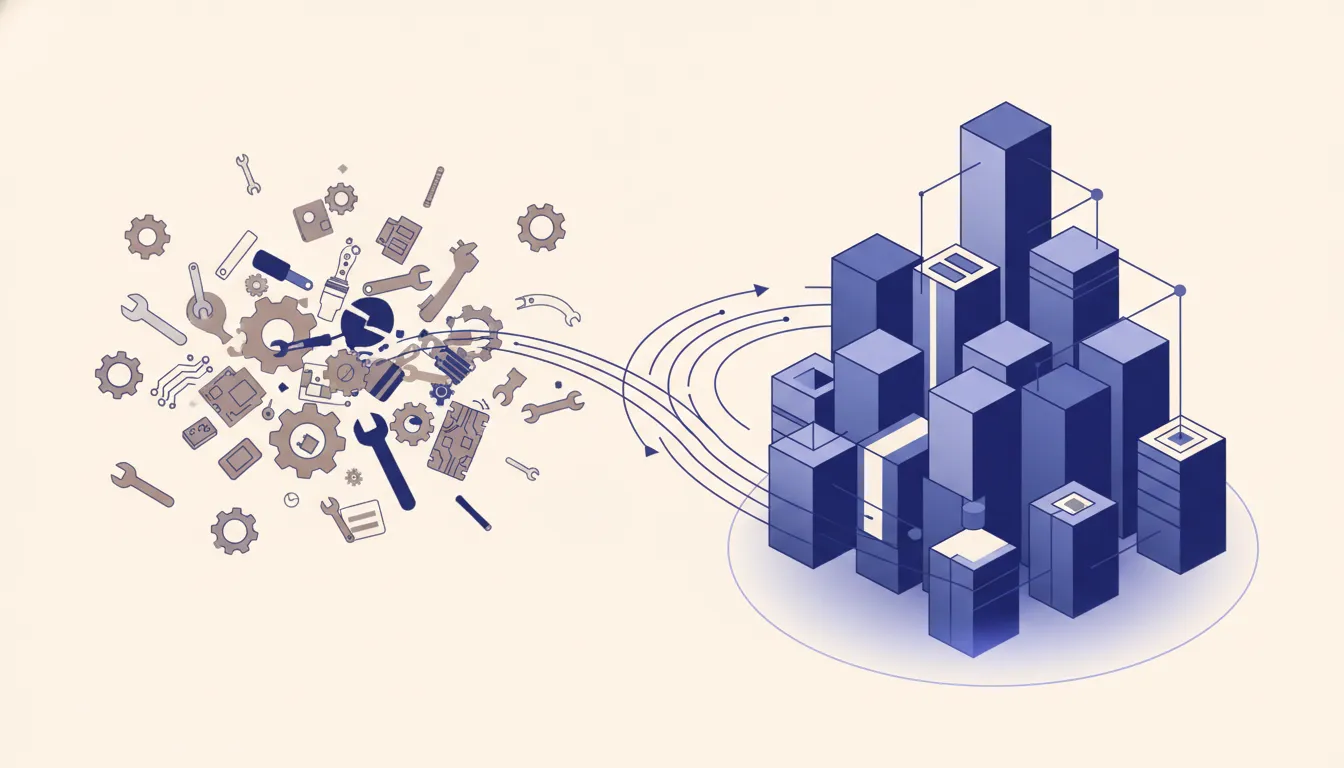
Why every scoping call starts with a tool list (and why that is the wrong starting point)
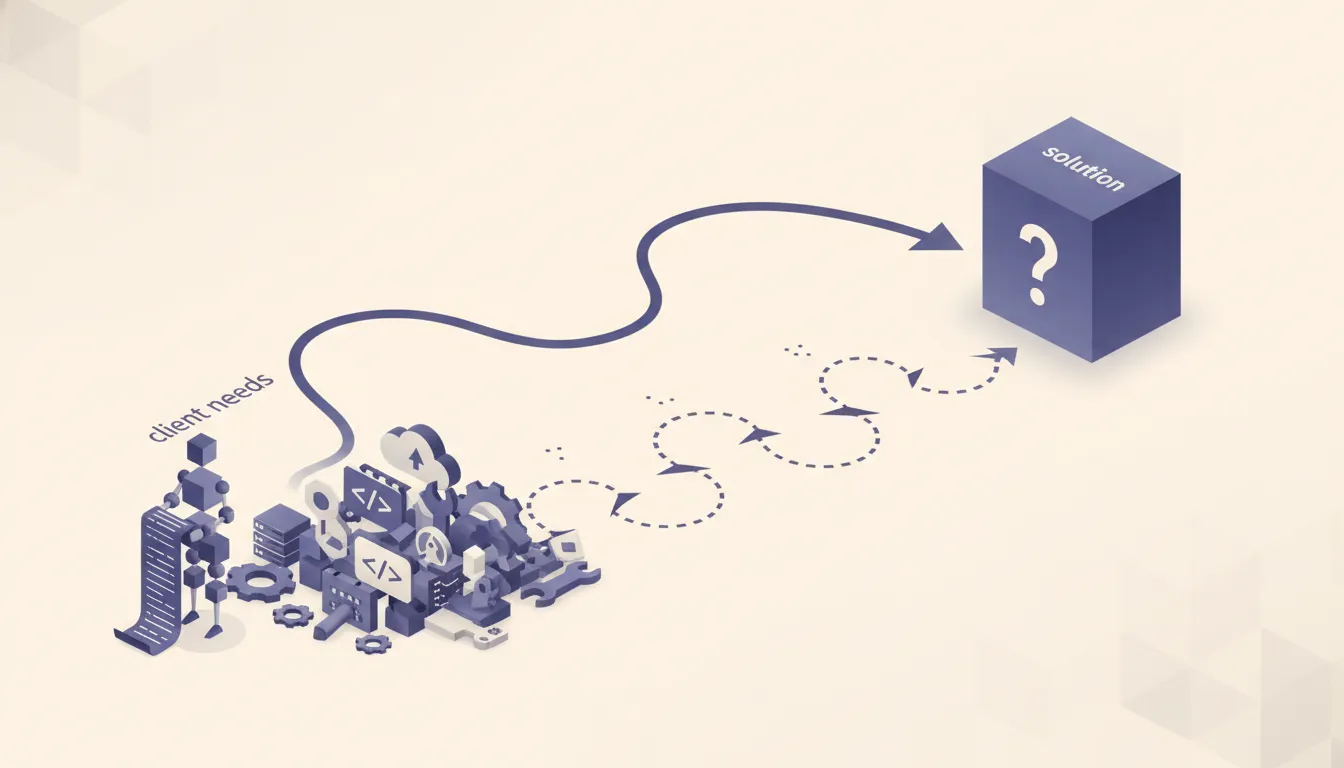 Every time I get on a scoping call with an operator who is "trying to figure out their AI stack," the conversation starts with a tool list. They have HubSpot, Apollo, Instantly, Clay, and a CRM their last consultant told them to buy. They want to know which tool to add or swap. Sometimes they have already made the swap. They moved from HubSpot to GoHighLevel, or from Pipedrive to Close, and the problems followed them.
That is the tell.
A common pattern is four overlapping systems: one for sales, one for nurture, one for booking, and a spreadsheet maintained outside the workflow. Each system has its own contact record. None share a clear source of truth. Someone has to reconcile them before the team can act.
That looks like a tool problem. It is an architecture problem. The tools are doing what tools do. The architecture is missing.
The tools are fine. The architecture is broken.
What an architecture problem actually looks like
 You know you have an architecture problem when:
The same data lives in three systems and none of them are the source of truth. Every tool demands its own copy. HubSpot wants the contact. Instantly wants the contact. Clay wants the contact. Each updates it at different times with no agreement on which version is right. Your sales team trusts Close. Your ops team trusts the spreadsheet. Your marketing team trusts HubSpot. They are looking at the same contact and seeing different things.
Every new workflow starts with "first we export this CSV from..." Your systems cannot talk to each other in real time, so the CSV export is the integration. Workarounds compound. Every workflow that depends on a manual export breaks the moment someone forgets to run it.
Your team knows which step in the process is unreliable and has a manual fix they do "just in case." This is the clearest signal. If your team has a named workaround -- a "just in case" check, a "make sure to also update it here" reminder -- that workaround is load-bearing. Remove it and something breaks. That load-bearing workaround is the architecture problem made visible.
When a tool vendor emails you about a new feature, your first thought is "great, another thing to integrate." New features should feel like capability, not obligation. If they feel like obligation, your integration layer is already maxed out.
You have replaced a tool three times and the same pain keeps coming back. The recruiting firm I worked with had been through two inbox management tools before I got there. Neither fixed the problem, because the problem was not the inbox tool. New leads were entering three systems simultaneously with no deduplication, so no downstream tool ever had clean data. The same architecture failure appears when cold email scales to 50 inboxes. Swap the tool, same dirty data, same pain.
None of that is solved by a better tool. A better tool plugged into a broken architecture just produces the same bad output faster.
Why adding a better tool makes it worse, not better
Each new tool you add to a broken architecture becomes another owner of your data. It has its own schema, its own field names, its own sync schedule. It creates its own version of your contacts, your deals, your tasks.
Tools do not passively hold data. They update it. HubSpot updates the contact when an email bounces. Close updates it when a deal stage changes. Clay updates it when enrichment runs. If those updates are not coordinated, they overwrite each other. The most recent write wins, regardless of whether it is correct. This is how you end up with a contact marked "closed won" in one system and "active prospect" in another, and your automations pick one source and act on it without knowing the other exists.
A consolidation plan that treats destination configuration as the hard part usually underestimates data reconciliation. Rebuilding workflows by hand does not resolve conflicting schemas, naming conventions, or duplicate rules across source systems.
Treat the migration as a data pipeline instead: extract into a neutral staging layer, reconcile and validate the records, then push to the destination through one controlled path. That architecture can be tested before the destination becomes another source of conflicting truth. Inside the staging model, relationships should use explicit join conditions. PostgreSQL's table-expression reference documents how joins derive rows from defined table relationships.
The lesson is not "use n8n instead of vendors." The lesson is that adding a new destination -- even the right one -- into a broken data flow just adds another node to the problem. The architecture has to be fixed before the new tool can deliver on what it promises.
The four decisions that fix it
There is no glamorous version of this. The fix is four architecture decisions that most operators have never formally made. They feel like overhead. They are not. They are the work.
Decision 1: Where does a new record land first?
Every contact, lead, deal, or task has to enter the system somewhere. That entry point is your system of record. The problem is that most operations have three or four entry points with no hierarchy. A lead comes in through a form and lands in HubSpot. That same lead replies to a cold email and lands in Instantly. Someone on the team adds them manually in Close because they heard about the company at a conference. Now you have three records and no way to know which is canonical.
Pick one entry point. All new records of a given type start there. Every other system gets the record pushed from that source, not created independently. This eliminates a class of duplicates that no dedup tool can reliably catch after the fact.
Decision 2: Who writes to each field and when?
Fields are not just storage. They are state. "Deal stage" means something. "Last contacted" means something. When two systems can both write to the same field, you lose the ability to trust what that field says.
Map your key fields and assign one system as the writer. HubSpot writes to "nurture status." Close writes to "deal stage." Clay writes to "enrichment data." Nothing else touches those fields. If a field has two owners, it is a conflict waiting to happen.
Decision 3: What is the one event that triggers a downstream workflow?
Every automation has a trigger. The problem is when the same downstream workflow has multiple triggers in different systems. A lead gets scored in HubSpot, which triggers a sequence in Instantly. That same lead gets moved to a deal stage in Close, which also triggers a sequence in Instantly. The lead gets two sequences, possibly contradictory, and you have no single source of truth for what state they are in.
Pick one event per workflow. One system fires the trigger. Every other system listens but does not act independently. n8n is useful here because it lets you define the orchestration layer separately from the tools that hold the data, so the logic lives in one place instead of scattered across tool-specific settings.
Decision 4: What gets archived and what gets deleted?
If you have no defined lifecycle for records, your systems fill up with stale data that degrades every report and every segment. A sequence sent to a list that is 40 percent stale has a 40 percent deliverability problem baked in.
Define what "done" looks like for each record type. When does a lead archive? When does it get deleted? Who calls it? Most operators skip this because it feels like cleanup. It is how you maintain signal-to-noise ratio in every system you run.
Make these four decisions, write them down, and hold the line. The tool list tends to shrink on its own once the architecture is clean.
A 30-minute exercise you can run this week
You do not need a consultant to start diagnosing this. Pull your team together for 30 minutes and ask five questions.
1. If I ask you for a list of all active leads right now, which system do you pull it from? If different people name different systems, you have confirmed you have no source of truth.
2. Name one step in our current process that a new hire would need to be warned about. Every architecture problem has a known workaround. This question surfaces it in under two minutes.
3. When was the last time our reporting contradicted itself? If the answer is "never," your team has stopped trusting reporting and works from gut feel. Both answers are problems.
4. If one system went down for 48 hours, which one would hurt the most? The answer tells you where your actual system of record is, regardless of what you think it is.
5. How do new records get into each tool? If any answer includes "someone copies it manually," that is a structural gap.
If more than two of those questions surface a clear problem, you have an architecture problem. Bessemer's State of the Cloud found SaaS sprawl keeps expanding even as budgets tighten, because operators add tools without consolidating the integration layer underneath. The audit alone will tell you more than another tool evaluation.
When a tool actually is the problem
Intellectual honesty: sometimes it really is the tool.
If your architecture is clean and you are still underserved for a specific capability, go find a better one. But most operators have not made the four decisions. They are adding tools to systems that have not had the foundational work done. In that case, the new tool is not a solution. It is a new node in a broken graph.
Get the architecture right first. Then evaluate tools against a clean system. You will often find you already have what you need.
The leak is upstream
If you have been adding tools to fix problems and the problems keep coming back, stop shopping.
The leak is upstream. Every automation added to a broken foundation is a workaround for a decision that was never made. The workarounds accumulate. The team learns to live with them. Reconciliation work expands, migration scopes grow, and the underlying system remains unclear.
Fix the architecture. Four decisions. Write them down. Hold the line.
Want me to trace where your leak starts? Run the AI Operations X-Ray.
FAQ
Frequently asked questions
- 01How do I tell a tool problem from an architecture problem?
- Run the same broken workflow in a different tool. If the same failure appears, the architecture is broken. If it works cleanly, the tool was the issue. Almost every operator I talk to fails this test on the first try.
- 02If the architecture is broken, why doesn't a consultant just tell me to rip it all out?
- Because rip-and-replace almost never works. You rebuild everything, lose institutional knowledge, and land in the same pattern 18 months later. The fix is a staged migration that adds structure without stopping the business.
- 03What is the cheapest way to start fixing an architecture problem?
- Pick one system and declare it the source of truth for one data type. Do not change any other tool yet. Once that single decision holds for 30 days, make the next one. Four decisions over four months beats a big-bang migration every time.
- 04Does this apply if I only have 2 tools?
- Yes. Two tools with no clear ownership over shared fields is still an architecture problem. The number of tools is not the issue. The absence of decisions about who owns what is.
- 05When is it right to add another tool?
- When you have a clean architecture, a documented gap that no existing tool covers, and a clear owner for the new data the tool will produce. If you cannot answer all three, you are not ready to add.
