
Field note
Updated Sep 30, 2026
Ahrefs MCP server and Google Ads MCP: a reference design
A reference design for an Ahrefs MCP server that also pulls Google Ads and internal content data, so several AI workflows share one set of tools.


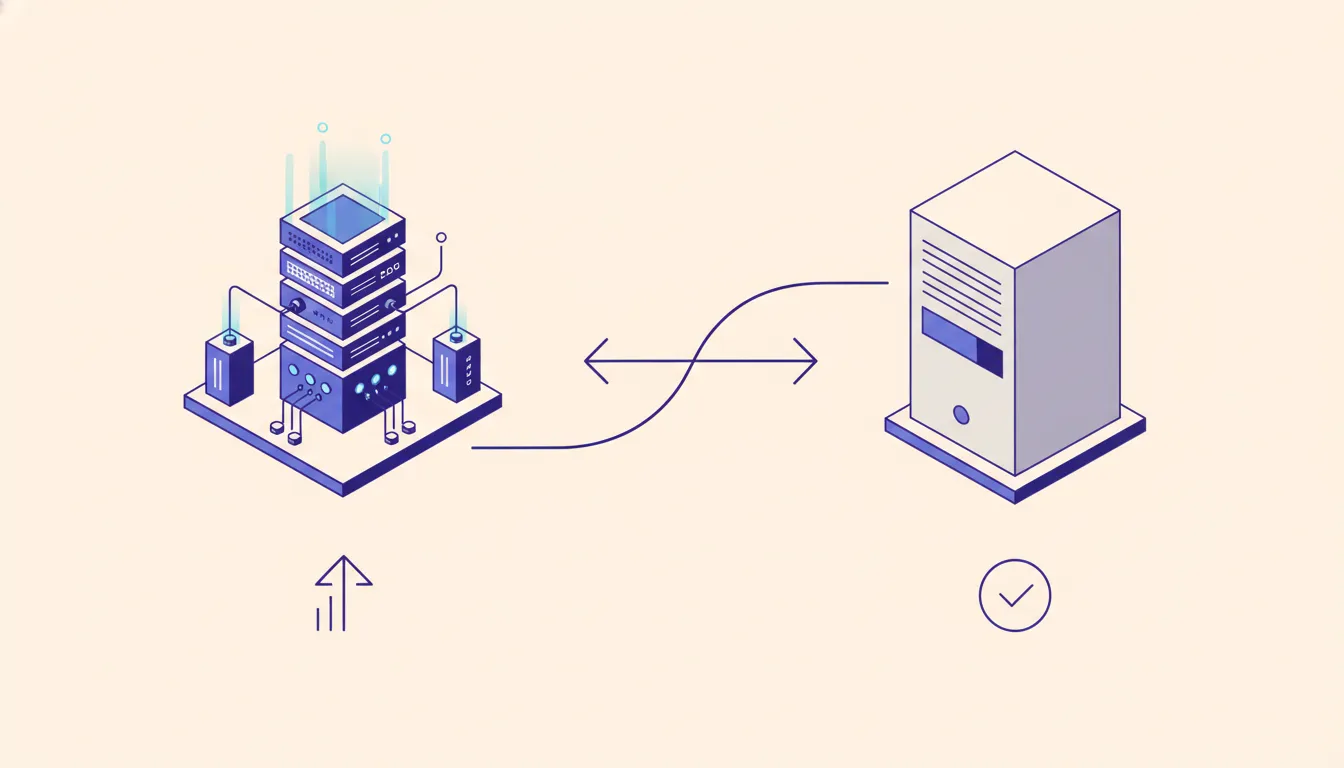
An Ahrefs MCP server wraps the Ahrefs API in a few narrow tools that any MCP client can call, so each AI workflow does not need its own integration. The same server can put Google Ads data and your internal content list behind the same interface. Below is the reference design I would use, with tool boundaries, error handling, and the cases where a plain script is the better choice.
The problem is shared data access
A content team often needs the same inputs in several workflows: domain performance, coverage compared with other sites, Google Ads data, and the content already published in an internal system.
I cover this as part of my MCP server development work.
A single script can be the right answer for one fixed workflow. The maintenance burden changes when multiple workflows each need the same authenticated sources. Each direct integration then carries its own credentials, response parsing, validation, and failure handling.
The Model Context Protocol provides a shared interface for model-invokable tools. A server can centralize the integrations while separate workflows call only the tools they need. For a decision framework, see when a custom MCP server is worth building.
A reference design

This is a hypothetical design, not a client implementation or outcome claim. It groups related data sources behind a small set of task-oriented tools:
get_domain_overviewretrieves the organic traffic and backlink data needed for a domain review from the Ahrefs API.compare_domain_coveragecompares a target domain with other domains you supply and returns normalized gaps rather than a raw export.get_ads_performanceretrieves the Google Ads fields the workflow is authorized to access through the Google Ads API.lookup_content_inventoryretrieves internal publication and content metadata for the relevant brand or site.
The names are examples. The important choice is the boundary: a tool should express a decision-relevant action, accept a narrow input, and return predictable structured data. It should not expose a generic database query or ask the model to assemble an undocumented third-party request.
Encode repeatable business logic in a domain-gap tool
A raw data export is not a decision. A domain-gap tool can encode the repeatable logic that turns source data into a usable starting point.
For example, it can:
- Normalize domains and reject malformed ones in the comparison set.
- Request only the required fields from the source API.
- Exclude a target domain's existing coverage from the comparison set.
- Apply documented thresholds supplied by the calling workflow.
- Return candidate gaps with the fields needed for review and prioritization.
That keeps source-specific quirks inside the integration layer. The model receives a stable result shape and can focus on reasoning, writing, or triage. The same design applies to an internal-link review, content-coverage check, or paid-versus-organic comparison.
Make failures useful to the model
Tool errors are part of the interface. A response such as request failed forces the caller to guess whether it should retry, change an input, refresh authorization, or stop.
Prefer errors that state the failure category and recovery action. Examples include:
invalid_domain: explain the accepted domain format and identify the invalid input.missing_ad_account_access: state that the connected account cannot access the requested customer and do not expose sensitive identifiers.rate_limited: provide a retry window when the upstream API provides one.content_source_unavailable: state that no inventory result was returned and recommend proceeding without that enrichment or retrying later.
Input validation and output schemas should sit at the tool boundary, before response data becomes model context. This makes upstream API changes easier to detect and prevents malformed data from quietly reaching a downstream workflow.
Design the workflow around explicit evidence
A content-review workflow can call organic, paid-media, and internal-data tools in sequence, then produce a structured draft for a human reviewer. The workflow should preserve the inputs used, tool results, and any decision thresholds so the draft is traceable.
Keep the tool layer separate from the prompt layer. The integration owns authentication, validation, normalization, and observability. The prompt owns task instructions, review criteria, and output format. That separation lets teams change a brief template without rewriting a data connector.
For prompts with large, repeated context blocks, Anthropic's prompt caching documentation describes how cached prefixes can reduce repeated-input cost. Measure actual requests and token usage before treating caching as an economic result.
When this pattern is worth the effort
Use a shared MCP layer when several workflows need the same governed data sources and the organization expects those workflows to evolve. It is especially useful when a model needs to combine external platform data with internal information that has no ready-made connector. It also lets every teammate's Claude Code session use the same Ahrefs and Google Ads tools, which is part of my Claude Code for teams work.
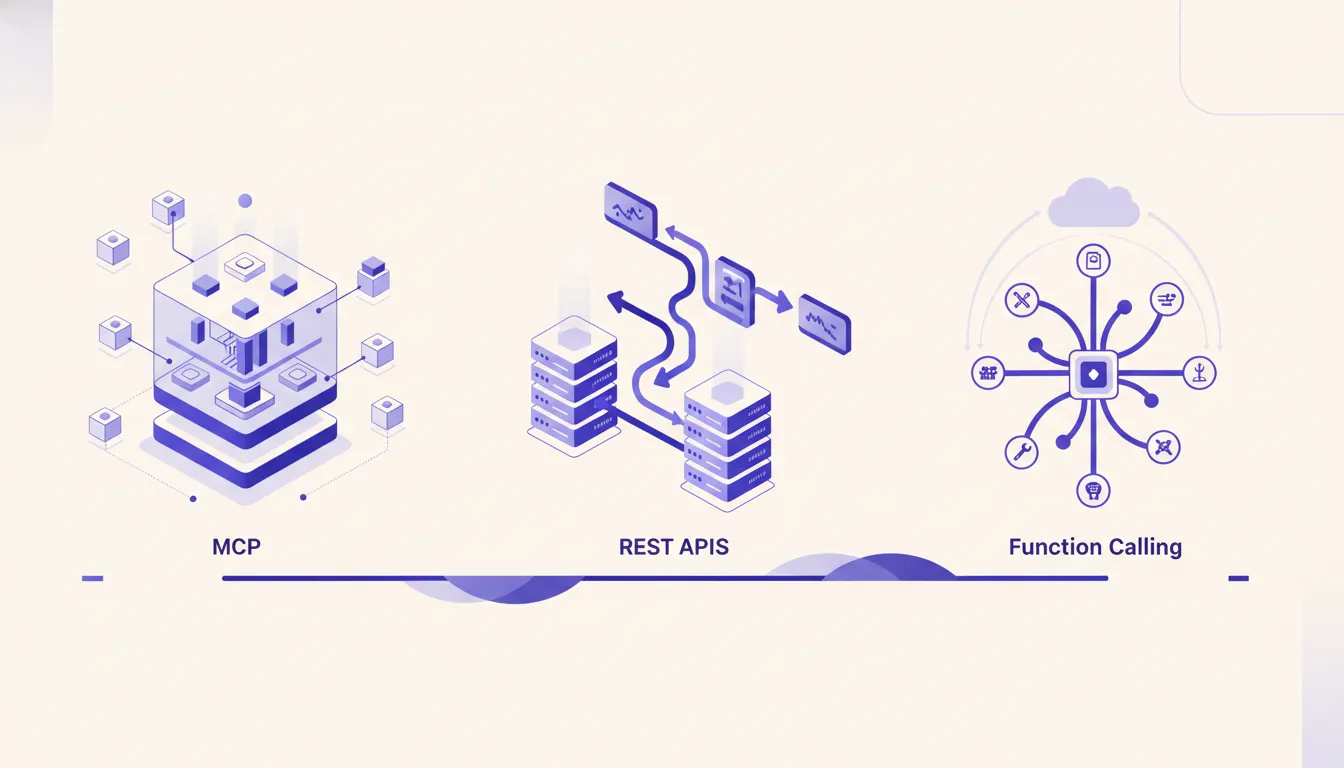
Use a direct API call or a focused script when the workflow is narrow, stable, and unlikely to gain another consumer. MCP, REST, and function calling solve different integration problems. The architecture should follow the real reuse requirement, not the novelty of MCP.
If you want a server like this built, I scope and hand one over as part of my MCP server development work. Delivered builds with real results are in my case studies.
Want to map the data sources behind an AI workflow? Run the AI Operations X-Ray.
FAQ
Frequently asked questions
01Why use an MCP server instead of separate scripts?
A shared MCP server can expose the same data tools to multiple AI workflows. A single-purpose script is often the simpler choice when the integration has only one consumer.
02Which data sources belong in the same server?
Sources that support the same decision workflow, such as Ahrefs traffic and backlink data, Google Ads data, and an internal content inventory, are a practical fit.
03What makes an MCP tool reliable?
Use a clear input schema, structured output, validation at the API boundary, and descriptive errors that tell the caller what to correct.
04Does prompt caching remove the need to manage API cost?
No. Caching can reduce repeated-context cost, but each workflow still needs usage measurement, budgets, and evaluation against its actual workload.
05Can one MCP server cover both Ahrefs and Google Ads?
Yes, when both feed the same decision workflow, such as a content review. Keep each source behind its own narrow tools, with its own credentials and validation, so a Google Ads access problem does not break the Ahrefs tools. If only one workflow will ever use the data, a focused script is simpler.
