
Field note
May 5, 2026
Automate Work Orders From Email Without Replacing Your CMMS
Facilities teams do not need another inbox rule. They need a workflow that reads maintenance emails, extracts the work order fields, routes the request, and keeps humans in the loop for exceptions.

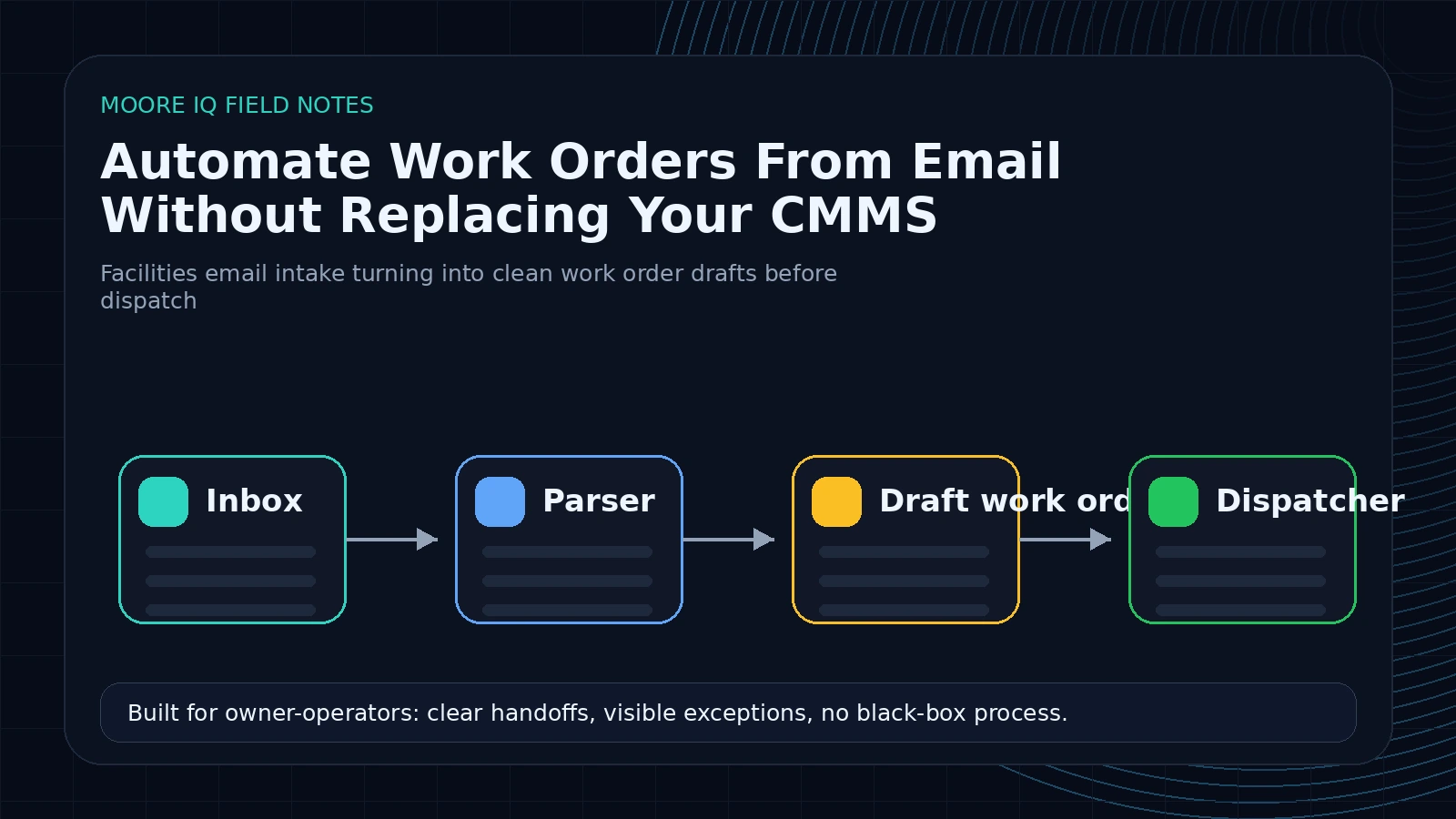
The buyer signal is not "best CMMS." It is "make this inbox stop running my maintenance team."
When a facilities manager searches for how to automate work orders from email, they are usually past the software-shopping stage. They already have a CMMS. They already have an inbox. They already have a request process that technically works.
The problem is that the process only works because a coordinator reads every message and turns messy text into structured work.
"The restroom sink is leaking again on 3."
"Tenant says the HVAC is making a grinding noise, same unit as last month."
"Inspection attached. Need the roof item added for next week."
Those are not clean tickets. They are fragments. A person has to infer the building, asset, trade, urgency, likely vendor, missing fields, and whether the request can be routed now or needs a follow-up question. The CMMS stores the work order after that thinking is done. It does not remove the thinking.
That is why replacing the CMMS is usually the wrong first move. The manual work is upstream of the system. Automate the upstream handoff first.
What the first workflow should actually do
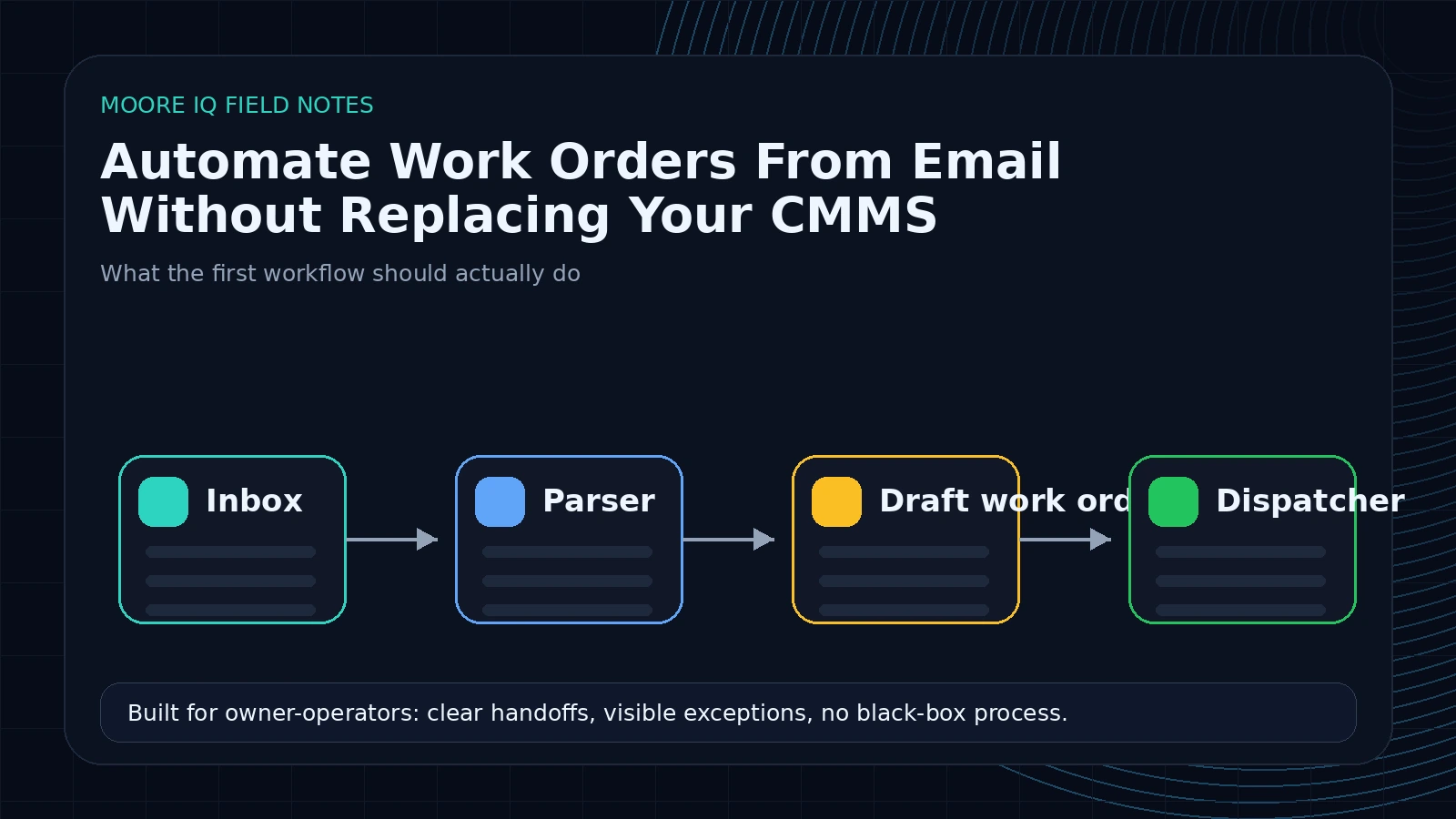 The first build should be boring on purpose. It should watch the maintenance inbox, read new requests, extract the fields needed for a work order, and create a reviewed draft.
The workflow needs to pull:
- Requester name, email, phone, tenant, or department.
- Property, building, floor, unit, room, or asset location.
- Asset name, asset ID, equipment type, or a likely match from the asset list.
- Trade category: plumbing, HVAC, electrical, janitorial, roofing, security, access control, elevator, general maintenance.
- Issue type and plain-English summary.
- Urgency, tenant impact, safety risk, and SLA exposure.
- Photos, PDFs, inspection files, and other attachments.
- Missing information that would block dispatch.
That draft can land in the CMMS if the integration path is clean. If not, it can land in a review queue, spreadsheet, Airtable base, SharePoint list, or formatted email that your coordinator approves before creating the final record. The destination matters less than the operating rule: no one should be retyping the same fields from the same inbox all day. That is the same operating layer described on the facilities maintenance automation hub.
The output should look like a work order draft, not an AI summary
The most common weak version of this automation is a summary bot. It reads the email and produces a paragraph:
"Tenant reports a leak in the restroom. This may need plumbing support."
That is not enough. A coordinator still has to turn the paragraph into fields. The useful version returns a structured object the operation can actually route:
{
  "request_type": "corrective_maintenance",
  "trade": "plumbing",
  "location": {
    "property": "North Ridge Office",
    "building": "B",
    "floor": "3",
    "room_or_area": "restroom near suite 312"
  },
  "asset": {
    "name": "restroom sink",
    "asset_id": null,
    "match_confidence": "medium"
  },
  "priority": "urgent",
  "tenant_impact": "active leak in shared restroom",
  "safety_risk": "slip risk if water reaches walkway",
  "required_follow_up": ["confirm exact restroom if building has multiple 3rd-floor restrooms"],
  "recommended_next_step": "send to coordinator review before vendor dispatch",
  "confidence": 0.78
}
That format gives the workflow something to act on. High confidence can move to review. Missing asset ID can trigger a lookup. Safety risk can force escalation. Low confidence can block auto-routing. The AI is not the workflow. It is the extraction step that gives the workflow clean inputs.
The intake rules should be explicit
Before building, write the intake rules in plain English. The model should not infer your operating policy from vibes.
For example:
- Any request mentioning active water, electrical smell, access control failure, elevator issue, fire/life safety, or security gets an urgent flag.
- Any request without a property or building cannot be dispatched.
- Any HVAC issue with tenant impact during business hours gets same-day review.
- Any roof, elevator, generator, fire panel, or warranty-covered asset requires human approval before vendor assignment.
- Any request with photos but no location should ask the requester for location before creating a work order.
- Any inspection finding marked critical should create a reviewed draft even if the report does not include a requester.
These rules are the difference between a useful automation and a demo. Facilities operations already have policy. The automation has to encode it.
Why inbox rules and templates do not solve it
Most teams already tried rules. They route messages from specific tenants to folders. They use subject-line patterns. They ask requesters to fill in a form instead of emailing. All of that helps until the real world shows up.
The requester sends a photo with no asset name. The tenant replies to an old thread with a new issue. The vendor sends an update that should change status but does not match any rule. An inspection report arrives as a PDF with seven findings, three of which need work orders and four of which are notes.
Rules handle predictable formatting. Maintenance requests are not predictably formatted.
AI is useful here because it can read messy context and return structured data. Workflow automation is useful because it can route that structured data, request approval, update the right system, and log what happened. The value is not "AI wrote a ticket." The value is that the inbox becomes a structured intake layer. If your team already has a CMMS but the request path is manual, the supporting page on work order automation is the closest match.
The confidence score is the guardrail
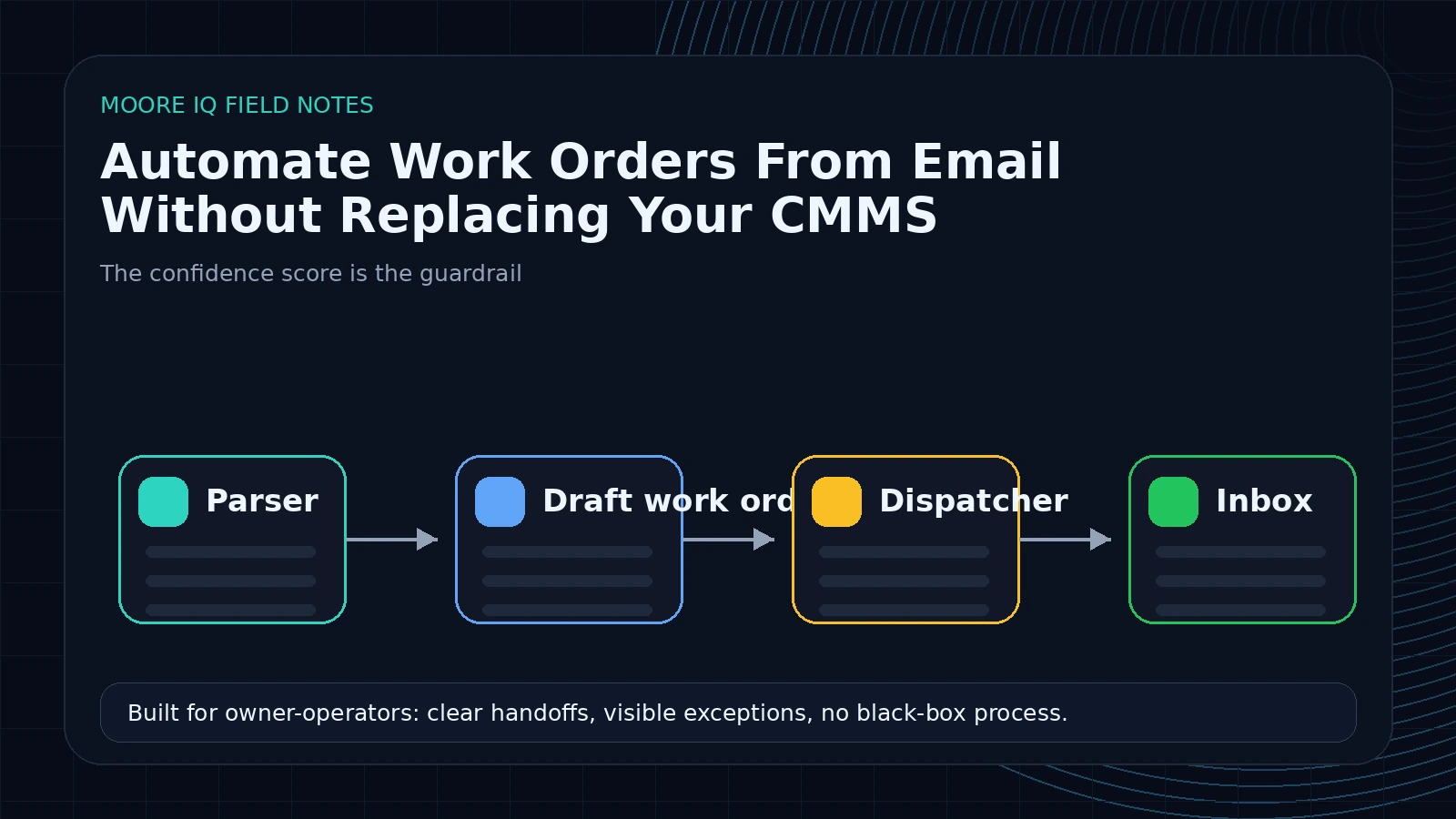 Do not start by letting AI create every work order automatically. That is how you create cleanup work.
Start with a confidence score and a routing policy:
- High confidence, low risk: create a draft and route it for quick approval.
- Medium confidence: ask the requester for missing fields or send to a coordinator queue.
- Low confidence: summarize the issue and require human review.
- Safety, compliance, budget, or tenant-sensitive requests: always require review.
This lets the team move fast without pretending the model should make every decision. The AI should extract and prepare. The operation should decide which categories are safe to automate.
After a few weeks, you will have enough logs to know which request types are stable. Maybe plumbing leaks with a clear location can auto-create. Maybe HVAC noise complaints always need human triage. The workflow should earn autonomy from evidence, not from optimism.
What this looks like in a real facilities stack
A practical version uses the tools most facilities teams already have:
- Outlook or Gmail as the intake source.
- The CMMS as the system of record.
- SharePoint or Google Drive for attachments.
- A spreadsheet or lightweight database as the audit log.
- Slack, Teams, or email for review and exception routing.
- An automation runner like n8n to orchestrate the steps.
When a message arrives, the workflow reads the email and attachments, extracts the work order fields, checks the asset list or location map, classifies urgency, and prepares the draft. If confidence is high, the coordinator gets an approval message with the suggested fields. If confidence is low, the workflow asks for missing information or queues the request for manual review.
The CMMS remains the source of truth. The automation just removes the manual translation step before the CMMS.
The failure modes to design for
This workflow will fail in predictable ways. Plan for them in the first version.
Thread confusion. A tenant replies to an old leak thread with a new HVAC issue. The workflow needs to detect topic drift instead of appending the update to the wrong work order.
Location ambiguity. "The bathroom on 3" is obvious to the person who works in the building and useless to a vendor covering 12 properties. The workflow should flag ambiguity instead of guessing.
Duplicate requests. Three people report the same leak. The workflow should search recent open drafts by location, issue type, and time window before creating another draft.
Attachment-only requests. A forwarded inspection PDF may contain the real work while the email body says only "see attached." The workflow has to read attachments, not just message text.
False urgency. Tenants often use urgent language for non-urgent work. The workflow should distinguish emotional urgency from operational urgency by looking for safety risk, active damage, service outage, and SLA exposure.
Silent failures. If the parser fails, the team must know. A broken workflow that quietly stops reading the inbox is worse than no workflow.
The first-week build plan
Day one is mapping. Pull the last 100 maintenance request emails and sort them by request type. Do not build yet. Count the patterns. Which requests are clear? Which ones are missing location? Which ones need photos? Which ones require vendor judgment?
Day two is field design. Define the minimum fields needed before a work order can be routed. Separate required fields from nice-to-have fields. If a coordinator does not need it to dispatch the job, do not block the workflow on it.
Day three is extraction. Build the parser and test it against old emails. You are looking for accuracy on the fields that matter: location, trade, urgency, summary, and missing information.
Day four is review routing. Add the approval queue and exception logic. Make the coordinator faster before trying to remove the coordinator.
Day five is shadow mode. Run the workflow against live email while the manual process stays in place. Compare the draft fields against what the coordinator actually creates. Fix the misses.
That is enough to prove whether email-to-work-order automation is worth expanding.
What to measure
Do not measure this by "AI accuracy" alone. Measure the operational drag it removes.
Track:
- Minutes from email received to reviewed work order draft.
- Percent of requests missing required fields.
- Percent of drafts accepted without edits.
- Number of manual copy-paste steps removed.
- Number of requests routed to the wrong trade or owner.
- Number of stale emails older than one business day.
The goal is not to make the inbox look cleaner. The goal is to reduce the time between request and routed work.
Use a simple payback model. If a coordinator handles 40 email-based requests per day and each one takes 4 minutes to read, classify, retype, and route, that is 160 minutes per day. If automation cuts that in half, the team gets back roughly 13 hours per week before counting fewer missed fields, fewer duplicate tickets, and faster dispatch. That is the kind of math a buyer cares about.
When this is the wrong first automation
Email-to-work-order automation is not always the first build. If most requests already arrive through clean forms, the bigger leak may be vendor follow-up, SLA monitoring, preventive maintenance scheduling, inspection follow-up, or reporting.
That is why the first step should be a workflow scan, not a tool decision. The scan shows whether the inbox is actually the bottleneck or just the most visible symptom.
If your team spends hours every week turning emails into work orders, start here. If the work orders are created cleanly but then stall for three days waiting on vendor updates, start with dispatch automation instead.
Want to know whether your inbox is the best first automation or just the loudest one? Run the AI Operations X-Ray. It maps the request path, CMMS handoffs, approval points, and first workflows worth building.
FAQ
Frequently asked questions
01Can email-to-work-order automation work without a CMMS API?
Often yes. The workflow can create reviewed drafts, update a tracking sheet, send formatted intake emails, or use approved import paths when direct API access is not available.
02What should be automated first?
Start with the highest-volume request inbox. Extract fields, classify urgency, identify missing information, and route reviewed drafts before automating status updates or vendor dispatch.
03Should AI create work orders automatically?
Not at first. Let AI prepare the work order and flag confidence. Auto-create only for low-risk request types with stable rules and a clear audit log.
04What fields should the workflow extract?
Location, building, unit, asset, trade, issue type, severity, tenant impact, safety risk, photos or attachments, requester details, and any missing information needed before dispatch.
05How does this connect to the operations scan?
The scan maps where requests enter today, which fields get retyped, which decisions need approval, and which request types are safe to automate first.
