
Field note
May 23, 2026
Benefits of automated workflow for busy operations teams
Benefits of automated workflow for operators: reduce handoffs, clean up data, and pick the right first project without adding another tool or new mess.

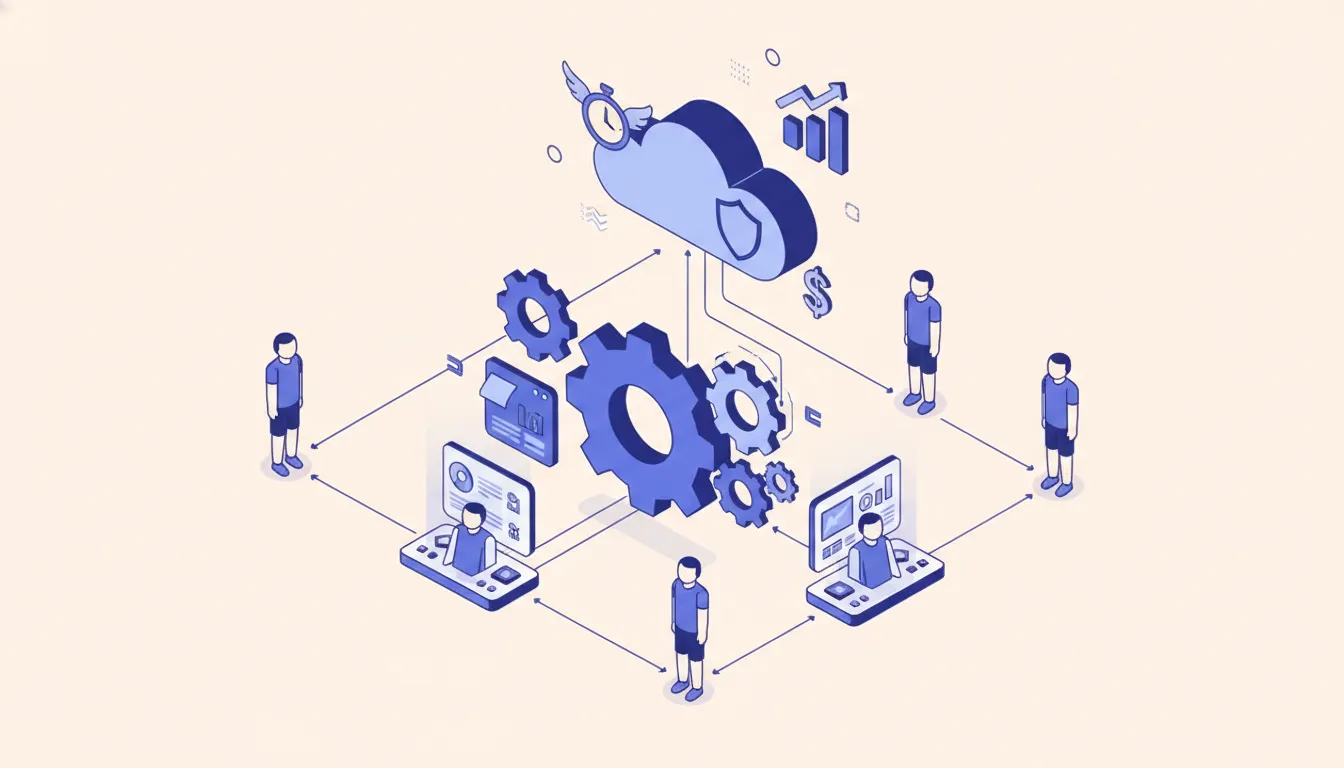
The benefits of automated workflow are pretty simple: fewer people copying data, fewer status pings, and fewer mornings where someone says, "I thought that was already handled." That is the calm version. The real version is usually a spreadsheet with twelve colors, three people afraid to touch it, and one owner who swears it is fine. I have been that owner before. It was not fine.
Workflow automation works best when it removes a boring coordination job that should not require a human in the first place. It should not turn your business into a robot costume party. It should make the existing operation easier to run.
voice-source: /root/.claude/skills/mooreiq-seo/data/voice-out/stories.md
"This serves as a video to, like, discuss or go over some of the changes, with the CE21GHL, automation. So what I'm going to do in this video, I'm going to discuss the end-to-end workflow, that's sending leads from CE21 to GHL and it's syncing automatically."
That CE21 to GoHighLevel sync is the pattern I keep seeing. The client did not need a grand AI strategy deck. They needed membership and registration data to move into the CRM without someone manually checking names all day. Once the data landed in the right place, the team could run follow-up from the system they already used.
What automated workflow actually means
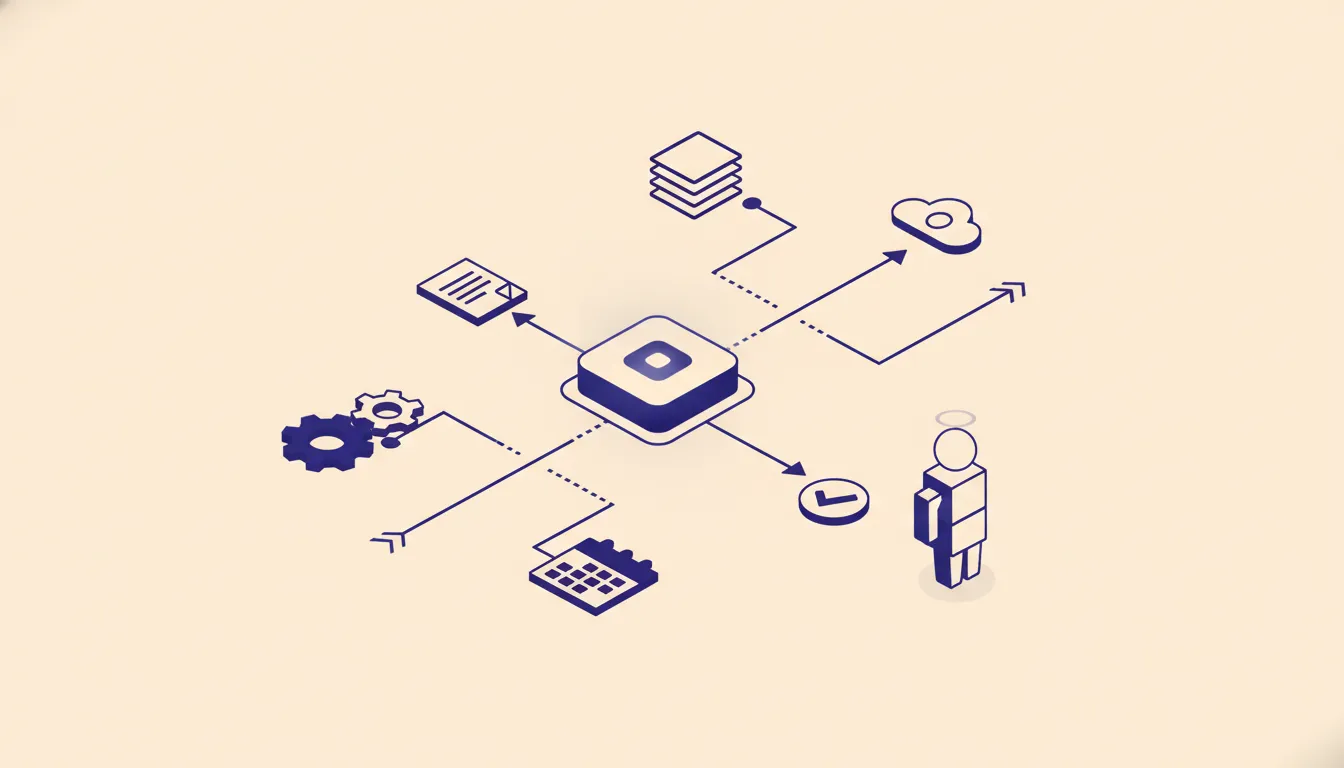 Automated workflow means a defined business process runs across systems without a person manually moving every step forward. A form comes in. A record gets checked. A field changes. A message is sent. An exception goes to a human.
That last sentence matters. Good automation is not "set it and forget it." Good automation is "set the normal path and show me the weird stuff."
Microsoft Power Automate Process Mining frames this from the process side: map what is happening, find repetitive work, and decide where automation belongs. n8n workflows frame it from the build side: connect triggers, nodes, and logic so systems can pass work between each other. Both views matter. If you only think in tools, you miss the process. If you only think in process, you miss what the systems can actually do.
That is why I like starting with the operating map before the tool list. I wrote about this in you do not have a tool problem, you have an architecture problem. The tool is rarely the first issue. The first issue is deciding where the record starts, who owns it, and what should happen when it changes.
The real benefits for operators
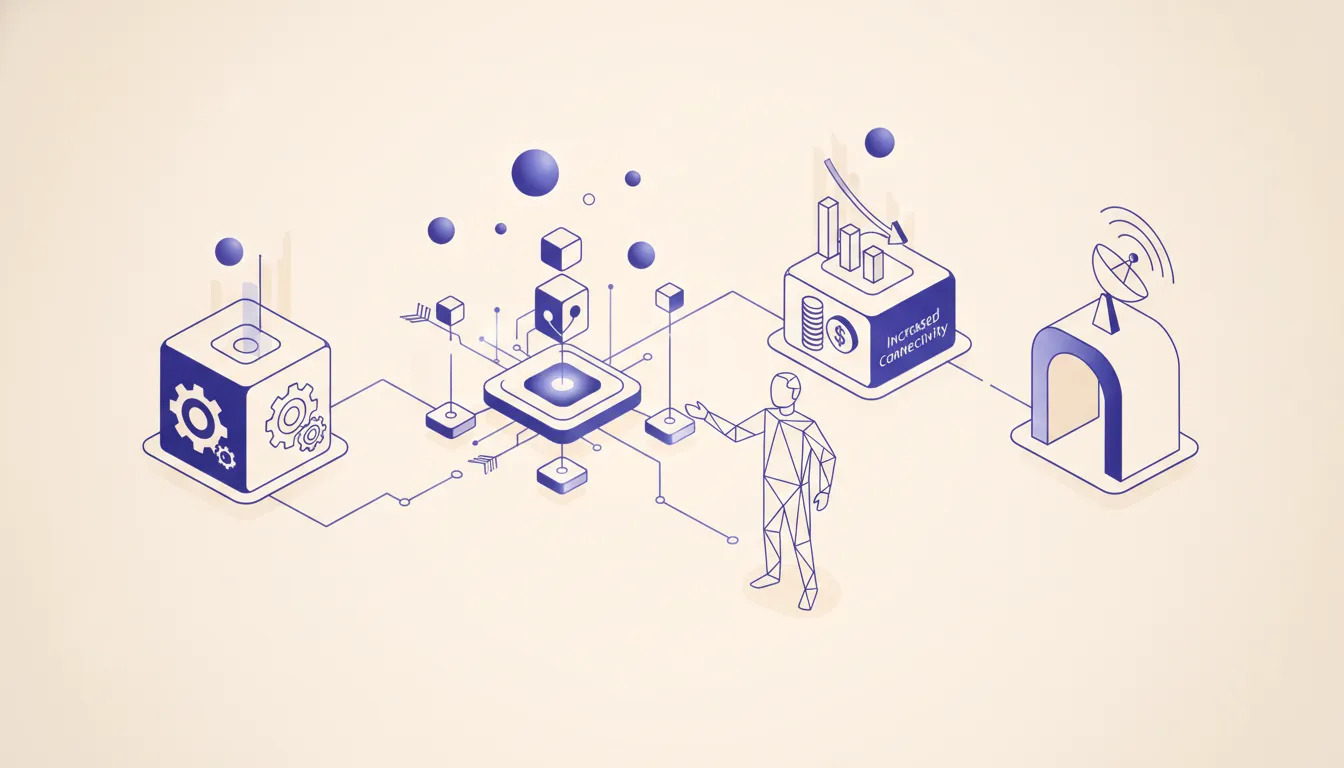 The obvious benefit is time savings. The better benefit is fewer broken handoffs.
A manual workflow usually fails between people, not inside one person's task. Someone sends a PDF, someone else reads it, a third person enters the details into a CRM, and a fourth person asks why the customer never got the follow-up. Nobody was lazy. The workflow was held together by memory.
Automated workflow removes that weak middle layer.
For operators, the main benefits are:
- Cleaner data. The record enters once and gets pushed to the right systems.
- Faster follow-up. The trigger fires when the event happens, not when someone gets back from lunch.
- Clearer ownership. The workflow says who handles exceptions instead of leaving them in a shared inbox.
- Less checking work. People stop logging into multiple systems just to confirm that nothing broke.
- Better reporting. If the workflow writes consistent status fields, managers can see the real bottleneck.
This is where small service businesses, contractors, facilities teams, and back-office operators get the most value. A work order, lead, invoice, intake form, or renewal task already follows a pattern. The team already knows the next step. They just waste time nudging it forward. Office teams can apply the same controls through an office management system built around owned lanes and visible exceptions.
If the workflow touches dispatch, quoting, or customer follow-up, pair the automation with the operating advice in AI automation for trades contractors. If it needs a proper workflow engine instead of another SaaS connector, the n8n consulting path is usually the better fit.
The first project should be boring
The first workflow automation project should not be the most impressive idea in the room. It should be the one everybody understands.
Good first projects usually have four traits:
- They happen often.
- The rules are clear.
- The input data is already structured enough to trust.
- A human can review exceptions without stopping the whole process.
Invoice intake, lead routing, quote follow-up, status updates, appointment reminders, and CRM cleanup all fit that pattern. They are not glamorous. That is why they work.
voice-source: /root/.claude/skills/mooreiq-seo/data/voice-out/opinions.md
"So everything is going to run on the VPS that you own, all code, all data. All credentials stay on the server, no lock-in, no recurring fees back to me, and open source tools throughout."
That opinion changes how I scope workflow automation. If the workflow is important to the business, ownership matters. A simple Zap can be perfect for a low-risk handoff. But if the workflow touches customer records, revenue operations, or system credentials, you need to think about where the logic lives and who can fix it when it breaks.
That is the difference I broke down in n8n vs Zapier vs Make. Zapier is great when the path is simple and the team wants speed. n8n is better when you need branches, error handling, private data, and a system your team can own.
How to spot the best workflow automation candidate
Look for the workflow your team has quietly normalized.
The best candidate is not always the task people complain about. It is often the task people stopped mentioning because everyone assumes it is just part of the job.
Ask these questions:
- Where does someone copy data from one system into another?
- Where does work wait because a person has to check a queue?
- Where does the team use a spreadsheet because the main system cannot show the right view?
- Where does a customer ask for a status update that your systems already know?
- Where does a manager ask the same question every morning?
If you hear "we just check that manually," you found a candidate.
For teams already using spreadsheets as a staging layer, the Google Sheets API concepts are useful because they explain how sheets are structured as ranges, rows, and cells. That matters when you move from a human editing a sheet to a workflow writing into it. The automation has to respect the structure or the sheet becomes another broken database.
What not to automate yet
Some workflows should stay manual for now.
Do not hire us if the process changes every week, nobody agrees who owns the data, or the team cannot explain what should happen when the normal path fails. Automation will not fix that. It will just make the disagreement run faster.
The same rule applies when the workflow depends on taste, judgment, or an unstated relationship. If a senior operator is making a call based on context that only lives in their head, document the decision first. Then automate the parts around that decision.
This is also where AI can get overused. Not every workflow needs a model. Some need a webhook, a database table, and a clear owner. If the input is structured and the rule is deterministic, do the boring version. The boring version is easier to test.
The hidden benefit: better exceptions
The best workflow automation does not make every case disappear. It makes exceptions visible.
When a workflow is manual, exceptions hide inside conversations. A wrong email address, missing invoice field, duplicate customer, or strange job note sits in a person's inbox until someone remembers to ask about it.
When the workflow is designed well, exceptions get routed to a clear queue with enough context to act. The system can say: this record failed because the customer ID did not match, the job status was missing, or the API returned an error. That beats "something is weird in the spreadsheet" by a mile.
This is why deeper builds sometimes need more than a no-code tool. If an AI assistant or internal tool needs safe access to company systems, custom MCP server development can give agents a controlled way to read and write data. If the team wants Claude Code involved in maintaining internal workflows, Claude Code for teams is the rollout path. The goal is not to make the system fancy. The goal is to make it inspectable.
voice-source: /root/.claude/skills/mooreiq-seo/data/voice-out/opinions.md
"The problem with cloud code sometimes is, uh, it's kind of a black box. Like, you know it can do all this capability and stuff, but you don't have any visibility on what it's actually doing."
That is the caution. If the automation is hard to inspect, operators will not trust it. A workflow that saves time but creates mystery is not a win. It just moves the stress to a different tab.
The build order I recommend
Start with the source of truth.
Pick the record type: lead, job, invoice, ticket, contact, order, or renewal. Decide where that record is created first. Then decide which systems can read it, which systems can write to it, and what happens when the workflow cannot decide.
A simple build order looks like this:
- Map the current manual path.
- Name the source of truth.
- Define the normal path.
- Define the exception path.
- Build the smallest working workflow.
- Run it in parallel with the manual process.
- Remove the manual step only after the team trusts the output.
That parallel run is not wasted time. It is how you catch bad assumptions before the workflow becomes load-bearing. I would rather find a bad field mapping during a quiet test than after a customer gets the wrong message.
If hosting and maintenance are part of the decision, read the n8n self-hosted vs cloud cost breakdown. Self-hosting can be the right call, but it only wins when someone owns updates, credentials, backups, and monitoring.
How to measure whether workflow automation worked
Do not measure the project by how clever the build looks. Measure whether the operation got easier.
The useful questions are plain:
- Are fewer people touching the same record?
- Did the exception queue get smaller or clearer?
- Did follow-up happen sooner?
- Did managers stop asking for manual status checks?
- Did the team keep using it after the first week?
That last one is the honest test. Operators are ruthless in a useful way. If a workflow creates more work, they will route around it. If it removes work and handles edge cases cleanly, they will forget it exists. That is usually the best compliment an automation can get.
The benefit of automated workflow is not that it makes a business look more technical. It is that the business stops spending human attention on steps a system can safely carry. Start boring, keep ownership clear, and make exceptions visible. That is where the payoff is.
FAQ
Frequently asked questions
- 01What are the main benefits of automated workflow for operations teams?
- The main benefits are fewer handoffs, cleaner records, faster exception handling, and less daily checking work. The best projects reduce repeated coordination without hiding business judgment inside a black box.
- 02What workflow should a company automate first?
- Start with a workflow that is frequent, rules-based, and already documented through a spreadsheet, checklist, or repeated chat thread. If nobody can explain the rule, do not automate it yet.
- 03Does workflow automation replace staff?
- Usually no. It removes the lowest-value parts of the job so the team can handle exceptions, customers, and decisions. If your only business case is headcount reduction, the workflow needs a harder review.
- 04What tools are best for workflow automation?
- It depends on ownership, data access, and error handling. Zapier is fine for simple handoffs. n8n is better when the workflow needs custom logic, self-hosting, or deeper system access.
- 05When is workflow automation not worth it?
- It is not worth automating a process that changes every week, lacks a clear owner, or depends on judgment that nobody has written down. Fix the operating rule first.
