
Field note
May 5, 2026
Before you replace your CMMS, automate these 5 handoffs
A CMMS replacement is expensive, slow, and often unnecessary. If the pain lives in intake, dispatch, inspections, reporting, or vendor follow-up, automation around the system usually pays back first.

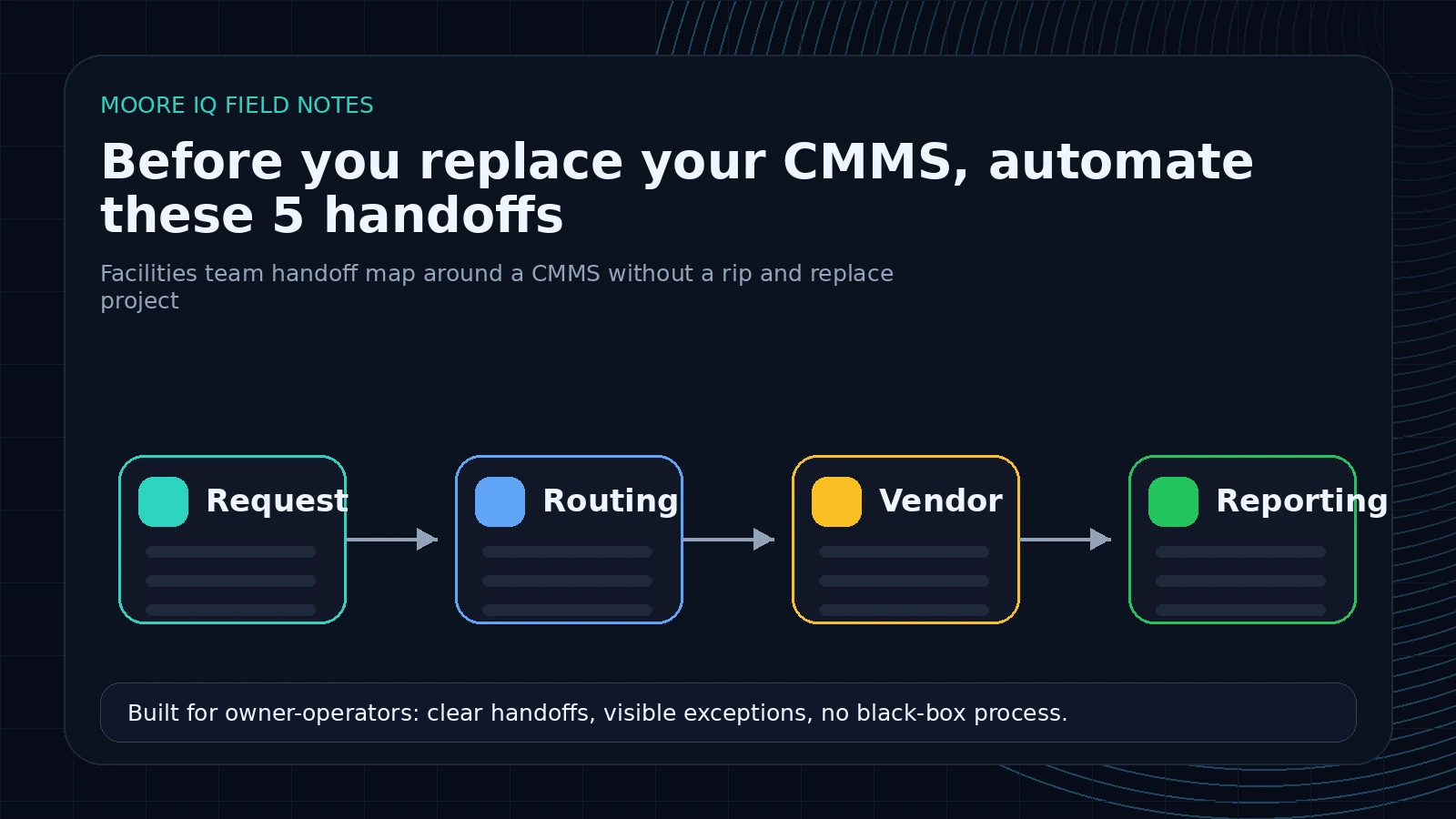
The CMMS gets blamed for work it was never designed to do
Facilities teams usually start talking about CMMS replacement when the operation feels too slow.
Work orders sit in limbo. Vendors do not update status. Inspection findings disappear into PDFs. Preventive maintenance reports are rebuilt in spreadsheets. Leadership asks for numbers the system technically has but cannot show cleanly. Everyone concludes the CMMS is the problem.
Sometimes it is. Often it is not.
The CMMS is a system of record. It stores assets, work orders, history, users, locations, notes, schedules, and status. The broader facility management system operator-control test applies the same standard to requests, records, owners, approvals, and evidence. That does not mean it is good at reading emails, extracting inspection findings, chasing vendors, cleaning exports, reconciling spreadsheets, or writing weekly summaries.
If the pain lives in those handoffs, a replacement project is a very expensive way to avoid building the missing automation layer. That is why the legacy CMMS automation path exists: keep the record system and fix the manual work around it.
Handoff 1: Request intake
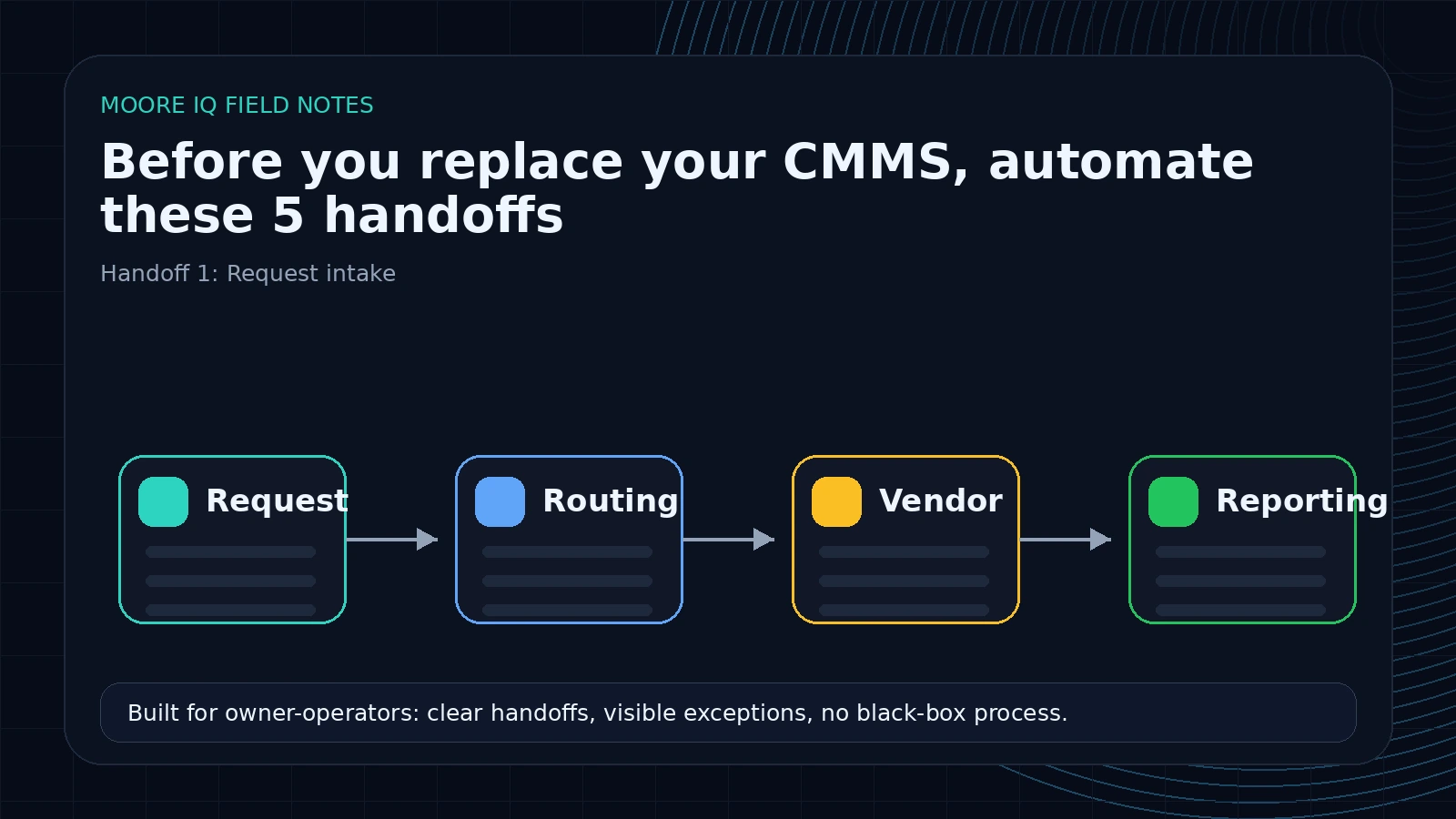 The first handoff is where a maintenance request becomes a work order. This is where a coordinator reads an email, form submission, phone note, tenant message, or inspection comment and turns it into structured fields.
If this is manual, replacing the CMMS may not help. The new system still needs clean fields. Someone still has to understand the messy request.
Automation can read the request, extract the location, asset, issue type, trade, urgency, tenant impact, and missing fields, then prepare a reviewed work order draft. The CMMS remains the record. The automation handles the translation. This is the practical version of CMMS workflow automation, not a platform migration.
This is usually the cleanest first build because the input and output are obvious. The input is the request. The output is a work order draft.
Handoff 2: Routing and assignment
The second handoff is deciding where the work goes.
For a small operation, this lives in one person's head. For a larger portfolio, it becomes a quiet source of delay. HVAC requests go to one vendor by building, plumbing goes to another by region, safety issues escalate immediately, tenant-facing issues get different language, warranty-covered assets follow a different path, and budget-sensitive repairs need approval.
A CMMS can store assignments. It does not always understand the routing policy.
Automation can apply the routing rules before the work order moves. It can suggest the internal owner or vendor, flag missing data, and require approval when the decision is uncertain. This is where the time savings start to compound, because every properly routed work order avoids a follow-up loop later.
Handoff 3: Vendor dispatch and follow-up
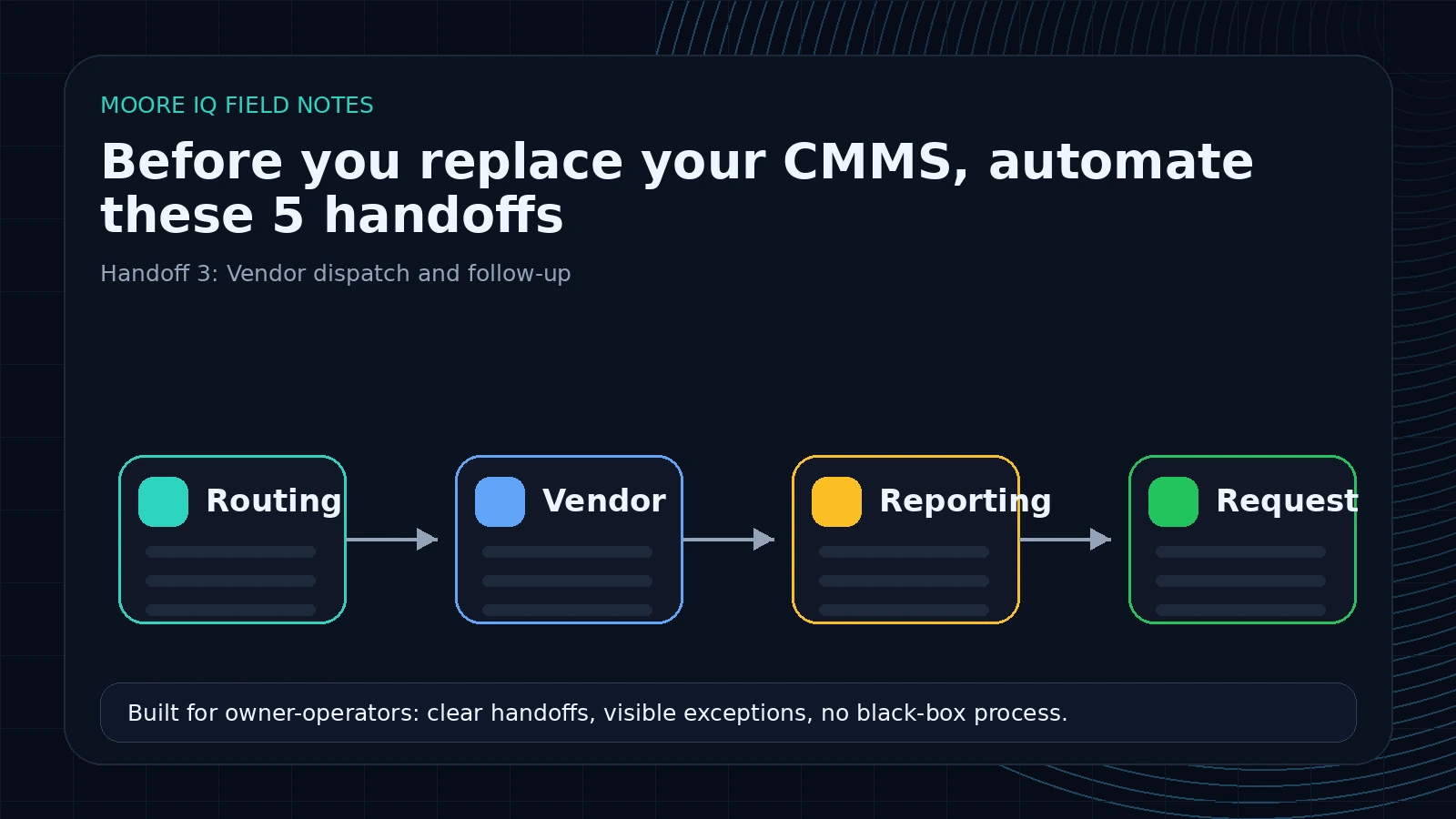 Vendor coordination is where many CMMS implementations lose contact with reality.
The official work order says "assigned." The email thread says the vendor has not replied. The spreadsheet says the vendor was replaced. The manager thinks the job is moving because no one escalated it. The tenant thinks nothing is happening.
That is not a CMMS storage problem. It is a coordination problem.
The automation layer can send the dispatch message, confirm acceptance, watch for silence, request status updates, summarize vendor replies, and escalate before an SLA is missed. The same vendor dispatch and SLA tracking pattern keeps those follow-ups visible across sites. Humans still handle vendor judgment. The system stops relying on inbox memory.
If the team is evaluating a new CMMS because vendors are hard to manage, build this handoff first. It will tell you whether the software is actually the issue.
Handoff 4: Inspection findings
Inspections create work, but the work is often trapped in documents.
A property inspection, safety walkthrough, asset review, or compliance check may produce a PDF, a photo set, a checklist, or a notes file. Someone has to read it, identify which findings need action, create follow-up work orders, assign owners, and summarize patterns for managers.
Most CMMS platforms are not great at this. They may attach the report, but attaching the report is not the same as extracting the work inside it.
AI can read inspection reports, identify findings, classify severity, extract location and asset details, and prepare follow-up tasks. The review step matters here because inspection data often affects safety, compliance, and budget. But even reviewed extraction is faster than retyping findings by hand.
This is a strong buyer-intent topic because the pain is immediate. The team already has the reports. They already know the follow-up work is leaking. They need the reports to trigger action.
Handoff 5: Reporting
Reporting pain is one of the most common reasons teams lose trust in their CMMS.
The data exists, but the report does not. So the team exports work orders, cleans fields in Excel, merges vendor updates, checks inspection notes, removes duplicates, adds commentary, and sends a weekly summary. Then they do it again next week.
Replacing the CMMS can improve reporting if the underlying data model is wrong. But if the weekly report is really a repeatable export-clean-merge-summarize workflow, automation is the faster fix.
The automation layer can pull exports, normalize field names, join inspection or vendor data, flag exceptions, and draft the narrative summary. Leadership gets a cleaner report. The team stops rebuilding the same spreadsheet.
The automate-or-replace test
Before you replace a CMMS, ask five questions:
1. Is the record itself wrong, or is the handoff around the record manual?
If the asset record, location structure, user permissions, compliance history, or work order model cannot support the operation, replacement may be valid. If the problem is that people retype requests into the record, automate first.
2. Does the pain happen before, inside, or after the CMMS?
Before means intake. Inside means system capability. After means reporting, dispatch, follow-up, or synchronization. Most automation opportunities live before and after.
3. Would the same pain exist in a new system?
If the new CMMS still needs someone to read unstructured emails, chase vendor updates, and turn PDFs into tasks, migration does not remove the work. It just moves the work into a new interface.
4. Can the current CMMS export or receive enough data?
APIs are helpful, but not always required. CSV exports, scheduled reports, email ingestion, imports, and approved browser workflows can support useful automation. Modern platforms may expose APIs like MaintainX's API, Fiix's API, or UpKeep's API, but a useful automation scan should also account for older systems that only support exports and imports.
5. What is the cost of retraining the operation?
Migration cost is not just software and implementation. It is retraining technicians, reeducating vendors, rebuilding reports, remapping assets, cleaning historical data, and living through the adoption dip.
If one automation can remove the main pain without that cost, it deserves to be tested first.
A simple scoring model for the five handoffs
Do not score automation opportunities by what sounds most impressive. Score them by operational drag.
Use a 1-5 score for each handoff:
- Volume: how often the handoff happens.
- Manual minutes: how much human time it consumes per occurrence.
- Delay cost: how much it slows work down.
- Error cost: how painful mistakes are.
- Rule clarity: how clearly the team can describe what should happen.
- Integration difficulty: how hard it is to read or update the systems involved.
The best first automation is usually high volume, high manual time, high delay cost, and clear rules. It does not have to be the flashiest AI use case.
For example:
| Handoff | Volume | Manual minutes | Delay cost | Rule clarity | First-build fit |
|---|---|---|---|---|---|
| Email request intake | 5 | 4 | 4 | 4 | Strong |
| Vendor follow-up | 4 | 4 | 5 | 3 | Strong |
| Weekly reporting | 2 | 5 | 3 | 5 | Strong if reporting is painful |
| Preventive maintenance drift | 3 | 3 | 5 | 4 | Strong if asset data is clean |
| Full CMMS migration | 1 | 5 | 5 | 2 | Usually not first |
This is not precise accounting. It is a way to keep the conversation honest. A replacement project may still be right, but it should beat the automation options on the merits.
What the scan should produce before anyone touches software
A useful pre-migration scan should produce artifacts, not just opinions.
It should include:
- A request-source map showing email, forms, calls, inspections, tenant portals, vendor messages, and manual entries.
- A system-of-record map showing which fields truly belong in the CMMS and which are copied from somewhere else.
- A handoff table listing who copies, checks, chases, reconciles, summarizes, and approves each step.
- A data-access table showing whether each system supports API, export, import, email parsing, file drop, or browser workflow.
- A risk table separating safety, compliance, budget, tenant-facing, warranty, and manager-approval steps.
- A first-build recommendation with scope, expected savings, failure modes, and human review points.
If a consultant cannot produce that map before recommending a CMMS replacement, they are guessing.
When replacement is the right answer
There are real reasons to replace a CMMS.
Replace it if the system cannot represent your asset hierarchy, enforce permissions, support compliance requirements, export usable data, preserve history, or scale with the operation. Replace it if the vendor is dead, security is unacceptable, or the platform blocks the business from operating safely.
But do not call every manual handoff a CMMS failure. Some of those handoffs are exactly what automation is for.
Here is the practical line: replace when the records are structurally wrong. Automate when the records are usable but the work around them is manual.
If technicians cannot find the right asset because the hierarchy is broken, fix or replace the CMMS. If the asset hierarchy is fine but inspection findings still get retyped into work orders, automate the inspection handoff. If compliance history cannot be preserved, replacement may be required. If compliance reports exist but someone rebuilds them in Excel every Friday, automate reporting first.
That distinction prevents the team from spending six months on a migration when the highest-value fix could be a three-week workflow.
The better first step
Run a scan before you run an RFP.
Map how a request enters, how it becomes a work order, how it gets routed, how vendors update it, how inspections create follow-up, how preventive maintenance stays on schedule, and how reports get built. Mark every place a person copies, checks, chases, reconciles, summarizes, or re-enters data. Public CMMS buying guides from vendors such as Limble are useful for understanding migration scope, but the scan should separate implementation work from automation work before you commit to a replacement.
Those marks are the automation candidates.
Then decide what belongs in the CMMS and what belongs around it. The CMMS should remain the source of truth for maintenance records. The automation layer should move the work so the team is not the integration layer.
The buyer-level takeaway
If the team is already researching a replacement, the pain is real. Do not minimize it. The question is whether the pain comes from the CMMS database or from the manual handoffs wrapped around it.
A buyer who has lived through one failed software migration knows the risk. They do not need another promise that a new platform will make the work clean. They need a way to isolate the parts of the operation that can be fixed without retraining everyone, remapping every asset, and hoping adoption holds.
That is the wedge for automation: prove relief on one handoff before committing the whole operation to a new system.
See also: our facilities maintenance automation playbook.
If you are debating whether to replace a facilities system, run the AI Operations X-Ray first. It will separate CMMS problems from handoff problems and show which automations are worth building before a migration.
FAQ
Frequently asked questions
01When should a facilities team replace its CMMS?
Replace it when the system cannot store the records, permissions, workflows, assets, compliance history, or integrations the operation needs. Do not replace it just because the handoffs around it are manual.
02Can automation work around a legacy CMMS?
Yes. Many workflows can use exports, imports, email, files, spreadsheets, browser workflows, or APIs depending on what the CMMS supports.
03What is the fastest handoff to automate?
Usually work order intake or reporting, because the manual rules are visible and the workflow can start with human review before becoming more autonomous.
04Does this mean the CMMS is not important?
No. The CMMS remains the source of truth. The automation layer moves work into, out of, and around it so the team is not acting as the integration layer.
05How do we decide whether to automate or migrate?
Run a scan that separates system-of-record problems from handoff problems. Handoff problems are usually automation candidates. Record, permission, compliance, or data model problems may justify replacement.
