
Field note
Updated Sep 30, 2026
Claude Agent SDK vs LangChain: which to build agents on
Claude Agent SDK vs LangChain for a Claude agent: what each layer gives you, where LangChain and langchain-anthropic still win, and how to pick one.


Claude Agent SDK vs LangChain comes down to how many model providers you need. For a Claude-only agent, the Agent SDK gives you Claude Code's loop, tools, permissions and sessions as a library, with less framework plumbing to debug. LangChain, through the langchain-anthropic package, still wins when you route the same agent across several providers or already run LangSmith.
The options changed
When this note first went up, the choice was simple: LangChain, LangGraph, or the raw Anthropic SDK. In 2026 Anthropic ships three different ways to build a Claude agent, and they are not interchangeable.
I cover this as part of my Claude Code for teams work.
| What it is | Who runs the loop | Built-in tools | |
|---|---|---|---|
| Claude Agent SDK | Claude Code as a Python or TypeScript library | The SDK, in your process | Read, Edit, Bash, Glob, Grep, WebSearch and more |
| Anthropic client SDK | Direct Messages API access | You, or the beta tool runner | None, you define every tool |
| Managed Agents | Hosted agent harness configured through the API | Anthropic, in its cloud sandbox or yours | Whatever the hosted harness provides |
| LangChain / LangGraph | Provider-neutral framework via langchain-anthropic | The framework | Community tool wrappers |
The question is no longer "framework or no framework". It is which layer matches the kind of work your agent does.
Why LangChain is where most teams start
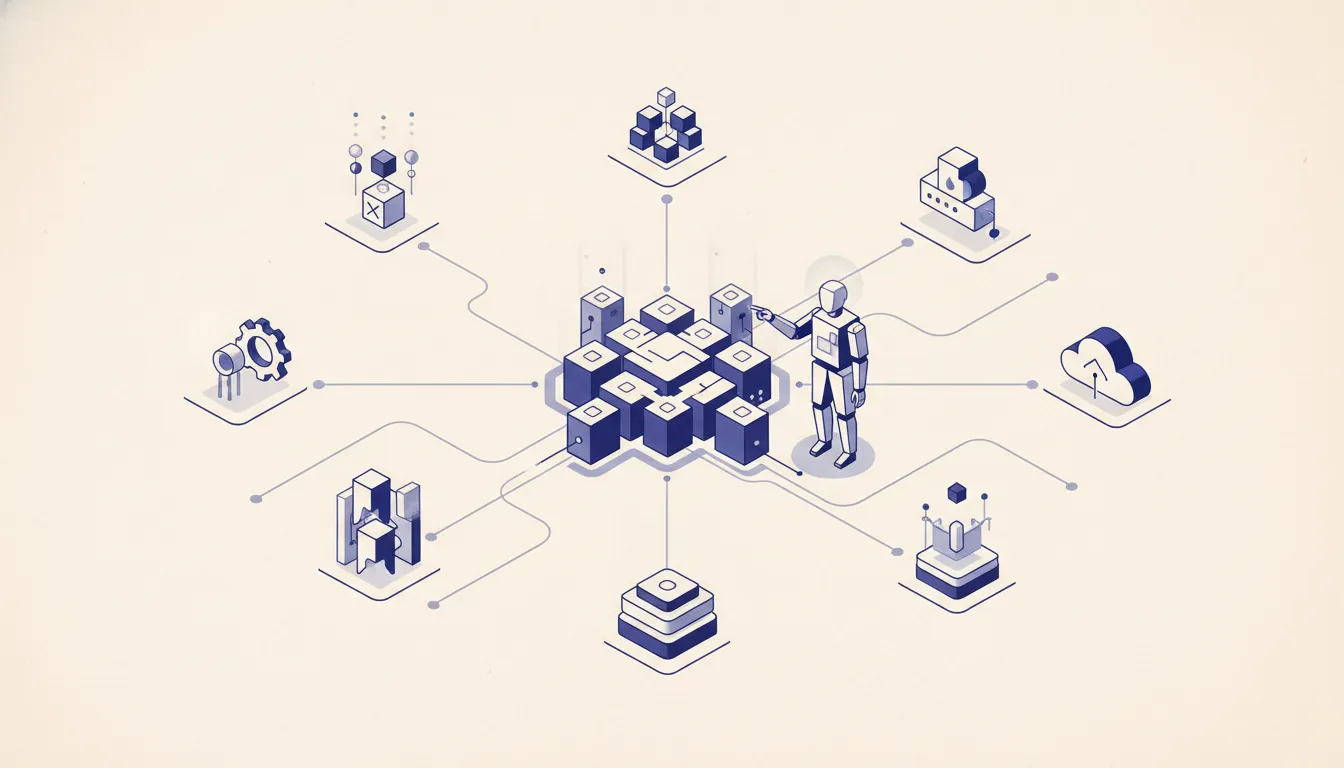 When you set out to build an LLM agent, LangChain is usually the first name you hear. It puts many model providers behind one interface, has a huge community, and has a tutorial for nearly every agent pattern. If the goal is a working demo by end of day, it is good at that.
The provider-neutral story is the real draw. Write the chain once and swap Claude for another model with a config change. For teams still choosing a model, or showing stakeholders options, that is worth something. And because LangChain has been around for years, most early failure modes already have an answer somewhere.
Where LangChain hits the wall
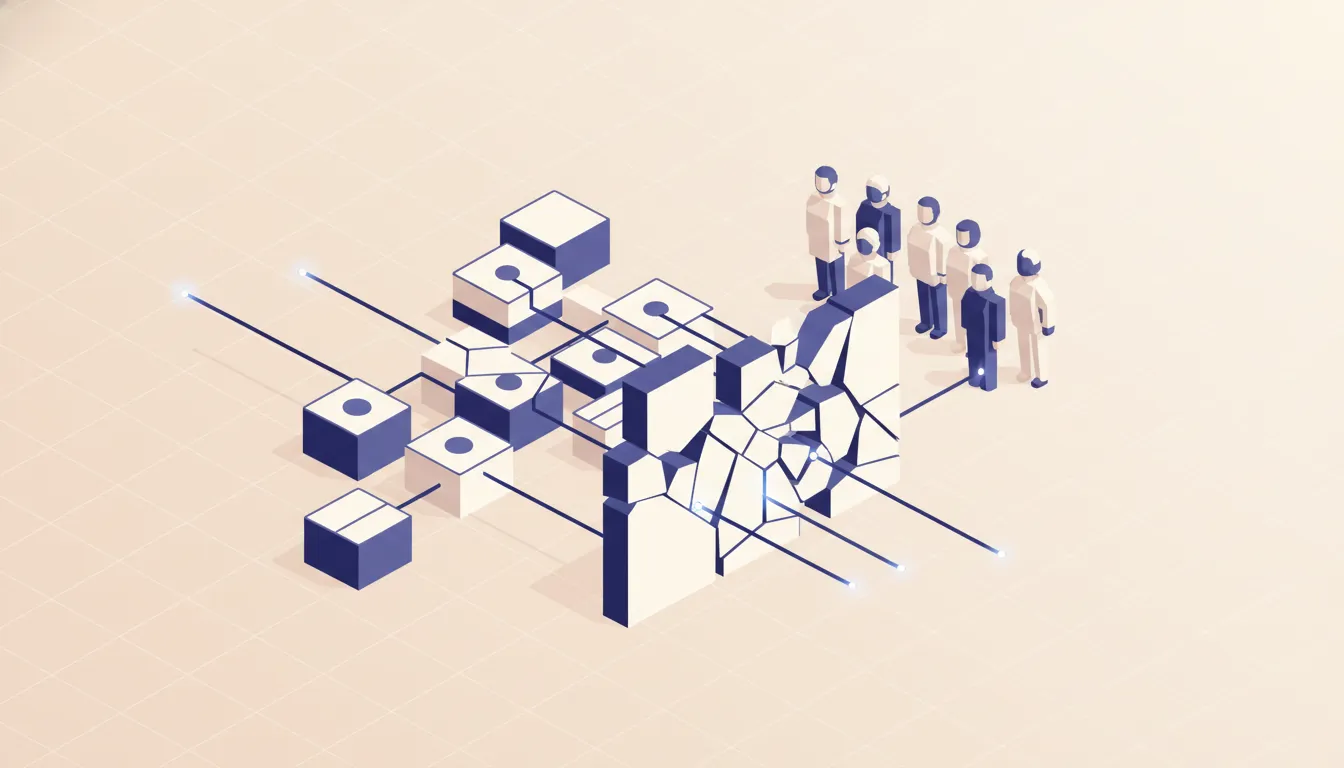 The layer that makes LangChain fast to start is the same layer that hurts in production.
- Upgrades. Internal interfaces move between versions. Pull a release for a security fix and something else changes behavior. Teams running it in production know the loop: upgrade, break, debug a day, repeat.
- Debugging. When the agent calls the wrong tool or chains outputs badly, you are reading stack traces through framework plumbing before you reach your own code. You end up reading framework source to learn what was actually sent to Claude.
- Token visibility. The framework assembles prompts for you. When the bill runs high and you want to trim prompts or add caching, it is harder to see exactly what went over the wire.
- Claude-specific features. Prompt caching, adaptive thinking, and effort settings are Claude-only. A provider-neutral interface passes them through late or partially, so you end up working around the abstraction to reach the API.
LangGraph is better, and still a layer
LangGraph turns an agent into a state graph. Each node is a step, edges hold the routing, and state carries across steps. For an agent with five stages and real branching, that is a cleaner model than a flat chain, and you can trace which node ran when.
It still sits on the LangChain stack, so it inherits the version churn and debugging distance, and it adds its own learning curve. For a team building a Claude-only agent, much of what LangGraph gives you now ships in the Agent SDK: subagents for focused steps, sessions for state you can resume or fork, and hooks for checkpoints between steps.
What the Claude Agent SDK gives you
The Claude Agent SDK is the agent loop, tools, and context management from Claude Code, packaged as a library. It used to be called the Claude Code SDK. Install it with pip install claude-agent-sdk or npm install @anthropic-ai/claude-agent-sdk. Both packages bundle the Claude Code binary.
from claude_agent_sdk import query, ClaudeAgentOptions

async for message in query(
    prompt="Review utils.py for crash bugs and fix them.",
    options=ClaudeAgentOptions(
        allowed_tools=["Read", "Edit", "Glob"],
        permission_mode="acceptEdits",
    ),
):
    print(message)
That is a working agent that reads, reasons, and edits files. You get, without writing them:
- Built-in tools for reading, writing, and editing files, running shell commands, searching code, and searching the web.
- Permissions that decide which tools run on their own and which need approval.
- Hooks that run your code before or after tool calls, for logging, blocking, or validation.
- Subagents for focused subtasks with their own context.
- Sessions you can resume or fork later.
- MCP connections to your databases, browsers, and internal APIs.
- Skills, commands, and memory loaded from
.claude/the same way Claude Code loads them. See Claude skills vs tools vs MCP for how those fit together.
It authenticates with an API key, or through Amazon Bedrock, Google Cloud, or Microsoft Foundry. One rule to know before you ship it to customers: third-party products built on it cannot offer claude.ai login or plan rate limits unless Anthropic approves it. Use API keys.
Pick the Agent SDK when the agent's world is files, repos, commands, or research. That is most internal ops and engineering automation.
What the client SDK gives you
The Anthropic client SDK is one step above the HTTP API with nothing in between. You define tools as JSON schemas, Claude returns tool_use blocks, you run them and send back tool_result blocks, and you loop until Claude answers with no pending calls. The beta tool runner can drive that loop for you if you do not want to write it.
Pick the client SDK when the agent is API-shaped: classify a ticket, look up an order, draft a reply, write to a CRM. No file system, no shell, just your own typed tools. Every message and every tool definition is exactly what you see in your code, which makes cost and behavior easy to reason about.
Thinking and caching: where old code breaks
Two Claude features change the math on any agent, and both have moved since early 2026.
Thinking. Old examples set thinking: {type: "enabled", budget_tokens: N}. That form is deprecated on the Claude 4.6 models and returns a 400 error on Claude 4.7 and later. The current form is thinking: {type: "adaptive"} with depth set by output_config: {effort: "..."}. Claude decides whether and how much to think per request, and it reasons between tool calls without the old interleaved-thinking beta header. If a LangChain wrapper or old snippet still sends budget_tokens, it will fail on current models.
Prompt caching. Mark stable blocks such as tool definitions and the system prompt with cache_control: {"type": "ephemeral"}, and repeat calls read them from cache for about a tenth of the normal input price. For an agent that sends the same long tool list on every turn, that is most of the input bill. One gotcha: changing the thinking settings between turns can invalidate the cache, so pick a setting and hold it for the life of a conversation.
Neither feature is impossible through a framework. Both are simpler when you are one layer from the API.
When LangChain still wins
- Several model providers. An evaluation harness that runs the same prompt on Claude and two other models and compares outputs is real work against three separate SDKs. LangChain handles it.
- Still choosing a model. When the model is undecided and speed matters more than runtime cost, the prebuilt components help.
- LangSmith already in place. If tracing and evals already live in LangSmith, moving them costs more than it saves.
A migration, step by step
Take a LangChain support agent that classifies tickets, looks up order history through a custom tool wrapper, and uses an output parser to pull the drafted reply out of Claude's text.
- Define the order lookup as a tool schema in the client SDK.
- Replace the chain with an explicit loop: send the ticket, run any
tool_useblock, append thetool_result, call again, stop when there are no pending calls. Or hand the loop to the tool runner. - Delete the output parser. Claude returns structured tool calls, so there is nothing to extract from free text.
- Add
cache_controlto the system prompt and tool list so every ticket after the first reads them from cache. - If the agent later needs files, shell access, or subagents, move it to the Agent SDK instead of building those yourself.
A single-agent app usually ports in one to three days. You write a little more code and own all of it.
When not to build an agent at all
If the work is in a repo or a terminal, reading files, proposing changes, running tests, the answer is often Claude Code itself, or the Agent SDK if it has to run unattended. The loop, the tools, and the repo awareness already exist. Teams rebuilding file-editing agents in LangChain are rebuilding something that ships. The same goes for MCP server development and other tool plumbing: check what already exists before you build it. For the protocol side of that call, see MCP vs REST vs function calling.
Building a Claude agent for your operation? Run the AI Operations X-Ray first. It shows which workflow pays back fastest, which tells you which of these layers you actually need.
If your team wants the Agent SDK and Claude Code set up the same way in every repo, I handle that in my Claude Code for teams work.
FAQ
Frequently asked questions
01What is the Claude Agent SDK?
Anthropic's library for running the same agent loop, tools, and context management that power Claude Code inside your own Python or TypeScript app. Install it with pip install claude-agent-sdk or npm install @anthropic-ai/claude-agent-sdk. It used to be called the Claude Code SDK.
02Claude Agent SDK vs Anthropic SDK: what is the difference?
The Anthropic client SDK sends Messages API calls and leaves the agent loop to you. The Agent SDK runs the loop for you and ships with built-in tools like Read, Edit, Bash, Grep, and WebSearch, plus permissions, hooks, subagents, and sessions.
03Does LangChain still make sense in 2026?
Yes, for routing the same agent across several model providers, for evaluation harnesses that compare models, and for teams already running LangSmith. For a Claude-only production agent, the extra layer usually costs more than it saves.
04What does LangGraph add over LangChain?
An explicit state graph. Each node is a step, edges are the routing, and state persists between steps. Useful when an agent has clear branching stages you want drawn in code.
05How long does it take to move from LangChain to the Anthropic SDKs?
A single-agent LangChain app usually ports in one to three days. A multi-step LangGraph workflow takes longer because you rebuild the state handling yourself, or hand it to Agent SDK subagents.
06Can I use LangChain with Anthropic's Claude models?
Yes. The langchain-anthropic package provides ChatAnthropic. Check that the Claude features you need, such as prompt caching and adaptive thinking, pass through the version you install.
