
Field note
Updated Sep 30, 2026
Claude skills vs tools vs MCP: when to use each
Claude skills vs tools vs MCP in plain terms: what each one holds, what it costs in context, and a simple decision tree for picking the right one first.


Claude skills vs tools comes down to what you are encoding. A skill holds know-how: the steps, checks and judgment Claude loads only when a task matches. A tool is one typed action your code runs. An MCP server shares tools and data with every MCP client, so it earns its place once a second app or teammate needs the same thing.
Why these three look the same and are not
 Skills, tools, and MCP servers all give Claude more to work with. Any one of them can technically get a given job done, so teams treat them as interchangeable. Picking the wrong one does not break anything on day one. It creates drag: procedures stuffed into tool descriptions, one-off tools wrapped in servers nobody else uses, and the same instructions pasted into every prompt.
The quickest way to separate them is to ask what you are encoding.
I cover this as part of my Claude Code for teams work.
- How to do something (steps, checks, judgment, house style) goes in a skill.
- An action with typed inputs and outputs goes in a tool.
- An action or data source several clients need goes in an MCP server.
The rest of this note is the detail behind that split.
Skills: know-how Claude loads only when it needs it
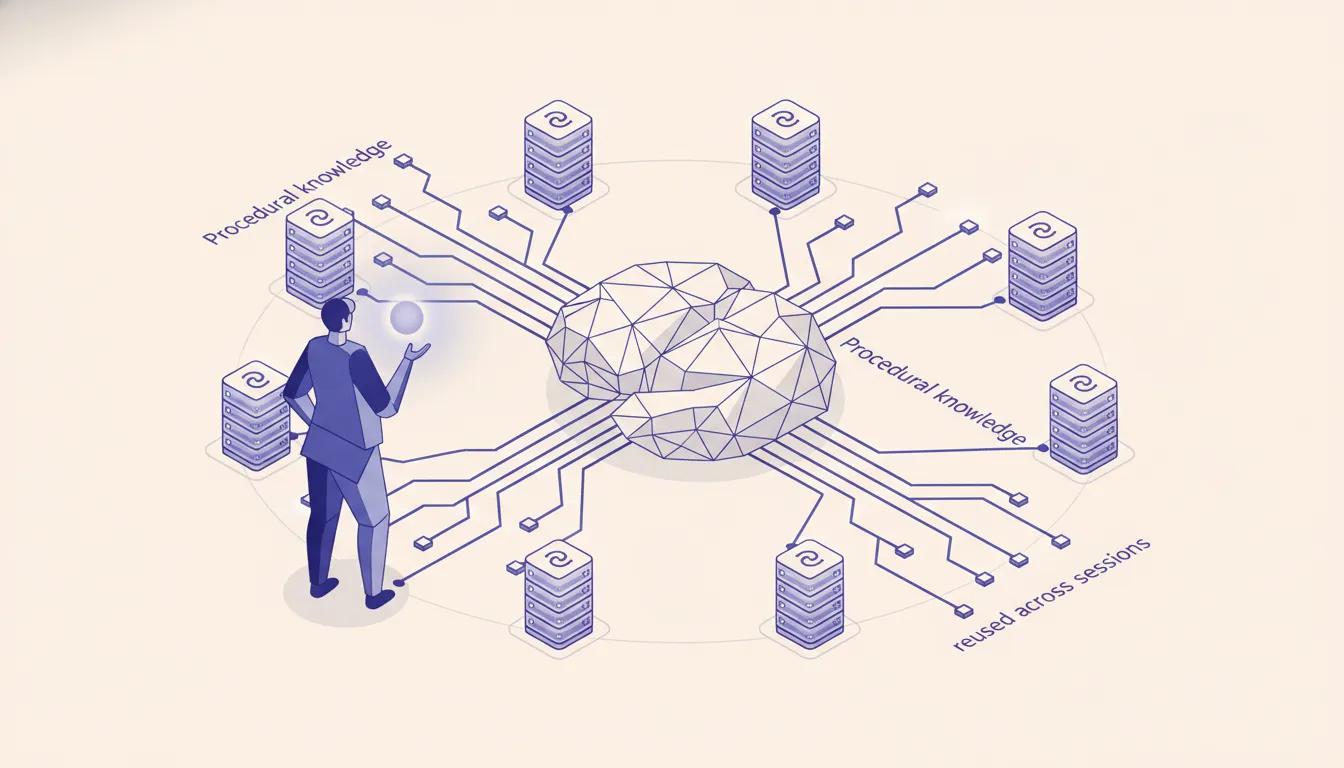 An Agent Skill is a folder with a
 SKILL.md file. The top of the file is YAML with two required fields, name and description. The body holds the instructions. The folder can also carry reference files and scripts.
---
name: code-review
description: Review a pull request for N+1 queries, missing RLS policies, and unsafe migrations. Use when the user asks for a review or opens a PR.
---

# Code review

1. Read the diff, then the files it touches.
2. Check every new query for N+1 patterns...
What makes skills different is how they load. Anthropic calls it progressive disclosure, and it has three levels:
- Metadata, always loaded. Only the
nameanddescription, about 100 tokens per skill, sit in the system prompt from startup. - Instructions, loaded on trigger. When your request matches the description, Claude reads the SKILL.md body into context.
- Resources, loaded as needed. Extra reference files load only when the instructions point to them. Bundled scripts run through bash, and only their output enters context, never their code.
That is why you can install dozens of skills without paying for them on every call. It is also why the description matters so much. It is the only thing Claude sees when it decides whether to open the skill, so it has to say both what the skill does and when to use it.
Skills beat the system prompt when the procedure has several steps, changes over time, or needs to be shared. A system prompt is one block everyone edits. Skills are separate files you can version, review, and stack: a code-review skill next to a security-review skill next to a PR-format skill.
Where they run in 2026:
- Claude Code and the Claude Agent SDK: folders on disk,
~/.claude/skills/(personal) or.claude/skills/(project). Full network access, same as any program on your machine. - Claude API: upload through the
/v1/skillsendpoints, then reference theskill_idin thecontainerparameter with the code execution tool turned on. Anthropic's prebuiltpptx,xlsx,docx, andpdfskills work the same way. API skills run in a sandbox with no network access and no package installs. - claude.ai: upload a zip under Settings > Features on paid plans with code execution on. These are per user, not shared across the org.
One catch: skills do not sync between those surfaces. Upload to each one you use.
Tools: the action layer
Tools are functions Claude can call. You give each one a name, a description, and a JSON schema for its inputs. Claude decides when to call it and fills in the arguments. Your code runs the function and hands back the result.
Tools do one thing and do not carry context between calls. A create_ticket tool knows how to submit a ticket. It does not know you always tag severity first, check for a duplicate, or keep titles under 60 characters. That surrounding judgment belongs in a skill. The tool does the action. The skill does the thinking around it.
Two things matter more than most builders expect:
- Error messages are instructions. Claude does not retry on its own. It reads whatever your tool returns and decides what to do next. "Duplicate ticket found: TKT-4421, update that one instead" gets a sensible next move. "Internal server error" gets a guess.
- Tool definitions cost context on every call. Unlike skills, every tool's schema is in the request each time. Keep descriptions short and precise, and put the procedure somewhere else.
MCP: the shared server layer
The Model Context Protocol is an open standard for exposing tools and data to any compatible client. An MCP server defines shared tool contracts once. Claude Code, Claude Desktop, the Agent SDK, and third-party apps can all connect to it and use the same tools without redefining them.
That is the real difference from inline tools. A tool defined in your app exists only in your app. A tool in an MCP server exists on its own, versioned in one place, used by everyone. When five developers all need the same ticketing system, knowledge base, or deploy pipeline, that is one server instead of five copies drifting apart. The MCP specification handles the wire format. You handle the business logic.
MCP also fits data too large or too live for a context window. A server can expose search over your docs, queries over a customer database, or reads from a CRM, so Claude pulls what it needs instead of loading everything up front. For the protocol-level trade-offs, see MCP vs REST vs function calling.
Side by side
| Skill | Tool | MCP server | |
|---|---|---|---|
| What it holds | Steps, judgment, reference files, scripts | One typed action | Many actions and data sources |
| Context cost | About 100 tokens until triggered | Full schema on every call | Full schema of each exposed tool on every call |
| Who can use it | The surface it is installed on | The app that defines it | Any MCP client |
| Runs where | Claude reads it; scripts run in bash | Your code | The server |
| Best for | "How we do X here" | "Do X" | "Everyone needs to do X" |
The decision tree
Ask these in order.
Is it procedure, a sequence of steps or calls Claude should make the same way every time? Use a skill. Code review checklists, tone rules for customer replies, research workflows, deploy checklists.
Is it one action, with typed inputs, that only this app needs? Use an inline tool. Creating a ticket, sending a webhook, hitting an endpoint your app already owns.
Will several clients, developers, or apps need the same action? Build an MCP server. Shared knowledge base, shared CRM access, team-wide deploy actions.
Is it judgment plus action? A skill that tells Claude when and how to use the tools. That combination covers most real production work.
One agent, all three
Take a Slack support agent. It reads a customer message, decides how to respond, looks up documentation, opens a ticket when needed, and replies in the right tone.
- The response playbook is a skill. Acknowledge the problem before asking questions, skip jargon unless the customer uses it first, send billing to a human, always end with a next step. That is judgment. It would be awkward as a tool and overkill as a server.
- Ticket actions are inline tools.
create_ticket(summary, priority, customer_id)andupdate_ticket(ticket_id, status, notes). Typed, owned by this app, not needed anywhere else. - Docs search is an MCP server. The same knowledge base serves the support agent, the onboarding agent, and every developer's Claude Code session. One server means a docs update shows up everywhere at once.
Mistakes worth naming
The most common one is building an MCP server for a single tool one app will ever call. MCP means running a server, managing connections, and versioning a contract. Worth it at team scale. Not worth it for a get_weather tool your own assistant uses. Define it inline and move on.
The second is procedure inside tool descriptions. "Before calling this, check X, then verify Y, only proceed if Z" does not belong in a tool description. It makes every request heavier and the rule harder to maintain. Move it into a skill.
The third is a vague skill description. If the description says "helps with reviews", Claude cannot tell when to open it. Say what it does and the exact situations that should trigger it.
The fourth is re-explaining a skill in the prompt. If a code-review skill exists, "please do a thorough review and check security" in the user message just creates two sources of truth.
How I layer them
In my own Claude Code for teams work the pattern keeps coming back to the same split: skills for context, tools for actions, MCP for anything shared. The .claude/skills/ folder in a repo becomes where team knowledge lives, like how PRs get written, how migrations get checked, and how commits get formatted, instead of being retyped every session.
Tools stay small and typed. The skill decides when to call them and what to do with the result. MCP comes in the moment a second project needs the same internal API. Before that point, the server is just overhead.
If you want to see where these would slot into your own operation, run the AI Operations X-Ray. It maps the automation with the clearest payback, and the output lines up closely with where skills, tools, and MCP each belong.
If you want that split set up across your team's repos, that is the Claude Code for teams work I do.
FAQ
Frequently asked questions
01What is a Claude skill in plain English?
A folder with a SKILL.md file inside. The file has a name and a description at the top and step-by-step instructions below. Claude reads the name and description at startup and only opens the rest when your request matches.
02What is the difference between a Claude skill and a tool?
A tool is an action: a function with typed inputs that your code runs. A skill is know-how: the steps, checks, and judgment around the action. A skill can tell Claude when and how to call a tool, and can bundle scripts that run deterministically.
03What is the difference between Claude tools and MCP?
They are the same kind of thing at different scopes. A tool defined in your app exists only in that app. The same tool exposed through an MCP server can be used by Claude Code, Claude Desktop, the Agent SDK, and any other MCP client without redefining it.
04Why not just use MCP for everything?
MCP means running and versioning a server. That pays off when several clients or teammates share the same tools. For one action one app will ever call, an inline tool is less work.
05Where do skills live?
In Claude Code and the Agent SDK they are folders on disk: ~/.claude/skills/ for personal and .claude/skills/ for a project. On the Claude API you upload them through the /v1/skills endpoints and reference them by skill_id in the container parameter, alongside the code execution tool. In claude.ai you upload a zip under Settings > Features.
06Do skills sync between claude.ai, the API, and Claude Code?
No. Each surface keeps its own copy. A skill uploaded to claude.ai is not on the API, and Claude Code skills are just files in your repo or home folder.
