
Field note
Updated Sep 30, 2026
Claude Code for business: a team force multiplier
Claude Code for business is not a faster chat tab. Here is what changes when a whole team shares its repo access, CLAUDE.md file, hooks and skills.


Claude Code for business pays off when the whole team shares it, not when each person gets a private chat tab. It runs in the terminal with real repo access, and one committed CLAUDE.md plus shared hooks and skills make it behave the same way for everyone. That is how Claude Code for engineering teams, and for the ops people beside them, turns per-seat speedup into gains that compound.
Why the chat-window version of AI plateaued for teams
 Most teams that adopted AI in 2024 did it the same way: everyone opened a chat tab and started asking questions. It worked at the individual level. A developer moved faster on the pieces she was already doing. A marketer drafted things quicker. An ops person got summaries instead of reading walls of text. The velocity bump was real.
I cover this as part of my Claude Code for teams work.
But the gains stayed local. The developer's context window closed when she closed the tab. The marketer's prompts lived in browser history, not version control. There was no shared layer, no place where the team's conventions, domain knowledge, and preferred approaches accumulated. Every person started fresh with every session. The net result was 10 to 20 percent speedup per seat on the tasks that individual was already doing, with zero compounding across the team.
That ceiling is not a product failure. It is the logical limit of the chat paradigm. Chat is a conversation between one person and one AI. It has no memory of your codebase, no access to your files, no awareness of what your teammates built yesterday. Per-seat speedup is the best it can do.
What Claude Code actually is
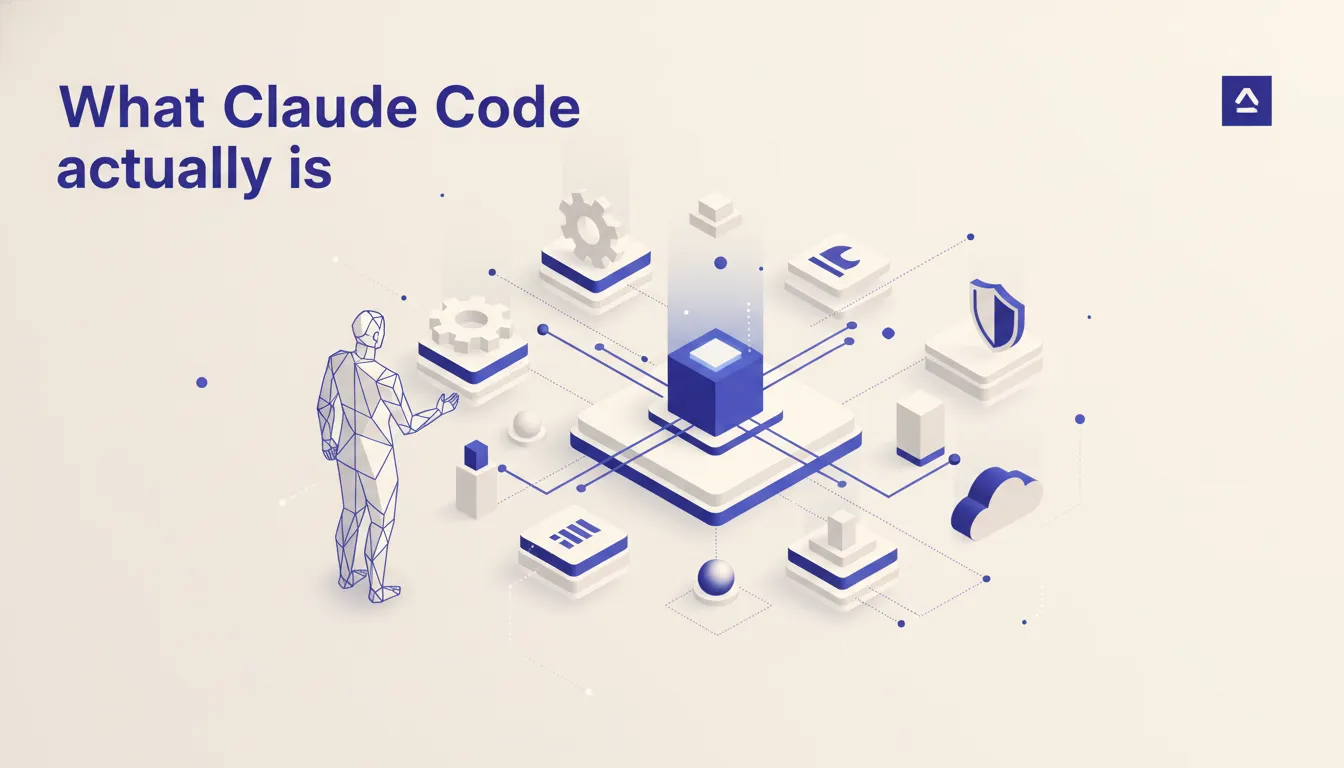 Claude Code is a terminal agent. That distinction matters more than it sounds. It has direct access to your shell, your file system, and your repository. It can read 50 files, edit 12 of them, run your test suite, commit the passing diff, and write a structured report about what changed, without you copying and pasting anything into a chat window. The loop from intent to verified output runs entirely in your environment, not in a browser sandbox.
The access model extends to external tools through MCP. Claude Code can connect to your database, your internal APIs, your monitoring stack, your CRM, and your calendar through MCP servers and treat them as first-class context for any task. When I am running a data migration, Claude Code can read the schema from Postgres, write the migration script, run it against staging, verify the row counts, and create the pull request. That is not a demo workflow. I run it weekly.
Skills, hooks, and the CLAUDE.md system are the mechanisms that make team adoption coherent rather than chaotic. Skills encode procedural knowledge that any team member can invoke. Hooks wire the agent into your existing CI and compliance tooling. CLAUDE.md is where your team's conventions live. Together they turn Claude Code from a powerful solo tool into shared infrastructure.
The CLAUDE.md pattern: how the team speaks with one AI voice
CLAUDE.md is a plain text file that lives at the root of your repository and gets committed like any other code. When Claude Code starts a session in that directory, it reads the file first. Everything in it becomes active context for the session.
This sounds simple. The implications are significant. A team that has invested in a good CLAUDE.md does not have to re-explain the architecture to Claude every session. The file can describe the monorepo structure, the database naming conventions, the deployment pipeline, the component library, the patterns the team has chosen, and the anti-patterns to avoid. A new team member who reads it gets the same orientation Claude does. That alignment is not accidental. It means the AI outputs look like they came from someone who already knows how the codebase works.
The real leverage is that CLAUDE.md is layered. A global file at ~/.claude/CLAUDE.md captures rules that apply everywhere. A project-level file captures project-specific conventions. A subdirectory can have its own file for domain-specific context. I maintain a global file for my workflow preferences and a project file for each client engagement. When I bring on a new operator to work in a repo, they inherit the full context on the first session without a two-hour onboarding call.
Hooks as the team's audit layer
Hooks are shell commands that Claude Code fires at defined events in the agent lifecycle. Session start, session stop, before a tool runs, after a tool runs. You configure them in your settings file and they execute in your environment on every relevant event.
The obvious use case is enforcement. A pre-tool hook can check that a migration script follows your naming convention before it runs. A post-tool hook can reformat any file Claude touches with your linter. An on-stop hook can write a session summary to your project wiki. These are not manual steps someone has to remember. They are automated gates that run regardless of which team member is in the session.
The less obvious use case is audit trail. In a regulated environment, knowing what the AI agent did matters as much as knowing what the developer did. A hook that logs every tool invocation with the input parameters and the result, timestamped and attributed to the session, gives you that record. I have a session-closeout hook that posts a structured summary to my Obsidian vault on every session end. Over time that log becomes a searchable record of every decision the team made with AI assistance. That is something no chat window can produce.
Skills: procedural knowledge the team can share
A skill is a named prompt that encodes a repeatable process. When you type /deploy-staging or /generate-report or /onboard-client, Claude Code loads the skill and executes the procedure it describes. Skills live in your repository alongside your code and get version-controlled the same way.
The distinction from a macro or a script is that a skill can include reasoning steps, conditional branches, and calls to Claude itself as part of the procedure. A deployment skill might check that tests pass, verify environment variables are set, confirm the diff is clean, create the deployment PR, and notify the team channel, with decision points along the way where Claude assesses the state and branches accordingly. That is not something a bash alias does.
For teams, skills are the mechanism by which experienced operators encode their knowledge for everyone else. The person who has done 50 client onboardings writes a /new-client skill that packages everything they know about the right sequence of steps, the files to create, the systems to provision, and the checks to run. Everyone else on the team runs that skill and gets the same quality output without the same years of context. This is the compounding the chat paradigm cannot produce. Good skills grow more valuable as the team adds them, and they outlast the individual who wrote them.
A Claude Code team rollout that keeps everyone on one setup
The failure mode for team AI adoption is not security. It is entropy. Fifteen people each doing slightly different things with slightly different prompts, no shared conventions, no way to know what works, no compounding. Rollout sequencing prevents this.
Start with one operator and one use case for two weeks. That person runs Claude Code against a real workflow, hits the edges, and figures out what conventions are actually necessary versus what sounded good in theory. This is not a pilot for the sake of process. It is the research phase for the CLAUDE.md and the hooks. You cannot write good conventions without running real workflows. The two-week solo phase produces the raw material that becomes the shared infrastructure.
After those two weeks, the findings get formalized. The CLAUDE.md gets written and committed. The first hooks get configured. The first skill gets built for the most repetitive task. Then two more operators join, not with fresh setups but inheriting the committed conventions. The team does not have 15 different Claude setups. It has one shared baseline with individual customizations on top. Each new operator sharpens the CLAUDE.md rather than reinventing it. That is how a team gets compounding returns instead of 15 instances of the same per-seat speedup.
The ops and compliance story
Claude Code runs locally. There is no proxy between your terminal and the model except the API call itself. Your code does not pass through Anthropic's servers for preprocessing or logging. Anthropic's commercial terms confirm that inputs and outputs under the API are not used to train models. The data security story for enterprise teams is meaningfully cleaner than browser-based tools where data transits third-party infrastructure.
Authentication is per-seat through the Anthropic API key. There is no shared session, no shared credential, no single point of account compromise. If an operator's key needs to be rotated, you rotate it without touching anyone else's setup. For teams with SOC 2 obligations or regulated data environments, this architecture is easier to describe to a security review than a SaaS product with a shared auth layer.
Hooks give the compliance team visibility without requiring them to audit individual chat sessions. An on-tool hook that logs every shell command and file write, together with the prompt that initiated it, creates a machine-readable record of what the AI agent did. Couple that with your existing access controls for who can run Claude Code against which environments and you have an auditable AI layer that fits inside your existing security posture.
When Claude Code is not the right call
If your team is fewer than three people with no shared codebase, the overhead of a CLAUDE.md and a hooks configuration is real and the payoff is smaller. A solo operator doing a narrow set of tasks gets meaningful value from Claude Code, but the team-level leverage that justifies the setup investment requires a team. At very small scale, a well-configured Claude.ai subscription with a good project prompt achieves most of the same outcomes at lower setup cost.
If your organization is already deep into a different agent stack and that stack is working, switching to Claude Code is an opportunity cost question, not a capability one. Teams using Cursor across a large engineering org, or already standardized on an internal agent platform, should evaluate whether the incremental gain justifies migration friction. Claude Code is the strongest option for teams starting fresh or hitting the ceiling of the chat paradigm. It is not automatically the right answer for teams with mature agent tooling that is already producing compounding returns.
Thinking about Claude Code for your team? Run the AI Operations X-Ray.
If a team rollout fits, I run it as part of my Claude Code for teams work.
FAQ
Frequently asked questions
01How is Claude Code different from Cursor or Copilot?
Cursor and Copilot live in the IDE and help one developer type faster. Claude Code runs in the terminal with shell and repo access and can execute multi-file changes, tests, and commits across an entire project.
02Do non-developers on the team actually use it?
Yes. Claude Code handles natural-language tasks like generating reports, editing config files, running migrations, or summarizing commits. Ops and product people use it too.
03What is CLAUDE.md and why does it matter?
It is a project-level convention file that tells Claude how your codebase is organized, what patterns to follow, and what to avoid. Shared across the team it keeps AI output consistent.
04How do hooks work?
Hooks are shell commands that run on events like session-start or tool-use. You use them for audit logging, enforcing lint rules, or loading project context automatically.
05Is Claude Code safe for a team that does not trust AI with production?
Yes. It runs locally, asks before executing anything destructive in default mode, and hooks can gate any action. Production access is opt-in per command.
06How should we plan a Claude Code team rollout?
Start with one person and one real workflow for two weeks. Turn what they learn into a committed CLAUDE.md, the first hooks, and one skill for the most repetitive task. Then add two more people who inherit that setup instead of building their own.
