
Field note
May 8, 2026
Process automation for law firms that actually works
Most process automation pitches at law firms are RPA dressed up in legal-tech clothing. Here is what actually pays back in a 5 to 30 attorney shop, what burns money, and the operator pattern that beats the consultant model.

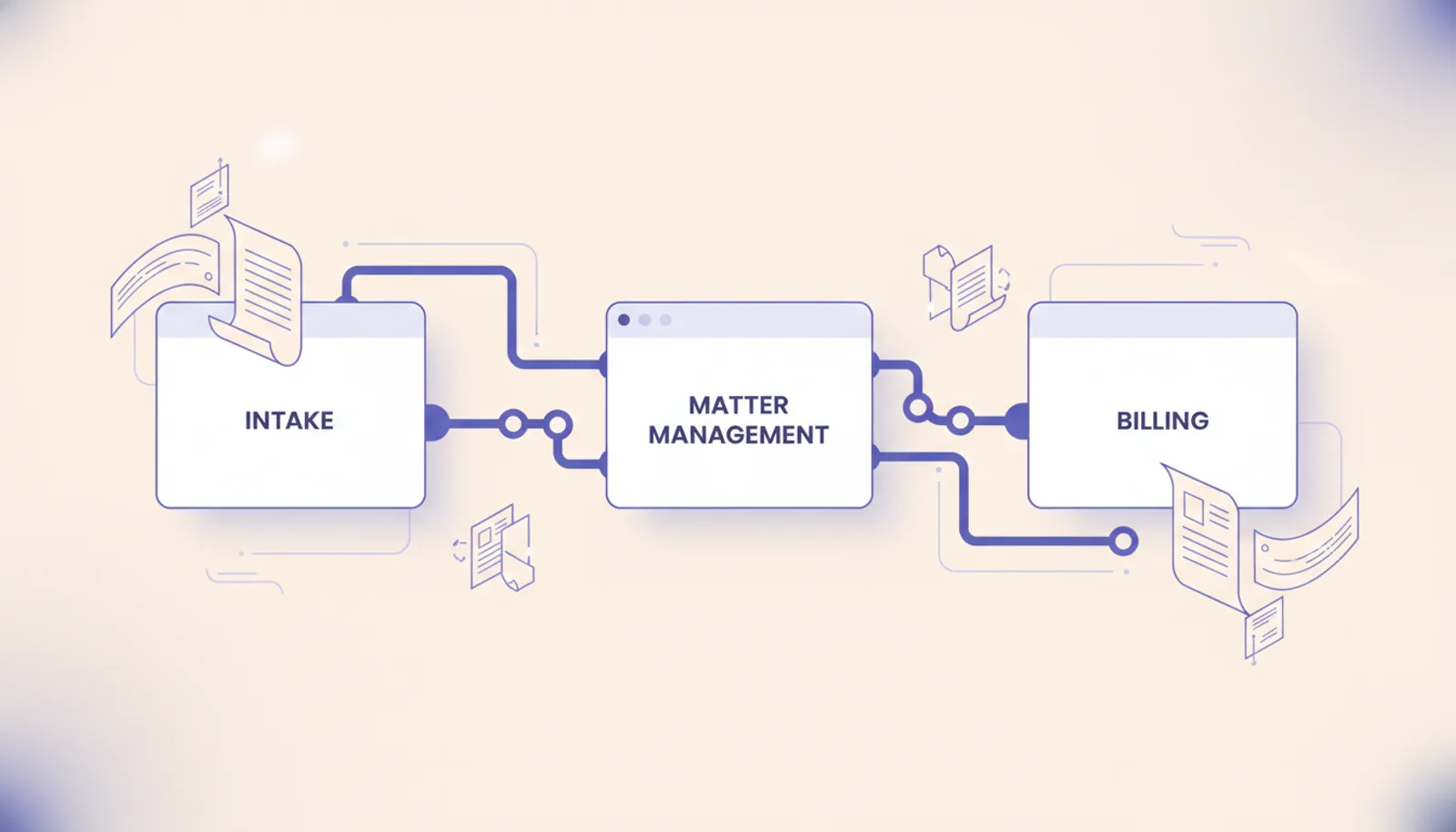
Most "process automation for law firms" pitches I see are RPA snake oil with a courthouse-flavored UI on top. The vendor demos a bot that types into Clio while a smiling attorney watches. Three months later the firm is paying $1,200 a month for a tool that broke when the IT person rotated a password and nobody knows how to fix it.
The thing that actually pays back is simpler than the demo. It is also a lot less impressive to watch.
What process automation actually means in a 5 to 30 attorney shop
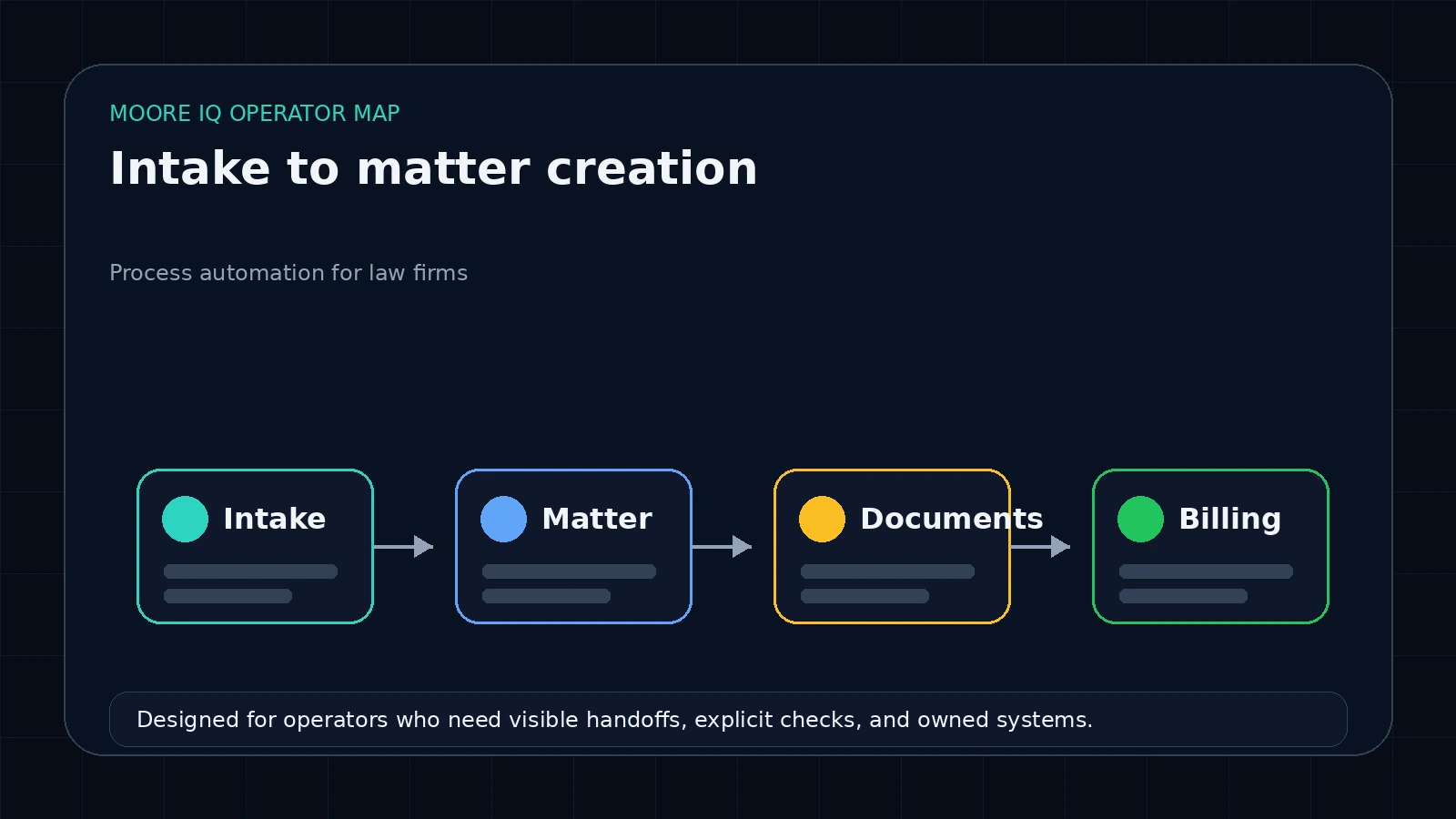 For most firms in this size range, process automation is not a product. It is two or three boring integrations sitting between the tools you already pay for. Your intake form, your matter management system (Clio, MyCase, or PracticePanther), your billing platform, your document drafting, your email. The work is wiring them together so the same client name is not typed by hand four times before the first invoice goes out.
That is it. That is the whole job. Anything bigger than that, at this firm size, is usually somebody trying to sell you a platform.
The reason this is unsatisfying is that it does not look like the demos. The demos show a screen recording of a bot typing into a UI. What you actually want is a quiet server-side workflow that runs every 15 minutes, hits some APIs, and posts a notification to Slack when something needs an attorney's attention. No bots. No screen recording. Just data moving where it is supposed to.
Three flows that pay back in week 1
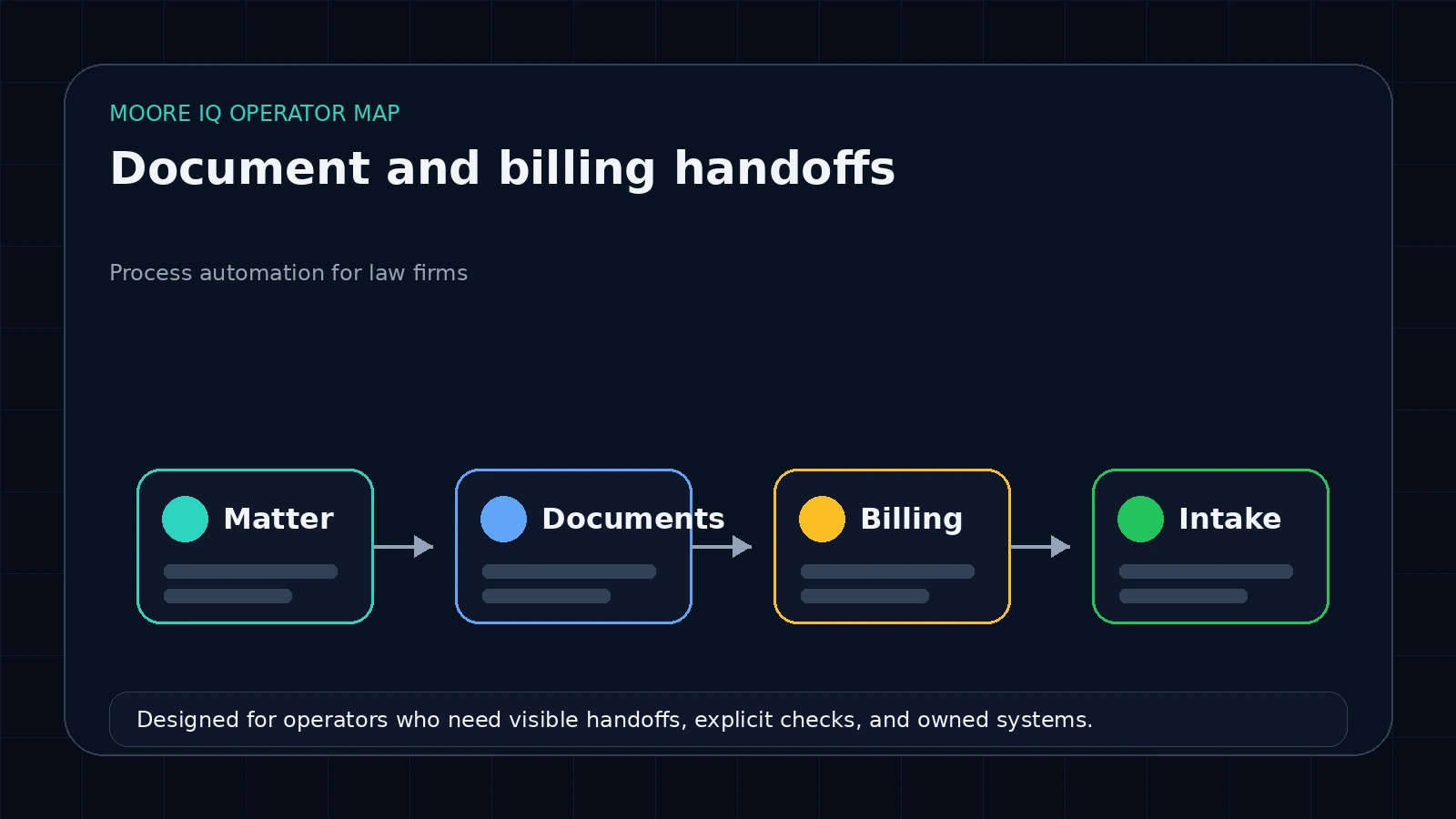 If you only ship three things, ship these.
Matter intake routing. A new client fills out the intake form on the website or a referrer sends an email. Today that becomes a manual entry into the matter management system, sometimes hours later, sometimes the next day. Automation closes the gap to under five minutes. Form submission triggers a workflow that creates the matter, routes it to the right attorney based on practice area, fires a calendar invite for the consultation, and sends the client a confirmation. The same intake also posts a Slack message to the partner pod for high-value matters. You will see a measurable lift in conversion just from cutting the time-to-first-touch.
Conflict-check kickoff. The conflict check itself usually requires a human, but the steps before and after do not. When a new matter is created, automation should pull related parties from the intake, query the matter management system for prior representations, and post a structured "ready to clear" record to the partner who has to make the call. The partner reads, decides, and clicks one button. Today that whole loop is paralegal work that takes 20 minutes and produces a Word doc nobody can search later.
Billing-narrative cleanup. Every firm has a stack of half-written time entries that say "phone call" or "email re: matter." Those go out the door and get challenged by clients. Automation can take the raw timekeeper notes, run them through a model that knows the firm's billing policy, and emit cleaned-up narratives in the matter management system as drafts for review. Not auto-billed, drafts. The attorney still has the final pass. You will recover billable revenue you were leaving on the table because the original entries were too thin to defend.
These three are downstream of each other. Intake feeds conflict, conflict feeds the matter, the matter feeds billing. Wire them in this order. Anything downstream gets cheaper to add later.
The flows that look automatable but burn money
Some things are tempting to automate and should not be at this firm size.
Case strategy generation. AI is good at summarizing, terrible at strategy in a privileged context where a wrong call costs a client. The cost-of-broken on this is too high to delegate to a workflow.
Deposition summarization at scale. This works for very large litigation shops with dedicated review teams. For a 10-attorney firm, the cost of building and maintaining the pipeline is more than the savings, and the tool you would use is not the right abstraction for the volume.
Privileged communications without a paper trail. Anything that touches client communication has to be logged in a way that survives a discovery request and a malpractice audit. If your automation does not produce a clean log of what touched what client data when, you are creating risk faster than you are saving time.
Generic vendor "AI legal assistants" that promise the moon. If a vendor cannot tell you exactly which APIs they call, where the credentials live, what happens when their company gets acquired, walk away. Buy the integrations. Own the runner.
n8n versus RPA tools versus the big iPaaS
The choice between platforms is more obvious for law firms than for most industries because of the data ownership angle.
Zapier and Make are fine for the first one or two integrations if you have under 1,000 tasks per month and want zero ops overhead. Their stated security posture is reasonable. The downside is that your workflow logic and credentials live on their infrastructure. If your firm has client data that requires controls beyond their standard tier, you will outgrow them.
Self-hosted n8n lives on a small VPS you own. (Read our cost breakdown versus n8n Cloud.) You hold the credentials, the workflow definitions, the run history. The ops overhead is about an hour a month once it is set up. The catch is that someone in the firm has to be willing to read a JSON file when something breaks. For a firm with an in-house IT person or a paralegal who likes systems, this is the right move.
RPA tools that drive a Windows session (Power Automate Desktop, UiPath attended, Automation Anywhere consumer) are the wrong abstraction for law work. They break when passwords rotate, fight for the screen when two flows run, and produce no clean audit trail. Skip them.
Big iPaaS suites (Workato, Boomi, MuleSoft) start at a price point that does not work for a 10-attorney firm. They are aimed at enterprise legal departments at AmLaw 200 firms.
The pattern that holds up is: start with one Zapier flow if you are nervous, move to n8n self-hosted when you have three or more integrations, never use desktop RPA for legal work.
The operator-build pattern beats the consultant model
This is the part that matters more than the tool choice.
There are two ways a law firm gets process automation in 2026. The first is the consultant model. A vendor or boutique firm builds the workflows on their account, with their credentials, on their tools. You pay a setup fee, then a monthly retainer, then anything new is a change order. When the vendor goes out of business or stops returning calls, you have a broken system and no map.
The second is the operator-build pattern. Someone builds the workflows in your n8n instance, on your VPS, using your credentials in your secrets store. You get the workflow JSON files, the deployment instructions, the runbook. The build happens once. After that, the workflows are yours. If you want to add a flow next year, you can do it yourself, hire a different builder, or keep the same one. The control stays with the firm.
I have a stance on this that I do not soften: I'd rather tell you not to build the thing than quote you on a build you won't remember in six months.
If you are evaluating vendors, the question to ask is not "what does the demo look like" but "if you walked away tomorrow, what would I have." If the answer is "you would have access to your data" but not "you would have working workflows," they are selling the consultant model. Pass.
When you don't need automation yet
There are two conditions where a small firm should not be buying process automation, even cheap automation.
The first is when you have not yet defined the manual process. You cannot automate a workflow you cannot describe in a paragraph. If your intake-to-matter handoff is "well it depends," fix that first with a written checklist. The act of writing the checklist is most of the work.
The second is when you have under three matters per week that go through the same process. The fixed cost of building and maintaining an automation does not pay back at that volume. Hire a paralegal first. Automate when the paralegal is hitting capacity.
If you are reading this and one of those describes you, you don't need us for this. Write the checklist, hire the paralegal, come back when the volume is real.
Where to start in week 1
Pick the one workflow that costs you the most attorney hours per week today. Usually that is intake routing. Get one quote for a fixed-fee build of just that workflow on n8n self-hosted. Run the new flow alongside your manual process for two weeks. When the new flow is matching the manual output, switch. Then move to conflict-check kickoff. Then billing-narrative cleanup.
Do not try to ship all three at once. The handoffs between them are the fragile part, and you want to validate one before you stack the next on top.
For a deeper read on the server-side queue pattern and how to size it for a firm with 5-30 attorneys, see the architecture breakdown. The principles are the same as facilities or recruiting work, the source systems just have different names.
FAQ
Frequently asked questions
01What is process automation in the context of a small law firm?
It is a workflow runner like n8n or a small set of API integrations that move work between your intake form, your matter management system (Clio, MyCase, PracticePanther), your billing tool, and your document drafting. You are not buying a generic RPA product. You are wiring your existing tools together so a paralegal does not have to retype a client name 4 times.
02Should a small law firm use RPA, an iPaaS like Zapier, or self-hosted n8n?
Zapier is fine for the first 1 or 2 integrations if you want zero ops overhead and have under 1,000 monthly tasks. Past that, n8n self-hosted on a small VPS gives you ownership of the workflows and credentials, which matters when client data is involved. RPA tools that drive a Windows session are the wrong abstraction for legal work and should be avoided unless your case management system has no API at all.
03How much should a 10-attorney firm budget for a first automation project?
A focused first build (intake routing + conflict kickoff + billing narrative) is scoped on a 30-minute discovery call. Pricing depends on source-system complexity, integration depth, and whether the work pairs with a broader web-app build. Budget another 1 to 2 hours per month for ongoing ops once it is shipped. If a vendor quotes you for a generic process-automation suite without mapping your actual systems, you are buying the wrong thing.
04Will automation create malpractice or compliance risk?
Only if you automate the wrong things. Anything that produces a final filing, signs a client, or sends privileged communication without a human in the loop is the wrong thing. Anything that moves data between systems, generates a draft for review, or surfaces a deadline is fine and well within bar guidance for most jurisdictions (the [ABA Model Rule 1.1 comment 8 on technology competence](https://www.americanbar.org/groups/professional_responsibility/publications/model_rules_of_professional_conduct/rule_1_1_competence/comment_on_rule_1_1/) is the relevant standard).
05Can I migrate off the automation if my IT person leaves?
Yes, if you built it on tools you own. The whole point of the operator-build pattern is that the workflows live in your n8n instance, the credentials live in your secrets store, and the runner is on a server you control. You do not need the original builder to keep it alive. That is the entire reason to avoid black-box vendor automations.
