
Field note
Updated Sep 30, 2026
Claude Slack integration that runs 16 cron agents
My Claude Slack integration runs 16 cron agents and lifts every blocker into one shared queue, so I clear them in one sitting instead of hunting threads.

My Claude Slack integration is a small Slack Bolt app that starts a Claude Code session whenever an agent pulse fires or someone mentions the bot. Sixteen cron jobs post into eight Slack channels, and anything an agent cannot finish goes into one shared blocker queue. A Claude Code skill drains that queue, so decisions stop dying in Slack threads.
The pain that forced this build
Agents that post into Slack are easy. I had 8 of them across my brands and operations. Marketing site, cold email, content pipeline, Upwork pipeline, runner ops, and a handful of other surfaces. Each posted on its own cadence. Each told me when something was off and asked for a decision.
I cover this as part of my Claude Code for teams work.
The problem was not the agents. The problem was that every pulse buried 1 to 3 questions in a Slack post that scrolled past me before I could action it. By the end of the week the queue of open asks across 8 channels was real but invisible. Some sat for 10 days. Some sat for 18 days. The 18-day-old ones cost real money. A warm Upwork prospect went cold while their proposal sat unwritten in a thread I never came back to.
The fix was not "post less." The fix was a shared file that survives Slack and a cockpit to drain it.
The architecture in plain words
There are 4 moving pieces.
First, a Slack Bolt service in a Docker container on a single VPS. This is the custom Claude Slack bot. It uses Socket Mode, so there are no inbound ports and no public webhook to harden. When I DM the bot or @mention it in a channel, it spawns a Claude Code session in that channel's working directory and posts the response back in the thread. Sessions persist by thread ID, so a follow-up reply continues the same Claude conversation.
Second, a heartbeat layer. A tasks.yaml file lists 16 scheduled jobs. Each job has a cron expression, a target Slack channel, and a commands/<name>/command.md file that is the prompt for that pulse. The heartbeat process runs node-cron in the same container. When a job fires, it spawns claude -p "$prompt" with the channel's working directory mounted, captures the response, and posts to the configured channel. Auto-reload kicks in when tasks.yaml changes, so editing the file is the deployment step.
Third, a per-agent memory layer. Each channel has a working directory at /opt/projects/<slug>/MEMORY.md mounted into the container. Every pulse, the agent reads its memory file before composing a response and appends a dated entry after. That memory persists across hourly pulses and is the only reason the agents are coherent across runs.
Fourth, a shared coordination layer. Three files at /opt/projects/.shared/. LESSONS.md is a cross-agent playbook that any agent appends to when it discovers a reusable lesson. FACTS.md is user-stated preferences and decisions. OUTSTANDING.md is the blocker queue every agent reads at the top of every run and writes to when it cannot finish without a human decision.
That last file is the unlock.
Why a shared blocker queue beats slack threads
 A
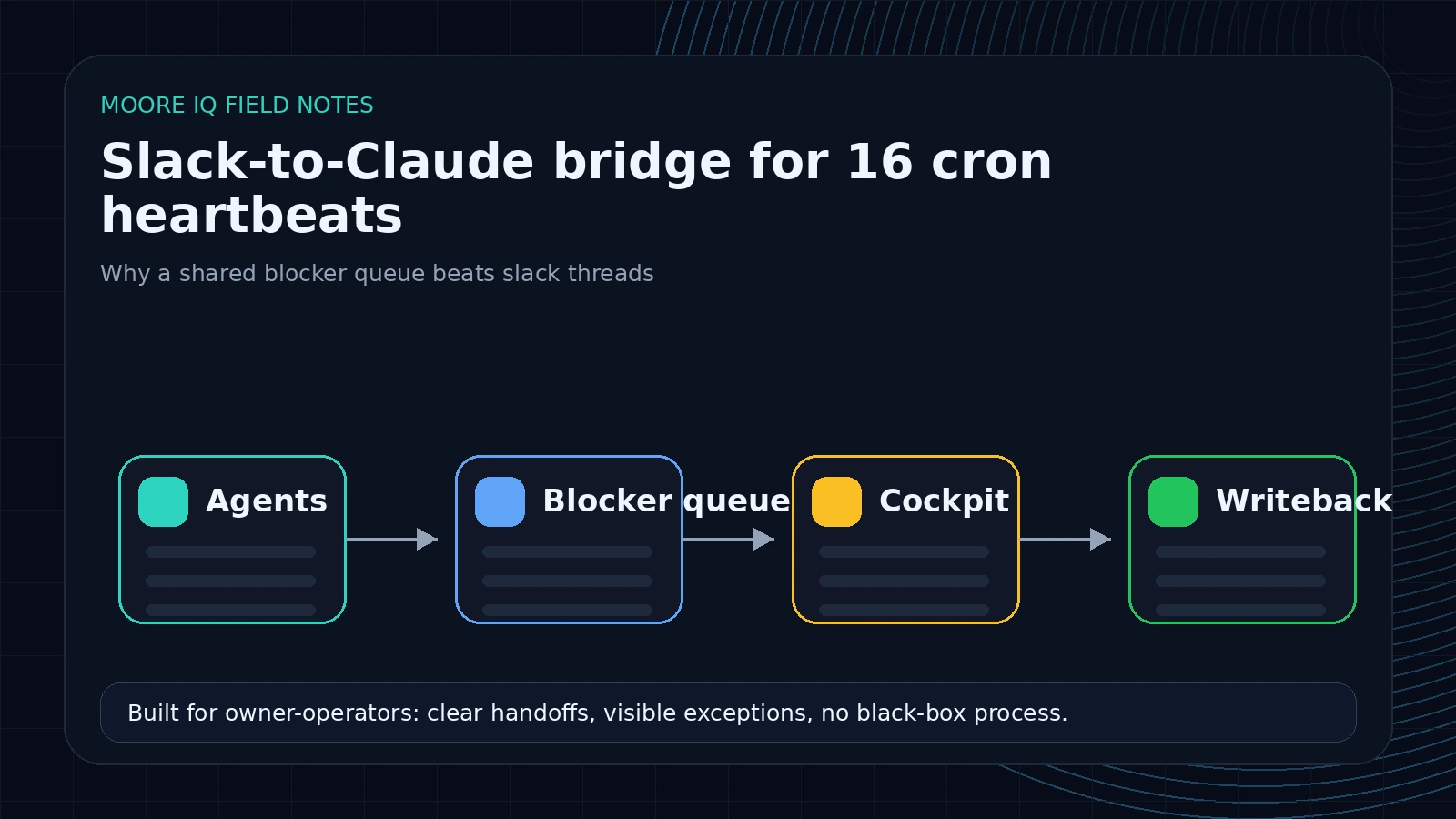
A waiting on: line in an agent's own MEMORY.md is invisible. The user does not read 8 MEMORY.md files. A question buried in a Slack post is invisible after 24 hours. The thread scrolls away.
A single shared file with a parseable format is the only artifact that survives both. The format is intentionally boring:
- [ ] [content-brand] 2026-04-26 14:00 ET :: video idea queue has 5 pending
  blocker: 4 of 5 are duplicates of one topic — approve dedupe?
  workspace: /opt/projects/content-brand
  context: see MEMORY.md 2026-04-26 entry
  id: a1b2c3d4
Every block is a checkbox, a channel slug, a timestamp, a one-liner, the specific blocker, the workspace path, a pointer to context, and a generated ID. The ID is the resolution key. When the user clears the blocker, the block moves to RESOLVED.md with a resolved: trailer and the ID is the join column for the writeback.
The cockpit skill that drains the queue
 The user-side piece is a Claude Code skill called
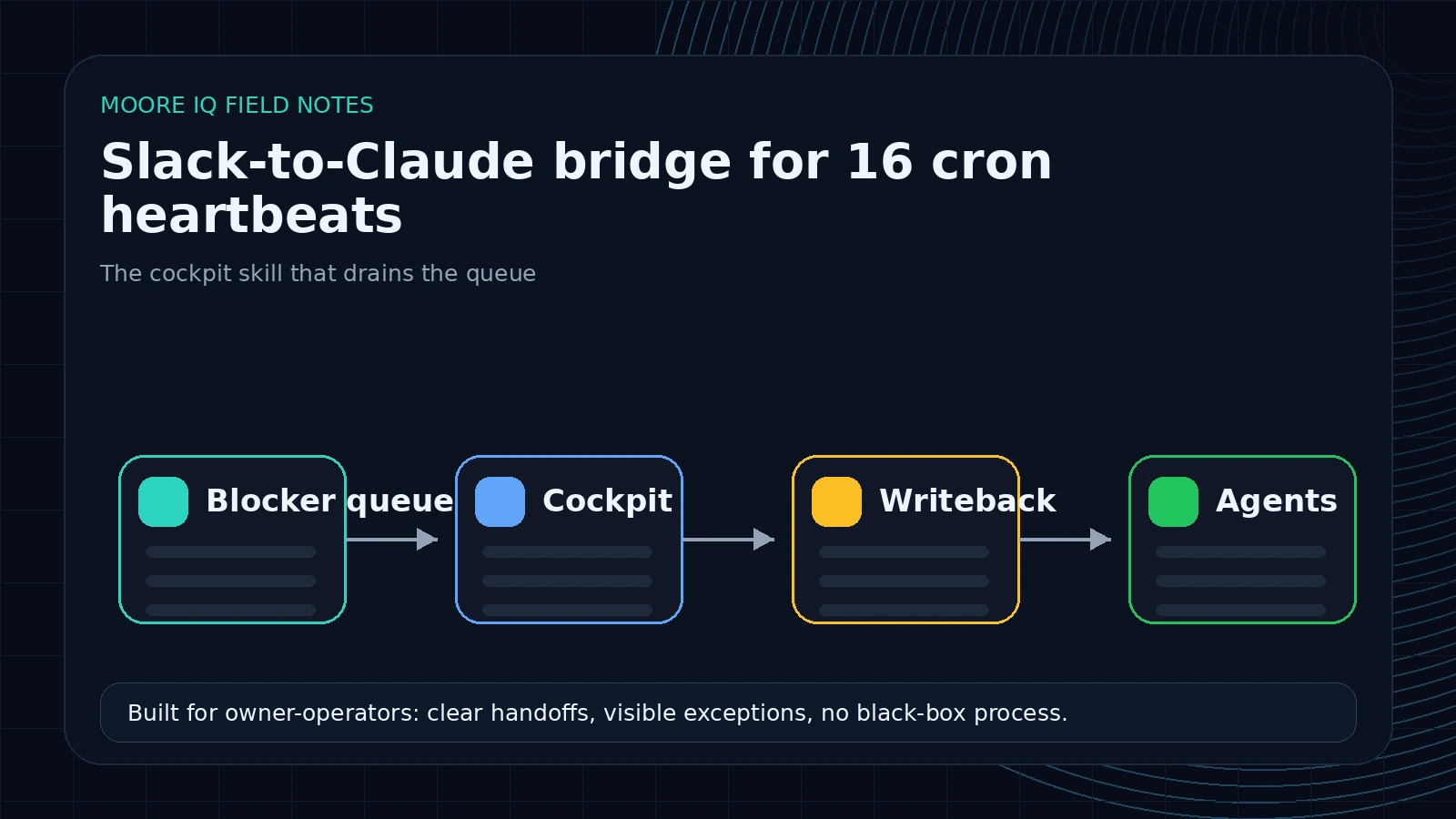
 channel-tasks. It runs locally, SSHes into the VPS, reads OUTSTANDING.md, parses the blocks, and groups them by channel and age. The default mode is a numbered list of every open blocker, oldest first, with a 1-line summary and the blocker text.
Three more modes do the actual work. show N reads the full block plus the surrounding context from the matching channel's MEMORY.md, so the user gets the why before deciding. work N is the interactive mode: the skill proposes a 1-paragraph resolution, waits for approve or amend, then writes the decision into the channel's MEMORY.md as a dated entry the agent will read on its next pulse. triage walks every open blocker and lets the user rapid-fire approve, skip, or override across the full queue in one session.
The first time I ran triage it processed 11 blockers in about 18 minutes. Some were stale 5-day asks. Some were 3-hour-old asks that would have rotted by morning. All 11 turned into structured writebacks the agents picked up on their next hourly pulse and acted on. By the next morning the contractor email campaign that had stalled for a day was back in motion. The 18-day Upwork prospect had a draft proposal sitting in #upwork for one-click sending. Two pre-rendered videos that had been waiting on a green-light shipped automatically the next time the brand's pulse fired.
What a Slack AI agent's pulse looks like
When a brand pulse fires every hour at :10, the pipeline is:
- Container reads the channel preamble (working directory, available creds, output rules).
- Agent reads its own
MEMORY.mdfor prior decisions, promises, and waiting items. - Agent reads
LESSONS.md,FACTS.md, andOUTSTANDING.mdfrom shared. - Agent does its actual work for this brand (check site health, content queue, Supabase rows, social posts).
- Agent composes the Slack post and writes a dated entry to its own MEMORY.md.
- If anything is blocking the agent and not already in OUTSTANDING.md, it appends a new block.
- Heartbeat captures the response, posts to the brand's Slack channel.
The whole cycle is 2 to 6 minutes per agent depending on how much work the brand has. The 16-job fleet runs in parallel without coordination because each agent has a separate working directory and memory file. There is no shared write contention because every agent writes to its own MEMORY.md and only appends to the shared files.
What I would not do again
The first version of the blocker protocol lived only in server.mjs (Slack DMs and mentions). The cron-fired pulses are run by a separate heartbeat.mjs and pulled from a different preamble. So when I added the OUTSTANDING.md instruction the first time, only the interactive Slack agents were obeying it. The heartbeats kept burying questions in posts and not lifting them to the queue. Took a re-fire and an audit before I caught it. Lesson: when you have two entry points into the same agent runtime, the rule has to live in both preambles, or both preambles have to import a single rule file.
The second mistake was relying on the waiting on: line in MEMORY.md as the source of truth for blockers. Agents were inconsistent about using it. Some used it. Some buried the ask in the Slack post and never wrote it to MEMORY.md. The fix was to make OUTSTANDING.md mandatory ("required, not optional") and to scan recent Slack post bodies as a fallback until the auto-extractor hook is built. Until that hook lands, the cockpit skill scans both sources.
The third mistake was thinking the heartbeats were the hard part. They are not. The hard part is the writeback layer. Without the cockpit skill, the queue file is just another inbox. The reason the system actually drains is that the resolution path is automated: read queue, propose decision, approve, write to right MEMORY.md, move queue item to resolved. Every step is a single tool call from the user's point of view.
What this costs to run
The bridge runs in one Docker container on a $5 per month VPS that already runs other services. The Slack Bolt app and Socket Mode are free. The Claude Code spawns are billed on Claude Max via OAuth tokens copied from my local credentials, so the per-run cost is effectively the marginal cost of token usage on my existing plan. Heartbeats average 2 to 6 minutes per fire and the 16-job daily total is well inside the plan envelope. If a client wants this pattern, I usually map it under Claude Code for teams, then validate the runtime against Slack's Socket Mode docs, the Bolt for JavaScript guide, and Docker's Compose documentation.
The only paid pieces I add when an agent needs them are pre-existing accounts (OpenAI for Whisper, Apify for scraping, Supabase for storage). Nothing about the bridge itself adds a recurring SaaS bill. The full stack is in Claude Code plus Bolt plus node-cron. About 600 lines of JavaScript glue.
When this pattern is the right shape
If you have 1 or 2 AI workflows, this is overkill. A scheduled Claude Code session on your laptop is enough. The bridge becomes useful at the point where you have 4 or more agents running on different cadences and they need to coordinate, share lessons, and let you action blockers in batch.
The signal that you need it is when you start finding 4-day-old questions in Slack threads that should have been answered on day 1. That is the queue rotting. A cockpit forces the queue to drain before the questions go cold.
If you are mapping Claude Code onto your team, two starter roles work. A site-health pulse that posts a status digest into a project channel every 2 hours, with any anomalies lifted to the OUTSTANDING queue. And a sales-prospect pulse that scans warm threads for stalls and lifts the cold ones to a queue you triage on Friday afternoons. Both compound the moment you put a writeback path in place. The same rule shows up in any business process automation I build: every open ask needs one place to live and one person who owns the answer.
Want one mapped for your stack? Run the AI Operations X-Ray.
If you want this running for your own team, I set it up as part of my Claude Code for teams work.
More on this: Claude Agent SDK vs LangChain: which to build agents on.
FAQ
Frequently asked questions
01Why not just rely on Slack threads?
Slack threads scroll away. A blocker that sits in a thread for 2 days is invisible. A blocker in a parseable file gets processed. The difference matters at the 5+ agent scale.
02What stops the agents from spamming the queue with junk?
A grep-before-append rule. Every agent checks if its current blocker already exists in the queue before adding. Keeps duplicates out without a dedupe job.
03How do you resolve a blocker without context-switching to Slack?
A skill called channel-tasks lists every open blocker by age, lets you walk them with a 1-paragraph recommendation each, and writes your decision back to the agent's MEMORY.md. The agent picks it up next pulse and acts.
04What happens when an agent disagrees with a stale fact in shared memory?
Standing rule in the preamble: shared FACTS.md is read-only from the agent's perspective. Never argue with it. The user owns FACTS.md, agents only read.
05Could you use n8n or Zapier for this instead?
You could, but the agent runtime is the part that needs Claude Code, not the orchestration. Bolt + cron is 80 lines of code. The Claude Code session continuity is the hard part, and that does not exist in n8n.
06How do I get Claude in Slack for my own team?
The simplest version is a Slack Bolt app in Socket Mode that starts a Claude Code session when someone DMs or mentions the bot, then posts the reply back in the thread. Keying sessions by thread ID lets a follow-up continue the same conversation. Add scheduled pulses and a shared blocker queue only once you run several agents.
