
Field note
May 8, 2026
Why Power Automate Desktop hurts facilities ops at scale
Power Automate Desktop looks like a free win for facilities maintenance teams. Single-machine it works fine. At ten sites and real ticket volume it cracks in predictable ways.

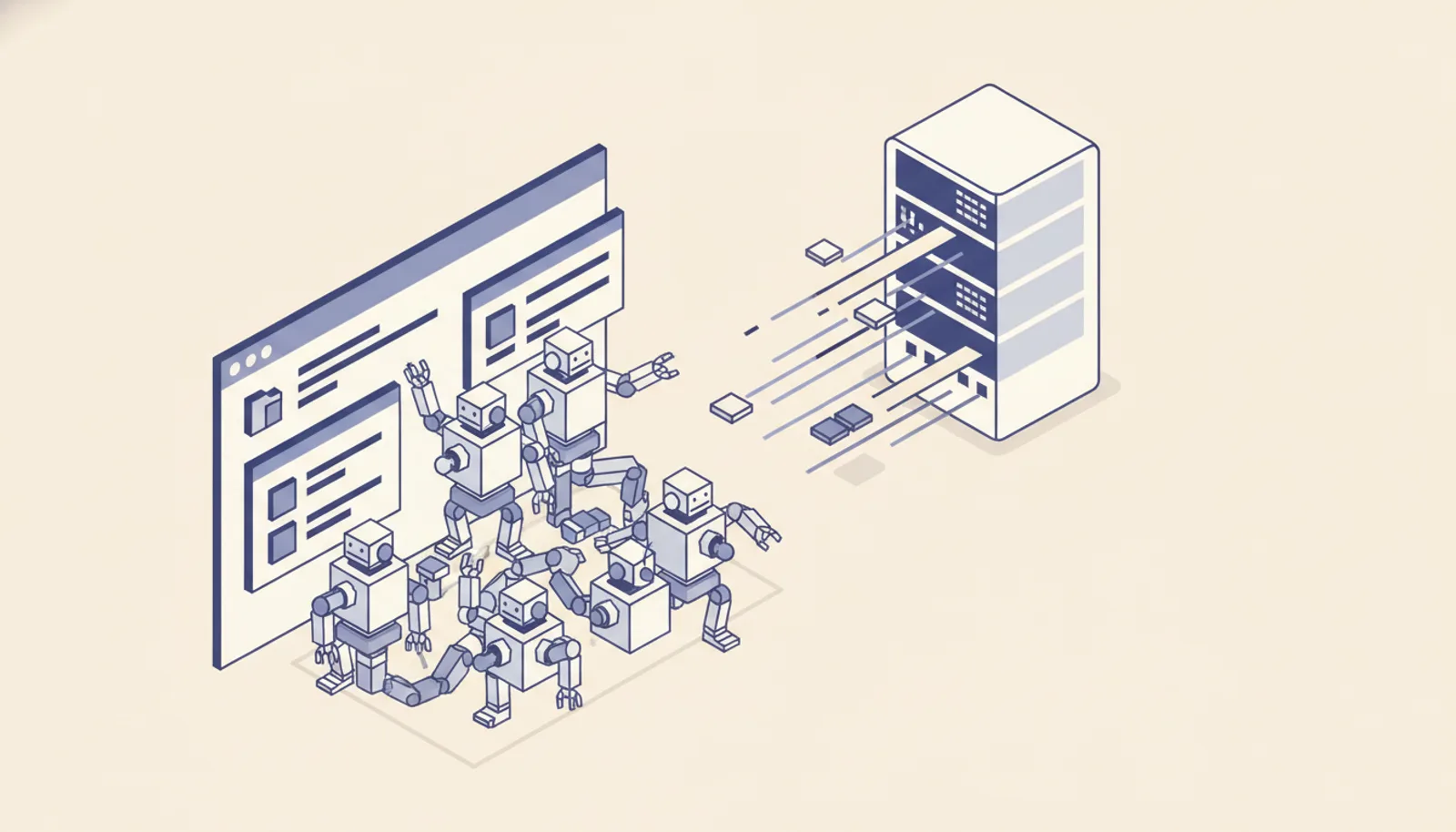
Power Automate Desktop looks like a free win for facilities maintenance teams. Microsoft ships it with Windows. The recorder lets a tech click through a CMMS once and produce a runnable flow. The first demo always works. So you scale it across five sites, ten sites, and somewhere around week 4 the thing that looked free starts costing you tickets.
This is the post I wish someone had handed me before I rebuilt the third PAD-based facilities pipeline. The tool is fine. The way most teams are using it is not.
What Power Automate Desktop actually is
Power Automate Desktop is robotic process automation glued to a single Windows session. The bot drives the screen the way a human would. It clicks, types, reads pixels, copies fields. When the screen changes, the bot can break. When the user logs off, the bot stops running. When two bots need the same screen, they fight.
That's it. That is the whole abstraction. Microsoft layers a recorder, a flow editor, and a cloud-based scheduler on top, but underneath every PAD flow is a single Windows session pretending to be a person. The operator reality is clearer when you read Microsoft's Power Automate Desktop overview, the Power Automate licensing guide, and the n8n workflow docs side by side.
For some work that is exactly the right tool. For most facilities maintenance ops, it is the wrong tool wearing a Microsoft logo.
When Power Automate Desktop fits
Use PAD when all five of these are true.
A single technician runs the flow on their own machine. The flow runs while they are at the desk. The work is sequential, not parallel. The target system has no API and no plan to ship one. The cost of a missed run is a small inconvenience, not a missed SLA.
Nightly export of work order summaries from a legacy CMMS that has no API, run by the office manager on her own laptop, fits. A roll-up that pulls the day's tickets from three vendor portals into a spreadsheet she sends out at 5 PM, fits. A one-off cleanup of duplicate vendor records, fits.
If you are nodding along, PAD is fine. Build the flow, schedule it on her machine, move on. You don't need us for this.
Where it cracks at scale
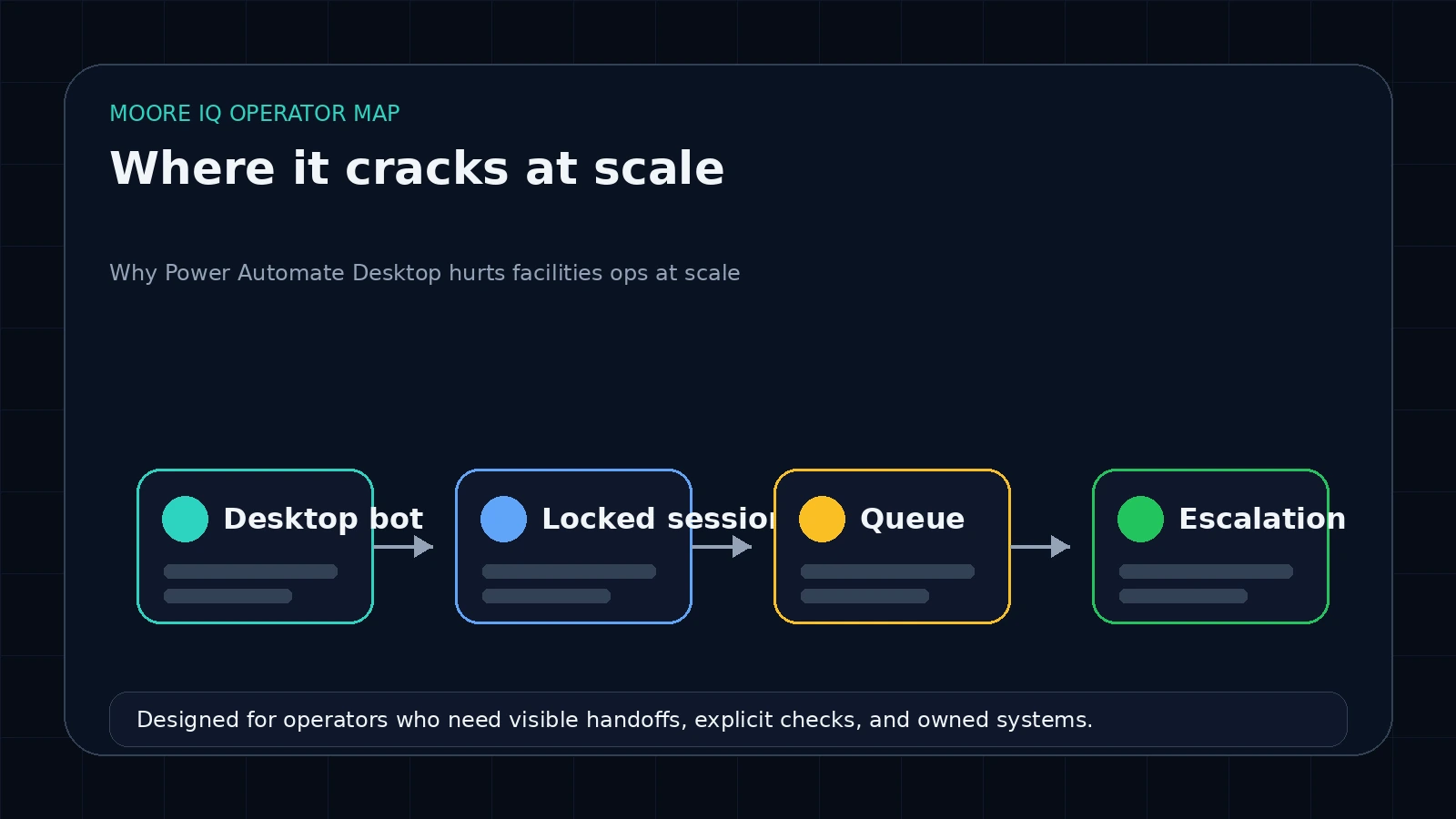 Now the same team has five sites. The dispatcher wants to auto-create tickets in the CMMS from inbound vendor emails. The procurement lead wants every PO over $5,000 to trigger a Slack approval. The compliance officer wants daily exports of SLA breaches across all vendors. Three flows, three different operators, all running on PAD.
This is when you find out.
Session contention. Two PAD flows that both need to drive the CMMS UI cannot run on the same Windows session at the same time. They serialize. The "scheduled" flow that should run at 9 AM actually runs at 9:14 because the 8:55 flow is still working. By week 6 the queue is so deep that nobody trusts the schedule.
Lock screen kills. Windows locks after 15 minutes of idle. The unattended bot can run through a locked screen with the right license, but the attended bot cannot. Most facilities teams started on the attended license because it was free. Every time the laptop sleeps, locks, or someone walks up and signs in, the flow dies mid-run with no recovery.
Silent error swallowing. PAD's default error handling is "log and continue." A flow that hits a popup it did not expect will keep going as if nothing happened. You get a flow that reports success while doing nothing for the last 40 steps. Three weeks later someone notices the work orders are not being created and you cannot tell when it stopped working.
Credential rot. PAD stores credentials in the user's Windows session. When IT rotates the password, the flows die. When the user changes machines, the flows die. When MFA gets enforced on the source system, the flows die. There is no clean fix because the bot is not really an integration, it is a person typing.
I have walked into three facilities accounts where PAD was the duct tape holding the whole operation together, and in each case the actual cost in missed tickets, late vendor invoices, and SLA breaches was higher than a paid integration would have ever been.
What facilities teams actually need
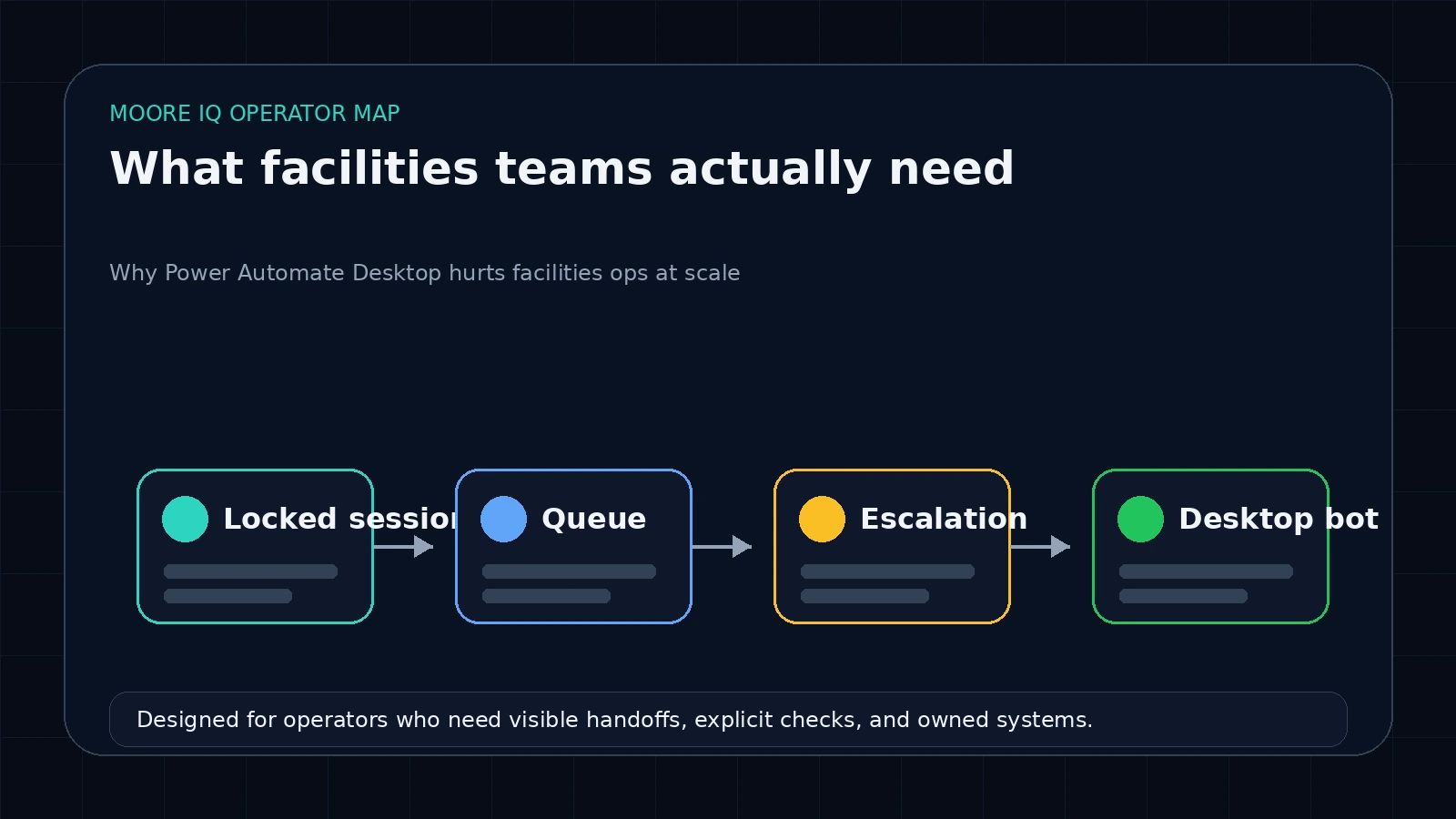 The pattern that holds up under multi-site, multi-operator, multi-system load looks nothing like PAD.
You need a server-side queue. Work goes in, work comes out, the runtime does not depend on whose laptop is awake. n8n self-hosted on a small VPS gives you this for $20 a month and a few hours of setup. It is not the only option, but it is the one I reach for first because clients can see what's running and own the workflows when I'm gone.
You need real API calls into the CMMS, the email system, the vendor portals, the ticketing system. If your CMMS does not have an API, the answer is usually a thin scraping wrapper that runs server-side, not a Windows bot. Before you replace the CMMS itself, automate the handoffs around it first. The scraping wrapper still feels like RPA but it parallelizes, it has actual error handling, and it does not need a Windows session to be alive.
You need a notification spine. When a flow fails, somebody finds out within minutes, not three weeks later. Slack works. Email digests work. A dumb webhook into a status page works. PAD's default of "log and pray" does not.
You need credential storage that is not somebody's Windows profile. A secrets store, environment variables on the server, an integration like 1Password Connect. Anything that survives a password rotation without a tech retraining the bot.
That stack handles ten sites the same way it handles two.
The migration is smaller than it looks
If you are running PAD today, you do not need to throw the flows away. You need to swap two things: the trigger and the credential layer.
The PAD flow body, the actual sequence of steps, usually maps to API calls cleanly because the original recording was a person doing the same thing through a UI. Anywhere PAD types into a form, the API has a POST endpoint. Anywhere PAD reads a table, the API has a GET endpoint. Anywhere PAD copies a value between two screens, the workflow has a variable.
The work is in the trigger and the credentials. PAD triggers tend to be "every X minutes when this user is logged in." The new trigger is a webhook, a scheduled cron, or a polling worker. PAD credentials live in the Windows session. The new credentials live in the secrets store and get injected per-run.
For a five-site facilities team running three or four PAD flows, this is two to three weeks of work, not three months.
When to keep PAD anyway
PAD is the right answer when the source system actually cannot be reached any other way. Some legacy regional CMMS systems still exist where the only access is a citrix session that nobody at the vendor will rebuild. PAD inside the citrix session, run by a single dispatcher on her own machine, is the cleanest route. Don't try to be clever.
PAD is also the right answer for one-off, operator-driven tasks where the cost of building the integration is higher than the cost of the operator's time. The compliance officer who runs a quarterly export is fine on PAD forever. Do not migrate that.
The signal that you have grown past PAD is when you find yourself building dashboards to monitor whether the bot ran, retraining the bot every time someone changes a password, or paying for the unattended license to work around session lock. At that point you are paying enterprise prices for a single-session tool, and the move to a server-side runner pays for itself in the first quarter.
How to start the migration without breaking what works
Pick the flow that is causing the most pain. Usually it is the dispatch one because that is where missed runs hit SLAs. Build the replacement in n8n or your runner of choice. Run them in parallel for a week, with the new pipeline writing to a staging table and the old PAD flow writing to production. When the staging table matches the production output for seven days, swap the writes.
Do not migrate every flow at once. Pick the one where the failure mode is most visible, ship the replacement, run them side by side, swap. Then move to the next one.
See also: our facilities maintenance automation playbook.
The PAD flow stays running until you have proof. That is the only version of this migration that does not blow up.
FAQ
Frequently asked questions
01Is Power Automate Desktop free?
The unattended runtime needs a paid Power Automate per-user or per-flow license. The attended desktop client is included with Windows 10 and 11. Most facilities teams hit the licensing wall the moment they try to run a flow without a person watching.
02Why does Power Automate Desktop break in multi-site facilities work?
PAD runs inside a Windows session. If the session locks, the user logs off, or another flow needs the same screen, the bot fails or queues behind itself. Multi-site ops generate parallel work that a single-session model cannot handle.
03What is the alternative for automating work orders without Power Automate Desktop?
A server-side workflow tool like n8n, paired with API integrations for your CMMS or ticketing system. The work runs on a server, parallelizes cleanly, and does not depend on a Windows session staying alive.
04Can I keep Power Automate Desktop for some tasks and use something else for others?
Yes, and that is usually the right call. Keep PAD for one-off operator-driven tasks on a tech's laptop, like nightly report exports. Move multi-site, scheduled, or high-volume work to a server-side queue.
05How long does a migration off PAD take for a 5-site facilities team?
Two to three weeks if your CMMS has an API. Most of the time goes into mapping the existing PAD flow to API calls and retrofitting credential storage. The flow logic itself is rarely the hard part.
