
Field note
May 5, 2026
Vendor dispatch and SLA tracking for facilities teams
Vendor dispatch breaks when status lives in email threads and SLA risk is noticed too late. The fix is an automation layer that sends, watches, escalates, and summarizes vendor work without replacing the CMMS.

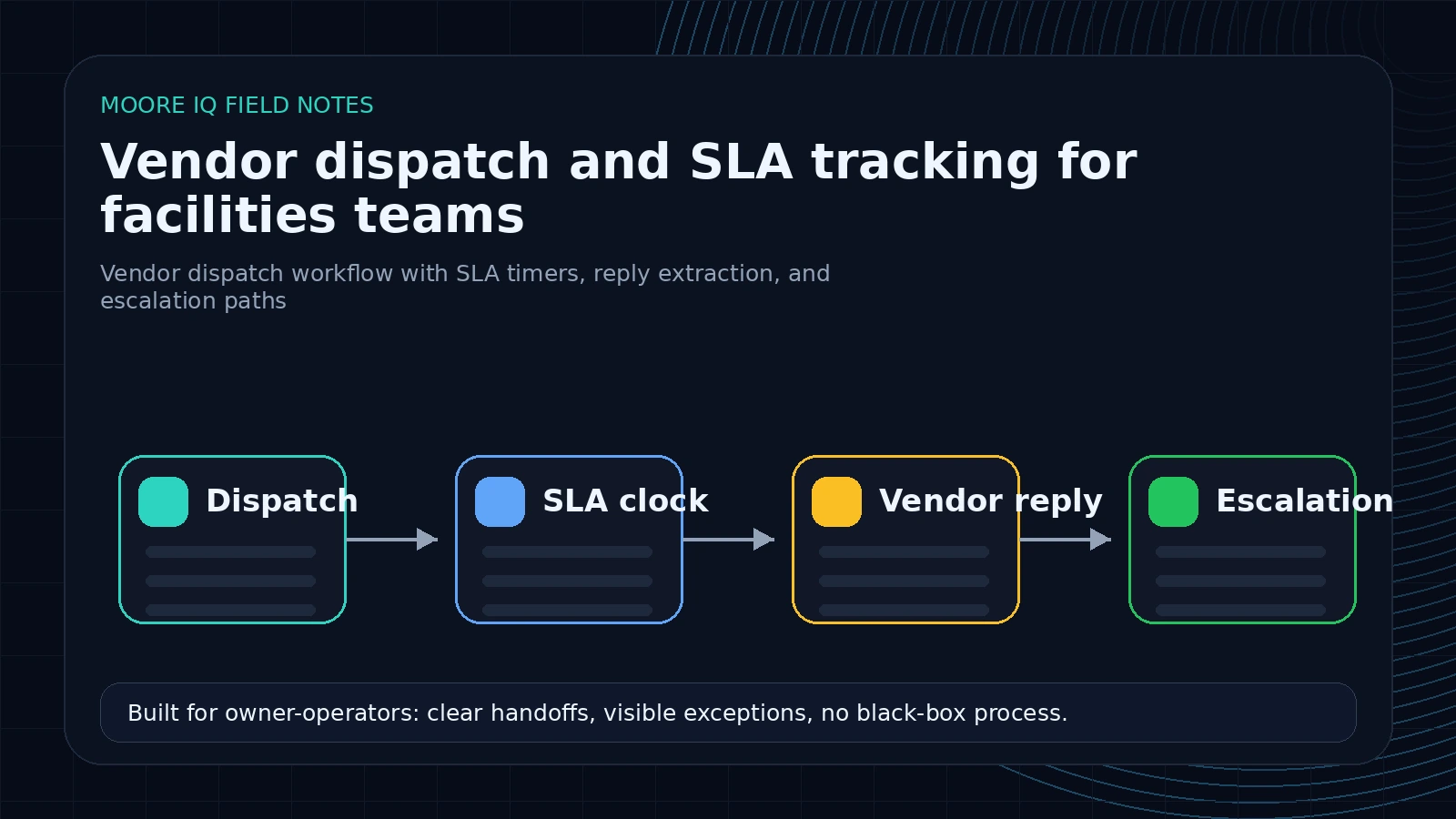
Vendor dispatch usually breaks in the silence after assignment
Most facilities teams do not have a first-send problem. They can send a work order to a vendor.
The problem starts after the send.
Did the vendor accept it? Did they schedule it? Did they ask for access details? Did they miss the SLA window? Did they complete the work but forget to send photos? Did the tenant get updated? Did the CMMS status change, or is the real status buried in an email reply?
That gap is where coordinators spend their time. Not on strategic vendor management. On checking, nudging, forwarding, summarizing, and asking whether something happened yet. The vendor dispatch automation page is built around that exact handoff.
Vendor dispatch automation should be built for that gap.
What the first dispatch workflow should include
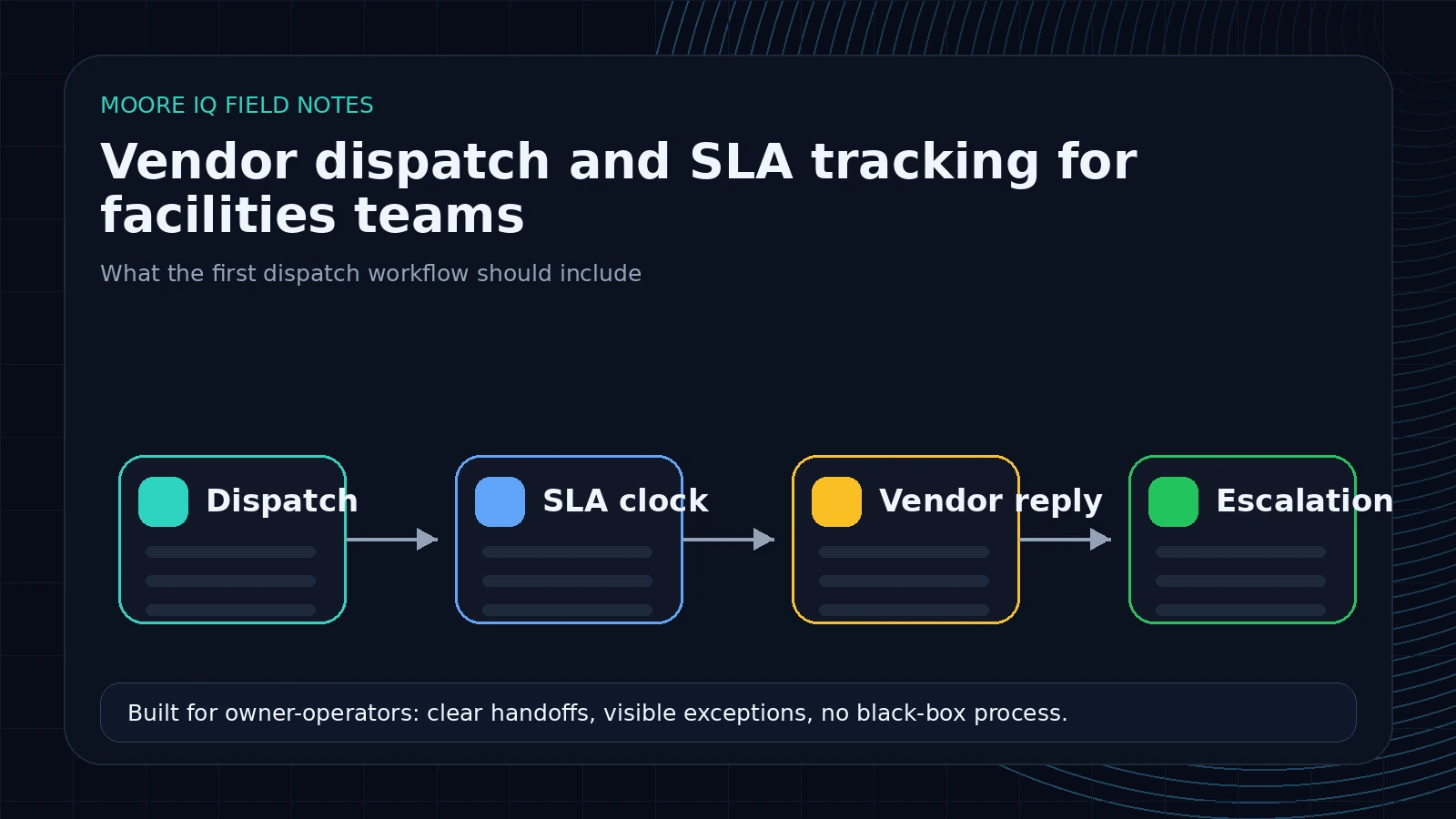 A useful first version does five things. It can be built around email, a CMMS, or a workflow runner like n8n, depending on what your stack already supports:
1. Prepare the dispatch packet.
The workflow pulls the work order summary, location, asset, priority, access notes, photos, attachments, tenant impact, and SLA deadline. If any required field is missing, it routes the request back before sending an incomplete dispatch.
A good dispatch packet has enough detail for the vendor to accept or reject the job without a follow-up email:
Work order: WO-18422
Trade: HVAC
Site: West Loop Medical Plaza, Building 2, Suite 410
Issue: Tenant reports grinding noise and low airflow from RTU-4 zone
Priority: urgent tenant-impacting
SLA: vendor acknowledgment within 1 hour, site visit within 1 business day
Access: check in with security desk, roof access key held by building engineer
Attachments: tenant video, last service note, asset photo
Required response: accept/decline, ETA, technician name, access questions
If the packet is incomplete, automation should stop and request missing details. Sending bad dispatches faster does not improve operations.
2. Suggest or confirm the vendor.
The workflow applies rules based on trade, building, region, warranty, asset type, vendor coverage, and prior assignment logic. For low-risk work, it can suggest the vendor. For expensive, urgent, or sensitive work, it should require approval.
3. Send and log the dispatch.
The message goes out by the approved channel: email, portal, form, or internal queue. The workflow logs the send time, recipient, SLA deadline, and expected response window.
4. Watch for acceptance and updates.
The workflow monitors replies and status changes. If the vendor confirms, it updates the tracking layer. If there is silence, it follows the escalation rule.
5. Escalate before the SLA is missed.
This is the point. The workflow should warn the coordinator while there is still time to act, not after the tenant has already complained.
The escalation rules matter more than the AI
AI can summarize replies and extract status. That is useful. But the value comes from clear operating rules.
For example:
- Emergency work requires vendor acknowledgment within 15 minutes.
- Tenant-facing urgent work requires acknowledgment within 1 hour.
- Standard work requires acknowledgment by the next business morning.
- No update within 24 hours triggers a vendor follow-up.
- No completion evidence by the SLA deadline triggers manager escalation.
- Safety, access, warranty, and budget issues require human review.
The automation should encode those rules and make the exceptions visible. Without the rules, AI just produces nicer summaries of the same uncertainty.
The workflow needs a state machine
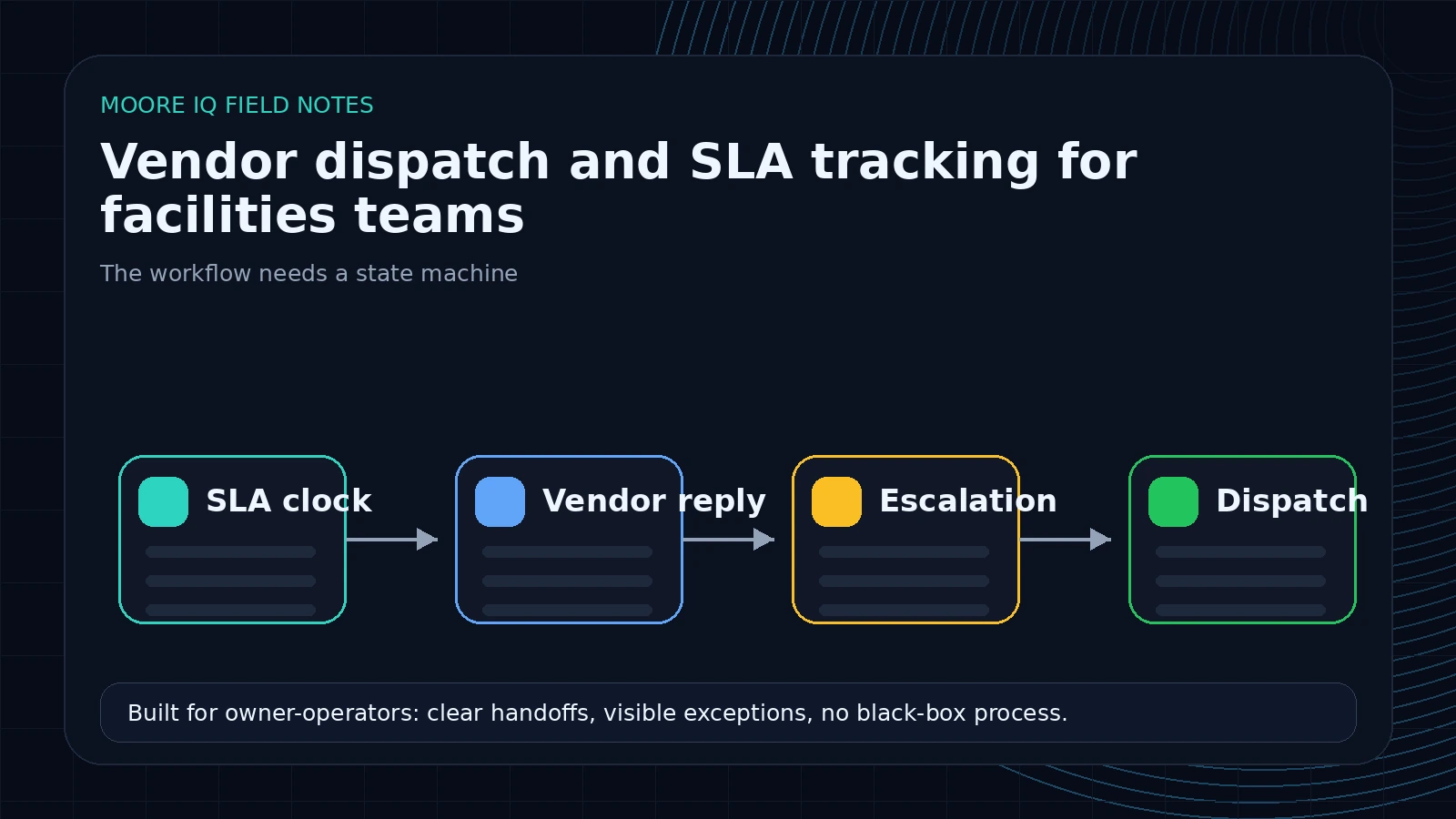 Vendor dispatch is easier to automate when every job has a clear state. The minimum useful state model looks like this:
ready_for_dispatch
sent_to_vendor
accepted
scheduled
needs_information
blocked
delayed
completed_pending_evidence
completed_verified
escalated
Every incoming vendor reply should move the job to one of those states or leave it unchanged with a reason. That reason matters. "No state change because vendor asked for access details" is actionable. "AI summarized reply" is not.
This also makes SLA tracking possible. The SLA clock does not mean the same thing in every state. A job waiting for vendor acceptance needs a different timer than a job scheduled for Friday, blocked on parts, or completed without photos.
What to extract from vendor replies
Vendor replies are rarely clean. A vendor might say:
"Can do tomorrow after 2. Need roof access and tenant contact."
Or:
"Parts delayed. Should have it by Friday."
Or:
"Done, see attached."
The workflow should extract:
- Accepted, declined, scheduled, delayed, completed, blocked, or needs-info status.
- Appointment date or expected arrival window.
- Missing access details or contact information.
- Parts, budget, warranty, or approval blockers.
- Completion evidence such as photos, invoice, notes, or attachment references.
- Next follow-up date.
That structured status can update a spreadsheet, dashboard, CMMS note, or coordinator queue. The exact destination depends on the stack. The important part is that the status no longer lives only in the inbox.
The output should be explicit:
{
  "vendor_status": "needs_information",
  "state_change": "accepted_to_needs_information",
  "eta": null,
  "blocker": "vendor needs roof access contact",
  "requested_information": ["roof access contact", "preferred service window"],
  "sla_risk": "medium",
  "recommended_action": "send access details to vendor and reset response timer",
  "human_review_required": false
}
That is the level of structure needed to run the next step automatically.
Where the CMMS fits
The CMMS should still hold the work order record. Do not replace the system of record just because vendor coordination is messy.
The dispatch layer sits around the CMMS:
- It reads the work order or receives a trigger when a job is ready for vendor dispatch.
- It prepares the dispatch packet.
- It sends or queues the vendor communication.
- It watches the response channel.
- It summarizes status back into the tracking layer.
- It flags the human when the decision requires judgment.
If the CMMS has an API, the workflow can write notes and status directly. Some platforms document integration paths, including Fiix, MaintainX, and UpKeep. If your system does not expose a clean API, the workflow can create a reviewed update, write to an operations dashboard, or maintain a dispatch log that the team uses for daily coordination.
That is still valuable. A perfect integration is not required to remove the chasing.
What should stay human
The goal is not to remove facilities managers from vendor decisions. It is to remove the repetitive monitoring work that prevents them from managing vendors well.
Keep humans in the loop for:
- Reassigning work to a different vendor.
- Approving scope or budget changes.
- Handling tenant-sensitive communications.
- Deciding whether a delay is acceptable.
- Escalating safety, compliance, or warranty issues.
- Changing vendor rules or coverage logic.
Let automation handle:
- Drafting the dispatch packet.
- Sending approved standard messages.
- Watching for silence.
- Extracting status from replies.
- Reminding vendors on a defined schedule.
- Escalating when the rule says the work is at risk.
That division is what makes the workflow practical.
The metrics that prove it is working
Track the before state for two weeks if possible. If the vendor follow-up issue is downstream from poor intake, start with automating work orders from email first so dispatch receives cleaner inputs.
You want baseline numbers for:
- Average time from work order ready to vendor dispatched.
- Percent of dispatches acknowledged within target window.
- Number of vendor follow-ups sent manually.
- Number of work orders with stale status.
- Number of SLA misses caused by no response or late updates.
- Coordinator hours spent checking vendor status.
After launch, compare the same numbers. If the workflow is working, the biggest gains should show up in acknowledgment time, stale status count, and manual follow-up volume.
The metric that matters most is not "messages automated." It is "work caught before it became late."
The payback is usually in avoided coordination time and avoided SLA misses. If a coordinator checks 60 vendor-assigned work orders per week and spends 3 minutes per check, that is 3 hours per week on status polling alone. If the same coordinator also sends 30 manual follow-ups at 4 minutes each, that is another 2 hours. A narrow dispatch workflow can remove most of that checking while improving visibility for managers.
The larger gain is harder to show in a spreadsheet but more important: fewer jobs discovered late. One missed HVAC response in a tenant-facing building can create more escalation work than a week of normal dispatch admin.
A practical 10-day rollout
Start with one trade, one region, or one property group. Do not automate the entire vendor network on day one.
Days one and two: map vendor rules. Identify request types, vendor selection logic, SLA windows, approval requirements, and escalation paths.
Days three and four: build dispatch packet generation. Make sure the workflow can assemble the right details and flag missing fields.
Days five and six: add send logging and response monitoring. Track what went out, when it went out, and what came back.
Days seven and eight: add SLA timers and escalation messages. Test silence, delay, acceptance, and completion scenarios.
Days nine and ten: run in shadow mode. Let coordinators compare workflow recommendations against their normal process before turning on live reminders.
This keeps the blast radius small and gives the team evidence before expanding.
Where dispatch automation goes wrong
The wrong version sends more messages without improving the record.
Avoid these traps:
- Sending follow-ups without logging the previous vendor response.
- Treating every vendor silence the same regardless of priority or SLA window.
- Auto-reassigning vendors without human approval.
- Updating the CMMS status from ambiguous replies.
- Ignoring attachments that prove completion.
- Escalating too late because the timer starts at work order creation instead of dispatch send.
- Escalating too often because the workflow cannot distinguish scheduled work from delayed work.
The fix is disciplined state tracking. Every dispatch, reply, reminder, escalation, and completion note should leave a trail. That audit trail is what makes the automation trusted.
Why this is a better buyer page than another software list
Someone searching for vendor dispatch automation or SLA tracking automation is not casually researching ideas. They are describing a job that is currently leaking time. That is the search intent you want.
The page should not send them into a "top 10 vendor management tools" article. It should show that you understand the handoff: dispatch packet, acceptance, silence, follow-up, SLA risk, completion evidence, and status reporting.
That is the buyer.
They do not need a list. They need the workflow fixed.
See also: our facilities maintenance automation playbook.
If vendor follow-up is where your maintenance work stalls, run the AI Operations X-Ray. It maps dispatch rules, SLA risk, response gaps, and the first vendor workflow worth automating.
FAQ
Frequently asked questions
01What is vendor dispatch automation?
It is a workflow that assigns or suggests vendors, sends dispatch details, monitors response and status, escalates SLA risk, and updates the internal record or dashboard.
02Does this replace vendor management software?
Not necessarily. It can work around the CMMS, vendor portals, email, spreadsheets, and existing vendor lists your team already uses.
03Can SLA tracking be automated if vendors only reply by email?
Yes. The workflow can watch email replies, extract status updates, detect missing responses, and escalate based on work order age, priority, and SLA rules.
04What should stay human-approved?
Vendor reassignment, budget exceptions, tenant-sensitive messages, safety issues, warranty calls, and any communication where policy or judgment matters.
05How does the operations scan help?
The scan maps vendor selection rules, SLA thresholds, update gaps, escalation paths, and the first dispatch workflow worth automating.
