
Legal workflow automation means connecting the tools your firm already uses, so a new client's details are typed once and then flow into the matter, the documents and the bill. n8n is the workflow tool I use to build it. This guide covers what you need before you start, the first workflows to build and when n8n is the wrong fit.
I cover this as part of my law firm automation work.
The work it removes is familiar to most firm owners: hours every week on repetitive tasks like managing legal client intake, drafting routine contracts, tracking billable hours and retyping the same client details into several systems. That load wears a team down. If you are still deciding which processes to automate at all, start with my guide to which law firm processes pay back first.
n8n is a workflow automation tool that connects the apps a firm already runs, such as Google Sheets, Salesforce, Zapier and practice management systems. You build each workflow from visual nodes, so most of the work needs little or no code. Done well, it cuts mundane tasks, reduces data entry errors and gives staff more time for work that needs a lawyer's judgment.
I treat this as a process problem first and an n8n build second. Then I check the plan against the n8n docs, the Clio API docs, and Docassemble's documentation.
What you need before you start
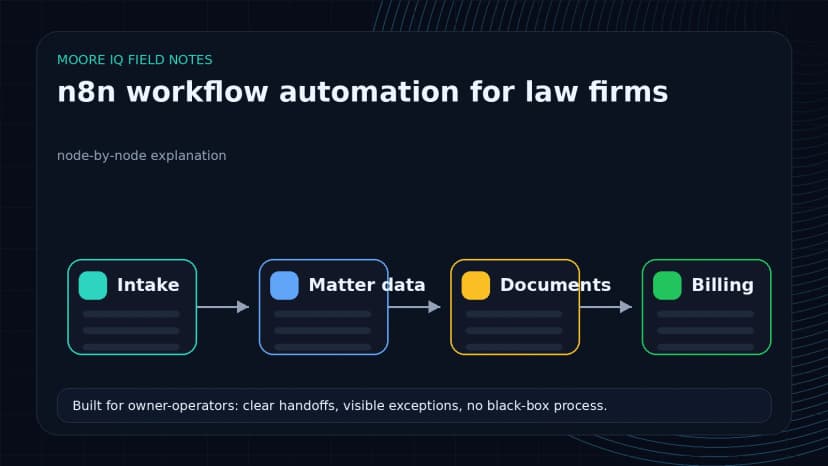
Before you build anything, you need an n8n account. You can use n8n Cloud or run your own copy on a server you control. The free option is a fine place to start, and you can move to a paid plan as your workflows grow. Client data is involved, so decide early where the workflows will run.
Next, get familiar with the n8n editor and its nodes. Nodes are the building blocks of every workflow: each one is a trigger, an action or a data source. You do not need to be a programmer to use n8n, but a basic understanding of how data passes from one node to the next goes a long way.
Two more things save time later. Get API access to your practice management system, since that is where most law firm workflows read and write. Then set up a test matter with made-up client details, so you can run every workflow end to end without touching a real client file. Last, write down who owns each workflow and what it touches, so someone other than the builder can fix it later.
Law firm workflow automation, node by node
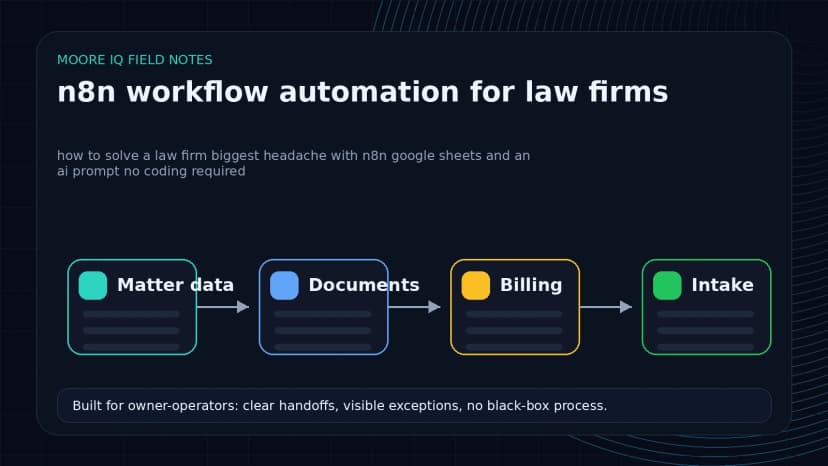
Client intake and onboarding is one of the most time-consuming jobs in a firm, and it makes the best first workflow. Here is how the nodes fit together:
- Form trigger. A form node collects the client's name, contact details and matter details. Each new submission starts the workflow.
- Client and matter record. The workflow creates the client and matter in your CRM or practice management system, through a built-in node or an HTTP Request node that calls the system's API.
- Kickoff and welcome. It schedules the kickoff call and sends a welcome email.
- Engagement letter. It connects to your e-signature tool, so the engagement letter goes out for signature without anyone retyping the client's details.
- Attorney alert. It tells the assigned attorney that the new matter is ready for review.
Add an If node wherever the path depends on the facts, such as routing by practice area. Then set up an error workflow that alerts a named person when any step fails, so a stuck intake never sits unnoticed.
Billing and time tracking is the next big pain point. A scheduled workflow can pull timesheet data from your practice management software and push it into your accounting system, which ends the retyping and the spreadsheet gymnastics. Where that workflow runs affects both cost and who holds the billing data. My self-hosted versus cloud cost breakdown covers that choice.
n8n can also handle marketing and business development work: adding new contacts to your CRM, scheduling social media posts and sending follow-up emails. My business process automation work covers these follow-up workflows alongside the legal ones.
Why n8n for law firms
What I like most about n8n is how easy it is to read. The drag-and-drop editor lets you build useful workflows without coding experience, and the library of pre-built nodes gets a first version running quickly with little setup.
The simple editor hides real depth. Conditions, loops and error handling let you build complex workflows shaped around how your firm actually works. The same workflow a paralegal can read on screen can also run the firm's intake every day.
Using n8n to build small custom tools
I have built my own small software products, and I look for tools that help other business owners do the same. n8n works well as the engine behind them.
With n8n, a firm can build small custom workflow tools for its own practice or for its clients. That could be a contract management system for a corporate legal department or a lead follow-up system for a personal injury firm. Each one fits the firm, instead of forcing the firm into a generic product.
You do not need a team of developers for a first version. Most of the work is dragging, dropping and configuring nodes. You do still need someone who owns the tool, tests it and fixes it when a connected system changes.
Document automation with n8n, Google Sheets and an AI prompt
Document work is one of the most common problems I see in law firms. Drafting client agreements, preparing court filings and writing standard client letters all involve a lot of repetitive, manual work.
n8n, Google Sheets and a little help from AI can take most of that off your staff without writing code. Here is how it works:
- Use n8n to set up a workflow that pulls data from a Google Sheet: client details, matter information, whatever your documents need.
- Connect n8n to a document assembly tool such as Docassemble. These tools use templates with fields and rules to build a customized document from your data.
- Tie it together in n8n. Whenever a new row is added to the sheet, the workflow starts, pulls the relevant data and generates the documents.
- Use an AI step only for text a reviewer will read, such as a summary of the intake or a draft cover email.
- Send every draft to the assigned attorney for review before anything goes to a client or a court.
The result is a document flow where client data is typed once and every draft is checked before it leaves the firm. If you are choosing a dedicated product for this step, my guide to legal document automation software covers what to test first.
When not to hire me
n8n and workflow automation are not the answer to every law firm problem. Some cases call for a custom, developer-led build. If you have complex or mission-critical processes that need deep integration with legacy systems, you may need specialized software engineers.
If your firm is working through bigger strategic questions, like its business model, market position or growth plan, you are better off with an experienced legal industry consultant than a workflow automation specialist like me.
The key is to understand the problem you are trying to solve. If it is a repetitive, rules-based task, n8n is likely the right tool. If it is complex or strategic, look at other options first.
If you want a second pair of eyes on your first legal workflow, my n8n consulting page explains how I work.