
Field note
May 27, 2026
What a QMS actually costs and what you get
Most quality management system vendors lead with feature lists and case studies where everything worked out perfectly. Here is what nobody tells you about the real investment, the real timeline, and the honest moment when you should not buy one at all.


Most quality management system vendors lead with feature lists and case studies where everything worked out perfectly. They show dashboards where green metrics cascade downward and executives nod approvingly in stock photos. Here is what nobody tells you about the real investment, the real timeline, and the honest moment when you should not buy one at all.
The honest cost picture
I have watched three operations teams go through QMS implementations in the last four years. One of them regretted the decision within 18 months. The other two are glad they did it, but both took longer and spent more than their original business cases projected.
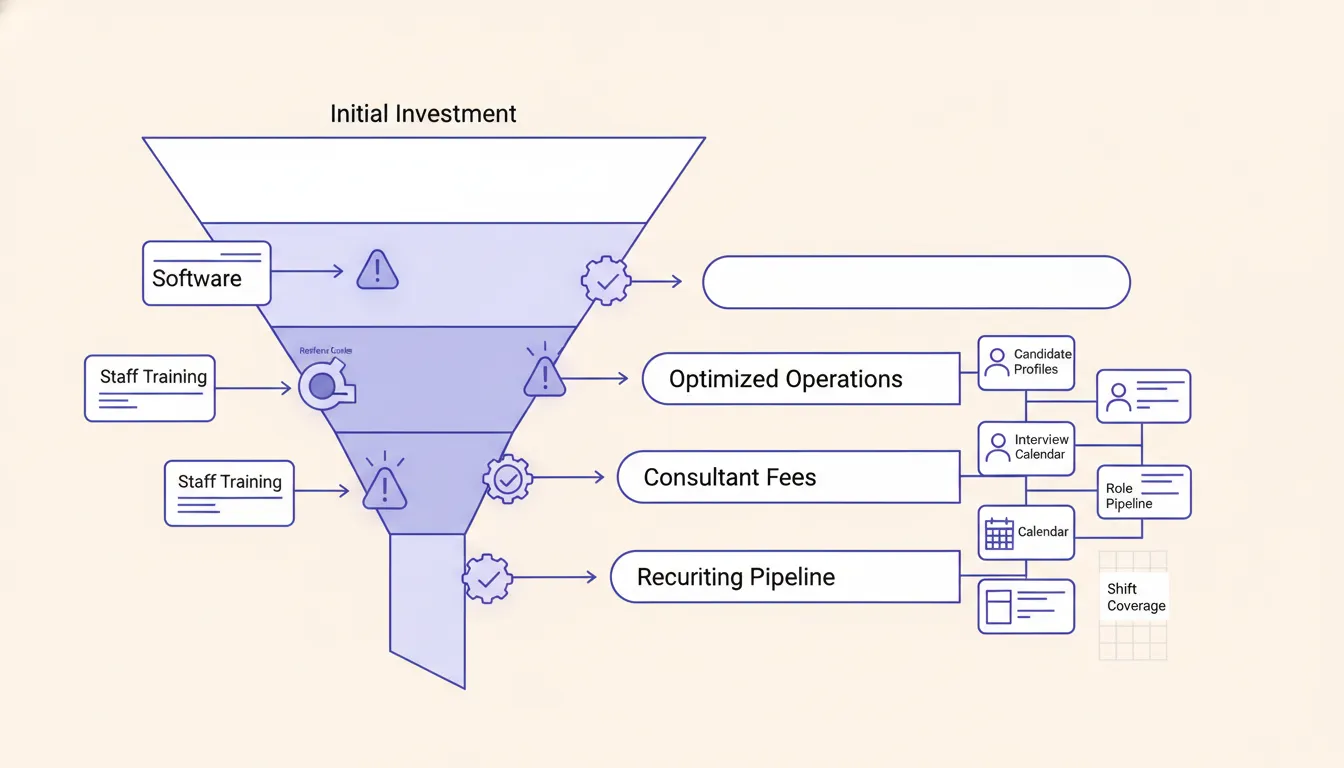
The software itself is not where the money goes. A mid-market QMS with 50 seats typically runs $40K-$120K per year in license fees. That sounds like a lot until you see the other numbers:
Data migration alone from existing systems, whether that is SharePoint, a legacy ISO management module, or a pile of shared drives, runs $30K-$80K on the conservative side. One client told me their data migration cost was roughly equal to their first-year software license. Nobody mentioned that in the vendor demo.
Internal staff time is the bigger hidden line item. Your quality manager and at least two operations leads will spend meaningful hours on configuration, testing, training, and change management. That is 0.5 to 1.5 FTE worth of attention for 6-12 months. If you have to hire a consultant to manage the implementation because your internal team cannot absorb the load, add another $40K-$100K for typical mid-market engagements.
The honest first-year total for a 50-person operations team is usually 2.5 to 3.5x the annual software cost. Plan for it. If you need a broader management framework before picking software, the NIST Baldrige program is a useful reference because it treats quality as an operating system, not a tool category.
The timeline nobody puts in the brochure
Vendors sell you on the moment after go-live. What they do not show is the arc that leads there.
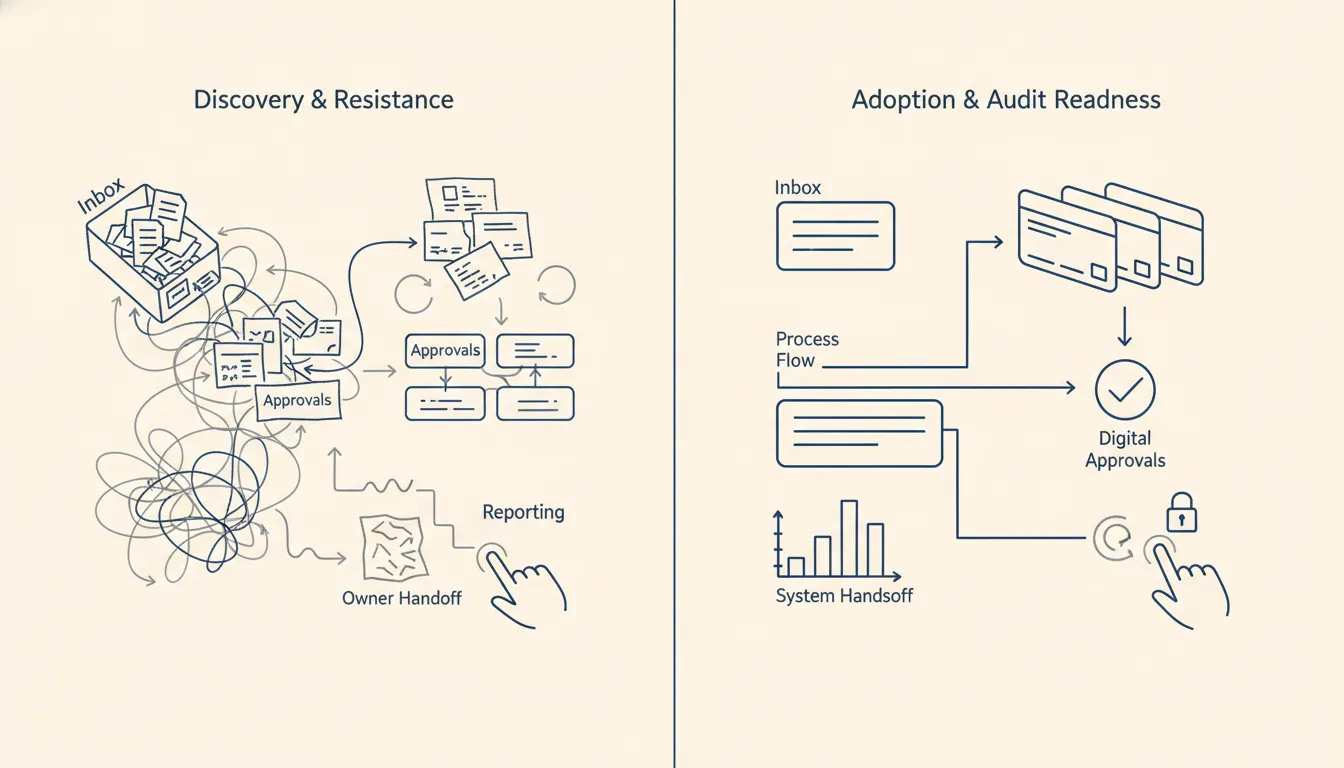
Month 1-2 is discovery and configuration. Your team hates this part because it requires documenting things they have never had to write down before. The senior technician who has been doing the same calibration for fifteen years suddenly has to explain his process in a form field. Nobody enjoys this.
Month 3-4 is where resistance peaks. People work around the new system because it is slower than the old way, which it usually is in month 3. This is the danger zone where implementations stall.
Month 5-8 is where it either clicks or it does not. In the successful cases, your team starts finding workarounds to the workarounds, which means they have internalized the workflow enough to improve it. In the failed cases, management cracks down on compliance and the system becomes a checkbox exercise rather than a living process.
Month 9 onward is where you start getting the value. Not because of the software, but because your team has built the habit of tracking deviations, logging CAPAs, and closing the loop on corrective actions. The QMS is just the container that makes that legible to everyone at once.
If someone tells you your team will be fully using and benefiting from the system in 90 days, they are selling you something.
What a QMS actually does for your operations
A quality management system does three things that spreadsheet-and-email workflows cannot do at scale.
First, it creates a single source of truth for corrective actions. When a deviation is logged, every stakeholder can see its status without chasing someone via Slack. This sounds obvious, but in organizations with 30+ people doing compliance work, the amount of time spent confirming whether something was already addressed is genuinely costly.
Second, it surfaces patterns that humans miss. If you have had three non-conformances in the same equipment category in six months, the system flags that before it becomes a bigger audit finding. Your senior quality manager probably knows this intuitively, but they cannot be in every review meeting, and the QMS does not take vacation. That pattern visibility is also why the ISO 9001 quality management principles emphasize evidence-based decisions rather than hallway memory alone, as documented by ISO.
Third, it makes your ISO 9001 or AS9100 audits dramatically less painful. When an auditor asks for your CAPA history on a specific product line, you spend 15 minutes instead of two days pulling the records. This is not a small thing. I have watched teams spend an entire week preparing for an ISO surveillance visit before implementing a QMS. After the implementation, the same preparation took two hours. Regulated manufacturers feel this even more because quality system rules are not just management preference, they are operational evidence requirements, which is clear in the FDA quality system regulation overview.
The moment you should not buy one
This part matters because I have seen QMS purchases go wrong not because of the software, but because of the organization buying it.
Do not buy a QMS if your primary problem is that leadership does not enforce the processes you already have. The software will not fix a culture where non-conformance is tolerated because the person who flagged it got pushback. A QMS can create visibility, but it cannot manufacture accountability.
Do not buy one if you expect it to replace a CAPA culture where people surface problems openly. If your team currently buries deviations because the last person who raised an issue got blamed rather than credited for finding it early, automation will not fix that. You will just have a faster system for logging the same problems in private.
Do not buy one if fewer than 15 people in your organization are doing repeatable compliance work. The overhead of keeping the system current will exceed the overhead of the problem it solves. I have seen this play out in professional services firms that bought a QMS because it seemed like the grown-up thing to do and then spent more time maintaining compliance with their own system than they would have spent on the original problem.
The practical path forward
If you have decided a QMS is the right move for your operations team, the practical path is shorter than most vendors will tell you and longer than your executive sponsor is hoping.
Start by mapping your three most painful non-conformance workflows. Do not try to automate everything at once. Pick the CAPA process, the equipment calibration schedule, and one product line or service category where quality issues have the highest business impact. Implement those three things well before you try to bring the rest of the organization into the system.
Spend real time on data migration, even if it feels like it should be straightforward. Most quality data is messier than it appears. Equipment IDs that were assigned by three different people over ten years. Supplier names that changed when companies got acquired. Units of measure that are inconsistent between shift A and shift B. This is where implementations get expensive, and it is almost always underestimated in the business case.
Plan for the 90-day resistance period specifically. Do not just announce the new system and expect adoption. Have your quality manager do weekly walk-throughs with team leads. Celebrate the first five closed CAPAs publicly. Treat early adoption like a change management project, because it is one.
The vendors worth working with will tell you the timeline is longer than you want and the cost is higher than you budgeted. That honesty is usually a better signal than any feature comparison.
The buyer test for a QMS investment
Before you sign a contract, run the question through five filters.
Can your team name the three workflows that generate the most repeat non-conformances? If they cannot, the QMS will surface problems you do not have a plan to fix. That creates a different kind of expensive.
Is your leadership prepared to enforce the new process even when it is slower than the old way for the first three months? If the executive sponsor will cave when the production team complains, the implementation will fail and the vendor will not refund your license.
Do you have someone who owns the implementation full-time? Part-time attention to a QMS implementation is how you get a half-configured system that nobody trusts.
Is your data clean enough to migrate, or will you need 3-6 months of preparation first? Many companies buy a QMS before they have answered this question honestly. The vendor will not ask it.
And finally, does your quality manager think this will make their job better, or just harder? If the person who has to live in the system daily does not see the value, adoption will stall no matter what the business case says.
If those five questions do not have clear answers, the honest move is to delay the purchase and spend 90 days getting ready. The vendors who are worth working with will not pressure you to skip that step.
If your company has outgrown copy-paste quality workflows and is not ready for a giant software replacement, that is exactly where Moore IQ fits. Start with the AI Operations X-Ray, or look at n8n consulting if you already know the workflow that needs a real operating layer.
Related field notes
FAQ
Frequently asked questions
- 01How long does a quality management system take to implement?
- A realistic timeline is 6-18 months from vendor selection to full team adoption. The first 90 days are discovery, configuration, and data migration. Your team will resist the change until roughly month 4, then adoption typically accelerates. Most vendors understate this because it does not fit in a case study.
- 02What is the actual cost of a QMS beyond the software?
- Software licenses typically run $15K-$150K annually depending on seat count and tier. The hidden costs are: data migration from your current systems (usually $20K-$80K), internal staff time for configuration and testing (often 0.5-2 FTE over 6-12 months), and consultant fees if you hire external help for implementation (which most mid-market companies do). The true first-year cost is usually 2-3x the software sticker price.
- 03Do we need a QMS if we already have ISO 9001 certification?
- ISO 9001 certification and a QMS are not the same thing. ISO 9001 is a standard that says you have documented processes for quality. A QMS is the software and workflows your team actually uses to manage those processes day-to-day. Many companies get certified without having a functional system. If your auditors require documentation but your team uses spreadsheets and email chains to actually run quality, you have the certificate but not the system.
- 04When should we NOT buy a QMS?
- Do not buy a QMS if your primary problem is that leadership does not enforce existing processes. Software will not fix that. Do not buy one if you expect it to replace a CAPA culture where people surface problems openly. Automation cannot manufacture psychological safety. And do not buy one if you have fewer than 15 people whose work involves repeatable compliance tasks; the overhead of maintaining the system will exceed the overhead of the problem it solves.
