
Field note
Updated May 25, 2026
Real time automation for contractors: fix handoffs
Real time automation for contractors helps dispatch, quoting, and job status move while the work is still saveable, not after the day is gone.

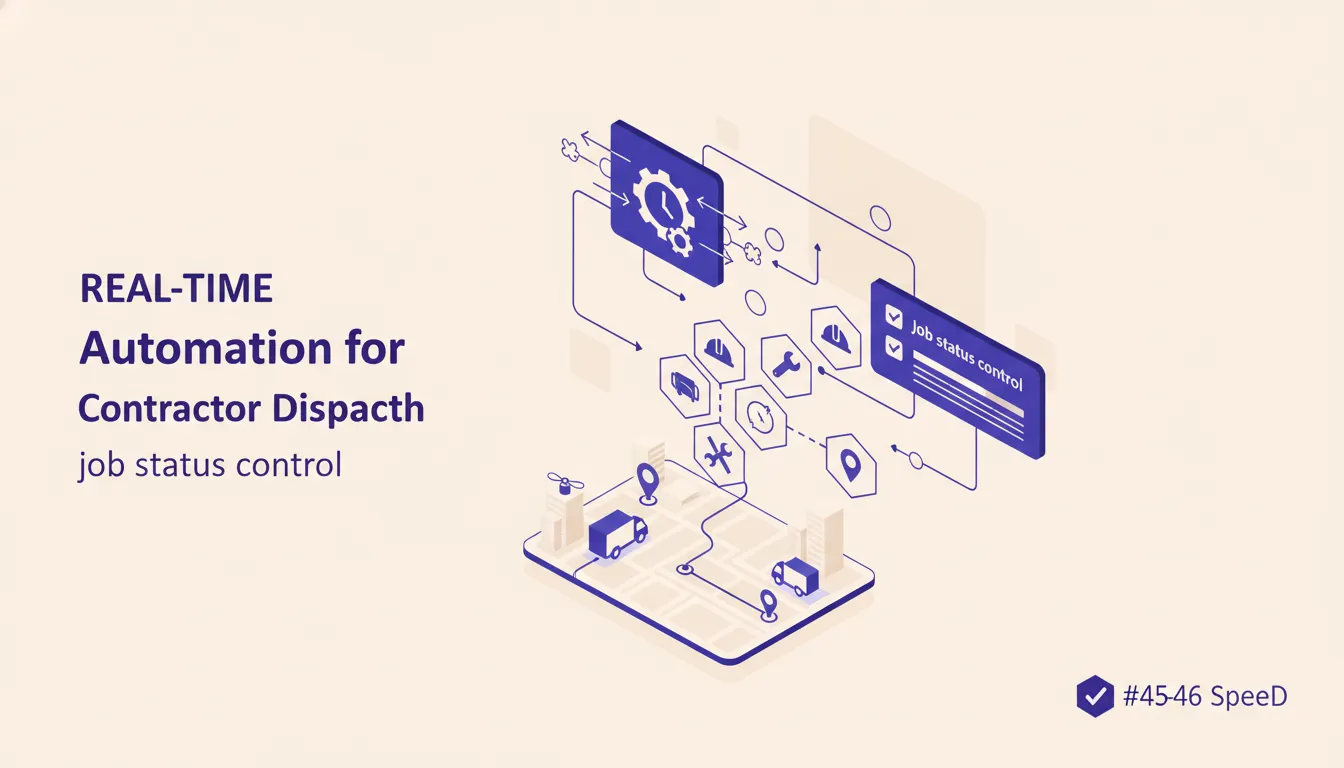
Real time automation sounds like something a software vendor says right before showing you a dashboard nobody asked for. For contractors, the useful version is much less glamorous. It is the work order status changing while the crew is still on site, the quote follow-up going out before the lead goes cold, and the office seeing a missing photo before the invoice waits three days.
The goal is not to make your business feel more technical. The goal is to stop finding yesterday's problem tomorrow morning. I know, very inspiring. Put it on a mug next to the one that says "why is this spreadsheet locked by accounting again."
voice-source: /root/.claude/skills/mooreiq-seo/data/voice-out/stories.md
"Hey, this is Damien. I came across your project about a, uh, automated invoice processing approval workflow. So, like, email to get to QuickBooks."
That invoice processing pattern is the same one contractors run into every day. A job is done in the field, but billing is not ready because the paperwork, notes, or photos are sitting somewhere else. The work is complete. The system is not.
Real time automation is how you close that gap without asking one more person to check one more screen.
What real time automation actually means
Real time automation means a defined event causes a defined action without waiting for a person to remember it later. A lead comes in. A status changes. A tech marks a job complete. A quote sits untouched for 24 hours. A missing field blocks billing. The system reacts when the event happens.
For contractors, that reaction can be simple:
- Send the customer a confirmation text.
- Move the job to an exception queue.
- Notify dispatch that a crew is running late.
- Create a billing task when closeout data is complete.
- Ask the field team for the missing photo before they leave the site.
- Route a hot quote to the owner if it is still unsigned after one day.
This is different from a weekly report. A report tells you what happened. Real time automation changes what happens next.
Microsoft's Power Automate documentation explains the basic model as triggers and actions. n8n's workflow documentation uses the same idea through nodes, branches, and workflow executions. QuickBooks app integrations are another practical reminder that the accounting side is usually part of the workflow, not a separate admin island. The tool language is not the important part. The important part is deciding which events deserve an immediate response.
That is where most contractor systems get messy. The team has a CRM, a scheduling tool, a field service app, QuickBooks, shared inboxes, and probably a spreadsheet everyone pretends is temporary. Field service platforms such as ServiceTitan can carry a lot of the operating record, but they still need clear handoff rules around quoting, closeout, and billing. Each system knows a piece of the truth. Nobody owns the handoff.
If that sounds familiar, read you do not have a tool problem, you have an architecture problem. Real time automation only works after the business decides where the source of truth lives and what each status means.
Where real time automation pays off first
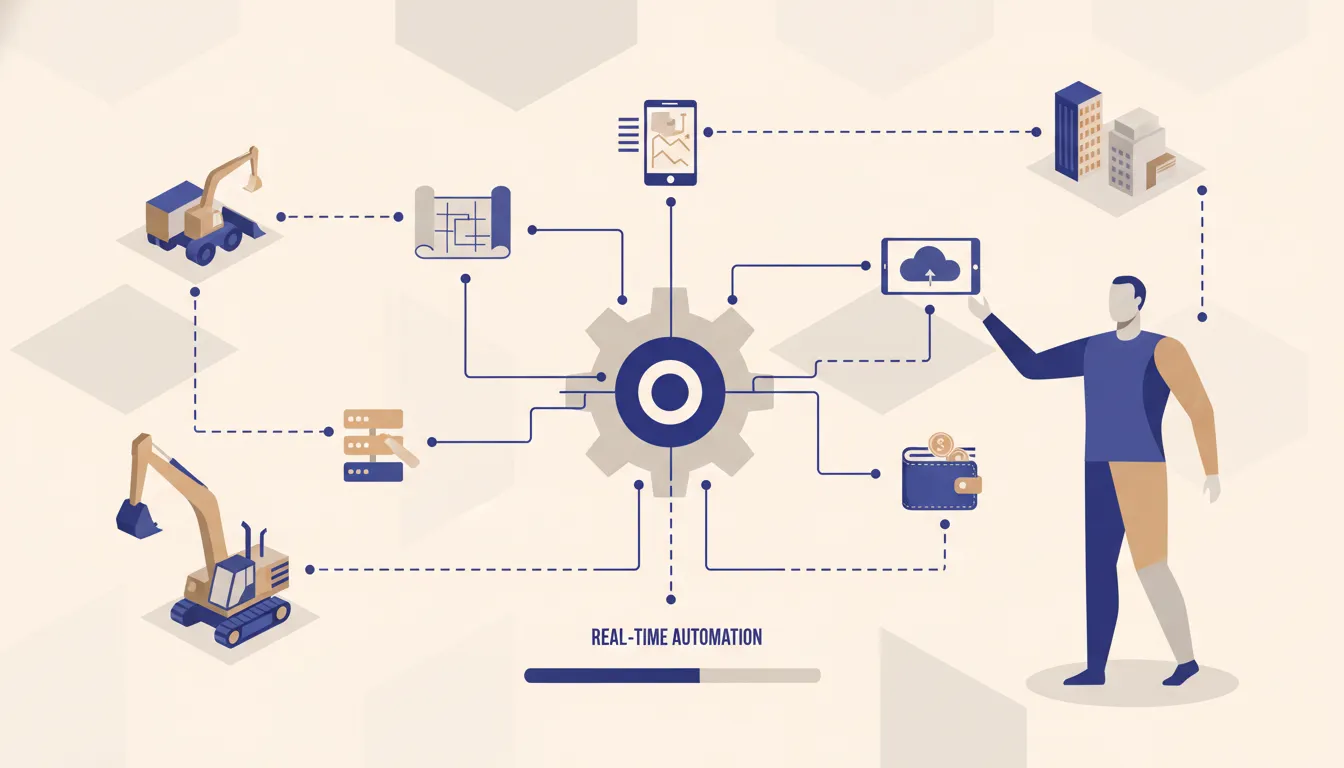
The best first projects are not the fanciest ones. They are the places where a delay changes the outcome.
For contractors, I would look at five areas first.
Lead response
If a homeowner or property manager requests a quote and the response waits until someone clears the inbox, you are already behind. A simple automation can acknowledge the request, classify the job type, check service area, and create the right follow-up task.
This does not mean a robot should price the job. It means the lead should not sit there waiting for a human to notice it exists.
Dispatch changes
When a crew is delayed, the office usually finds out through a call, text, or a vague note in the field app. Real time automation can turn a status change into a customer update, an internal alert, or a same-day reschedule task.
The automation should not pretend it knows the perfect route. It should give the dispatcher a clean signal fast enough to act.
Job closeout
Closeout is where margin quietly leaks. Photos are missing. Notes are incomplete. Materials are not logged. The customer approved the work, but billing is stuck waiting on a detail from the field.
A closeout automation can check the required fields when the job is marked complete and send the crew a simple missing-item request before they leave the site.
Quote follow-up
A quote that has not been accepted after one day, three days, or seven days should not depend on memory. The follow-up path can be rules-based, with a human handoff for high-value jobs or jobs that need judgment.
This is where automation gets useful without becoming weird. The customer gets timely follow-up. The office gets a task only when the normal path does not work.
Invoice readiness
The billing trigger should fire when the job has the required data, not when someone checks a folder. If the job is missing required proof, it should sit in an exception queue with the exact blocker.
That one change can remove a lot of Friday afternoon archaeology.
Build the exception queue first
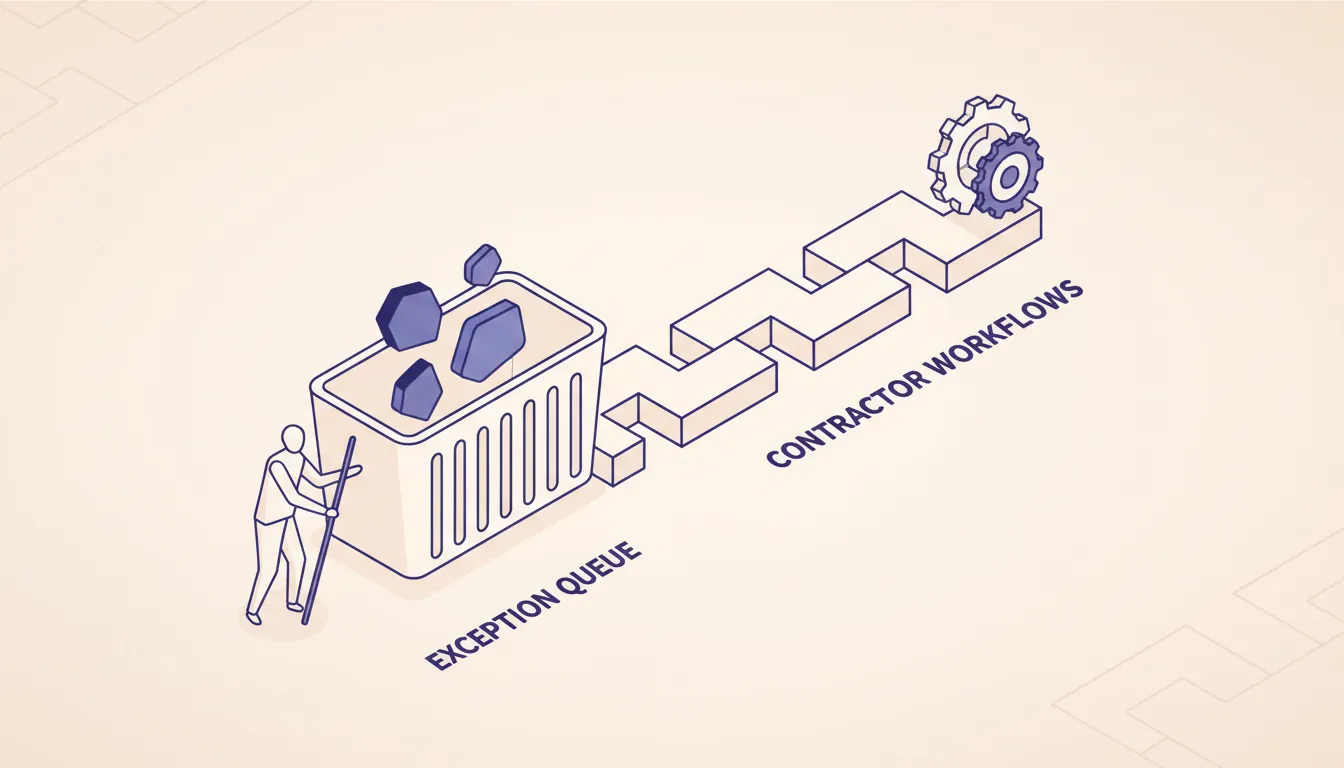
The mistake is trying to automate the whole workflow on day one. That usually creates a brittle system that works on the happy path and quietly fails everywhere else.
Start with the exception queue.
An exception queue answers three questions:
- What changed?
- Why does it need attention?
- Who owns the next action?
For example, a job marked complete without photos should not become a mystery. The queue item should say: job complete, photo missing, assigned to field lead, due today. A quote over a certain size with no response after 24 hours should say: high-value quote stale, assigned to sales owner, next step is call or revised scope.
This is how you keep people in control. The automation handles the boring detection work. The operator handles judgment.
voice-source: /root/.claude/skills/mooreiq-seo/data/voice-out/stats.md
"With automation in place, we'll be able to do this four or five times a day, right, with 24-7 monitoring, so not specifically tied to like when somebody's working duty hours, we'll be able to log this 24-7."
That is the operating value. Not magic. More frequent checking, better routing, and fewer problems waiting for office hours.
The same principle shows up in benefits of automated workflow. The benefit is not that the computer is clever. The benefit is that normal work keeps moving and abnormal work gets surfaced.
What not to automate yet
Some contractor workflows should stay manual until the rule is clearer.
Do not automate a process if every manager describes it differently. Do not automate a process where the field team uses statuses casually, like "done" sometimes meaning physically complete and sometimes meaning ready to bill. Do not automate customer decisions that still require scope judgment, safety judgment, or pricing nuance.
Also, do not hire us for this if you only need a reminder email from a form tool. If the workflow is one form, one email, and one spreadsheet row, use the cheapest native automation your tool already has. Paying for custom architecture there is like bringing a skid steer to move a patio chair.
Where we make sense is the messy middle:
- Multiple systems need to agree.
- The field and office use different tools.
- The owner needs visibility without checking five places.
- The process has clear rules, but no system owns the handoff.
- Failed automations need logging, retries, and a human review path.
If the workflow needs that kind of ownership, n8n consulting is usually a better fit than stacking more SaaS zaps. If you are deciding between common workflow tools, the breakdown in n8n vs Zapier vs Make explains where each one wins.
A practical first build
If I were scoping real time automation for a contractor, I would start with one workflow that connects lead intake, dispatch, closeout, or invoice readiness. Not all four.
A good first build looks like this:
- Pick one trigger that already exists.
- Define the source system.
- Write the normal path in plain English.
- Write the exception path in plain English.
- Decide who owns each exception.
- Send the first version to a review queue, not directly into irreversible action.
- Run it for two weeks and adjust the rules based on what actually happens.
The first version should feel boring. If it feels like a product launch, it is probably too big.
voice-source: /root/.claude/skills/mooreiq-seo/data/voice-out/opinions.md
"So everything is going to run on the VPS that you own, all code, all data. All credentials stay on the server, no lock-in, no recurring fees back to me, and open source tools throughout."
That ownership point matters when the automation touches customer records, job history, or billing data. A simple connector is fine for low-risk reminders. A core operations workflow needs a place to run, a place to log failures, and a person who knows how to change it without breaking the business.
If hosting and ownership are part of the decision, read n8n self-hosted vs cloud cost breakdown. The right answer depends on volume, credentials, and who is responsible when something fails at 6:12 in the morning.
How to know the workflow is working
Real time automation is working when the office stops asking status questions the system already knows.
Useful signs include:
- Fewer jobs stuck in closeout.
- Faster quote follow-up.
- Fewer missed customer updates.
- Cleaner invoice readiness.
- Better visibility into which crew, job type, or customer segment creates exceptions.
- Less time spent checking whether nothing happened.
The last one sounds small, but it is not. A lot of operations work is just checking. Checking the inbox. Checking the board. Checking whether the tech uploaded the photos. Checking whether the invoice is ready. Checking whether the customer replied.
Real time automation removes the dead checking and leaves the decision work.
The contractor version of real time is not instant everything
The word real time can make people think every action needs to happen instantly. That is not true.
Some events need a response in seconds, like a new emergency lead. Some need minutes, like a crew delay. Some need hours, like quote follow-up. Some need one daily digest, like low-risk admin cleanup.
The point is not speed for its own sake. The point is matching the automation timing to the business consequence.
If a delay changes the outcome, automate the signal. If a delay does not matter, batch it. If the rule is unclear, leave it manual until the team can explain it.
That is the practical version of real time automation for contractors. Fewer missed handoffs, cleaner exception queues, and less work discovered after it is too late to fix cheaply.
Want to see which real time automation would matter most in your operation? Run the AI Operations X-Ray. It will point to the handoffs most likely to save time, protect margin, or get billing moving faster.
FAQ
Frequently asked questions
01What is real time automation for contractors?
It is the set of triggers, rules, and alerts that move job information as soon as something important changes. For contractors, that usually means dispatch status, missing photos, quote approvals, schedule risks, and invoice readiness.
02What contractor workflow should be automated first?
Start with the workflow where delay hurts most and the rule is already clear. Missed quote follow-up, incomplete job closeout, dispatch changes, and invoice readiness are usually better first projects than full schedule rewriting.
03Does real time automation replace a dispatcher?
No. It gives the dispatcher a cleaner exception list. The automation should collect status, route normal updates, and flag problems while a person still owns judgment and customer context.
04When is real time automation not worth it?
It is not worth building when the team cannot agree on statuses, the source data is unreliable, or the process changes every week. Fix the operating rule first, then wire the automation.
05What systems can real time automation connect?
It can connect forms, CRMs, field service tools, spreadsheets, email, SMS, QuickBooks, and workflow engines like n8n. The right stack depends on who owns the data and what has to happen when a rule fails.
