
For / dental-medical
Intake paperwork digitization for dental practices
The eight page pdf you email new patients is why your front desk retypes everything at 8 am. We kill the retype and the clipboard in the same week.
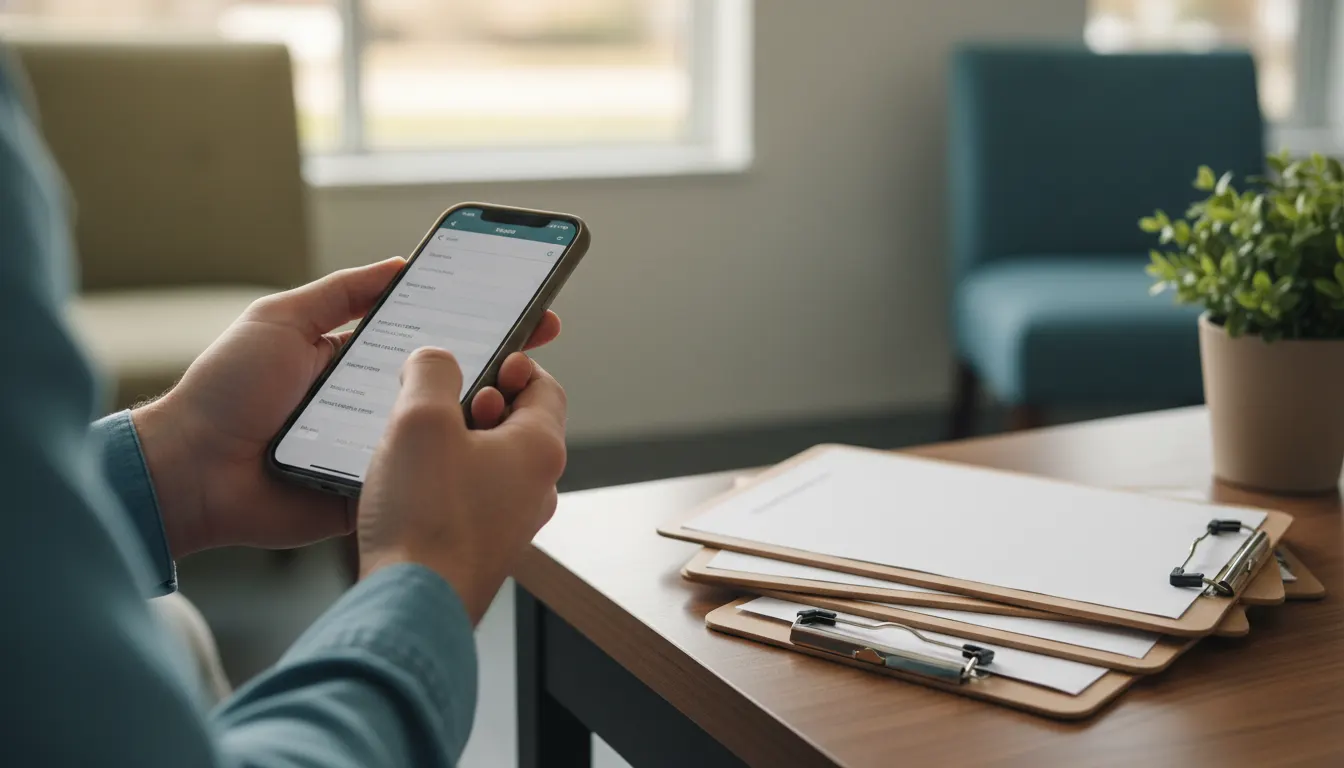
Intake paperwork digitization is not a new patient portal. It is a pre-visit text and email link, a mobile-first form, and a small connector that writes structured fields back into your PMS. You keep Dentrix or Open Dental. The front desk stops typing.
Systems retained
The systems you keep
We wire ai on top via legacy system modernization. Nothing about your stack changes.
Scope of work
What we build
Timeline
Scope and timeline
Band
Medium
Timeline
3-4 weeks
This is a medium build. Timeline 3-4 weeks. Fixed fee, scoped on a 30-minute discovery call. You own the code, the prompts, and the credentials. No lock-in.
Questions
Faq
Do we have to replace Dentrix or Open Dental
No. Your PMS stays. We write the intake fields back into the patient record using the same exports and apis your team already has. If the PMS changes later, we re-point the connector and keep going.
What about HIPAA and the insurance card photo
The form runs on infrastructure you own or a private vps. Patient data and the card image stay inside your stack. We sign a baa where one is required and we keep phi out of any third-party llm call. Ocr runs on a model you control.
How long does this take to stand up
First version live in week one with the link, the form, and a manual handoff. Full build in three to four weeks once the PMS write-back, the ocr, and the clinician flag are wired in.
What does it cost
Fixed fee. No per-form charge, no per-seat pricing, no monthly retainer back to us. You own the code, the form, and the prompts when we hand it off.
What happens with walk-ins who never tap the link
The same form runs on a tablet at the front desk as a kiosk view. The clipboard goes in a drawer. Data still lands in the PMS the same way.
What if the patient lies on medical history
We cannot fix that. What we can do is force the question, store the answer, and route flagged conditions to a clinician before the operatory. The chart shows what the patient said and when they said it.
Out of scope
When this is not worth automating
Related
Related for dental-medical
See all problems we solve for dental-medical on the dental-medical pillar.