
Field note
Updated Oct 17, 2026
CRM for Equipment Dealers: What It Should Do
A CRM for equipment dealers should help you track leads, manage follow-up, and keep every quote tied to the right customer and machine.

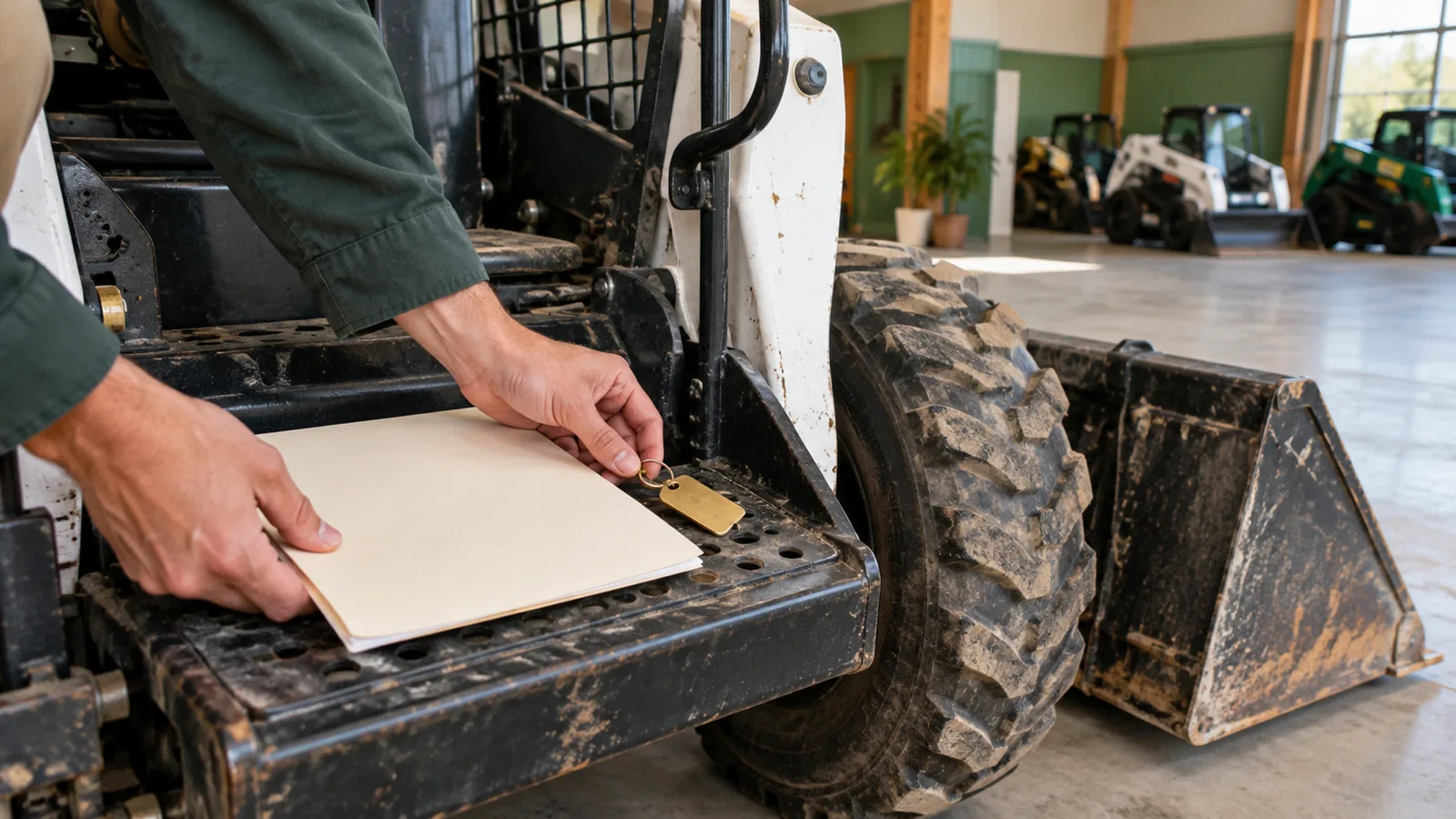
A CRM for equipment dealers should help you track leads, manage follow-up, and keep every quote tied to the right customer and machine. It should fit how equipment sales really work, including trade-ins, attachments, financing steps, long buying cycles, and service handoffs.
A plain CRM can help with contacts and tasks, but it often needs changes before it works well for an equipment dealership. The goal is simple: make it easier for your sales team to know who needs attention, what they asked for, what was quoted, and what should happen next.
What a CRM for equipment dealers should do
A CRM for equipment dealers is a customer system built around equipment sales work. It stores customer details, lead history, machine interest, quote activity, follow-up tasks, and handoff notes in one place.
At a minimum, it should help you answer these questions fast:
- Who is the customer?
- What machine, attachment, or package are they looking at?
- Has a quote been sent?
- What changed in the quote?
- When should sales follow up?
- Is service, parts, rental, or finance involved?
If your salespeople still need to search emails, spreadsheets, texts, and quote files to see what happened, the CRM is not doing enough.
Why a normal sales CRM often needs changes
Most sales CRMs are built for simple pipelines. A lead comes in, a salesperson follows up, the deal moves through stages, and the sale closes or does not close.
Equipment sales are not always that clean.
A buyer may ask about one machine, then switch to another model. They may need attachments, warranty details, freight, setup, financing, or a trade-in value. A quote may change several times before the customer is ready.
You may also need to involve parts, service, rental, or management before the deal is done. If the CRM only tracks a contact name and a deal stage, your team can lose important details.
The CRM should match the way your dealership sells, not force your dealership into a generic sales process.
Dealer sales work the CRM must support
The right system should support the daily work that happens between first contact and signed deal. That does not always mean buying a new platform. Sometimes it means fixing fields, handoffs, quote tracking, and reminders in the tools you already use.
| Dealer sales task | What the CRM or connected system should do |
|---|---|
| Web lead or phone inquiry | Create a lead, assign an owner, and record what the buyer asked for |
| Machine interest | Track model, condition, hours, stock number, attachments, and options |
| Trade-in discussion | Store notes, photos, payoff details, and appraisal status where sales can find them |
| Quote request | Connect the quote to the customer, machine, and salesperson |
| Quote revision | Keep a clear history of what changed and when follow-up is due |
| Financing step | Track status, needed documents, and who owns the next step |
| Manager review | Route approvals or exceptions without losing the sales notes |
| Service or delivery handoff | Pass clear details to the next person after the sale |
| Lost deal | Record the reason so you can learn from it later |
This is where a CRM for equipment dealers becomes useful. It is not just a contact list. It is the working record of the deal.
How quoting should connect to the CRM
Quoting should not live far away from the customer record. If a buyer calls back, your salesperson should be able to see the current quote, older versions, machine details, options, and follow-up plan without digging through folders.
Good quote tracking helps you see:
- Which customer received the quote
- Which machine or package was quoted
- Which options, attachments, fees, or discounts were included
- Who sent it
- When it was last updated
- When follow-up is due
This matters because equipment quotes often change. A buyer may add an attachment, change delivery needs, ask about financing, or compare a used machine with a new one.
I wrote more about this in automated quoting for equipment dealers. If your quoting tool feels too generic, my article on why CPQ software does not fit many equipment dealers explains the gap in plain terms.
A simple lead to quote example
Here is what a simple lead to quote flow can look like.
A buyer fills out a contact form asking about a used skid steer. The CRM creates a new lead, assigns it to a salesperson, and records the machine interest.
The salesperson calls the buyer and learns they also need a bucket, delivery, and financing. Those notes go on the customer record, not in a private notebook.
The salesperson builds a quote with the machine, attachment, delivery charge, and finance note. The quote is linked to the customer and the machine.
Two days later, the buyer asks about a different attachment. The quote is updated, the old version stays visible, and the CRM sets a follow-up task.
If the deal moves forward, the handoff notes are ready for finance, service, or delivery. If the buyer goes quiet, the salesperson still has a clear next step.
What to check before you buy or rebuild a CRM
Before you choose a CRM or rebuild your current setup, look at your real sales process. A better tool will not fix a broken handoff by itself.
Use this checklist:
- Where do new leads come from today?
- Who assigns each lead?
- How do salespeople know who to follow up with?
- Where are quote files stored?
- Can you see quote history from the customer record?
- Do salespeople enter the same details in more than one place?
- Are trade-in details easy to find?
- Are parts, service, finance, and delivery handoffs clear?
- What reports do you actually use each week or month?
- Which steps depend on one person remembering to do something?
The answers will show whether you need a new CRM, better automation, cleaner quoting, or a simpler process. I use the same kind of thinking when looking at other complex sales workflows, such as CRM planning for another complex sales process.
When to use Moore IQ for an X-Ray scan
Use an X-Ray scan when you are not sure whether the problem is your CRM, your quoting process, your handoffs, or the way your tools connect. I look at the current workflow before you commit to a tool change or rebuild.
A review can uncover missed follow-ups, duplicate entry, quote delays, unclear ownership, and manual work that should be automated. I help you understand what your equipment sales process needs, then map the practical fixes.
If you want a clearer path for your CRM, start with my equipment dealer X-Ray scan.
Frequently asked questions
What is the best CRM for equipment dealers?
The best CRM for equipment dealers is the one that fits your sales process and keeps leads, follow-up, quotes, machines, and handoffs connected. I would not choose based on a brand name alone. Start by mapping how your dealership sells equipment, then judge each system against that workflow.
Do equipment dealers need a CRM?
Most equipment dealers need some kind of CRM once leads, quotes, and follow-up become hard to track by memory or spreadsheet. A CRM helps you keep customer history in one place. It also makes it easier to see which deals need attention.
How should a CRM connect to quoting software for equipment dealers?
The CRM should connect each quote to the customer, machine, options, salesperson, and follow-up date. Your team should not have to search separate folders to know what was quoted. Quote history should be easy to see from the customer record.
Can a CRM track equipment sales leads and follow-up?
Yes, a CRM can track equipment sales leads and follow-up when it is set up around the way your dealership works. It should assign owners, set reminders, record notes, and show open tasks. It should also make it clear when a buyer has an active quote.
What should I check before choosing a CRM for an equipment dealership?
Check how leads arrive, how quotes are built, where customer notes live, and where follow-up gets missed. Also check whether salespeople enter the same information in more than one place. Those details will show what the CRM needs to support before you buy or rebuild anything.
FAQ
Frequently asked questions
01What can a process review uncover?
It can reveal delays, duplicated work, unclear handoffs, and manual tasks that are slowing sales down.
02Do I need a new system?
Not always. I look at what is already in place first, then suggest practical changes.
03What kind of sales process does this suit?
It suits equipment sales teams that need clearer follow-up, quoting, ownership, and workflow.
04What happens after the review?
I outline the fixes that are most useful, practical, and suited to the way the sales process works. If you want a clear look at what is slowing down your sales and quoting workflow, start with equipment dealer automation. I can review how leads, quotes, follow-up, and handoffs work today, then show where an X-Ray scan may help before you spend time and money changing systems.
