
Field note
Updated Sep 30, 2026
Field service software for small business: what to test
Field service software for small business should show each job's owner, dispatch status, proof of work and billing status. Here is how I test it before buying.

Field service software for small business should keep every job's owner, next step, approvals, problems and proof of work attached to the job, from the first request to the paid invoice. If it cannot make dropped work visible, it is just another place to record activity.
I cover this as part of my AI automation for trades contractors work.
Most of this software is sold through a familiar feature list: scheduling, dispatch, mobile apps, estimates, invoicing, GPS, customer messages, and reports. The standard field service management definition is broad enough to cover coordinating people, equipment, and work performed outside company property.
That definition is accurate, but it does not answer the buying question I care about.
Will the system control the work when a technician loses service, a customer changes access instructions, a part is missing, a vendor does not acknowledge the dispatch, or a completed job cannot be invoiced because the evidence is incomplete?
A long feature list does not tell me that. A polished calendar does not tell me that either.
That is why I use a harder definition. Small business field service software should keep the job record, current owner, next action, timing, approvals, problems, and completion evidence attached to the work from request through payment. If it cannot do that, it is a notebook, not the system that runs the work.
I saw the difference on a rental-car operation that was running through spreadsheets, whiteboards, and word of mouth. The problem was not a missing dashboard. The problem was that the real status moved every time somebody updated a different surface. Bringing the work into one coordinated layer mattered because the team could finally see what was waiting, who owned it, and what needed attention.
After building more than 500 production-grade workflows, my opinion is firm: the most important software feature is not automation. It is controlled recovery when the automation meets reality.
Define the field service promise before the software
A small operation should begin with one promise that matters to the customer and the business.
For an HVAC company, that promise might be: every urgent no-cool request receives an owned dispatch decision within 15 minutes. For a facilities contractor, it might be: every completed work order has the evidence required for customer reporting and invoicing. For a multi-site maintenance team, it might be: every critical asset issue has a named owner, a clock, and an escalation path.
The promise turns a software demo into a practical test.
I want five answers before I compare products:
- What event creates a job?
- Which system owns the trusted job record?
- Who owns the next action at each handoff?
- Which actions require approval?
- What proves the work and the downstream update happened?
If the team cannot answer those questions, selection is premature. The way the work runs is still living in personal habits, and new software will simply make those habits harder to see.
My facilities and maintenance automation model starts with the manual handoffs around the tools already in place. That is often more useful than assuming a replacement project is the first move.
Test the job record under real field conditions
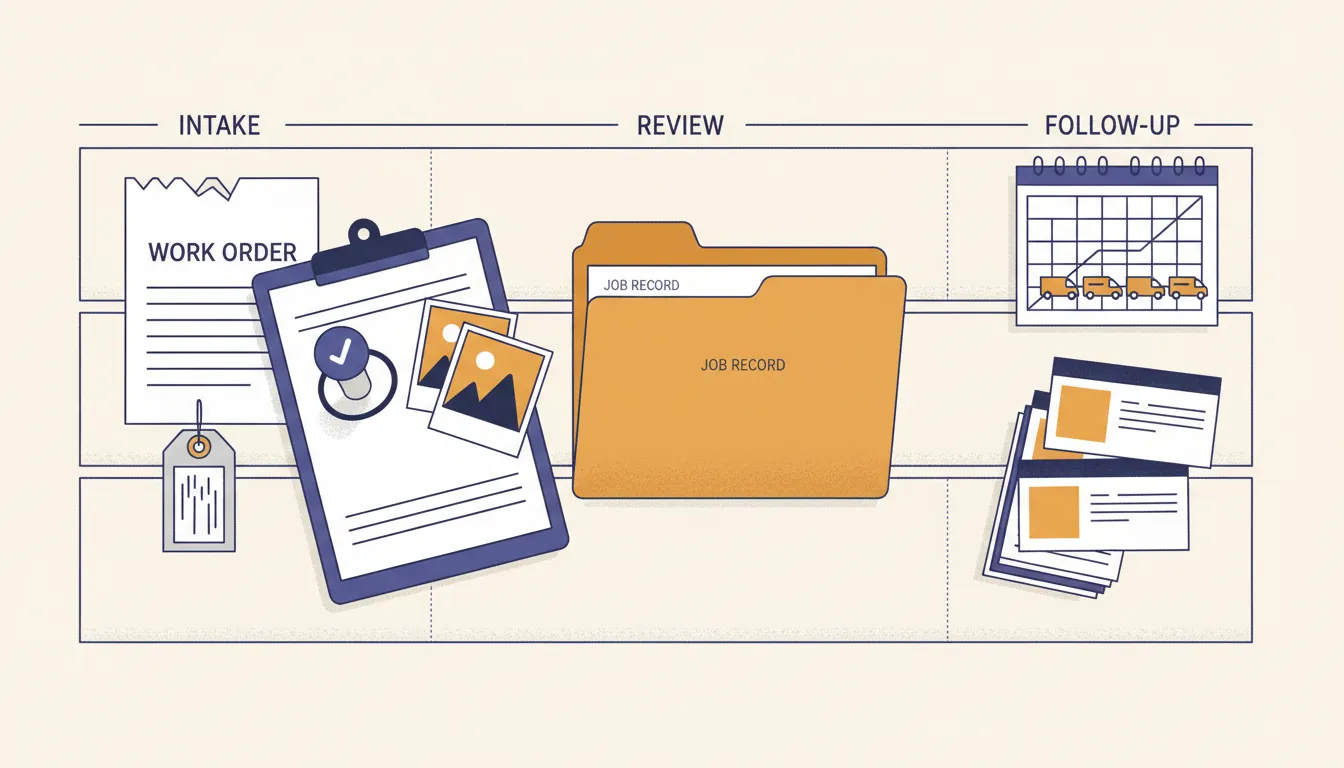
Field service work creates several partial truths.
The CRM may own the customer. The scheduling board may own the appointment. The technician's phone may hold the latest note. A CMMS may own the asset history. Email may hold a changed scope. A vendor portal may hold an acknowledgement. The accounting system may decide whether the job is ready to invoice.
The software does not have to replace every tool. It does need a declared authority for each record and a reliable reconciliation path.
I test that with uncomfortable scenarios:
- A customer calls and emails about the same issue, creating two jobs.
- A technician completes work while offline and syncs later.
- The assigned vendor accepts by email, but the dispatch board never updates.
- A job needs a second visit after the first technician marks it complete.
- A photo arrives without the asset, location, or work-order identifier.
- A quote is approved after the scheduled slot has passed.
- An integration accepts an update, but the accounting record is unchanged.
- A technician notices a safety concern that should stop the normal workflow.
Good field service software should not quietly guess through those cases. It should preserve the trusted record, keep conflicting evidence, and move ambiguity into a visible queue with one owner.
That is also why I often recommend teams automate work-order intake from email before buying another full platform. Messy intake can be normalized, checked, and routed while the current system remains authoritative.
My broader business process automation work follows the same rule. Connect the handoff around the source of truth rather than creating a second version of it.
Separate scheduling, field execution, and financial closeout
Field service software for small business is often expected to do three different jobs.
The scheduling job assigns time, people, territory, skills, parts, and customer constraints. It should make conflicts and unowned work visible.
The field execution job gives the technician the current scope, asset history, instructions, forms, safety information, communication path, and a way to capture evidence even when connectivity is poor.
The financial closeout job checks whether labor, materials, approvals, signatures, photos, and status changes are complete enough to invoice, report, or create follow-up work.
One product may handle all three well. Many handle one beautifully and leave the handoffs exposed.
I would rather keep a capable system and add a narrow control layer than force a small team through a replacement that creates duplicate entry. The decision framework in before you replace your CMMS applies beyond maintenance software. First locate the pain. If it lives in intake, dispatch, evidence, reporting, or vendor follow-up, fix that handoff before replacing the record system.
A small business also needs to know what happens when volume grows. Can dispatchers see unacknowledged work? Can managers change a rule without hiring a developer? Can the company export its records? Can an operator stop outbound messages? Can failures be reviewed without digging through code logs?
Everything should remain inspectable. All code, data, and credentials should stay under the operator's control where possible. If ordinary troubleshooting requires waiting on a vendor, that dependency belongs in the buying decision.
Treat safety and customer impact as approval boundaries
Field work includes decisions that should not be hidden inside an automation rule.
The OSHA Recommended Practices for Safety and Health Programs emphasize finding and fixing hazards, involving workers, and improving the program over time. Software should support that operating behavior. It should not turn a technician's safety observation into a low-priority note because a model classified it poorly.
I use AI for bounded tasks such as:
- Extracting location, asset, issue type, urgency, and access instructions from a request.
- Detecting missing fields before dispatch.
- Summarizing the asset history for the technician.
- Drafting customer arrival or delay messages.
- Reading completion notes and checking for required evidence.
- Classifying exceptions for dispatcher review.
- Preparing a daily digest of overdue, unacknowledged, and blocked work.
I do not let a model silently override a safety stop, approve unusual spend, close a disputed job, or send a sensitive customer message without a defined review rule.
The NIST AI Risk Management Framework is useful here because it treats governance, mapping, measurement, and management as ongoing work. That matches the field-service reality. The rule should be visible, the outcome should be measurable, and somebody should own the exception.
My practical boundary is simple: AI can prepare the decision surface. A person should own the decision when safety, money, customer trust, or irreversible action is involved.
Score field service management software for small business
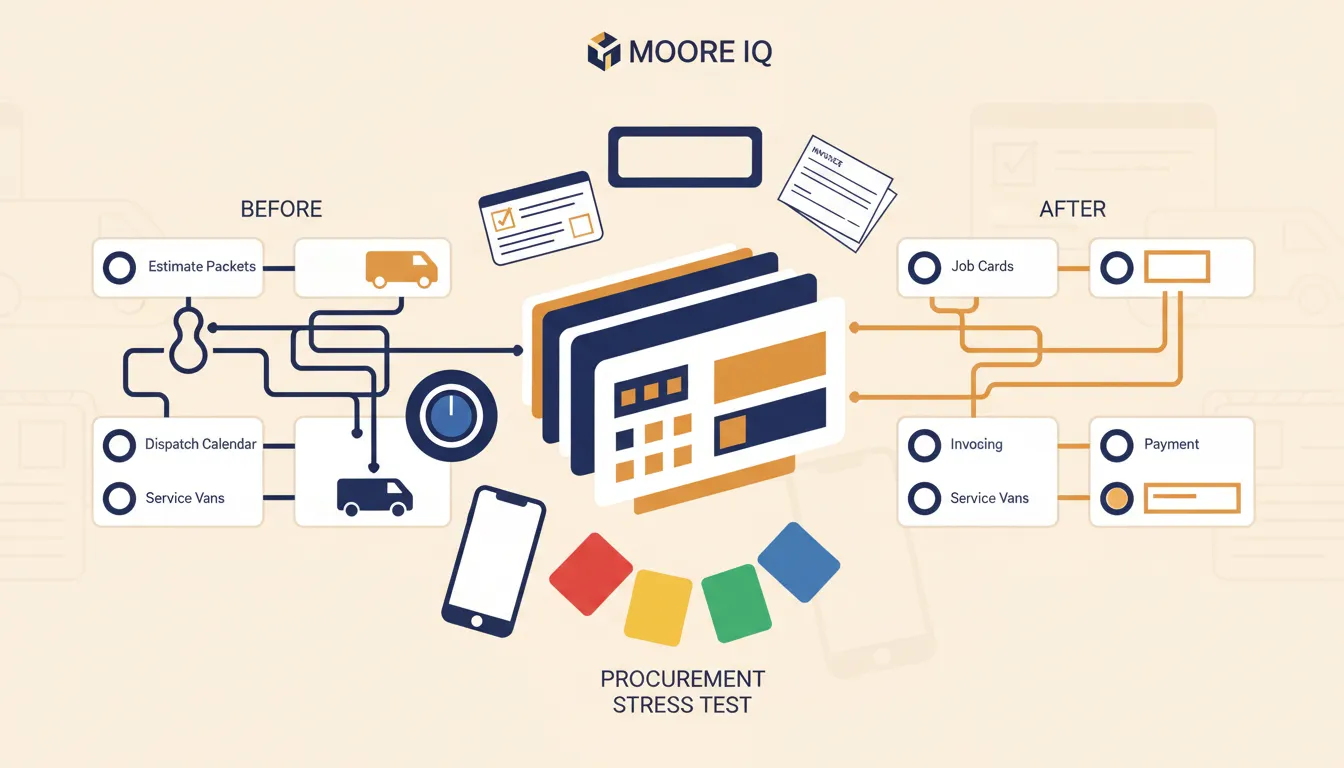
Before buying or building, I score the system from zero to two on each control.
One job record. Can the team identify one trusted job record and reconcile duplicates?
Required information. Does the system stop or flag work when location, asset, scope, access, or contact details are missing?
Ownership. Does every active job and exception have one current owner?
Timing. Can the system start a response or service clock from a real event and escalate when it expires?
Dispatch acknowledgement. Can the operator prove that an employee or vendor accepted the work?
Offline behavior. Can field work continue safely when the device has poor connectivity, then reconcile without silent data loss?
Approvals. Are unusual spend, scope changes, outbound messages, and sensitive closeout actions governed by explicit rules?
Safety exceptions. Can a worker stop the normal lane and surface a hazard without fighting the workflow?
Completion evidence. Can the system tie notes, labor, materials, customer signatures, photos, and follow-up needs to the correct job?
Financial readiness. Can the operator see why a completed job is not ready to invoice?
Failure handling. Are integration errors, rejected updates, retries, and stale records visible to the operator?
Portability. Can the business export customer, asset, job, communication, and financial handoff history in a usable format?
A score below 18 out of 24 does not automatically make the product bad. It means the buyer should identify which controls will stay manual, require another layer, or create operating risk.
Vendor coordination deserves its own test. My vendor dispatch and SLA tracking model shows why assignment alone is not enough. The system needs acknowledgement, timing, follow-up, escalation, and visible proof that the record changed.
When not to hire me or buy field service software
Do not hire me to automate field service work when the team has no shared intake rule, no source of truth, and no owner for the next action. Do not buy field service software in that situation either.
Do not automate disagreement. If managers classify the same issue differently, technicians use incompatible completion standards, or nobody owns vendor escalation, software will hard-code confusion.
I would also hold off on a major platform when volume is low, the current calendar and accounting tools are reliable, and one coordinator can see every exception without dropped work. A documented checklist and a daily review may be enough for now.
The better sequence is straightforward:
- Name the operating promise.
- Map the handoffs that affect revenue, safety, or customer trust.
- Declare the source of truth for customers, jobs, assets, and invoices.
- Set ownership, timing, approval, and escalation rules.
- Create one exception queue.
- Test real edge cases with the people who perform the work.
- Buy or build the smallest system that closes the control gaps.
That sequence is how I set up any business process before speeding it up. The system should reflect who owns what and how the work really runs before it accelerates anything.
Field service software for small business should not win because it has the longest feature list.
It should win because dispatch knows what is unowned, technicians have the right context, customers receive reliable updates, completed work becomes billable, safety concerns stay visible, and the owner can prove the work is flowing.
If you want one of these handoffs fixed without replacing the tools you already run, my business process automation service is where I start.
FAQ
Frequently asked questions
01What is field service software for small business?
It is an operating system for coordinating work performed away from the office, including intake, scheduling, dispatch, job records, communication, parts, approvals, completion evidence, invoicing, and reporting.
02What should a small business automate first in field service?
Start with one repeated handoff where delay or missing information affects revenue or customer trust, such as request intake, dispatch acknowledgement, completion evidence, quote approval, or invoice readiness.
03Should field service software replace a CRM or accounting system?
Not automatically. A small business should declare which system owns customers, jobs, assets, invoices, and payments, then connect events without creating duplicate records.
04How should a small business evaluate AI in field service software?
Use AI first for extraction, classification, summarization, drafting, and exception detection. Keep safety-sensitive, financial, and customer-impacting decisions reviewable until performance is proven.
05Do I need a field service report app with customer signature capture?
A signed field report is one piece of completion proof, and it matters when the job has to be invoiced or reported to a customer. The app should tie the signature, photos, notes, labor and materials to the correct job, even when the technician is offline. A signature that lands without the job attached just creates another cleanup task.
