
Field note
Jun 3, 2026
Workflow optimization scorecard for messy handoffs
Workflow optimization should help operators decide which handoff is worth fixing first, who owns it, and what proof shows the work actually improved.

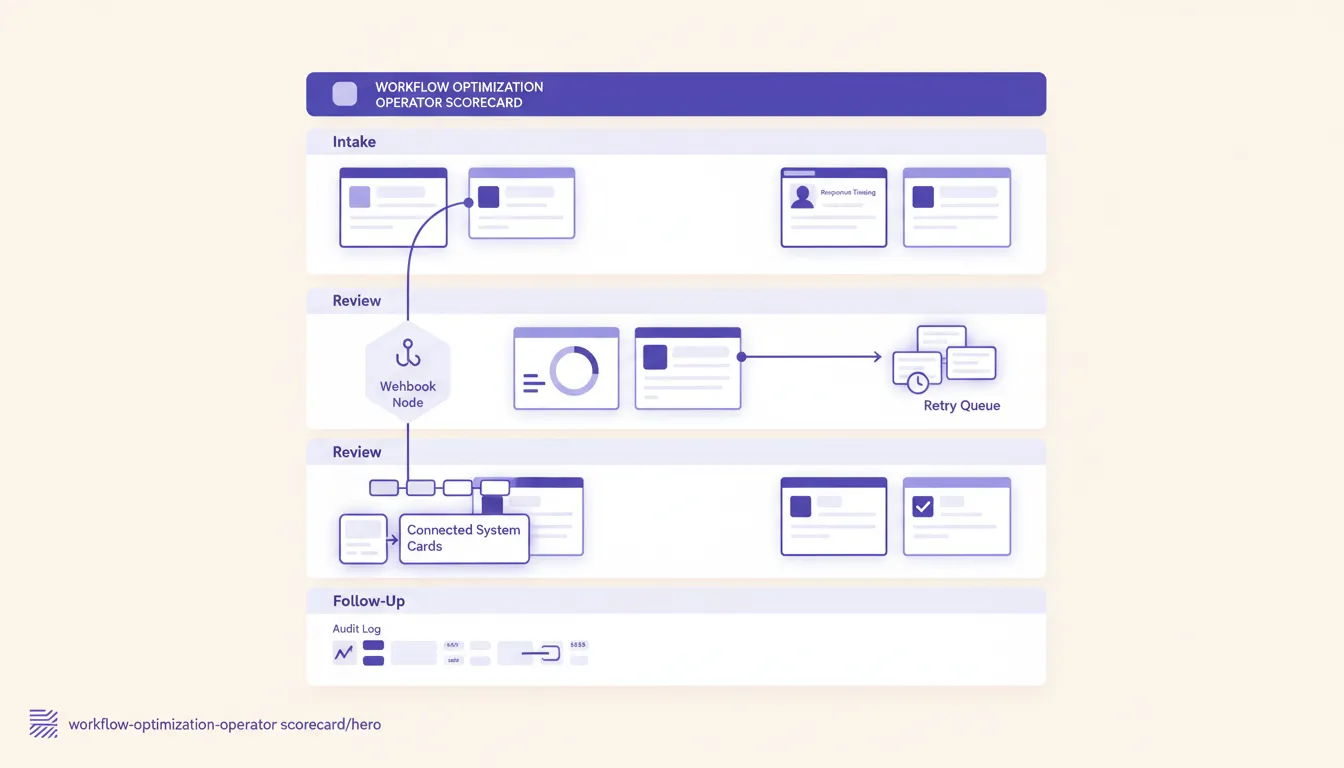
Workflow optimization sounds like the kind of phrase that belongs on a consulting slide. Everyone agrees with it. Nobody wants to be against optimization. The problem is that the phrase is often too vague to help a manager choose what to fix on Monday.
The useful question is smaller: which workflow is costing the business because the handoff is unclear, late, duplicated, or invisible?
That is where operators should start. Not with a new app list. Not with a company-wide transformation announcement. Not with a diagram of the perfect future state. Start with the handoff where customers wait, revenue stalls, technicians chase context, recruiters lose candidates, managers rebuild reports by hand, or finance finds out too late that the work was never closed.
Moore IQ treats workflow optimization as an operating scorecard. The goal is to rank painful handoffs, pick one that can be improved without breaking the system of record, and prove that the new workflow is easier to run every week. If the team needs a structured way to identify those opportunities, the AI Operations X-Ray is built around that exact ranking problem.
Workflow optimization starts with the promise being protected
A workflow is not just a sequence of tasks. It is the path between a business promise and a completed outcome. ISO describes quality management around meeting customer requirements and improving processes, which is useful framing for operators because the workflow is where those promises become visible work. The public overview of ISO 9001 is a reminder that process control is not paperwork for its own sake. It is how a business makes repeatable promises.
A home builder promises that a lead will not disappear after the estimate. A recruiting firm promises that qualified candidates will not sit untouched. A maintenance team promises that urgent work orders will reach the right vendor. A service business promises that the customer will know what happens next without calling three times.
When the workflow breaks, the promise breaks.
That is why workflow optimization should start with the operator question, not the software question:
- What promise is this workflow supposed to protect?
- Where does the promise become at risk?
- Who owns the next decision when the work is not routine?
- Which system is the record of truth?
- What proof would show the workflow improved?
If those questions are unclear, adding automation usually makes the mess move faster. A bot can assign the wrong owner instantly. A dashboard can show stale data beautifully. A workflow tool can create tickets that nobody is accountable for closing.
The better pattern is to define the operating promise first, then fix the handoff that threatens it most.
Score the handoff before you redesign it
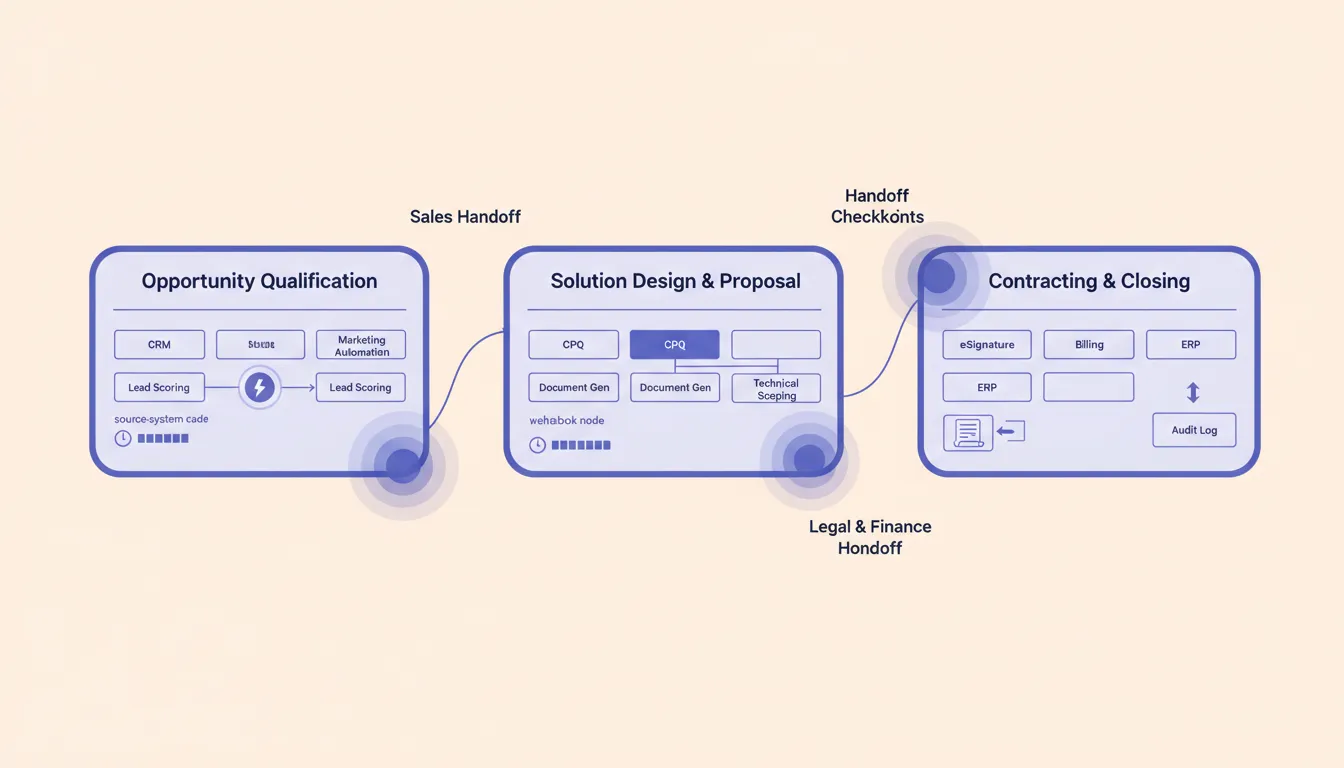
Most teams already know where work gets stuck. The hard part is deciding which stuck point deserves attention first. NIST's process improvement guidance often frames improvement as defining, measuring, analyzing, improving, and controlling the process. Operators do not need to turn that into ceremony, but they do need the measurement discipline. See NIST's overview of process improvement for the underlying idea.
Use a simple scorecard before redesigning anything:
- Customer impact: Does this delay affect response time, service quality, delivery, billing, or retention?
- Exception volume: How often does the workflow need human rescue?
- Hidden labor: How many Slack messages, spreadsheet edits, manual checks, or reminder loops happen outside the system?
- Revenue or cash impact: Does the delay slow proposals, collections, renewals, recruiting placements, or scheduled work?
- Ownership clarity: Can one manager say who owns the next action at every step?
- System clarity: Is there one source of truth, or are people reconciling multiple tools by memory?
- Risk level: Would a wrong automated decision create compliance, safety, customer, or financial risk?
- Improvement evidence: Can the team measure before and after without inventing a new reporting burden?
A workflow with high customer impact, high exception volume, and unclear ownership is a better candidate than a workflow that is merely annoying. That is where optimization creates operating lift instead of cosmetic efficiency.
This is also where teams often discover they do not have a tool problem first. They have an architecture problem. The warning in the tool problem versus architecture problem applies here: if the business has not decided which system owns the truth and which manager owns the exception, another app will only add another place to check.
Separate routine work from exception work
Workflow optimization gets cleaner when routine work and exception work are designed separately.
Routine work should move with as little drama as possible. The request is complete, the rules are known, the owner is obvious, and the next step can be updated without a meeting. This is where automation can classify, route, notify, draft, update, and close low-risk steps.
Exception work needs a different lane. The request is incomplete, the customer is unhappy, the approval threshold is unclear, the data conflicts, the vendor missed the window, the candidate changed availability, or the payment status does not match the job status. Exception work should not be hidden inside a long task list. It needs an owner, a due time, context, and an escalation rule.
The mistake is treating every workflow as if it should be fully automated. That creates two bad outcomes. Either the team refuses to trust the system, or the system starts making decisions that should have stayed in human review.
A better workflow says:
- Routine requests follow the standard path.
- Exceptions are pulled into a visible queue.
- The owner sees the reason, context, and recommended next action.
- The system records what happened.
- The manager reviews patterns weekly.
That is how automated workflow benefits become real. The value is not that software touched the task. The value is that fewer items need manager rescue, fewer customers ask for status, and fewer people rebuild the truth by hand.
Choose one source of truth and one owner
Workflow optimization fails when everyone can see the work but nobody owns it.
This happens constantly in growing companies. Sales owns the relationship. Operations owns delivery. Finance owns billing. Customer success owns status. The CRM has one version of the customer. The project tool has another. The inbox has the latest promise. The spreadsheet has the report leadership trusts.
The workflow is not improved until the ownership rule is clear.
For every step, define:
- Source system: Where does this record live?
- Decision owner: Who decides the next action?
- Backup owner: Who acts when the owner is unavailable?
- Response window: How long can this step sit?
- Escalation rule: What happens when it sits too long?
- Evidence field: What must be recorded before the step is complete?
This sounds basic because it is. It is also the part many automation projects skip.
A workflow with one trusted record and one visible owner can be improved gradually. A workflow with five partial records and social ownership needs governance before it needs AI. The same operating logic sits behind business process automation: leadership cannot manage what each department defines differently.
Pilot the workflow in one narrow lane
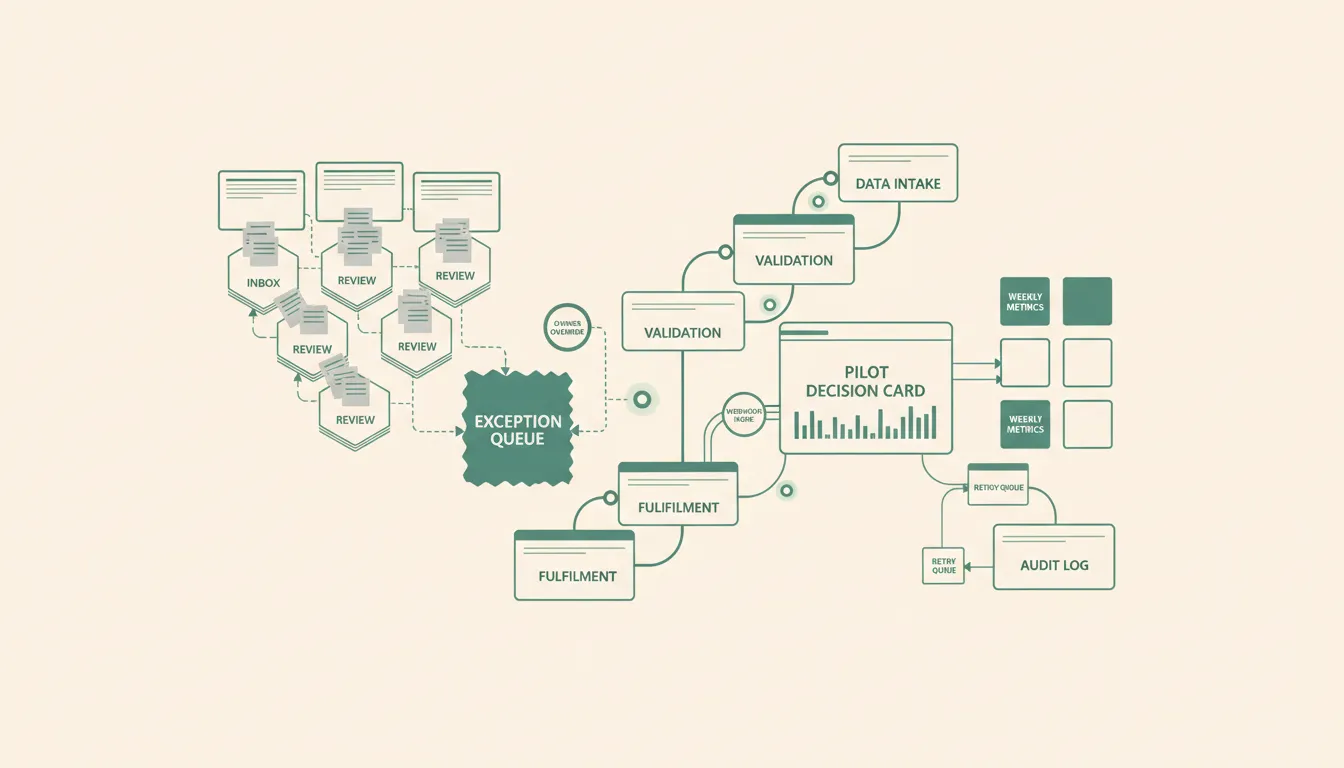
The safest workflow optimization project is narrower than leadership wants and more measurable than the team expects.
Pick one lane:
- One lead source that keeps going stale.
- One work order intake path that creates duplicate tickets.
- One recruiting stage where candidates stop receiving follow-up.
- One billing handoff where completed work waits for missing details.
- One customer status update that managers keep sending manually.
- One vendor dispatch path where missed confirmations create fire drills.
Then run the pilot like an operating change, not a software demo.
Document the current path. Count stale items, rework, manual reminders, missing fields, manager touches, and customer escalations. Define the improved path. Add automation only where the rule is clear. Keep exceptions visible. Review the metrics weekly. Change the rule when the evidence shows the workflow still stalls. The U.S. Bureau of Labor Statistics tracks productivity as output relative to inputs, which is a useful reminder for operators: the project should reduce the labor needed to keep a promise, not just create a prettier process map. BLS publishes the basic definition in its productivity overview.
That is the operator version of optimization. It respects the existing systems enough not to rip them out casually, but it also refuses to accept hidden labor as normal.
The pattern works across functions. In recruitment workflow operations, the important question is not whether the ATS has automation features. It is whether candidate handoffs, owner response times, stale follow-ups, and exception queues are visible enough for a recruiting manager to control.
Where AI belongs in workflow optimization
AI is useful when the workflow already has a rule that a person can explain.
It can read a request and classify the type. It can summarize customer context before a handoff. It can detect missing fields. It can draft a follow-up. It can watch for stale work. It can compare a record against policy. It can route low-risk tasks and flag exceptions for review.
AI is dangerous when it is asked to compensate for missing operating rules.
If nobody knows who owns the step, AI should not invent ownership. If the source of truth is unclear, AI should not update every tool and hope the truth emerges. If the business cannot define the approval threshold, AI should not approve the work. If managers do not review exceptions, AI will quietly create a more sophisticated backlog.
The right AI layer is usually an assistant to the operating model:
- Collect the signal from the source system.
- Apply the business rule.
- Prepare the next action.
- Route routine work.
- Escalate exceptions.
- Record the evidence.
- Report what improved.
That is enough to create useful capacity without pretending the organization has no judgment calls.
When workflow optimization is not worth automating yet
Do not hire Moore IQ to automate a workflow if the leadership team is not willing to name an owner, protect one source of truth, and review exceptions after launch.
Automation will not rescue a workflow that the business refuses to manage. If nobody can decide which record is trusted, which manager owns the exception, or what evidence proves completion, the first project should be an operating cleanup. Write the ownership rule. Remove duplicate steps. Decide what risk needs human approval. Then come back to automation.
The same is true when the pain is too small. If a workflow creates mild irritation but no customer risk, revenue delay, cash drag, staffing problem, or manager rescue loop, it probably belongs below higher-impact handoffs.
The operator test for workflow optimization
A workflow optimization project is worth doing when the answer to these questions is yes:
- Can we name the business promise this workflow protects?
- Can we see where work stalls today?
- Can one manager own the improved path?
- Can we define routine versus exception work?
- Can we protect the system of record?
- Can we measure improvement in a weekly review?
- Can we start narrow enough to learn without disrupting the business?
If the answer is no, the next step is not a bigger tool search. It is a smaller diagnostic. Map the handoff. Score the pain. Name the owner. Decide what proof matters.
Moore IQ helps operators turn that diagnostic into a buildable plan. If a workflow is costing revenue, response time, or manager attention, start with a free automation audit before buying another platform that still needs the same handoff decisions.
Workflow optimization is not about making every task faster. It is about making the important work harder to lose.
FAQ
Frequently asked questions
- 01What does workflow optimization mean for operators?
- Workflow optimization means improving the sequence of handoffs, decisions, checks, and system updates that produce a business outcome. For operators, the useful version focuses on ownership, timing, exceptions, and proof, not generic productivity advice.
- 02Which workflow should a business fix first?
- Start with the workflow where delays change revenue, service quality, staffing, cash collection, or customer trust. A small high-friction handoff with clear ownership is usually better than a broad transformation project with no accountable manager.
- 03Do you need new software for workflow optimization?
- Not always. Many workflow problems are architecture and ownership problems before they are software problems. Fix the handoff design first, then decide whether automation, integration, alerts, or a new system is actually needed.
- 04How do you measure workflow optimization?
- Track cycle time, exception rate, rework, stale items, owner response time, customer impact, and the number of handoffs that finish without manager rescue. The metrics should prove whether the workflow became easier to run, not just faster on paper.
- 05Where can AI help with workflow optimization?
- AI can classify requests, summarize context, route exceptions, draft next actions, and watch for stale work. It should not hide unclear ownership or make risky decisions until the operating rules are proven.
