
Field note
Jul 27, 2026
Automation in accounting: the operator test
Automation in accounting should protect approvals, source records, exceptions, and reconciliation. Use this operator test before automating finance work.

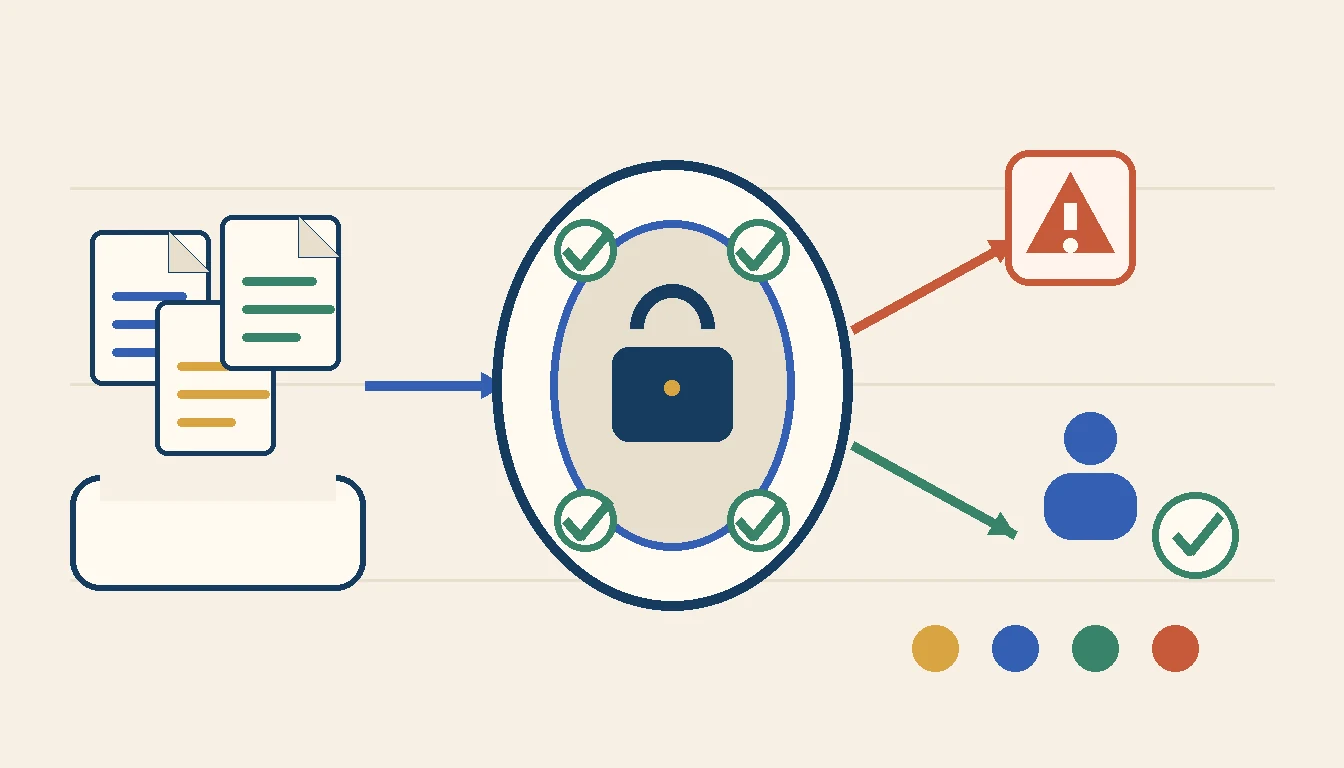
Automation in accounting should make the financial record easier to trust. That means less manual entry, but it also means cleaner source documents, named approvals, visible exceptions, controlled posting, and proof that the destination accepted the update.
The bad version is faster data movement with weaker control. That is how a business closes the month sooner and spends the next week explaining why the numbers moved. Very efficient, in the same way that losing your keys quickly is efficient.
I have built more than 500 production-grade workflows. The finance-related ones reinforce the same point: speed is useful only when the operator can explain what entered the system, who approved it, what changed, where it posted, and how the result was reconciled.
In one nonprofit finance workflow, I worked around invoice processing, QuickBooks, and cloud storage. The interesting part was not reading a PDF or calling an API. The real operating question was how an incoming invoice became a trusted, reviewable record without losing the original document or skipping the approval owner.
That is the buying frame I use for accounting automation. Do not start with a tool list. Start with the control promise.
Define the accounting control promise
A useful accounting automation project begins with one promise the business needs to keep.
Examples include:
- Every vendor invoice is matched to the right entity, vendor, purchase record, approver, and supporting document before posting.
- Every completed job reaches billing with the required labor, material, approval, and completion evidence.
- Every payment request preserves who requested it, who reviewed it, who approved it, and which account released it.
- Every month-end exception has one owner, one reason, and one next action.
- Every automated entry can be traced back to the source event and supporting record.
That promise gives the build a boundary. Without it, the project becomes a collection of convenient actions: download an attachment, extract fields, create a bill, send a message, and move on. Each action may work while the financial lane remains unreliable.
My business process automation work starts with the lane because accounting touches procurement, delivery, sales, payroll, vendors, customers, tax records, and leadership reporting. The automation should connect those handoffs without creating another competing financial truth.
The IRS recordkeeping guidance is practical here. Records help a business monitor progress, prepare financial statements and returns, track sources, and support reported items. An automation that separates a transaction from its source evidence is moving in the wrong direction.
Declare which system owns each financial record
Accounting automation often crosses more systems than the buyer expects.
An inbox may receive the invoice. A document tool may extract the fields. A purchasing system may own the order. A project system may confirm delivery. Accounting software may own the bill and payment status. A bank may own the final settlement. Cloud storage may hold the supporting file. A reporting layer may show the exception.
The goal is not to make one tool pretend it owns everything. The goal is to declare authority.
I use a record map like this:
- Vendor: Who is being paid, which entity is responsible, and where are approved payment details stored?
- Invoice: What was requested, when is it due, and which source document is authoritative?
- Purchase or commitment: What was approved before the invoice arrived?
- Receipt: What goods or services were actually received, by whom, and when?
- Approval: Who can approve the amount, account, project, exception, and payment?
- Entry: Which ledger record was created, changed, reversed, or rejected?
- Payment: Which approved item was released, through which account, and with what settlement proof?
- Evidence: Where can a reviewer retrieve the original invoice, approval history, receipt, and reconciliation result?
This is a business process architecture problem before it is an integration problem. If two systems can change the same vendor bank details or invoice status without a winning rule, the workflow will eventually copy uncertainty into the ledger.
A clean automation records external IDs, source timestamps, document hashes or stable references, approval identity, and destination response. It also checks the destination later. An API success response is not the same as a reconciled financial record.
Build the invoice control lane
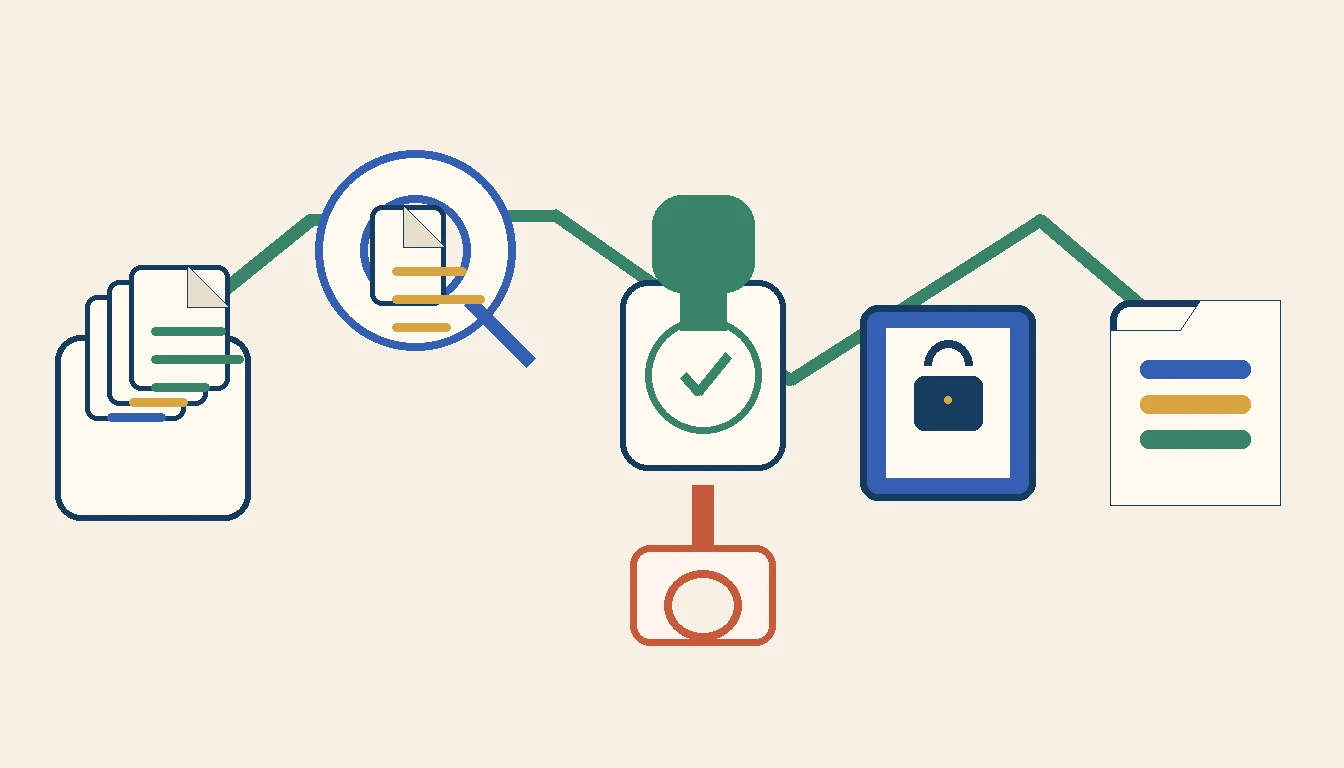
Invoice intake is a good first accounting automation because the path is frequent, visible, and testable.
The normal lane might look like this:
- Capture the invoice and preserve the original file.
- Identify the legal entity, vendor, invoice number, date, amount, currency, and due date.
- Match the vendor against the approved vendor record.
- Check for an existing invoice with the same number, amount, file, or source reference.
- Match the invoice to a purchase order, job, contract, or expected expense when one exists.
- Collect receipt or completion evidence.
- Route the review to the correct owner based on entity, amount, department, project, or exception type.
- Prepare the accounting entry only after required evidence and approval exist.
- Verify that the accounting system accepted the record exactly once.
- Store the source, approval history, accounting ID, and reconciliation result together.
QuickBooks Online provides webhooks for change notifications, which can help a connected workflow notice that records changed. The operator still needs to decide what a notification means, how duplicate delivery is handled, what happens when processing fails, and how the workflow confirms the final state.
That distinction matters. The integration event is a signal. The accounting record is the business truth.
I would rather automate a narrow invoice lane with strong duplicate protection and a daily exception review than connect every finance process at once. The broader benefits of an automated workflow show up when the normal path becomes boring and the unusual cases become easier to see.
Keep human authority where money can move
Accounting automation can prepare a decision without owning the decision.
Rules can validate required fields, compare records, calculate tolerances, suggest coding, assemble evidence, and route work. AI can read documents, summarize differences, classify an expense, or draft an explanation. Those capabilities reduce handling time.
They should not quietly become permission to move money.
I keep explicit human approval around:
- New vendors and changed payment details.
- Unusual or high-value spend.
- Policy exceptions and missing evidence.
- Duplicate or near-duplicate invoices.
- Related-party or conflict-sensitive transactions.
- Credit memos, write-offs, reversals, and manual journals.
- Closed-period changes.
- Tax treatment that depends on judgment.
- Payment release and bank-account changes.
The NIST AI Risk Management Framework is useful when AI enters the lane because it treats governance, measurement, and ongoing risk management as part of the system. In accounting terms, the model can prepare the packet, but the workflow still needs a named authority, an audit trail, and a safe stop.
Approval also needs context. A manager should not receive a message that says, "Approve invoice 1842?" The packet should show the vendor, entity, amount, purchase match, receipt evidence, prior invoices, coding suggestion, detected exception, and exact action being approved.
That turns approval from a button into a controlled decision.
Reconcile the destination, not just the workflow
A green workflow run can still produce a bad accounting result.
The record may have posted to the wrong entity, account, vendor, project, period, tax code, or currency. A retry may have created a duplicate. A later user edit may have broken the match. The bank may have rejected the payment. A document may have moved while the ledger reference stayed unchanged.
This is why accounting automation needs reconciliation as a separate step.
I use three levels:
- Technical reconciliation: Did the destination accept the request, and does the expected record ID exist?
- Record reconciliation: Do amount, currency, vendor, entity, account, project, date, and approval state match the source?
- Financial reconciliation: Does the posted result agree with the bank, subledger, supporting schedule, or close review that ultimately proves it?
The SBA finance guide makes the operator point plainly: bookkeeping and financial statements help owners understand and manage the business. Automation should make that understanding more dependable, not just make entries arrive sooner.
This is where report automation for operators belongs in the design. The accounting lane should produce a short exception review: records waiting on evidence, approvals aging, destination mismatches, duplicate risks, failed syncs, unreconciled payments, and closed-period changes.
Every row needs an owner. Otherwise the report is just a more organized place for exceptions to wait.
Put automation in accounting through failure drills
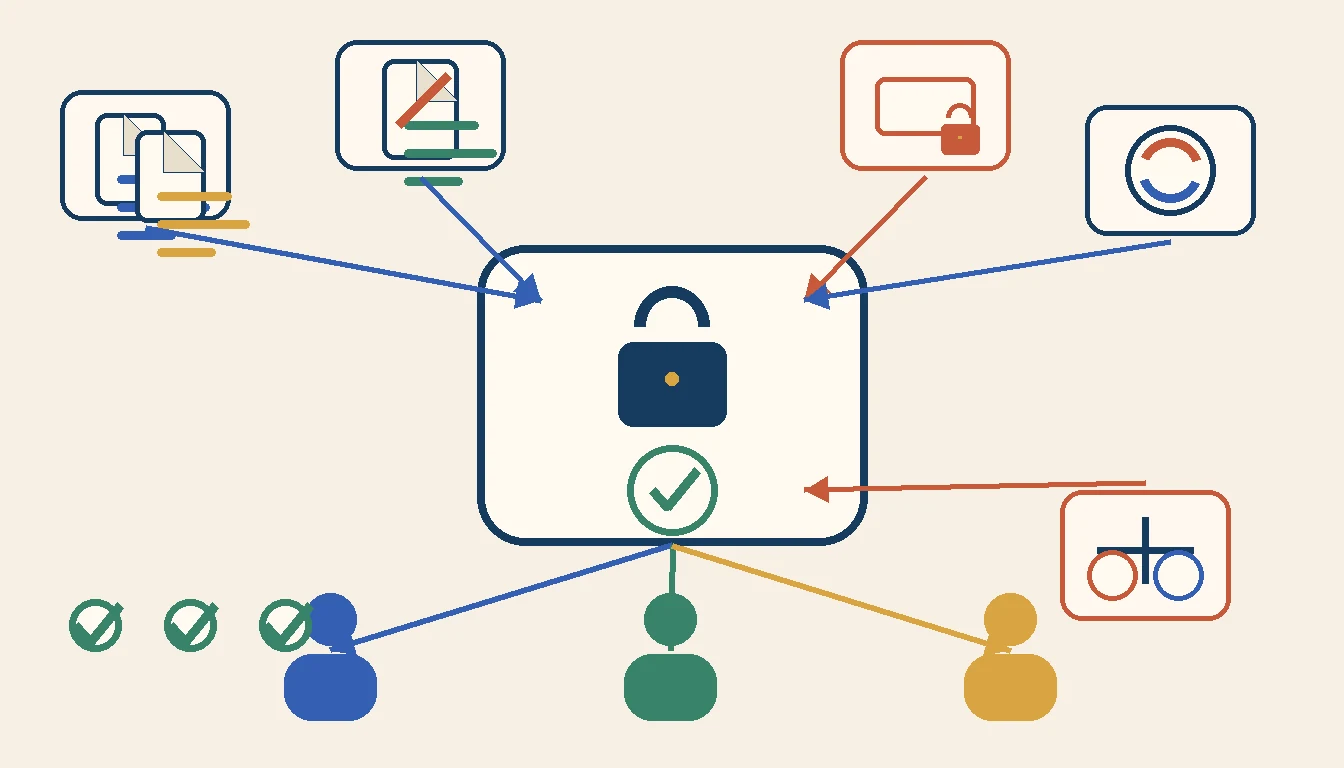
A demo usually shows a clean invoice moving into the accounting system. I want the uncomfortable version.
Before trusting the lane, test what happens when:
- The same invoice arrives by email and vendor portal.
- Two invoices use the same number with different amounts.
- The invoice names one entity while the purchase order belongs to another.
- The vendor changes bank details in the invoice body.
- The purchase order is missing, partially received, or already closed.
- The approver is out of office, terminated, or no longer owns the cost center.
- The accounting period closes while the item is waiting.
- The destination API times out after creating the record.
- A retry runs after the first request actually succeeded.
- The accounting entry posts, but the attachment upload fails.
- A user edits the vendor, amount, account, or project after automation.
- A payment is approved but rejected by the bank.
- A credit memo arrives after the original invoice was paid.
- The AI extraction confidence is low or the document contains conflicting totals.
I score each drill against five questions:
- Did the workflow stop safely?
- Did it preserve the source evidence and prior state?
- Did it explain the exception in operator language?
- Did it assign one owner and next action?
- Did it prove reconciliation before closing the item?
That is the practical version of workflow management for operators. Moving a card to "done" is not enough. The system has to prove what happened and show what remains unresolved.
When not to automate the accounting lane
Do not hire us for accounting automation when the business has not decided who can approve spend, which accounting system owns the record, how vendors are created, or what evidence is required before payment.
I would also hold off when transaction volume is low and one owner can review the entire lane without delay. A shared intake address, a clean folder, a close checklist, and disciplined accounting procedures may be enough.
Automation is also early when the chart of accounts, entity structure, vendor list, or job coding changes every week. The workflow will turn that instability into rework.
A narrower first move may be better:
- Centralize invoice intake.
- Preserve the original document and source metadata.
- Create a duplicate review queue.
- Route approvals without posting automatically.
- Produce a daily reconciliation report.
That sequence creates proof before financial write access expands. The AI Operations X-Ray can help identify which finance handoff leaks the most time or control without committing the business to a broad replacement.
Automation in accounting earns trust when the operator can trace every record from source through approval, posting, payment, and reconciliation. It should make normal work quieter, exceptions clearer, and financial truth easier to defend.
If it only makes entries move faster, it is not finished.
FAQ
Frequently asked questions
- 01What is automation in accounting?
- Automation in accounting uses rules, integrations, and sometimes AI to collect financial inputs, validate records, route approvals, prepare entries, reconcile outcomes, and surface exceptions with less manual handling.
- 02What accounting process should a small business automate first?
- Start with a frequent, rules-based handoff such as invoice intake, receipt matching, approval routing, billing readiness, payment-status updates, or close checklists. Keep the first lane narrow enough to verify against the current manual process.
- 03Should AI approve invoices or release payments?
- AI can extract fields, suggest coding, detect unusual patterns, and prepare a review packet. A named person should still approve policy exceptions, unusual spend, changed bank details, write-offs, and payment release.
- 04How do you test accounting automation?
- Run duplicate invoices, missing purchase orders, changed vendor details, partial receipts, credit memos, failed integrations, closed periods, and terminated users through the workflow. Verify that every exception stops safely, keeps its evidence, and reaches an owner.
Related reading
- Report automation for operators
Report automation should give operators one trusted review loop, not another dashboard no one owns.
- Workflow management for operators
Workflow management should give operators clear ownership, exception lanes, and proof of completion before it turns into another task board.
- Business process architecture for operators
Business process architecture helps operators decide which system owns the truth, which manager owns the exception, and which handoffs deserve automation.
