
Field note
Jun 13, 2026
Report automation for operators
Report automation should give operators one trusted review loop, not another dashboard no one owns.

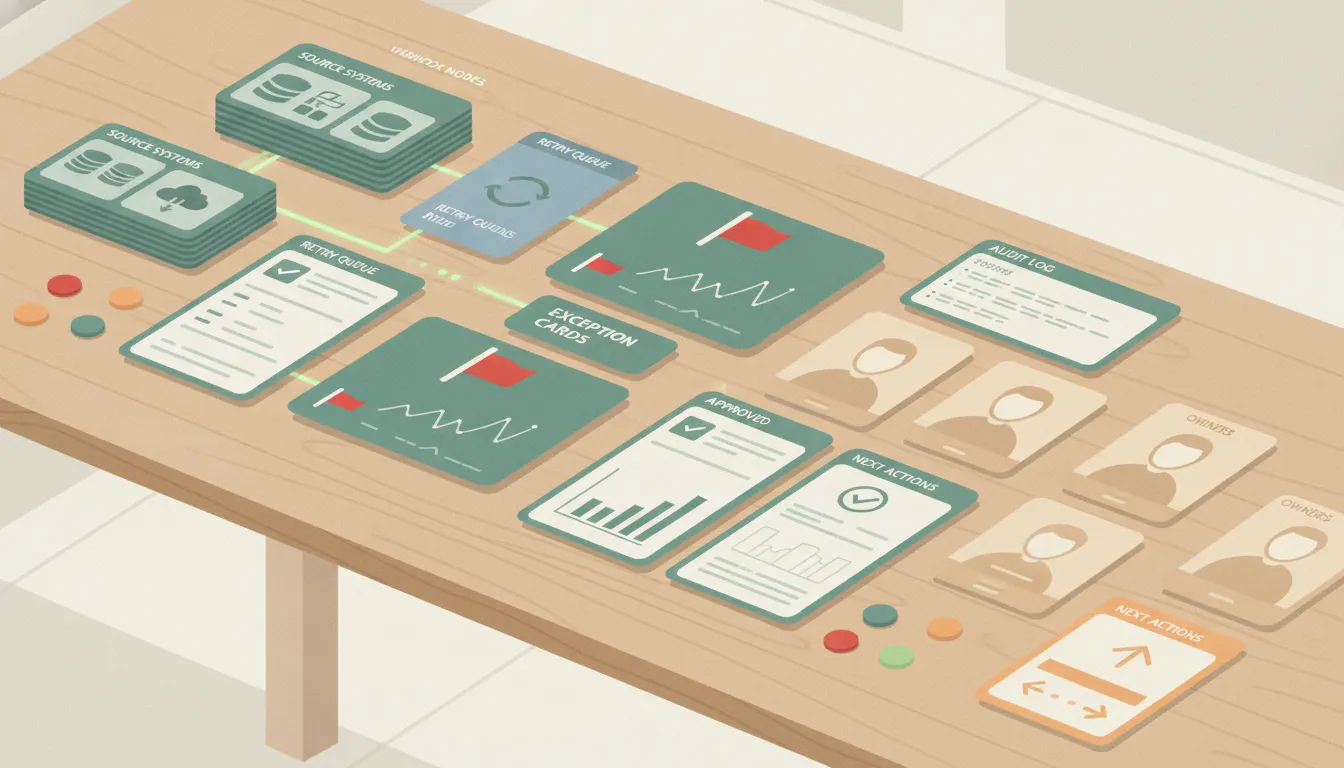
Most report automation projects start with the wrong question.
The team asks, "Can this report build itself?" That sounds useful, but it skips the operating problem. A report that builds itself can still be wrong, late, ignored, or impossible to act on.
The better question is, "What decision should this report make easier every week?"
I ran into a clean example of the pain on a client proposal. The client put the gap this way: they were really good at keeping the accounts running efficiently, but not great at strategizing on how to do things differently or how to spot trends and opportunities.
That is the operator version of report automation. The goal is not a prettier spreadsheet. The goal is a repeatable review loop that helps a manager see what changed, what needs attention, who owns it, and what should happen next.
I treat report automation as business process automation. The report is the output. The real system is the collector, the source-of-truth rule, the exception logic, the approval step, and the follow-up record.
That matches how NIST describes measurement as a management discipline: the numbers matter because they support decisions, not because they fill a slide.
If those pieces are missing, automation just makes weak reporting faster.
Start with one recurring decision
Report automation should start with one meeting, one owner, and one business decision.
Examples:
- A weekly revenue review that decides which opportunities need intervention.
- A maintenance review that decides which overdue work orders should be escalated.
- A recruiting review that decides which candidate handoffs are stuck.
- A finance review that decides which jobs are ready to invoice.
- A marketing review that decides which accounts need a strategy change.
Each of those reports can include charts, tables, and summaries. But the automation is not valuable because it contains numbers. It is valuable because it supports a decision the business already needs to make.
That is why report automation belongs next to workflow management for operators. A useful report shows work moving through a system. It should not be a detached artifact that no one owns after it lands in an inbox.
Before building, write the operating sentence:
Every Friday morning, the operations lead reviews stale work, blocked handoffs, and priority exceptions, then assigns the next owner before noon.
That sentence is more useful than a dashboard mockup. It tells the team cadence, owner, decision type, and follow-up expectation.
I saw the same kind of pattern in my own facilities maintenance planning. Maintenance reporting automation belonged right next to recurring work order schedules, overdue preventive maintenance escalation, and weekly updates.
That is the right frame. The report is not separate from operations. It is part of the operating rhythm.
Define which system wins
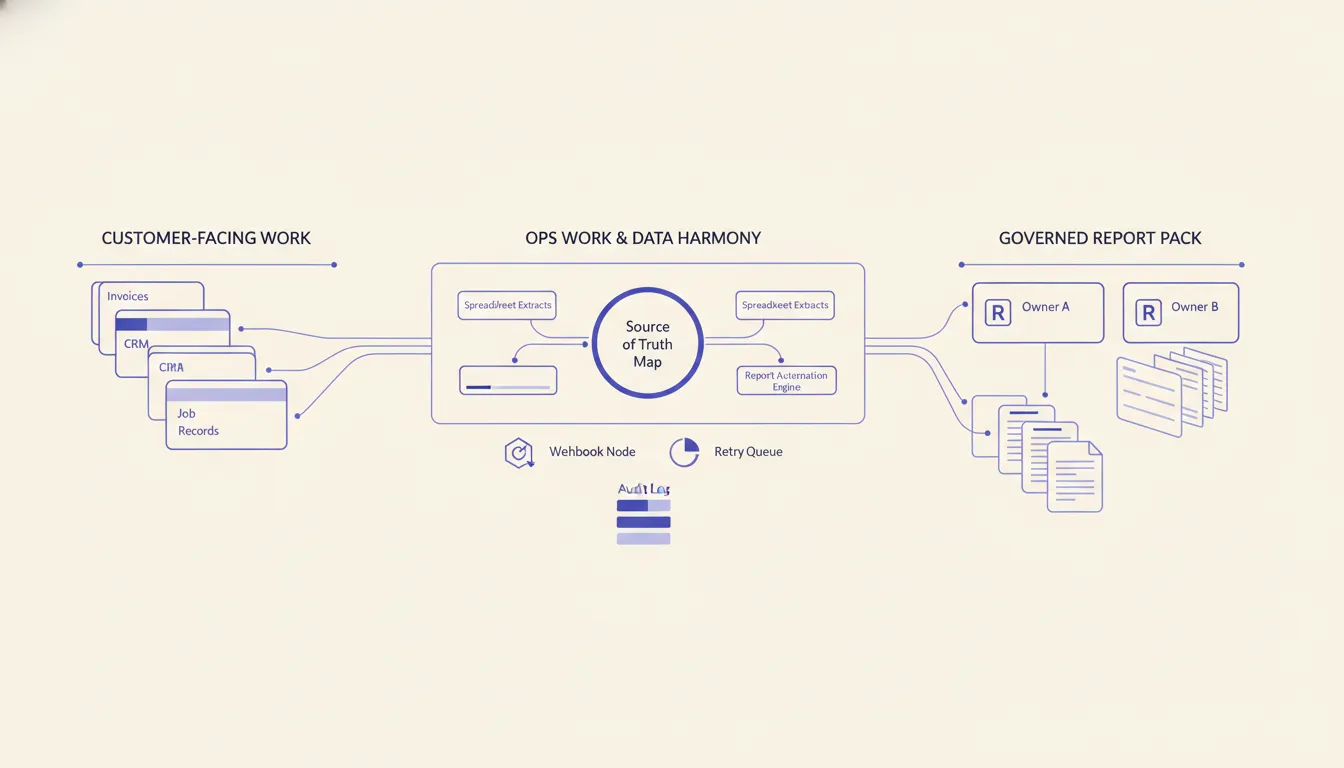
Most broken reports are not broken because the automation tool failed. They are broken because the business never decided which system wins.
A weekly report might pull from a CRM, accounting system, project board, inbox, form tool, spreadsheet, call tracker, and field app. Each system can be useful. None of them should have equal authority for every field.
The source-of-truth map should answer simple questions:
- Which system owns customer status?
- Which system owns revenue amount?
- Which system owns job completion?
- Which system owns owner assignment?
- Which system owns timestamps?
- Which system owns approvals?
Without those rules, the report becomes a negotiation. Sales says the CRM is right. Finance says the invoice system is right. Operations says the spreadsheet has the latest reality. The automated report then inherits a political problem and makes it look objective.
My broader business process architecture point applies here. A report is only as trustworthy as the process boundary under it. When records disagree, the automation needs a rule. It should not average, guess, or silently pick whichever field was easiest to pull.
On facilities maintenance work, one common source of reporting drag stood out: teams copy the same work order details into multiple systems. That is exactly the kind of environment where report automation needs source-of-truth rules before it needs more charts.
A simple rule might look like this:
- CRM owns stage and account owner.
- Accounting owns invoice status and paid amount.
- Project software owns delivery status.
- Shared inbox owns unresolved customer requests.
- The report automation owns exception labels and review timestamps.
Now the report can show disagreement as an exception instead of hiding it.
Data quality is not a cosmetic detail here. ISO 8000 frames data quality around characteristics that make data fit for use, which is exactly why a reporting workflow needs ownership rules before it needs more automation.
Build the exception lane before the summary
A report that only summarizes yesterday is often too passive.
Operators need to know what requires action. That means the automation needs exception lanes:
- Missing owner.
- Stale status.
- Amount changed since last review.
- Job marked complete without proof.
- Opportunity stalled past threshold.
- Customer message with cancellation language.
- Invoice ready but blocked by missing approval.
- Two systems disagree on the same record.
The workflow optimization scorecard idea is useful here because it forces the report to measure friction, not just output. A good automated report should make the messy handoff visible.
The first version does not need a complex model. It needs clear rules.
For example, a report automation can flag any customer record where the CRM says proposal sent, the invoice system has no deposit, and no follow-up task exists within five business days. That is a management exception. It tells someone where to look and why.
This is where my tool opinions matter. Airtable can do some pretty cool automations on the back end, but if you want a full dashboard, Supabase makes it a lot more feasible to share data across the platform.
The point is not that every company must use Supabase. The point is that report automation often needs a real data layer when the report has to combine systems, show history, support dashboards, and keep proof. A lightweight spreadsheet can be fine for the first review loop. It should not become the hidden database for an operating system.
If the business already knows it needs scheduled pulls, transformations, alerts, and approvals, an n8n consulting build can make sense because the workflow can stay visible, scheduled, and easier to troubleshoot than scattered scripts.
Keep approvals in the report workflow
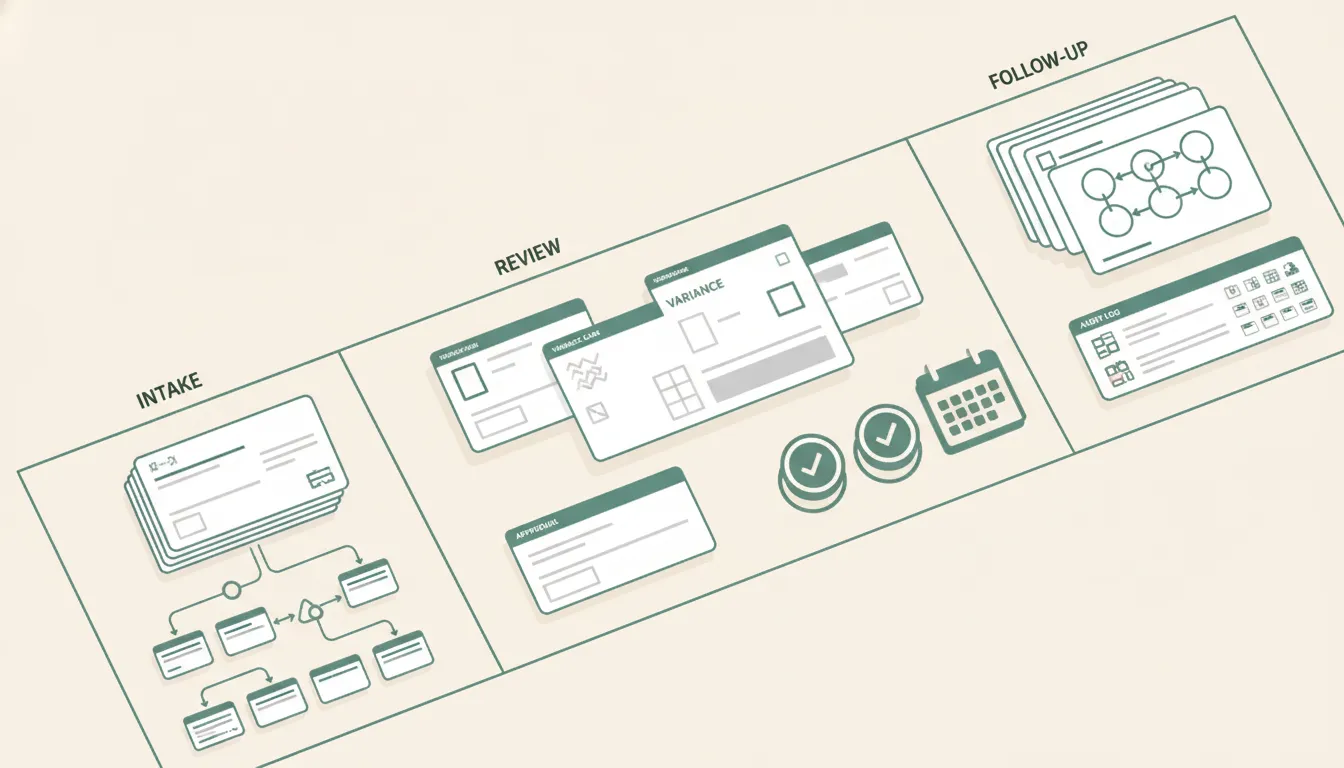
Report automation can create business risk when it quietly turns into action automation.
There is a big difference between:
- Preparing a weekly review pack.
- Sending a manager a list of exceptions.
- Drafting recommended follow-up tasks.
- Updating CRM stages.
- Sending customer messages.
- Marking work complete.
Those are different authority levels. The report can prepare, explain, and recommend before it is trusted to act.
This is the same governance frame I use in AI operating systems for operators. Automation should know what it can read, what it can prepare, what it can recommend, and what requires a human approval.
For AI-assisted reports, the NIST AI Risk Management Framework is useful as a simple reminder: trust depends on governance, measurement, and documented controls, not just model output.
For report automation, approval gates often belong in four places:
- Metric definitions: Who approves the formula before it becomes official?
- Data corrections: Who can resolve record conflicts?
- Exception closure: Who can mark a blocked item as handled?
- External action: Who approves messages, stage changes, invoice moves, or customer-facing updates?
The weekly report should show those gates. If a number changed because someone corrected the source record, the review pack should show that. If a manager closed an exception, the system should record who did it and when.
That is how a report becomes operational proof instead of another file.
Use a scorecard, not a pile of exports
A practical first report automation can be a one-page scorecard.
It should answer:
- What changed since the last review?
- What is blocked?
- What is aging?
- What moved into a risk state?
- What needs approval?
- Who owns the next action?
- What proof was added since the last run?
This keeps the automation close to management work. The report is not trying to replace every dashboard. It is trying to protect the weekly decision loop.
A starter scorecard might include:
| Section | What it shows | Why it matters |
|---|---|---|
| New exceptions | Records that crossed a threshold since the last run | Prevents quiet drift |
| Aging work | Items stuck past the agreed window | Makes ownership visible |
| Source conflicts | Fields that disagree across systems | Prevents false confidence |
| Approval needed | Items ready for human yes or no | Keeps risky actions gated |
| Closed since last review | Exceptions resolved with proof | Shows follow-through |
| Owner summary | Count of open exceptions by owner | Makes workload imbalance visible |
This is also where the AI Operations X-Ray can help before a build. If the scan finds unclear ownership, scattered data, or missing proof fields, those issues should be fixed before the team automates the report.
One useful constraint: if a metric does not change a decision, leave it out of the first report. Report automation should reduce management noise, not formalize it.
What I would build first
For a buyer/operator, the safest first build is not a giant reporting portal.
It is a controlled weekly report workflow:
- Pull the approved source records.
- Normalize the fields needed for one decision.
- Compare changes since the last run.
- Flag exceptions and source conflicts.
- Generate a short review pack.
- Route approvals or follow-up tasks.
- Save proof of what changed after review.
That build can later become a dashboard, agent workflow, or operating cockpit. But the first milestone should prove that the report changes behavior.
On a reporting proposal, I set a concrete delivery expectation: the first report goes out two weeks from kickoff. That is a useful operating constraint. The first version should be narrow enough to ship, review, and improve, not broad enough to become a six-month analytics project.
A good first milestone does not promise every metric. It promises one reliable review loop.
When report automation is not worth automating
Report automation is not worth automating when the team wants a scheduled file but does not want to change the review habit.
Do not hire us to automate a report if no one owns the meeting, no one will resolve source conflicts, and no one is allowed to act on exceptions. In that case, the honest recommendation is to simplify the current report first. Remove unused metrics, assign one owner, and prove that the team can make decisions from the manual version.
Automation should come after the review loop has a real owner. Otherwise, the project only creates a faster way to ignore the same numbers.
The operator checklist
Before you automate a report, answer these questions:
- What recurring decision does this report support?
- Who owns the review?
- Which source system wins for each field?
- What counts as an exception?
- What can automation prepare without approval?
- What actions require a human yes?
- Where does proof of follow-up live?
- What gets removed because it does not change a decision?
If the team cannot answer those questions, do not start with a dashboard. Start with the operating design.
Report automation is valuable when it turns scattered information into a repeatable management loop. It should help the operator see the truth sooner, route exceptions faster, and prove that follow-up happened.
That is the difference between automated reporting and automated noise.
FAQ
Frequently asked questions
- 01What is report automation for operators?
- Report automation for operators is a controlled workflow that collects approved data, normalizes it, flags exceptions, prepares the review pack, and records who owns follow-up. It is not just a scheduled export or a dashboard refresh.
- 02Where should a company start with report automation?
- Start with one recurring decision meeting, one report owner, and the fields that change action. Then define source systems, exception rules, approval needs, and the proof that follow-up happened.
- 03What makes report automation risky?
- Risk rises when reports combine data from multiple systems without a source-of-truth rule, owner, timestamp, exception lane, or approval checkpoint. The team may move faster, but it may move from numbers no one can defend.
- 04Should report automation replace dashboards?
- No. Dashboards are useful when people know what to look for. Report automation is better for recurring review loops where the business needs a short, owned, explainable decision pack.
Related reading
- AI operating system for operators
An AI operating system is not one more chatbot. For operators, it is the control layer that connects records, decisions, approval gates, and proof of work.
- Workflow management for operators
Workflow management should give operators clear ownership, exception lanes, and proof of completion before it turns into another task board.
- Business process architecture for operators
Business process architecture helps operators decide which system owns the truth, which manager owns the exception, and which handoffs deserve automation.
- Workflow optimization scorecard for messy handoffs
Workflow optimization should help operators decide which handoff is worth fixing first, who owns it, and what proof shows the work actually improved.
