
Field note
Aug 12, 2026
Construction workflow software: the operator control test
Construction workflow software should connect field reality, approvals, schedules, costs, and billing without hiding ownership or creating a second source of truth.

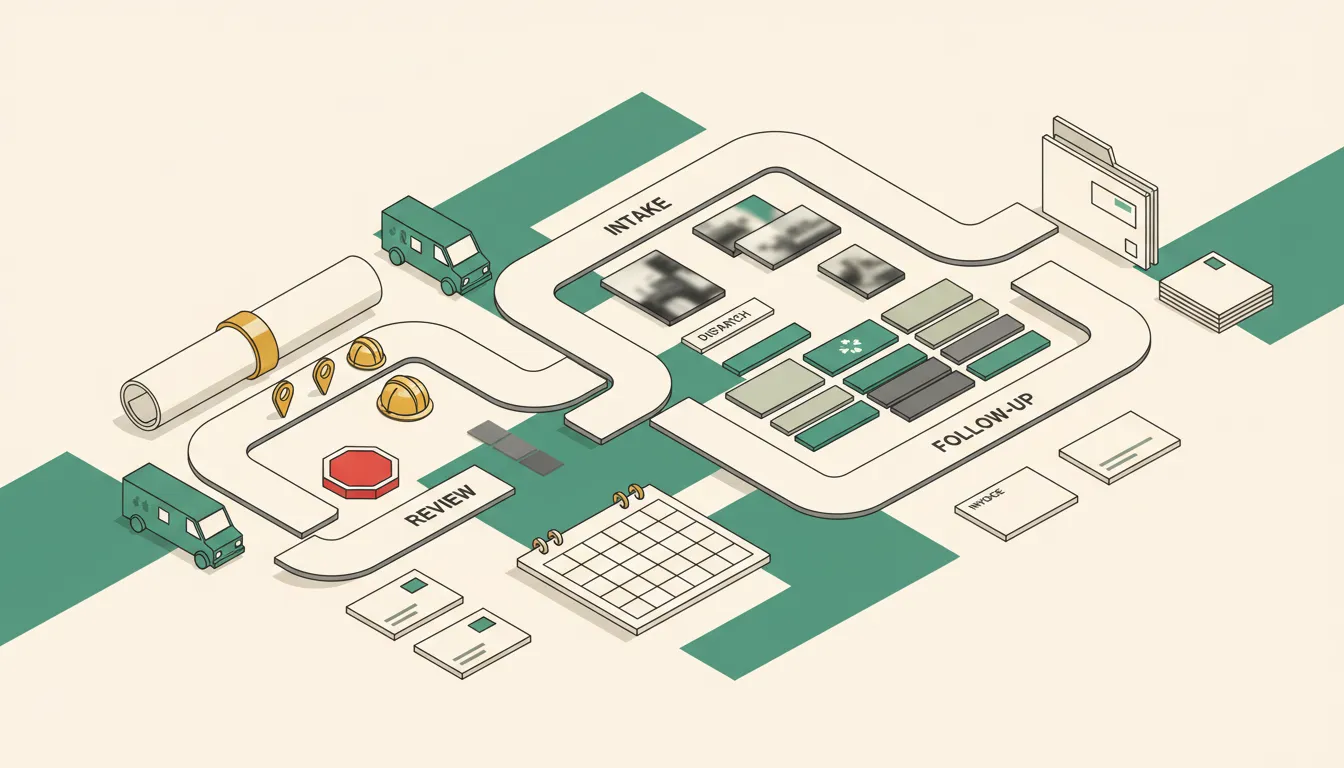
Construction workflow software should tell an owner what changed, who owns the next move, what is blocked, and whether the business can trust the record.
It should not be another place where the office copies a status after the real decision already happened in a phone call, text thread, job-site conversation, or accounting screen.
I saw the problem clearly on a CRM integration where the source sync ran every six hours and took about three hours to complete. The records moved, but movement was not the real control. The person in the destination system needed to know how old the data was, which record had authority, and what should stop when two systems disagreed.
That experience shaped my rule for construction workflow software: a green sync status is not job truth.
After building more than 500 production-grade workflows, my opinion is firm. The best workflow is not the one that automates the most steps. It is the one the operator can inspect, stop, correct, and recover without guessing what already happened.
Start with one construction promise
The wrong starting point is, "We need construction workflow software."
That is a product category, not an operating requirement.
I start with one promise the owner can recognize as complete. For example:
- Every qualified inquiry receives an owned next action within one business day.
- Every site visit produces enough evidence for an estimator to prepare the current scope.
- Every approved change reaches the job, schedule, field owner, cost record, and billing plan before changed work proceeds.
- Every completed job has the required photos, signatures, inspection evidence, open-item review, and invoice status.
- Every overdue invoice has a reason, an owner, a next action, and a dispute path.
One promise creates a boundary. It also exposes whether the real problem is software, inconsistent stages, missing information, or unclear management responsibility.
My automation model for contractors starts with the handoffs around calls, quotes, job documentation, follow-up, and collections because those are close to revenue and customer trust. I would rather repair one of those lanes than replace a capable stack with a larger platform nobody can operate.
Before I build or buy, I want six answers:
- What event starts the workflow?
- Which record is authoritative?
- Who owns the next action?
- What may the software read, prepare, change, send, or commit?
- What conditions stop the normal path?
- What evidence proves completion?
If the team cannot answer those questions, I use an operations X-Ray to find the first leaking lane before recommending a migration.
Declare record authority before connecting tools
A construction company can have good software and still have bad operating control.
The CRM may own the inquiry. Estimating software may own proposal versions and price. Project software may own the schedule, field assignments, photos, and daily logs. A signed document may own approved scope. Accounting may own costs, invoices, and payments. The latest customer decision may still be sitting in somebody's text messages.
I map authority explicitly:
| Record or decision | Authoritative source | Exception owner |
|---|---|---|
| Customer and property identity | Approved CRM or customer record | Sales or office owner |
| Current scope and exclusions | Signed proposal, contract, or approved change | Estimator or project owner |
| Job stage and field owner | Project system after accepted handoff | Project manager |
| Schedule commitment | Project schedule with named authority | Operations owner |
| Job cost and invoice status | Accounting system | Finance owner |
| Completion evidence | Project record with required proof | Project manager |
This is business process automation tied to real records. I am not trying to force every decision into one product. I am deciding which record wins each argument and who resolves a conflict.
My rule is direct: the business should own the accounts, data, credentials, rules, logs, and documentation. If only the original builder or a software salesperson can explain why a job moved, stopped, or became billable, the business does not control the workflow.
The broader construction management software buying test covers the full category. For workflow control, I focus on whether each handoff preserves identity, authority, ownership, and proof.
Control the field-to-office handoff
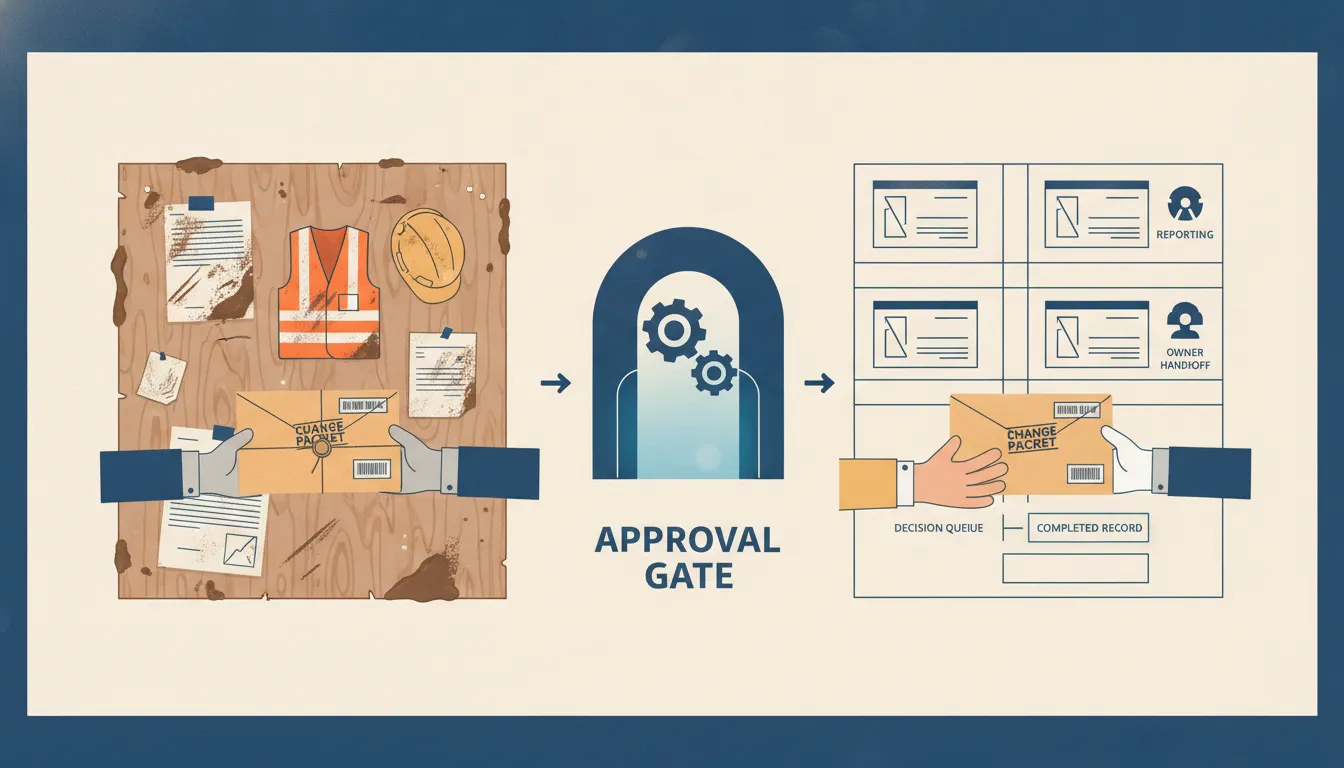
Construction workflow software earns its place when field reality becomes usable office evidence without creating a second clerical job.
A foreman or technician may capture photos, a voice memo, material use, a customer request, a safety observation, a completion note, or an unexpected condition. The workflow can collect and prepare that information. It can attach the evidence to the correct job, detect missing fields, summarize the event, and route a decision packet.
It should not silently turn that packet into approved scope, a promised date, a price, or an invoice.
I use five authority levels:
- Collect. Capture the field event and original evidence.
- Prepare. Extract fields, label photos, summarize notes, and identify missing information.
- Route. Assign the right owner, due time, and exception status.
- Recommend. Suggest a classification or next step with visible reasons.
- Commit. Change scope, price, schedule, purchasing, customer communication, or financial records.
I am comfortable automating the first three when the record and rules are stable. Recommendations need review. Commit actions need named approval because they change what the company owes, what the customer expects, or what the field is allowed to do.
The field service software control test matters here. Offline evidence, late synchronization, dispatch acknowledgement, and completion proof are not edge cases for a field business. They are normal operating conditions.
The OSHA recordkeeping guidance is also a useful reminder that records must remain retrievable and meaningful. Software can support the discipline. It does not create the safety program or own the safety decision.
Put change orders behind a hard gate
Change orders are the best stress test because they connect field reality to scope, schedule, purchasing, subcontractors, customer approval, cost, margin, and billing.
I test this full path:
- A field condition or customer request creates a proposed change with original evidence.
- The change attaches to the correct job, location, drawing, and current scope.
- A named owner prices labor, material, equipment, schedule impact, and exclusions.
- The customer receives one controlled version.
- Approval is time-stamped and preserved.
- The job, schedule, field instructions, cost record, and billing plan update.
- Rejected or uncertain updates enter an exception lane.
- The workflow reconciles the records and proves which changes succeeded.
A superintendent's text is not an approved change. A signed document is not enough if the field never receives it. A successful API response is not proof that accounting accepted the new amount.
That is why I tell remodelers to protect the full path in the CRM for remodelers operator buying test. The sales record, project record, approved scope, and financial record do not need to live in one tool. They do need to agree before changed work becomes financial truth.
Build a visible exception lane
Most workflow designs spend too much time on the happy path.
I want to see what happens when:
- The same inquiry creates two customer or job records.
- A site visit is missing the photo, measurement, or decision needed for an estimate.
- Two drawing or proposal versions are active.
- A field update arrives after the office changed the schedule.
- A subcontractor was assigned but never acknowledged the work.
- A customer approves a change after the expected work date.
- A destination system rejects an update.
- The person who owns the approval is unavailable.
- The automation cannot determine whether a message, purchase, or invoice action occurred.
A useful exception packet includes the job identity, current stage, original evidence, exact stop reason, previous owner, next owner, age, attempted actions, confirmed actions, allowed decisions, and expected closure proof.
That is workflow management built for operators. A red badge is not enough. The operator needs the context and authority to resolve the problem without reopening five systems.
I do not let uncertain external actions retry blindly. If the workflow cannot prove whether a customer message sent or an invoice changed, it stops for reconciliation. Duplicate commitments are usually worse than a visible delay.
Measure the business promise
Workflow run counts are useful technical evidence. They are not the business result.
I use a compact operator scorecard:
- Handoff completion: what percentage reached the next accountable owner inside the operating window?
- Unowned work: how many active items have no valid next owner?
- Exception aging: how long have stopped items waited for a decision?
- Record integrity: how many duplicates, missing records, or conflicts appeared?
- Change reconciliation: how many approved changes agree across job, schedule, cost, and billing records?
- Billing readiness: how many completed jobs are still missing required financial evidence?
- Recovery success: can the team correct and replay a failed case without creating duplicates?
The Small Business Administration guidance on managing business finances reinforces why accurate records and a clear view of money matter. My workflow version is to keep completed work from becoming billable until the job evidence and authoritative financial record agree.
The NIST AI Risk Management Framework organizes risk work around governing, mapping, measuring, and managing. My operator version is practical: govern the authority boundary, map the records and owners, measure the real handoff, and manage exceptions before expanding automation.
Run a recovery drill before expanding authority
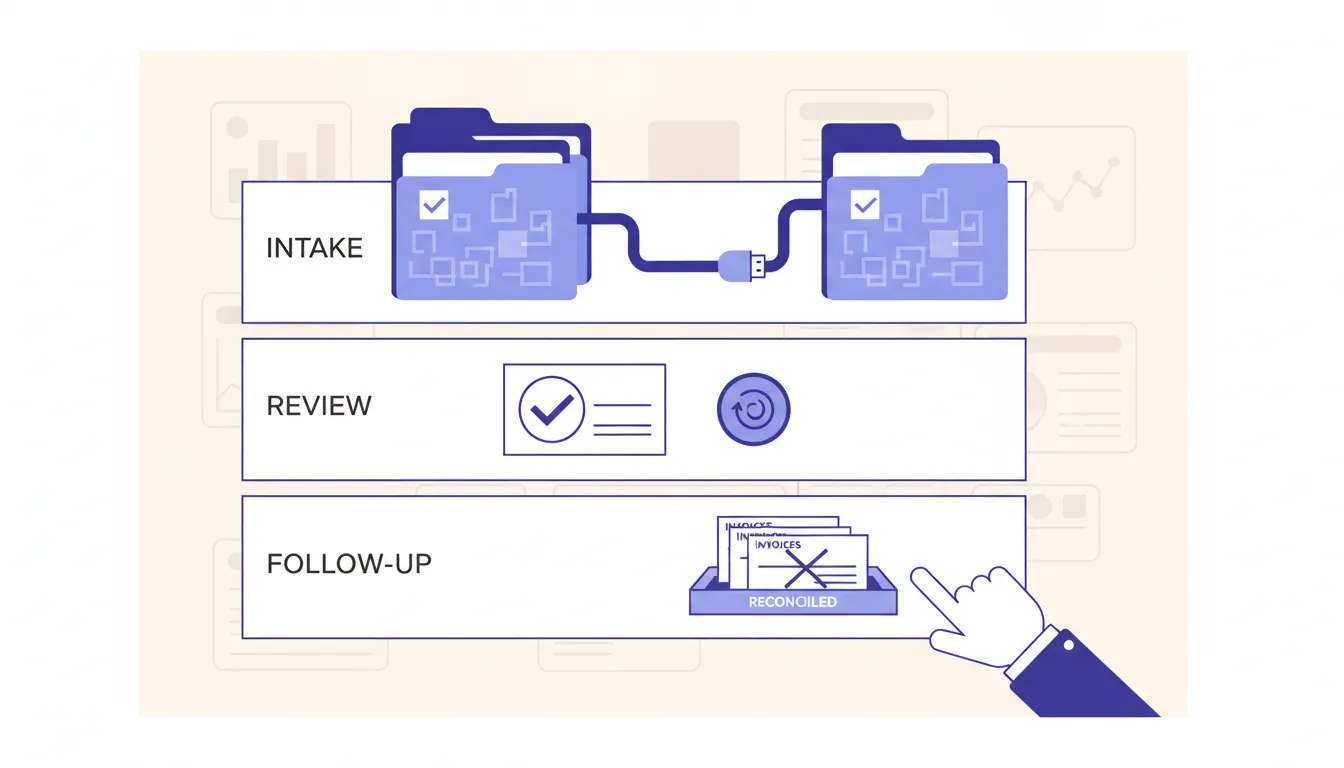
Before I allow a workflow to make more consequential changes, I run one controlled recovery drill.
The test is simple:
- Stop the workflow without deleting evidence.
- Identify the last confirmed business state.
- Separate completed actions from attempted actions.
- Correct the source record, owner, rule, credential, or missing input.
- Replay only the safe portion.
- Prevent duplicate jobs, messages, tasks, purchases, changes, or invoices.
- Confirm the expected record in every authoritative system.
- Record what must change before the next live run.
I also test expired credentials, an unavailable approver, an edited scope during processing, a late offline update, and a destination that reports success without changing the record.
If the team cannot recover one controlled failure, the workflow is not ready for more authority.
When not to hire us or buy more software
Do not hire us for a large construction workflow build when nobody owns the current handoff.
I would also pause when:
- Job stages mean different things to different people.
- The current scope or approved version is hard to find.
- Project managers do not formally accept sales handoffs.
- Change approval happens informally.
- Customer decisions stay in personal messages.
- Accounting receives updates only at month end.
- Safety, spend, schedule, or price commitments have no approval boundary.
- Nobody reviews stale or disputed work.
- The company expects software to fix unclear management responsibility.
In those conditions, I standardize one operating promise first. A shared checklist, a named owner, a controlled job folder, and a short daily exception review may create more value than a platform migration.
Construction workflow software should make field reality, business decisions, and financial truth easier to reconcile. Start with one promise. Name the records and owners. Keep consequential decisions controlled. Test the uncomfortable path. Prove recovery. Then expand only when the operator can trust what the system says.
FAQ
Frequently asked questions
01What is construction workflow software?
Construction workflow software coordinates records, owners, approvals, schedules, field evidence, exceptions, and financial handoffs across the path from inquiry to completed and paid work.
02What construction workflow should a small contractor automate first?
Start with one repeated handoff tied to revenue or customer trust, such as estimate follow-up, approved change orders, field documentation, billing readiness, or collections.
03Should construction workflow software replace existing project and accounting systems?
Not automatically. Keep capable systems as authoritative records, then connect them through controlled events, approvals, exception lanes, and reconciliation.
04How should an operator test construction workflow software?
Use real failure conditions, including duplicates, missing scope, offline updates, disputed changes, unavailable owners, rejected integrations, and uncertain external actions.
