
Field note
Jul 3, 2026
HR automation tools need operator controls
HR automation tools should make candidate ownership, manager feedback, approval gates, and exception queues clearer before they are trusted to move sensitive work.

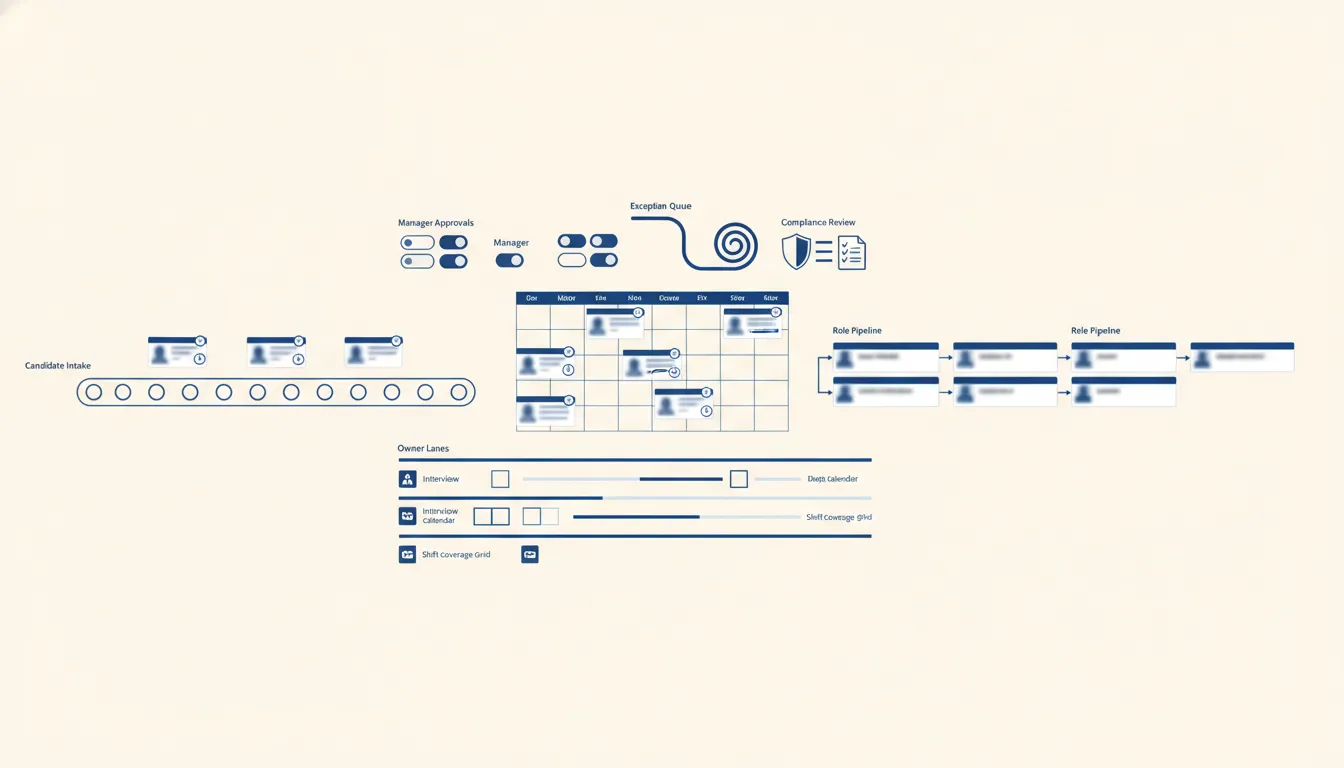
HR automation tools can make a team faster, or they can make bad handoffs harder to see.
That is the first thing I look for.
I do not start with the feature list. I start with the lane. A candidate comes in. A recruiter reviews. A manager gives feedback. An interview gets scheduled. An offer needs approval. A disposition needs to be recorded. A compliance question needs proof.
If that lane is already messy, adding automation does not automatically create control. It can just move the mess faster.
That is why I think about AI automation for recruiting firms as an operating system problem, not a software shopping problem. The question is not, "Which HR automation tool has the most features?" The question is, "Which handoff needs better ownership, better proof, and a clear approval gate?"
I have seen this up close on recruiting workflows. On one build, the system was pulling job and signal data, splitting the work into batches, validating fit, and preparing outreach. The volume was not the hard part. The hard part was deciding what should happen automatically, what should wait for approval, and what should be kicked out of the lane before it wasted money.
My rule is simple: automate the queue, not the accountability.
Start with the handoff that already leaks trust
Most HR automation tools get bought because a team feels overloaded.
Too many applicants. Too many messages. Too many hiring manager follow-ups. Too many calendar moves. Too many onboarding forms. Too many records that have to match across the ATS, HRIS, payroll, CRM, and inbox.
That pressure is real, but overload by itself is not a strategy.
The useful starting question is narrower: where does trust leak today?
For recruiting teams, I usually look at:
- New applicant or sourced candidate to first review.
- Recruiter screen to hiring manager feedback.
- Interview completed to scorecard received.
- Offer approved to offer followed up.
- Rejected candidate to future nurture.
- New hire accepted to onboarding packet complete.
- Compliance-sensitive decision to proof trail.
That is the same operating frame I use in recruitment workflow design. Stages are not enough. A stage can say "submitted" while the next action is buried in a manager's inbox. A stage can say "interviewed" while nobody owns the scorecard. A stage can say "offer" while the candidate has not heard from anybody in two days.
A good HR automation tool should make those gaps visible. It should not just move records between stages.
Before I build or recommend anything, I want to know four things:
- Which system owns the candidate, employee, job, or request record?
- Which person owns the next action?
- Which events can move automatically?
- Which events require review before anything external happens?
If the team cannot answer those questions, I would not buy a broader platform yet. I would map one lane and build the first control layer with business process automation around the highest-risk handoff.
Use AI to prepare the decision, not hide the decision
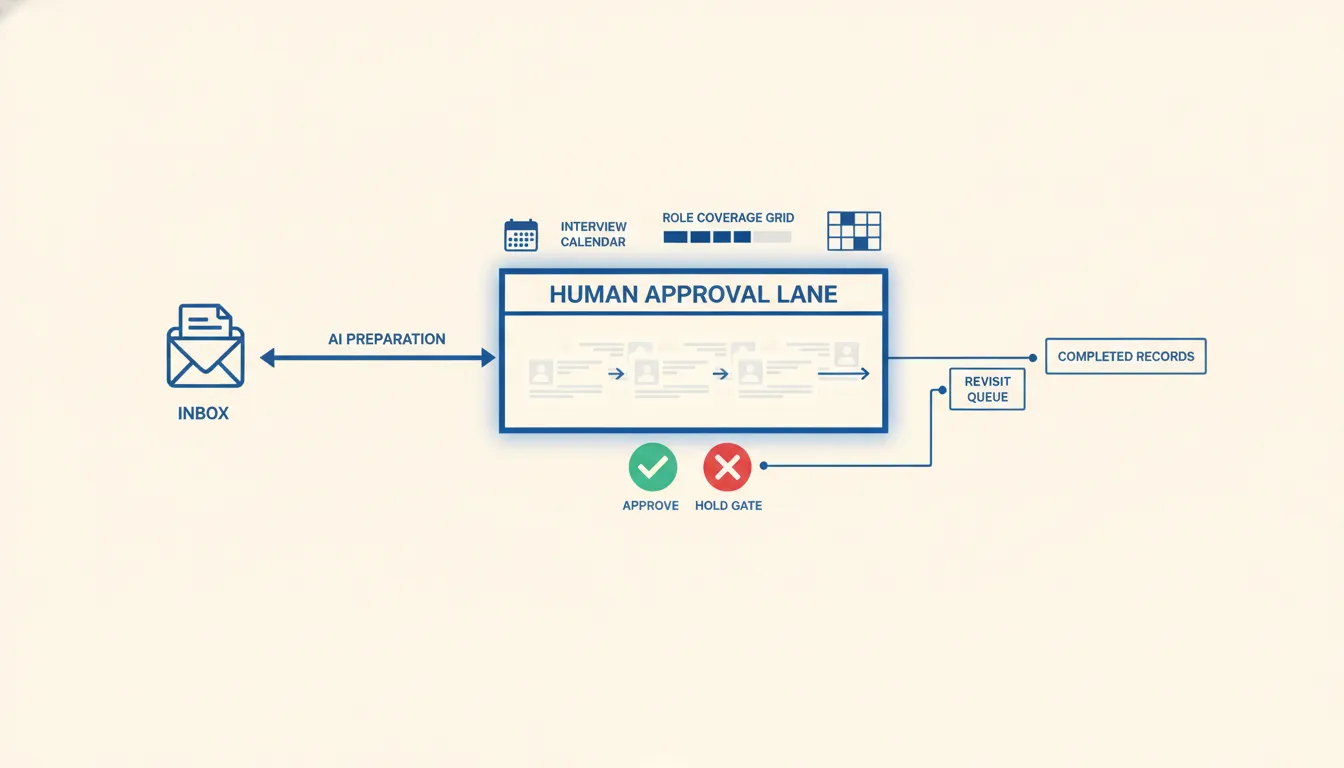
HR is one of the easiest places to overtrust automation because the work creates so much text.
Resumes. Job descriptions. Interview notes. Emails. Scorecards. Offer terms. Onboarding documents. Policy acknowledgments. Manager feedback. Candidate replies.
AI can help with that text. It can extract structured facts, summarize conversations, flag missing fields, draft follow-ups, compare a role requirement to a candidate packet, or surface an exception queue.
But I do not like AI sitting in the silent rejection seat.
The EEOC has warned employers that algorithmic decision tools can create Title VII risk when they cause disparate impact. That matters even when a vendor built the tool. In operator language, the business still needs to understand what the system did, why it did it, and who is accountable for the decision.
That does not mean HR teams should avoid AI. It means the automation should prepare the decision and preserve review.
A safer workflow looks like this:
- Extract facts from the resume, call notes, job description, or email thread.
- Flag missing information and possible mismatch risks.
- Draft the recruiter packet or manager update.
- Route the packet to the right owner.
- Require approval before outreach, disposition, or sensitive status change.
- Save the reason, timestamp, owner, and final action.
That is also the practical lesson behind AI resume screening risk. The problem is not that AI reads resumes. The problem is when AI becomes a hidden decision maker that nobody can audit.
I would rather build a review queue that saves the recruiter time than a black box that creates a fast answer nobody can defend.
The same applies to internal HR operations. If an automation is routing time-off exceptions, policy questions, onboarding blockers, or payroll-sensitive changes, the system should show the rule, the owner, and the proof. Fast is not enough.
Build an exception queue before a full HR command center
The cleanest first build is usually not a full HR command center.
It is an exception queue.
An exception queue is the list of cases that need a human today. That could be candidates waiting on review, managers who owe feedback, offers that need approval, new hires missing documents, employees stuck in onboarding, or records that do not match across systems.
This is where workflow management for operators becomes more useful than a generic dashboard. A dashboard can show a count. A workflow queue tells the team who owns the next action and what has to happen now.
For HR automation tools, I like exception queues because they keep the first build focused. Instead of automating every step, the system watches the lane and surfaces what is blocked.
A practical first queue might include:
- Candidate has been sourced but not reviewed within 24 hours.
- Hiring manager feedback is missing after an interview.
- Scorecard exists, but no disposition has been recorded.
- Offer is open, but no follow-up owner is assigned.
- New hire accepted, but onboarding documents are incomplete.
- Employee request is waiting on manager or HR approval.
- AI extracted a mismatch flag that needs human review.
On one recruiting automation, raw signal volume could get large quickly. The point was not to let every raw match run forward. The point was to validate fit, keep out-of-ICP records from burning attention, and put the good exceptions in front of the right person.
That is why I like recruiting automation that starts with queues, not blind sends.
The same pattern applies to recruiting intake and inbox work. Raw matches should enter a visible queue with qualification rules, named owners, and explicit exception handling. Any claimed result should come from measured operating records, not the presence of automation alone.
Choose tools by control, not by feature volume
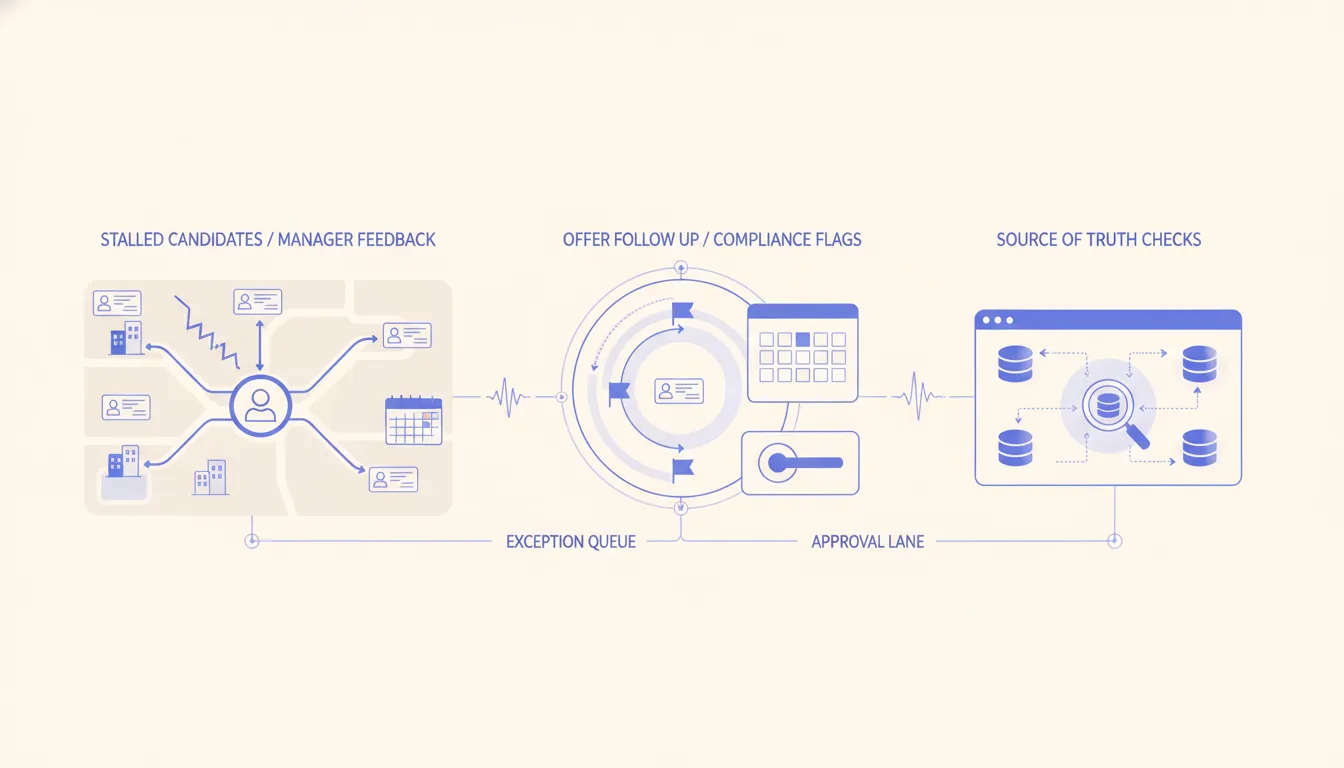
A lot of HR automation tool comparisons focus on features: resume parsing, scheduling, onboarding, document generation, chatbot support, reporting, integrations, analytics, and AI matching.
Those features matter, but they are not how I would make the decision.
I would score the tool or build on control:
- Source of truth: Does the tool respect the ATS, HRIS, CRM, or payroll system that already owns the record?
- Approval gates: Can sensitive actions wait for a named person before anything external happens?
- Exception handling: Does the system show what is stuck, missing, late, or risky?
- Audit trail: Can the team see what moved, why it moved, and who approved it?
- Integration quality: Does it connect cleanly without duplicate records and brittle manual exports?
- Cost control: Can the team avoid running expensive enrichment or AI work on records that are clearly out of scope?
- Operating fit: Will the team actually use the queue every morning?
That last one matters more than most teams admit. A perfect workflow that nobody checks is not a workflow. It is shelfware with API keys.
I also like to keep ownership visible when agents get involved. The AI agent workflow pattern I trust is simple: one business promise, one source-of-truth map, clear approval gates, and proof before the agent is allowed to act.
That is the same pattern I would apply to HR automation tools.
Let the automation collect, classify, draft, route, and remind. Let the operator decide where the risk is high. Then let the system save the proof so the team can learn from what happened.
When not to hire us yet
Do not hire us to automate an HR lane if the team cannot name the source of truth, the decision owner, or the approval rule.
That sounds strict, but it protects the business. If nobody agrees whether the ATS, HRIS, inbox, or spreadsheet owns the record, automation will create duplicate confidence. If managers do not know what signal they are supposed to evaluate, AI will not fix that. If rejected candidates, compensation changes, or compliance-sensitive requests can move without a visible owner, the first project should be process cleanup, not automation.
In that case, I would start with a short workflow audit, one lane map, and a manual review queue. Once the team can run that lane by hand for a week, then I would automate the repetitive parts.
My operator scorecard for HR automation tools
If I were choosing or building HR automation tools for a recruiting or HR team, I would use this scorecard before looking at demos:
- What is the first lane? Candidate intake, manager feedback, scheduling, offers, onboarding, policy requests, or compliance proof.
- What is the source of truth? ATS, HRIS, CRM, payroll, inbox, calendar, or a staging database.
- What is allowed to move automatically? Internal tags, draft packets, reminders, queue assignment, enrichment, duplicate checks, or reporting.
- What needs approval? Outreach, rejection, status changes, offer language, compensation changes, compliance-sensitive responses, and external messages.
- What proof gets stored? Reason, owner, timestamp, source data, extracted facts, approval, final action, and exception notes.
- What happens when it fails? Retry, alert, hold queue, fallback owner, or manual review.
- How does the team inspect it weekly? Exception report, queue aging, approval time, stalled records, and data quality issues.
The NIST AI Risk Management Framework uses map, measure, manage, and govern as core functions. I like that language because it forces the right order. Map the workflow first. Measure where risk and delay live. Manage the system with controls. Govern it with proof and review.
For hiring specifically, structured interviews are a good reminder that better decisions come from consistent criteria, not gut feel hidden inside a tool. HR automation should support that discipline. It should not replace it with a prettier black box.
That is why I do not get excited about HR automation tools that promise to automate everything.
I get excited about systems that make the next action obvious, keep the human owner visible, and give the operator proof that the lane is under control.
If the tool can do that, it is useful.
If it cannot, it is just another place for work to hide.
FAQ
Frequently asked questions
- 01What are HR automation tools?
- HR automation tools are systems that help move HR and recruiting work across intake, screening, scheduling, approvals, records, follow-up, reporting, and compliance review.
- 02What should HR teams automate first?
- Start with the handoff where work stalls today: candidate review, hiring manager feedback, interview scheduling, offer approval, onboarding paperwork, or compliance proof.
- 03Should AI reject candidates automatically?
- Usually no. AI can extract facts, flag missing information, summarize context, and draft next actions, but rejection and sensitive employment decisions should stay reviewable and owned by a named human.
- 04How do you choose HR automation tools?
- Choose based on source-of-truth fit, approval controls, auditability, exception handling, integration quality, and whether the team can see who owns the next action.
