
Field note
Aug 13, 2026
Predictive maintenance software: the operator control test
Predictive maintenance software should turn asset risk into owned work, controlled decisions, and verified maintenance outcomes without replacing a capable CMMS.

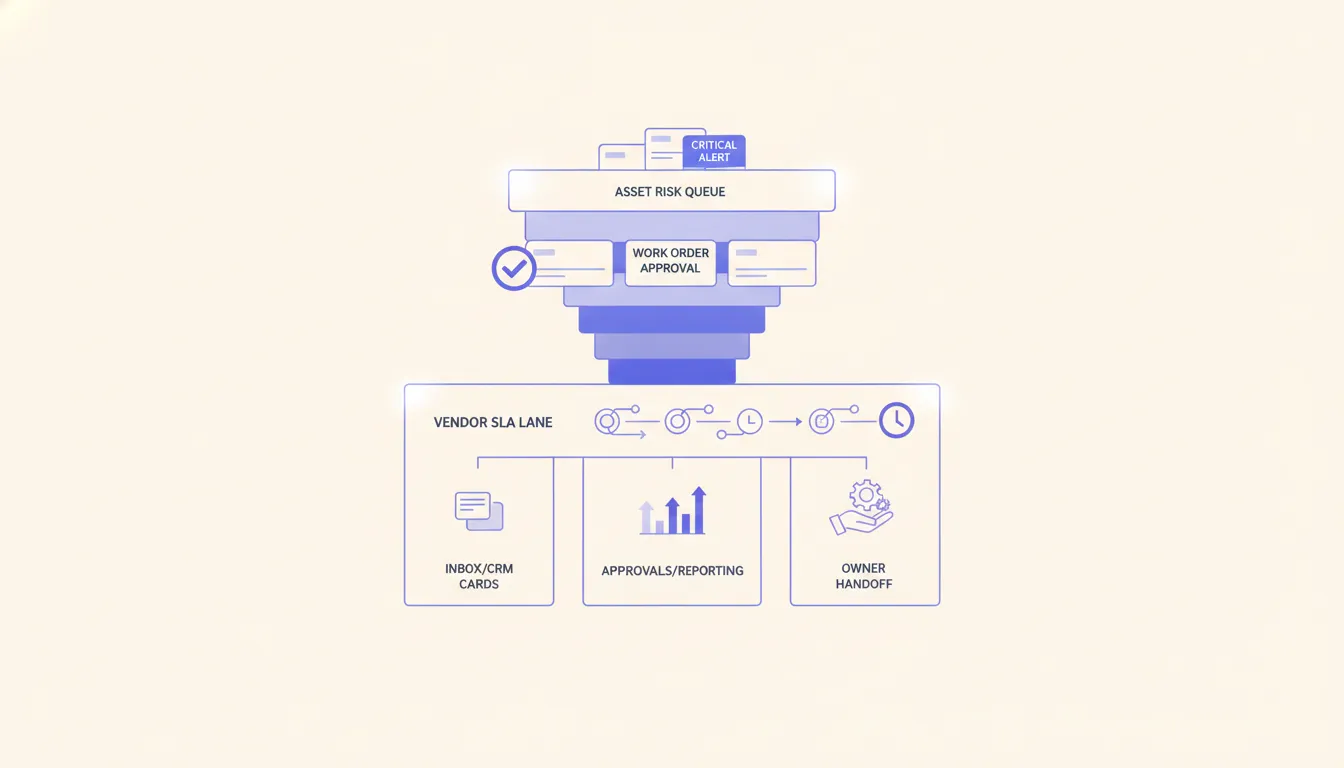
Predictive maintenance software should help an operator make a better decision before an asset failure changes the day.
It should not produce another dashboard full of red warnings while the actual work still moves through email, a CMMS, spreadsheets, vendor portals, PDFs, and somebody's memory.
I learned the broader version of this lesson on a system that started with spreadsheets, whiteboards, and word of mouth. Bringing the work into one automated operating layer made the next action visible, but the useful part was not the AI label. The useful part was that a person could see what happened, who owned the next move, and where the process stopped.
That is my standard for predictive maintenance software. If an alert does not become controlled work, it is only a more expensive notification.
I also look at the market through an operator lens. In one facilities and maintenance keyword sample I reviewed, the terms represented roughly 14,300 monthly searches with an average CPC of $71.90 across nonzero-volume terms. Buyers clearly value this problem. That makes it even more important not to buy a polished prediction layer before the response path is ready.
Start with one costly operating promise
A software category is not a project boundary.
"Improve predictive maintenance" is too broad. I want one promise that operations, maintenance, and finance can recognize as complete. For example:
- Every critical chiller risk receives a reviewed maintenance decision inside four hours.
- Every recurring pump fault creates one decision-ready work item, not another duplicate alert.
- Every high-risk asset inspection records the finding, owner, parts status, due time, and final disposition.
- Every planned shutdown includes the approved maintenance tasks before the schedule is committed.
- Every vendor escalation has an acknowledged owner and a visible service window.
One promise forces the team to name the asset, failure mode, response window, owner, authority boundary, and proof of completion.
My facilities and maintenance automation model is built around that discipline. I do not begin by replacing every embedded system. I begin by finding the manual handoff where risk, work, and accountability separate.
If the team cannot name that handoff, I use an operations scan to map the leaking workflow before recommending software.
Keep the system of record in charge
Most facilities teams already have a CMMS, ERP maintenance module, building management system, spreadsheet, or vendor portal that somebody depends on.
The system may be awkward. It may also hold years of asset history, preventive schedules, vendor records, parts, costs, approvals, and audit evidence. Replacing it can turn a maintenance improvement project into a risky migration.
My rule is simple: keep a capable system of record, then add a controlled layer around it.
That layer can:
- Collect condition signals, inspection notes, fault codes, runtime data, and operator observations.
- Match the signal to the correct asset and location.
- Check for an open work order, planned outage, warranty issue, or recent repair.
- Prepare a decision packet with evidence and missing information.
- Create or update the work item after the authority rule is satisfied.
- Route exceptions to a named owner.
- Reconcile the maintenance result back to the authoritative record.
This is the same operating idea behind modernizing a legacy system without losing control. The goal is not to hide the old system. The goal is to remove copying, expose exceptions, and make the handoff reliable.
It is also why I tell teams to automate the broken CMMS handoffs before replacing the CMMS. A new platform will not fix unclear ownership, missing closure evidence, or a maintenance process that lives outside the record.
Turn risk into a decision packet
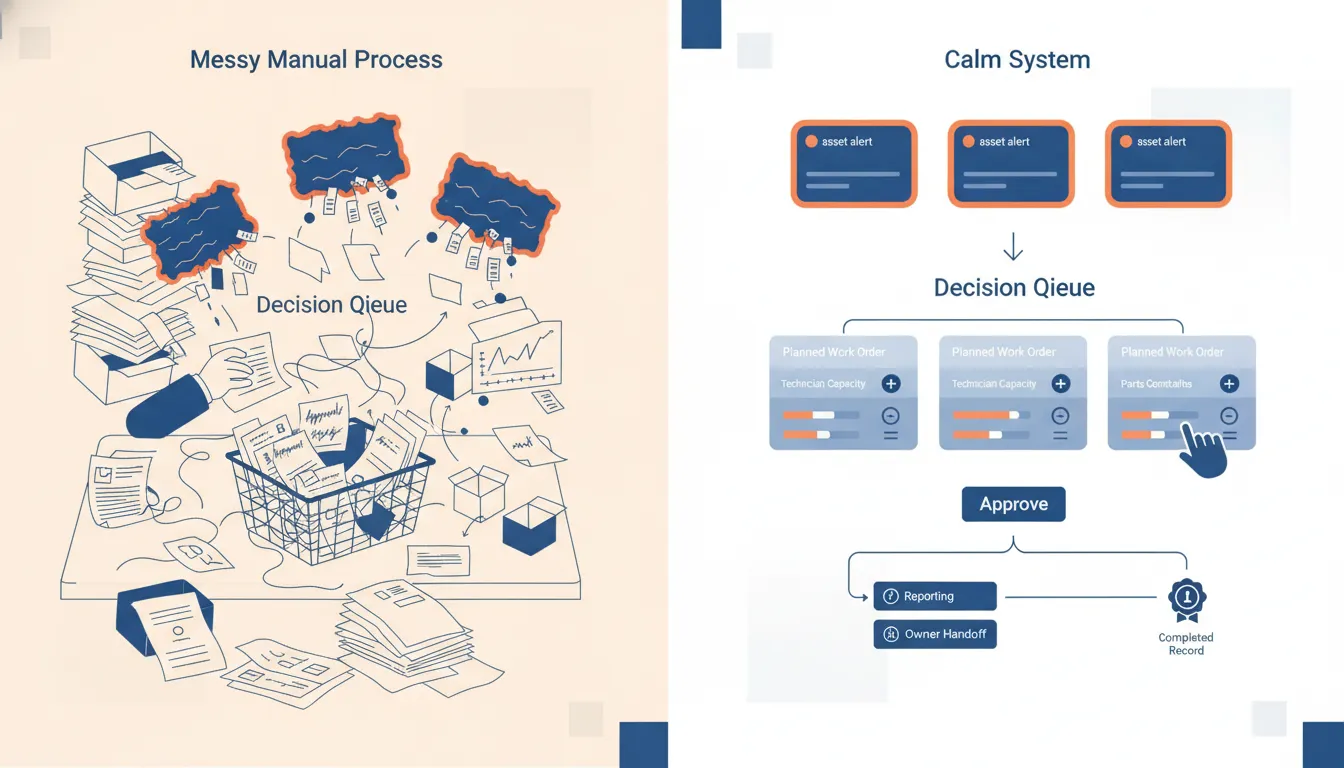
A risk score alone is not enough for an operator.
I want the software to present a compact decision packet:
- Asset identity, location, and criticality.
- The failure mode being considered.
- Original evidence and the time window behind it.
- Current operating condition and recent maintenance history.
- Open work orders, duplicate alerts, and planned downtime.
- Safety, production, tenant, customer, or regulatory constraints.
- Parts, technician, and vendor readiness.
- Recommended next action with visible reasons.
- Named owner, due time, approval authority, and escalation path.
- The evidence required to close the case.
That packet may lead to an inspection, a planned repair, a vendor call, a parts order, increased monitoring, or a deliberate decision to do nothing yet. A good system preserves all of those outcomes. It does not quietly treat "no repair" as a dropped alert.
The NIST AI Risk Management Framework organizes AI risk work around governing, mapping, measuring, and managing. My practical version is to govern what the software may change, map the records and owners, measure whether warnings become decisions, and manage the exceptions before expanding authority.
Separate preparation from authority
Predictive maintenance software can prepare work faster than it should be allowed to commit it.
I use five authority levels:
- Collect. Capture the original signal and operating context.
- Prepare. Match records, summarize evidence, and identify missing information.
- Route. Assign the case, due time, and exception status.
- Recommend. Suggest an inspection, repair, deferment, or escalation with reasons.
- Commit. Change the schedule, approve spend, dispatch a vendor, shut down equipment, or close the work.
I am comfortable automating the first three when identity and routing rules are reliable. Recommendations need visible evidence. Commit actions need the authority of the person who owns safety, spend, service continuity, or the operating schedule.
ISO describes asset management as coordinated activity to realize value from assets. That framing matters because predictive maintenance is not just a model purchase. It changes decisions across asset lifecycle, risk, cost, and performance. The ISO 55000 overview is useful context for keeping those decisions connected to organizational objectives.
My opinion is firm: the business should own the accounts, data, credentials, rules, logs, and documentation. I favor infrastructure and automation that the operator can inspect, stop, and move without lock-in. If a vendor is the only party that can explain why a work order appeared or why an asset was classified as urgent, the operator does not control the system.
Design the CMMS handoff before the model
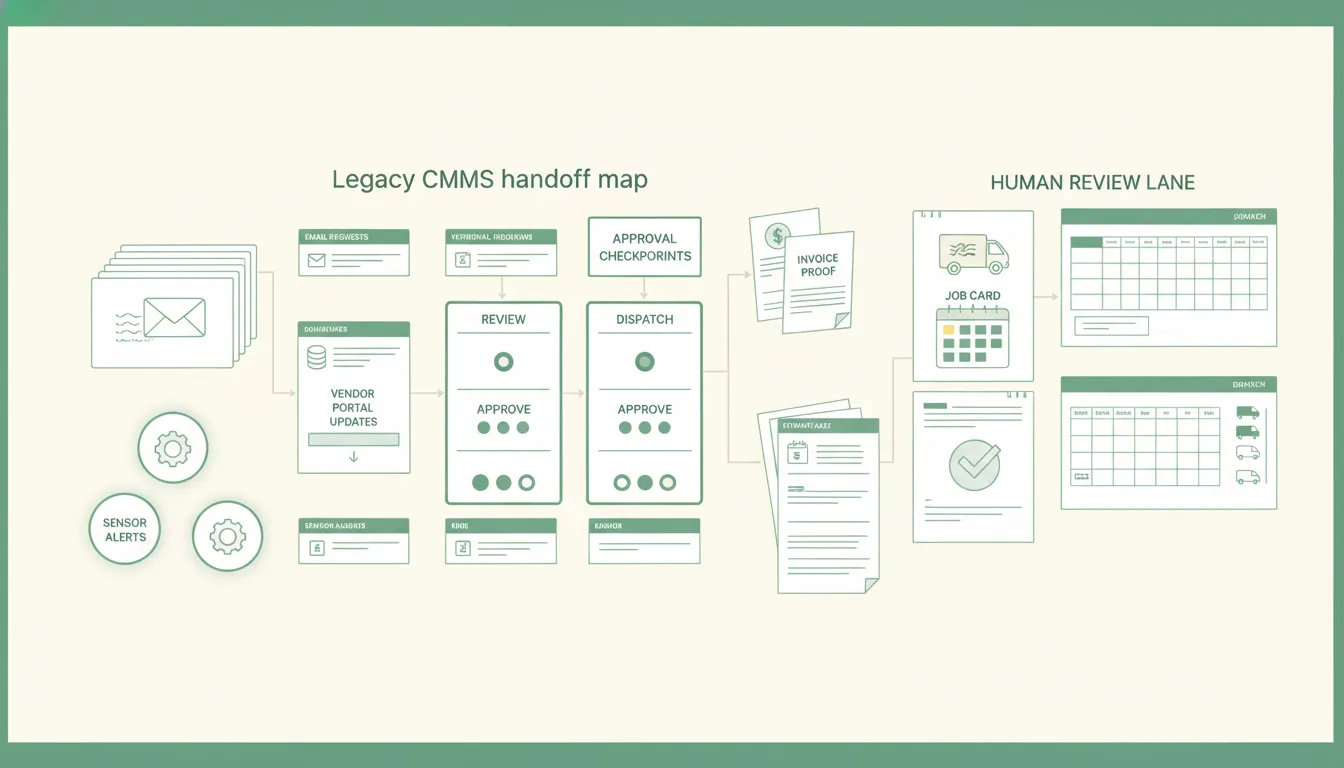
The highest-risk integration point is usually not sensor ingestion. It is the handoff into work.
I test that handoff with uncomfortable cases:
- The same signal arrives twice.
- Two asset records have similar names.
- A work order already exists under a different failure description.
- The asset is scheduled for replacement.
- The part is unavailable.
- The assigned technician is unavailable.
- The CMMS accepts the request but fails to create the record.
- The work order closes without a finding.
- A technician rejects the recommendation.
- The integration times out after an uncertain write.
The workflow must distinguish attempted actions from confirmed business outcomes. If it cannot prove whether a work order was created, it should reconcile before retrying. Blind retries create duplicate work, duplicate vendor calls, and false confidence.
The U.S. Department of Energy operations and maintenance guide also treats maintenance as a management discipline with planning, records, measurement, and continuous improvement. Software should strengthen that discipline rather than bypass it.
I use the same rule for work orders created from maintenance email. Extraction is the easy part. Identity, routing, ownership, exception handling, and closure proof are what make the workflow useful.
This is business process automation tied to authoritative records, not a loose collection of alerts and integrations.
Build an exception queue operators can clear
A good exception queue should tell the morning maintenance meeting what requires a decision now.
I would include:
- High-consequence risk with no accepted owner.
- Signal matched to more than one asset.
- Open work order with no response inside the operating window.
- Repair approved but part or technician unavailable.
- Vendor dispatched but acknowledgement missing.
- Inspection complete but finding or evidence missing.
- Repeated alert dismissed without a reason.
- Prediction and technician judgment in conflict.
- Work completed but not reconciled to the CMMS.
Every row should preserve the original evidence, exact stop reason, current owner, age, attempted actions, confirmed actions, allowed decisions, and closure requirement.
That is also the logic behind vendor dispatch and SLA tracking. A vendor email is not proof of acknowledgement, arrival, repair, or invoice agreement. Each state needs a named owner and evidence.
Measure maintenance outcomes, not software activity
Alert count is not an operating result.
I use a compact scorecard:
- Percentage of high-risk cases reviewed inside the response window.
- Percentage that became an owned work order or documented deferment.
- Duplicate, unmatched, and stale cases.
- False alarms and missed failures by asset and failure mode.
- Inspections completed with usable evidence.
- Repairs completed before an unplanned interruption.
- Parts or vendor constraints found before the maintenance window.
- Work orders reconciled to the authoritative record.
- Planned versus unplanned downtime for the selected asset problem.
- Recovery success after a failed or uncertain integration.
I would not promise a universal downtime or ROI number before the team establishes its own baseline. The honest first proof is smaller: one important failure mode produces faster, more complete, and more accountable decisions without adding administrative work.
The existing field note on predictive maintenance in manufacturing goes deeper on sensor warnings, production constraints, and the path from signal to work order. The buying test is the same across facilities: prove the operating handoff before widening the prediction program.
Run a failure drill before expanding
Before predictive maintenance software receives more authority, I run one controlled failure drill.
- Send a known test signal for the selected asset problem.
- Confirm the source evidence remains available.
- Interrupt one connector or reject one destination write.
- Verify the workflow stops without losing or duplicating work.
- Restore the dependency.
- Reconcile attempted and completed actions.
- Replay only the safe step.
- Confirm the work item and final status in the system of record.
- Record what the operator saw and how long recovery took.
I also test an unavailable approver, a duplicate signal, edited asset data during processing, an unavailable part, and a destination that reports success without creating the expected record.
If the team cannot recover one controlled failure, the software is not ready to control a shutdown, dispatch, purchase, or schedule commitment.
When not to hire us or buy predictive maintenance software
I would pause the purchase when:
- The team cannot name one costly asset problem.
- Asset identities and maintenance history are unreliable.
- Basic work orders do not have consistent owners or closure evidence.
- Nobody has authority to accept, defer, or reject a recommendation.
- Parts, vendor, safety, and schedule constraints are invisible.
- Leadership wants predictions but will not review false alarms and misses.
- The vendor requires a full replacement before proving one handoff.
- The business cannot export its records, rules, logs, and outcomes.
In those conditions, a focused maintenance workflow may create more value than predictive software. Standardize the intake, ownership, response window, closure evidence, and exception review first.
Predictive maintenance software earns a wider rollout when one warning becomes one controlled decision, one owned work item, and one verified result. Start with the operating promise. Keep record authority clear. Preserve human authority for consequential decisions. Prove failure recovery. Then add assets only when the team can trust the work behind the prediction.
FAQ
Frequently asked questions
01What is predictive maintenance software?
Predictive maintenance software uses asset condition, operating context, and maintenance history to identify failure risk early enough for an operator to inspect, plan, repair, or deliberately defer the work.
02Does predictive maintenance software replace a CMMS?
Usually not. I keep the CMMS or ERP as the maintenance system of record and use the predictive layer to prepare evidence, create or update work orders, route exceptions, and measure outcomes.
03What should an operator test before buying predictive maintenance software?
Test record authority, alert-to-work-order routing, duplicate suppression, human approvals, missing data, false alarms, unavailable parts, failed integrations, safe recovery, and proof that the maintenance result reached the system of record.
04When is predictive maintenance software not worth it yet?
It is too early when the team cannot identify one costly failure mode, close basic work orders consistently, assign maintenance ownership, or record completed work well enough to evaluate the result.
