
Field note
Aug 2, 2026
Professional services automation: the operator control test
Professional services automation should connect scope, staffing, delivery, time, billing, and client proof without hiding margin leaks or exceptions.

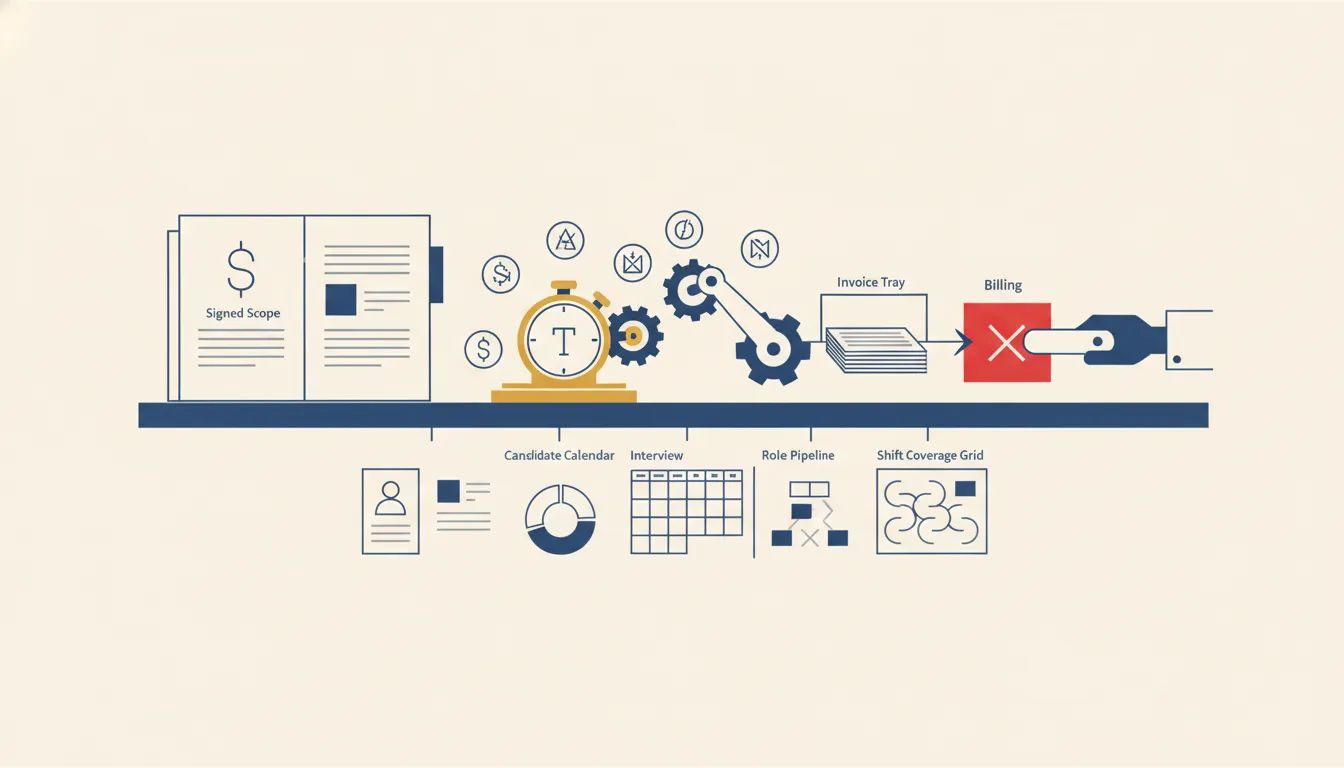
Professional services automation should make one path easier to see and control: the path from a promise sold to work accepted and an invoice the business can defend.
That sounds obvious. It is not how most buying conversations start.
Most firms begin with feature categories: CRM, resource planning, project management, time tracking, billing, utilization, forecasting, and reporting. The list gets longer, but the operating question stays unanswered. Can the firm prove what was sold, who owns delivery, what changed, what the client accepted, and why the invoice is ready?
I use that question because I have seen a quiet logic failure reach month-end billing before anyone noticed it. A workflow tracked client data usage, but one client's usage stopped being assigned correctly. The workflow did not crash. It kept running and looked healthy. At the end of the month, the billable usage was missing. The business could not invent an amount after the fact, so it had to absorb a full month of that client's data cost.
That is the kind of failure a professional services automation demo rarely shows. My opinion is simple: if a system can move work faster but cannot surface a missing revenue record, stop the lane, and help the team recover, it is not under operational control.
Start with the revenue path, not the feature list
Before I compare software, I write one operating promise:
Every approved project moves from signed scope to named delivery ownership, client acceptance, and invoice readiness with visible exceptions and durable proof.
That sentence forces the buyer to define the operation. It asks what counts as approved scope, which record owns it, when delivery begins, how changes are authorized, what proves acceptance, and which conditions block billing.
I treat this as business process automation across the revenue path, not as a software consolidation exercise. A firm can own excellent tools and still lose control in the spaces between them.
The first map should cover:
- Opportunity and proposal approval.
- Contract, scope, rate, and billing terms.
- Project setup and staffing acceptance.
- Work assignment and delivery evidence.
- Time, cost, and subcontractor records.
- Scope-change approval.
- Client review and acceptance.
- Invoice readiness and finance approval.
- Collections follow-up and delivery closeout.
The map does not have to replace every process document. It has to show where money, authority, and client commitments cross a system boundary.
My field note on business process architecture for operators goes deeper on those boundaries. The short version is that each operating decision needs one source of truth and one human owner when the records disagree.
Decide which record wins
Professional services automation often connects a CRM, proposal tool, contract store, project platform, time tracker, accounting system, shared inbox, and reporting layer. The dangerous design is to let all of them look equally authoritative.
I want a field-level authority map:
| Decision | Authoritative record | Required proof | Exception owner |
|---|---|---|---|
| Approved commercial terms | Signed contract or approved order form | Executed version and approval date | Sales operations |
| Delivery scope | Approved statement of work and change log | Current scope version | Engagement owner |
| Staffing | Project resource record | Accepted assignment and start date | Delivery lead |
| Work complete | Project record | Deliverable and internal review | Workstream owner |
| Client accepted | Client approval record | Timestamped acceptance or approved rule | Account owner |
| Invoice ready | Accounting preparation record | Scope, acceptance, time, cost, and tax checks | Finance owner |
| Paid | Accounting system | Cleared payment record | Finance owner |
The CRM can own the commercial relationship without owning invoice status. The project system can own task completion without owning client acceptance. The accounting system can own payment status without deciding whether a scope change was approved.
IRS Publication 583 gives a plain reason to preserve this evidence: supporting documents substantiate the entries in business records and tax returns. I use that as a minimum recordkeeping principle, not as a substitute for the firm's accounting advice.
When the current tools hold valid records, I usually consider modernizing the handoffs around the legacy systems before replacing them. Replacement adds migration risk and retraining. A controlled operating layer can be the better first move when the real defect is missing ownership, stale synchronization, or invisible exceptions.
Make scope changes a first-class workflow
Scope drift is not just a project-management problem. It changes staffing, delivery dates, margin, client expectations, and invoice defensibility.
A useful automation should not silently turn a client request into planned work. It should capture the request, connect it to the active scope, estimate the delivery effect, route the right approval, and preserve the decision.
I separate four states:
- Clarification within approved scope.
- Delivery correction because the work did not meet the agreed requirement.
- Approved change with a commercial or schedule effect.
- Unapproved request waiting on a decision.
Those states should not share one generic task called "client update." Each one has different authority and billing consequences.
The system can summarize the request, retrieve the current scope, prepare an impact note, and draft a change order. A named person should approve the commercial interpretation and the client commitment.
That is also why I do not use utilization as the only health signal. A fully booked team can still spend its time on unapproved changes, rework, or deliverables that cannot be invoiced. Activity is not the same as controlled delivery.
Build the exception lane before the dashboard
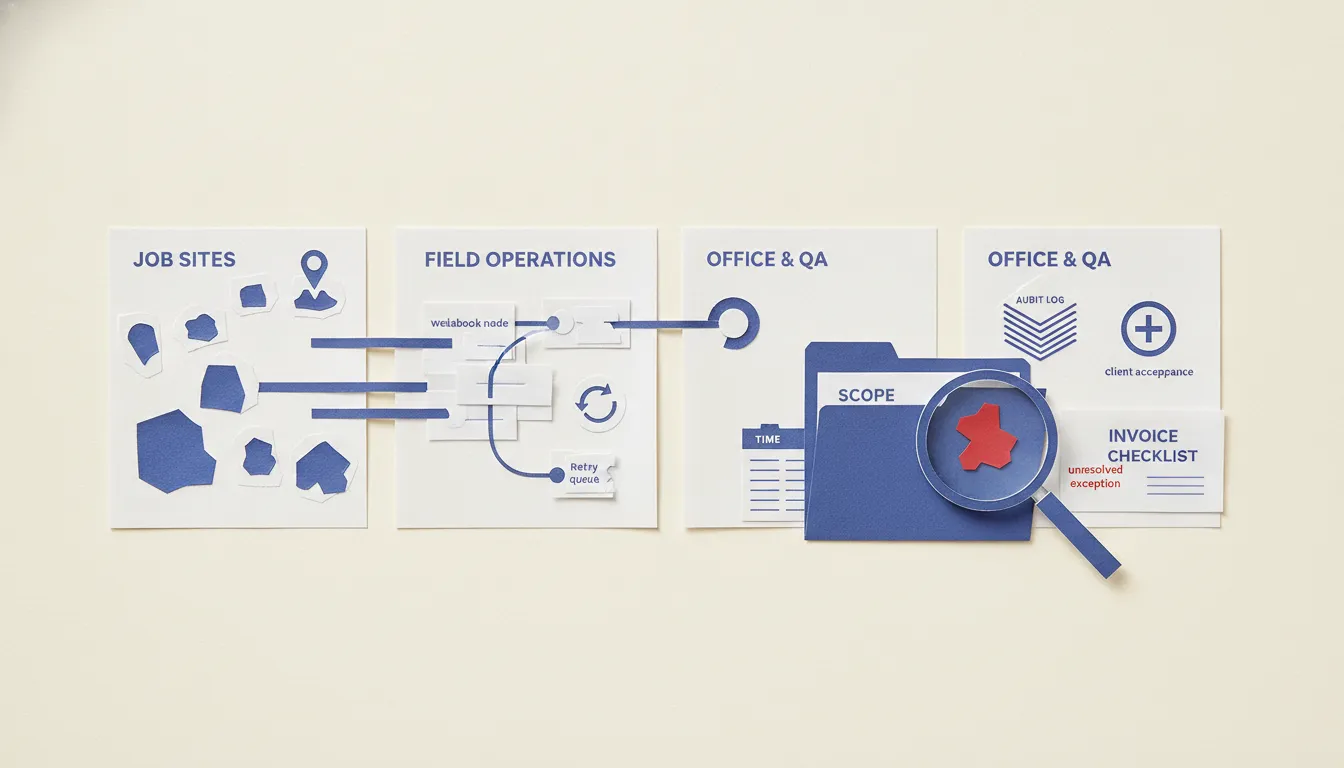
The best professional services automation screen is often the exception queue, not the executive dashboard.
I want the system to identify conditions such as:
- Signed scope missing before project setup.
- Rate or billing terms disagree across records.
- Staff assigned without acceptance or capacity confirmation.
- Time submitted to the wrong project, phase, or client.
- Subcontractor cost missing from the margin view.
- Deliverable marked complete without review evidence.
- Client acceptance missing past the agreed window.
- Work logged against an unapproved change.
- Invoice blocked by a record conflict.
- Integration run completed but moved zero expected records.
Every exception needs a plain-language reason, one current owner, an age, an allowed next action, and closure proof. A red badge with no owner is just a more visible delay.
This is where workflow management needs an operating model. The team should know who accepts the exception, who can change the source record, who can approve the financial consequence, and when the issue escalates.
I also want expected-volume checks. The billing failure I described did not produce a technical error. The better control would have compared current client usage coverage with the active client list and the prior billing pattern. A successful run with a missing client should have been treated as a business exception.
Connect delivery reporting to decisions
A professional services dashboard can show revenue, utilization, backlog, margin, project health, and overdue invoices. Those metrics are useful only when they change a decision.
My first weekly operating review asks:
- Which projects changed risk state?
- Which scope or rate records disagree?
- Which deliverables are complete but not accepted?
- Which accepted milestones are not invoice-ready?
- Which invoices are blocked, and by whom?
- Which teams are busy on work that is not commercially approved?
- Which exceptions have aged past the service promise?
- Which failures were stopped, corrected, and replayed?
That is the same principle I use for an owned report automation scorecard. The report should prepare a decision loop, not create another destination managers have to remember to visit.
For each metric, I keep the numerator and denominator visible. "Ninety percent invoice ready" sounds healthy until the missing ten percent contains the largest project. "High utilization" sounds healthy until the hours belong to rework. The management layer should show the business consequence and the records behind it.
Keep AI inside explicit authority boundaries
AI can help classify requests, summarize project history, compare a deliverable with scope, detect missing records, draft status updates, and prepare an invoice-readiness review. Those are useful capabilities. They do not give the model authority to change scope, approve a write-off, accept work on the client's behalf, or send a disputed invoice.
The NIST AI Risk Management Framework is useful here because it connects trustworthy AI with governance, mapping, measurement, and management. I apply that as an operating rule: the system should show what evidence the model used, what it proposed, where uncertainty remains, and who approved the consequential action.
I define four authority levels:
- Read and organize approved records.
- Prepare a summary, classification, or draft.
- Recommend a next action with evidence.
- Execute only the narrow actions that have earned explicit permission.
Invoice changes, client commitments, scope decisions, write-offs, and external messages normally stay approval-gated. A faster draft is useful. An unowned commitment is not.
Run a failure drill before rollout

I do not accept professional services automation because a clean project flowed through a demo account.
I run a compact failure drill:
- A normal signed project creates the correct delivery record.
- A duplicate client or project record arrives.
- The approved rate disagrees between the contract and project system.
- A team member submits time to the wrong phase.
- A scope change arrives without approval.
- A deliverable is rejected and returns for correction.
- Client acceptance is delayed past the agreed window.
- The accounting integration rejects the invoice packet.
- One active client disappears from the expected billing population.
- The owner stops the workflow, corrects the source, and replays it without duplicating tasks, messages, or invoices.
The NIST Cybersecurity Framework 2.0 includes governance and recovery as core functions. I use the same discipline for business automation. Recovery should be designed before the first failure, with roles, evidence, and a known path back to a trustworthy state.
The operator should perform the drill. Watching a vendor repair its own configuration does not prove the firm owns the process.
My broader business automation software buying test applies here: the system has to prove ownership, visibility, stop controls, and safe recovery before it earns a wider rollout.
Measure the completed revenue outcome
Professional services automation should not be judged by runs completed, tasks created, or records synchronized.
I measure the revenue path:
- Percentage of active projects tied to approved current scope.
- Percentage of assignments with accepted ownership.
- Work completed but waiting on internal or client acceptance.
- Approved changes not reflected in schedule, staffing, or billing.
- Time and costs missing from invoice preparation.
- Accepted milestones not invoice-ready.
- Invoice value blocked by exception type and owner.
- Rework hours by cause.
- Time to detect a missing revenue record.
- Time to stop, correct, and replay a failed handoff.
The firm should review the exceptions, not just the averages. Which project type creates scope confusion? Which handoff repeatedly loses acceptance evidence? Which service line carries high activity but weak invoice conversion? Which integration succeeds technically while failing the business expectation?
Those answers tell me whether to change the process, record ownership, staffing rule, approval boundary, or software.
What I would automate first
I would not start with an all-in-one PSA replacement.
I would choose one narrow, expensive handoff:
- Signed scope to clean project setup.
- Approved change to revised delivery and billing terms.
- Completed milestone to client acceptance.
- Accepted work to invoice readiness.
- Weekly project exceptions to named management actions.
Then I would define the source record, current owner, threshold, approval, exception, and closure proof. The first build should run beside the existing process long enough to compare outcomes and expose missing rules.
The AI Operations X-Ray is the closest starting point when the firm has several candidate handoffs. It helps rank the work by operating friction and business value before another platform enters the stack.
When not to hire us for professional services automation
Do not hire us for professional services automation when the leadership team cannot agree on what counts as approved scope, completed work, client acceptance, invoice readiness, or a resolved exception.
I would also pause when:
- Project owners can change commercial terms informally.
- Time records are optional or routinely reconstructed later.
- The accounting team receives incomplete delivery context.
- Client acceptance lives only in private inboxes.
- No one owns stale exceptions.
- The buyer wants AI to approve financial decisions.
- The team cannot stop or replay an integration safely.
- Success means installing software rather than improving a completed revenue outcome.
In those conditions, the honest first project is operating design. Define the promise, records, owners, and review rhythm. Then automate the part the team can actually govern.
Professional services automation earns its place when it makes delivery easier to control and revenue easier to defend. Start with one handoff. Make the exception visible. Keep authority explicit. Run the failure drill. Expand only after the business can prove the path from promise to payment.
FAQ
Frequently asked questions
01What is professional services automation?
Professional services automation is the controlled connection between sales scope, project staffing, delivery work, time and cost records, client acceptance, billing, and management reporting. The software matters, but the operating rules determine whether the system protects margin and client commitments.
02What should a professional services firm automate first?
Start with one revenue-critical handoff, such as approved scope to project setup, completed milestone to client acceptance, or accepted work to invoice readiness. Choose a lane with a named owner, reliable records, measurable delay, and a recoverable failure path.
03Should professional services automation replace the CRM and accounting system?
Not automatically. Keep each reliable system as the authority for the records it handles well. Add an operating layer that moves approved data, surfaces conflicts, routes exceptions, and preserves proof across the handoffs.
04How should a buyer test PSA software?
Test a normal project plus missing time, a scope change, a rejected deliverable, a duplicate client record, a failed integration, and a corrected invoice. Confirm who owns each exception, what the system stops, and whether the team can replay the workflow without duplicating client or billing actions.
